
Dark mode has become more than just a visual preference—it's now a default setting on many smartphones, tablets, and computers. Advocates praise its reduced eye strain and sleek aesthetic, but one claim stands out: that it saves battery life. While this sounds plausible, especially on devices with OLED screens, the reality is more nuanced. The actual energy savings depend heavily on screen technology, usage patterns, brightness levels, and app design. For some users, switching to dark mode can extend battery life by meaningful minutes; for others, the difference may be barely noticeable.
To understand whether dark mode truly conserves power, we need to examine how different display technologies function, review empirical studies, and consider everyday user behavior. Only then can we determine if this feature offers tangible benefits—or if it’s mostly a placebo powered by aesthetics.
How Screen Technology Determines Battery Impact
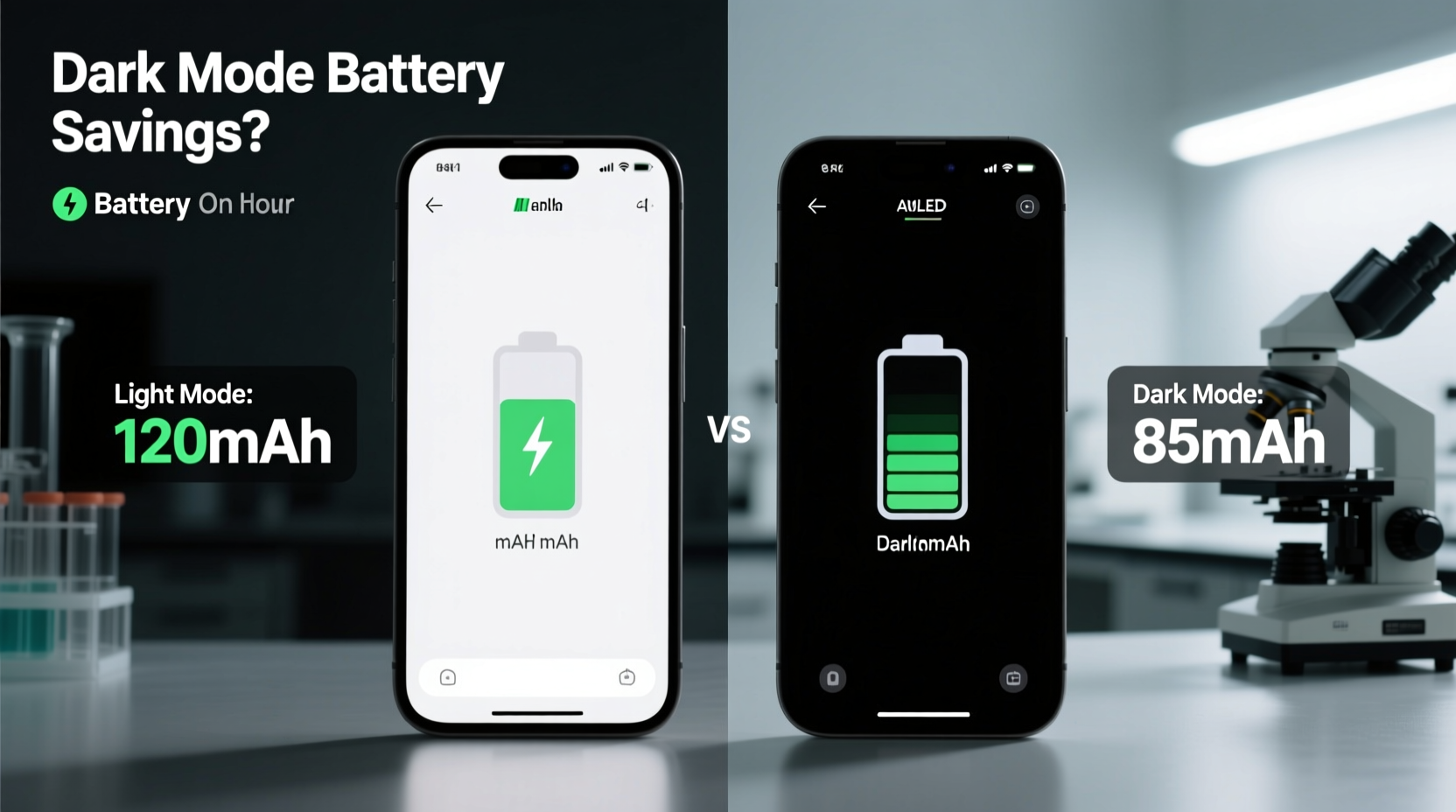
The most critical factor in determining whether dark mode saves battery is the type of display your device uses. Not all screens are created equal when it comes to power consumption, especially under dark themes.
OLED vs. LCD: A Fundamental Difference
OLED (Organic Light-Emitting Diode) displays work differently from traditional LCDs (Liquid Crystal Displays). In an OLED panel, each pixel produces its own light. When a pixel is black, it is effectively turned off—consuming no power. This means that displaying large areas of black or dark gray significantly reduces energy usage.
In contrast, LCD screens rely on a constant backlight that illuminates all pixels uniformly, regardless of color. Whether a pixel shows white or black, the backlight remains on, so dark content doesn’t reduce power draw in the same way. Some modern LCDs use local dimming to darken certain zones, but these systems are less precise and offer minimal efficiency gains compared to OLED.
“On OLED displays, dark mode isn’t just easier on the eyes—it directly translates into lower power consumption because inactive pixels consume zero energy.” — Dr. Lin Zhao, Display Technology Researcher at MIT Media Lab
Real-World Testing: How Much Power Does Dark Mode Actually Save?
Laboratory tests and independent reviews have attempted to quantify the battery savings of dark mode across various devices and applications. Results vary widely depending on conditions, but consistent trends emerge.
A 2020 study conducted by Purdue University tested popular apps like YouTube, Twitter, and Reddit on both light and dark modes using multiple smartphones. The findings revealed that switching to dark mode at 100% brightness saved up to 60% of display power on OLED devices when viewing predominantly black interfaces. However, average usage—where content includes mixed colors and media—reduced those savings to between 15% and 30%, depending on screen content.
For example:
- Using Google Maps in dark mode reduced power consumption by 17% on a Pixel 4 (OLED).
- Browsing Reddit in dark mode saved about 23% on a Galaxy S20.
- Watching videos on YouTube showed only a 5–8% improvement, since video content dominates the screen regardless of UI theme.
On LCD devices, such as older iPads or mid-range Android phones, the same tests showed negligible differences—usually under 3%. This confirms that screen type is the dominant variable.
Impact of Brightness Levels
Brightness plays a crucial role in how much energy dark mode can save. At low brightness settings, the absolute power difference between white and black pixels shrinks. But at high brightness—especially outdoors—the contrast becomes significant.
One test showed that a Samsung Galaxy phone using full white background at 100% brightness consumed 4.5 watts, while the same screen in dark mode used only 2.8 watts—a 38% reduction. At 50% brightness, the saving dropped to 19%, and at 25%, it was just 9%.
This suggests that users who frequently operate their devices in bright environments benefit most from dark mode—not only for visibility but also for battery preservation.
Battery Savings Across Devices: A Comparative Overview
To help clarify which devices gain the most from dark mode, here’s a comparison based on display technology, typical usage, and observed energy savings.
| Device Type | Screen Technology | Avg. Battery Saving (Dark Mode) | Conditions for Maximum Benefit |
|---|---|---|---|
| Flagship Android Phones (e.g., Pixel, Galaxy S/Ultra) | OLED | 15–30% | High brightness, text-heavy apps (messaging, reading) |
| iPhones (iPhone X and later) | OLED (Super Retina) | 12–25% | Using Notes, Mail, Safari with dark websites |
| Older iPhones (iPhone 8 and earlier) | LCD | 0–5% | Negligible savings regardless of usage |
| Modern Tablets (iPad Pro, Samsung Galaxy Tab S series) | OLED/LCD | Varies: OLED models ~20%, LCD ~3% | OLED tablets benefit during long reading sessions |
| Laptops (MacBook Pro, Dell XPS, etc.) | LCD (most), OLED (select models) | Up to 20% on OLED; ~5% on LCD | OLED laptops see gains in coding, writing, terminal use |
| Smartwatches (Apple Watch, Wear OS) | OLED | Up to 40% (with AOD & black watch faces) | Always-on display settings maximize savings |
This table illustrates that while not all devices benefit equally, those with OLED panels—particularly wearables and high-end phones—can achieve substantial improvements. However, the nature of the task matters just as much as the hardware.
When Dark Mode Makes a Real Difference—and When It Doesn’t
Understanding context is essential. Dark mode isn’t universally beneficial. Its effectiveness depends on what you’re doing, how long you’re doing it, and what kind of content fills your screen.
Situations Where Dark Mode Saves Noticeable Battery
- Reading articles or e-books: Pages with dark text on light backgrounds invert to light text on dark, turning off thousands of pixels on OLED screens.
- Messaging apps: WhatsApp, Signal, and Telegram in dark mode reduce overall screen luminance, especially during night-time use.
- Coding or writing: Developers using dark IDE themes (like VS Code’s Monokai) can see extended laptop battery life over hours of work.
- Using always-on displays: Smartphones and watches that keep part of the screen active benefit greatly from black backgrounds.
Scenarios With Minimal or No Benefit
- Watching videos: Most video content occupies the full screen, so UI elements contribute little to total power draw.
- Browsing image-heavy sites: Instagram, Pinterest, or news portals with large photos diminish the impact of dark UIs.
- Using LCD screens: As established, the underlying technology limits potential savings.
- Low screen brightness: At indoor brightness levels, the differential between black and white pixels narrows significantly.
Mini Case Study: Two Users, Same Phone, Different Outcomes
Consider two users with identical Samsung Galaxy S23 Ultra phones (OLED display):
User A spends three hours daily reading news in a browser, uses email and messaging apps extensively, and keeps brightness at 80%. They enable dark mode system-wide. Over a week, they notice their battery lasts nearly two hours longer than when using light mode under similar conditions.
User B primarily watches Netflix, scrolls TikTok, and takes photos. They switch to dark mode but spend most of their time viewing full-color video and images. After a week, they observe less than 30 minutes of additional battery life.
This example underscores a key truth: dark mode’s battery benefit is highly dependent on content consumption habits. It rewards text-based, static-interface usage far more than multimedia engagement.
Optimizing for Battery: A Practical Checklist
If you want to maximize battery savings through dark mode and related settings, follow this actionable checklist:
- Determine your screen type: Check if your device uses OLED. Most flagship phones from 2017 onward do; budget models often use LCD.
- Enable system-wide dark mode: Use your OS settings (Android Digital Wellbeing, iOS Appearance) to apply dark themes consistently.
- Adjust app-specific settings: Some apps (like Chrome or Twitter) allow independent dark mode toggles—ensure they’re enabled.
- Use dark wallpapers: Especially on lock screens with visible widgets, darker backgrounds reduce pixel load.
- Lower brightness when possible: Combine dark mode with moderate brightness for optimal efficiency.
- Enable adaptive brightness: Lets the system adjust output based on ambient light, enhancing savings.
- Limit always-on display (AOD) if not needed: While AOD works well with dark mode, disabling it entirely saves more power.
- Monitor battery usage per app: Use built-in tools to identify which apps drain power most—even in dark mode.
Frequently Asked Questions
Does dark mode save battery on iPhones?
Yes—but only on iPhone models with OLED displays (iPhone X and later). The savings are real, especially in apps like Messages, Notes, and Safari when visiting dark-themed websites. Older LCD iPhones see little to no benefit.
Can dark mode extend my phone’s battery life by hours?
In ideal conditions—such as prolonged text reading on an OLED phone at high brightness—dark mode can add 1.5 to 2.5 hours of screen-on time. However, average mixed usage typically yields 30 to 90 minutes of extra life, depending on habits.
Is dark mode better for my eyes as well as my battery?
Dark mode can reduce eye strain in low-light environments by minimizing glare and blue light emission. However, for daytime use or prolonged reading, some users find light mode more comfortable due to improved contrast. Individual preference and lighting conditions play a big role.
Conclusion: Dark Mode’s Role in Smart Energy Use
Dark mode does save battery—but the extent of that saving is conditional. On OLED-equipped devices used for reading, writing, or messaging, the effect is anything but negligible. It can meaningfully extend screen-on time, reduce thermal output, and enhance usability in bright sunlight. However, for LCD screens or users focused on video and photo consumption, the gains are marginal.
The takeaway isn’t that dark mode is universally essential for battery conservation, but that it’s a smart tool within a broader energy-conscious strategy. When combined with other practices—like lowering brightness, enabling auto-lock, and managing background apps—dark mode becomes part of a holistic approach to maximizing device uptime.
Ultimately, the decision to use dark mode should balance personal comfort, visual accessibility, and practical benefit. For many, it’s not just a trend but a functional upgrade. If you have an OLED device and spend significant time on text-based tasks, making the switch could be one of the simplest, most effective ways to get more from your battery every day.




 浙公网安备
33010002000092号
浙公网安备
33010002000092号 浙B2-20120091-4
Comments
No comments yet. Why don't you start the discussion?