
In the world of PC gaming, every component plays a role in shaping your experience—but few spark as much debate as RAM. With manufacturers advertising lightning-fast speeds and capacities that seem to double every year, it's easy to wonder: does RAM speed actually matter for gaming, or should you just focus on getting more gigabytes? The answer isn't as straightforward as \"bigger is better\" or \"faster wins every time.\" Real-world performance depends on a delicate balance between capacity, speed, latency, and system compatibility.
Modern games are becoming increasingly demanding, not just on GPUs and CPUs, but also on system memory. While most gamers understand the importance of a strong graphics card or a high-core-count processor, RAM often gets overlooked—until stuttering, loading delays, or frame drops appear. To make informed decisions when upgrading or building a new rig, it’s essential to understand how both RAM speed and capacity influence gaming performance.
Understanding RAM: Speed vs. Capacity
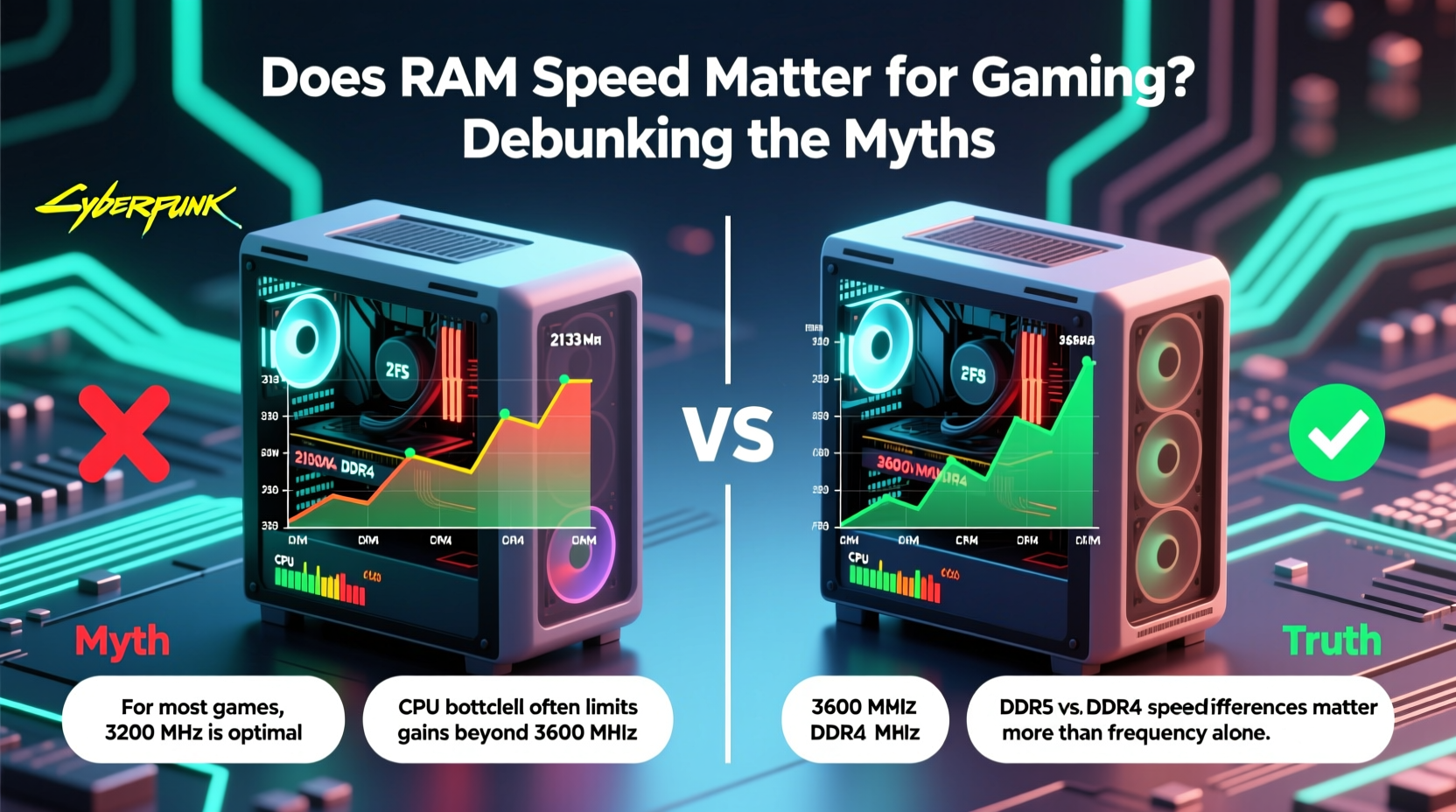
Before diving into whether speed or size matters more, it's important to define what these terms mean in practical terms.
RAM capacity refers to how much data your system can hold in active memory at once. Measured in gigabytes (GB), this determines how many applications, background processes, and game assets can be loaded simultaneously without relying on slower storage like SSDs or HDDs. For gaming, 16GB has long been the sweet spot, though 32GB is gaining traction with content creators and those running multiple apps alongside games.
RAM speed, measured in megatransfers per second (MT/s) or commonly referred to as MHz, indicates how quickly data can be read from or written to the memory module. Higher speeds allow faster communication between the CPU and RAM, which can reduce bottlenecks—especially when paired with modern processors that support high-bandwidth memory interfaces.
But here’s the catch: increasing speed doesn’t always translate to noticeable gains in frame rates. Similarly, having more RAM than necessary won’t improve performance if your current workload fits comfortably within existing capacity.
The Role of RAM in Gaming Performance
Gaming relies heavily on real-time data access. Textures, models, audio files, physics calculations, and AI behaviors are all loaded into RAM for quick retrieval. When the game needs information instantly, pulling it from RAM is orders of magnitude faster than reading from even the fastest NVMe SSD.
However, the impact of RAM speed becomes most apparent in CPU-bound scenarios—games where the processor handles complex logic, physics, or open-world streaming. In these cases, faster RAM reduces the time the CPU spends waiting for data, improving frame consistency and reducing micro-stutters.
Integrated graphics systems, such as those using AMD Ryzen APUs, benefit significantly from higher RAM speeds because they use system memory as video memory (VRAM). Here, bandwidth directly affects rendering performance. But for discrete GPU setups—which dominate the gaming market—RAM speed has a smaller, though measurable, influence.
A study conducted by Gamers Nexus in 2023 tested several AAA titles across different RAM configurations. On average, upgrading from DDR4-3200 to DDR4-3600 resulted in a 5–8% increase in 1% lows and minimum frame rates, with minimal change in average FPS. Further increases beyond 3600 MT/s showed diminishing returns unless paired with high-end CPUs like Intel Core i9 or AMD Ryzen 7/9 series.
“While RAM speed isn’t the biggest lever for gaming gains, it’s one of the few areas where proper tuning can deliver free performance—especially in CPU-heavy titles.” — Linus Sebastian, Hardware Analyst
Capacity: When More Really Is Better
There’s a threshold beyond which additional RAM provides no benefit—but fall short of that threshold, and performance suffers dramatically.
Most modern games recommend 16GB of RAM. Titles like Microsoft Flight Simulator, Cyberpunk 2077, and Starfield can consume over 12GB alone under heavy load. Running other applications—like Discord, Chrome, or streaming software—on top of that pushes total usage closer to or beyond 16GB.
When available RAM runs out, the system begins using virtual memory stored on the SSD or HDD. This swap process introduces latency and can cause hitches, stutters, or extended loading screens. Even with fast SSDs, accessing data from disk is thousands of times slower than from RAM.
For pure gaming, 16GB remains sufficient for the majority of users. However, if you multitask while gaming, stream gameplay, edit videos, or play memory-intensive simulations, upgrading to 32GB eliminates concerns about hitting memory limits.
| Use Case | Recommended RAM | Notes |
|---|---|---|
| Casual Gaming | 16GB DDR4-3200 | Suitable for most titles at 1080p–1440p |
| Enthusiast Gaming + Streaming | 32GB DDR4-3600 or DDR5-5200 | Better headroom for background tasks |
| Content Creation + Gaming | 32GB+ DDR5-6000 | Favors both speed and capacity |
| APU-Based Systems (e.g., Ryzen 5 5600G) | 16–32GB DDR4-3600+ | Higher speed improves integrated graphics performance |
Speed Matters—But Only Within Limits
RAM speed affects gaming performance through its influence on memory bandwidth and latency. Two key specs determine real-world responsiveness:
- Data Rate (e.g., DDR4-3200, DDR5-6000): Higher numbers mean more data transferred per second.
- Latency (CL timings): Lower CAS latency means quicker access to stored data.
However, these values must be considered together. A DDR5-6000 kit with CL40 may perform similarly to a DDR4-3600 kit with CL16 due to higher overhead in DDR5 architecture. Additionally, motherboard and CPU limitations often cap achievable speeds.
Intel platforms tend to scale well with tighter timings and moderate speeds, while AMD Ryzen systems—particularly Zen 3 and Zen 4—benefit greatly from RAM running at 3600–4000 MT/s due to the Infinity Fabric clock being tied to memory frequency. Beyond 4000 MT/s, stability issues and cost often outweigh marginal gains.
DDR5 offers higher potential bandwidth and future-proofing, but early adoption came with trade-offs: higher latencies and premium pricing. Today, mid-range DDR5 kits (5200–5600 MT/s) offer balanced performance for next-gen builds, especially with Intel 13th/14th Gen and AMD Ryzen 7000 CPUs.
Mini Case Study: Upgrading RAM in a Mid-Tier Build
Consider Alex, who built a gaming PC two years ago with an AMD Ryzen 5 5600X, NVIDIA RTX 3060, and 16GB of DDR4-3200 RAM. Recently, he noticed stuttering in Red Dead Redemption 2 during dense city scenes. Task Manager revealed memory usage peaking at 15.8GB.
Instead of chasing faster RAM, Alex upgraded to 32GB of the same DDR4-3200. The stuttering disappeared entirely. Average FPS remained nearly identical, but 1% lows improved by 18%, and scene transitions became smoother. The bottleneck wasn’t speed—it was capacity.
Later, he experimented with overclocking his original 16GB kit to DDR4-3600. Results showed only a 3% gain in minimum frames, confirming that his initial issue stemmed from insufficient memory, not low bandwidth.
Checklist: Choosing the Right RAM for Gaming
To optimize your build, follow this actionable checklist:
- Determine your primary use case: Pure gaming? Streaming? Content creation?
- Ensure motherboard compatibility: Check supported RAM types (DDR4 vs DDR5), max speeds, and slot configurations.
- Select adequate capacity: 16GB for standard gaming; 32GB for multitasking or future-proofing.
- Pick appropriate speed: DDR4-3200 to DDR4-3600 for AMD Zen 3/4; DDR5-5200 to DDR5-6000 for newer platforms.
- Match latency ratings: Look for low CAS latency relative to speed (e.g., CL16 for DDR4-3200).
- Enable XMP/DOCP: After installation, activate memory profiles in BIOS for full performance.
- Monitor actual usage: Use tools like Task Manager, HWInfo, or MSI Afterburner to track memory consumption in-game.
Frequently Asked Questions
Is 32GB of RAM overkill for gaming?
For most gamers, yes. 16GB is sufficient for current titles. However, 32GB is not overkill if you run background applications, stream, or play highly optimized simulation games like Microsoft Flight Simulator. It also extends the lifespan of your build.
Does RAM speed affect FPS?
Yes, but typically only by a small margin—usually 5–10% in best-case scenarios. The effect is more pronounced in CPU-limited situations and less noticeable with powerful GPUs where the bottleneck shifts to graphics rendering.
Should I upgrade RAM speed or capacity first?
Always prioritize capacity if you’re below 16GB or consistently hitting memory limits. Once you have enough RAM, then consider speed upgrades—especially if you’re using an AMD Ryzen processor or integrated graphics.
Conclusion: Balance Over Extremes
The debate between RAM speed and capacity ultimately comes down to context. More RAM prevents performance cliffs caused by memory exhaustion, making it the safer investment for most users. Faster RAM offers subtle improvements in responsiveness and frame pacing, particularly beneficial in specific hardware combinations and CPU-heavy workloads.
There’s no universal rule that “more is always better” or that “speed wins.” Instead, smart optimization means matching your RAM configuration to your system’s capabilities and usage patterns. A balanced approach—such as 32GB of well-timed DDR5-5600 on a Ryzen 7000 system—delivers both longevity and peak efficiency.




 浙公网安备
33010002000092号
浙公网安备
33010002000092号 浙B2-20120091-4
Comments
No comments yet. Why don't you start the discussion?