
In an age where digital communication dominates workflows, typing is a foundational skill across industries. From drafting emails to coding software and compiling reports, the ability to transfer thoughts into text efficiently matters. But a persistent question lingers: does raw typing speed truly boost productivity, or should accuracy take precedence? The answer isn’t binary—it depends on context, profession, and long-term efficiency. While fast typists may appear more productive at first glance, consistent accuracy often leads to fewer errors, less revision time, and higher-quality output.
Understanding the balance between speed and precision is essential for professionals aiming to maximize their effectiveness. This article explores how both factors influence real-world performance, examines industry-specific demands, and offers practical strategies to develop a balanced, sustainable typing approach that enhances overall productivity.
The Role of Typing Speed in Modern Workflows
Typing speed—commonly measured in words per minute (WPM)—has long been used as a benchmark for administrative and clerical roles. Historically, jobs such as data entry, transcription, and customer support emphasized high WPM scores during hiring. In these fields, volume of input directly correlates with output, making speed a valuable asset.
However, modern work environments are more nuanced. Most knowledge workers spend significant time not just typing, but thinking, editing, researching, and formatting. A study by the University of Cambridge found that while average typing speeds range from 38 to 40 WPM, professional typists can exceed 65–75 WPM. Yet, even among fast typists, error rates vary widely—sometimes exceeding 10%—which undermines the gains from speed.
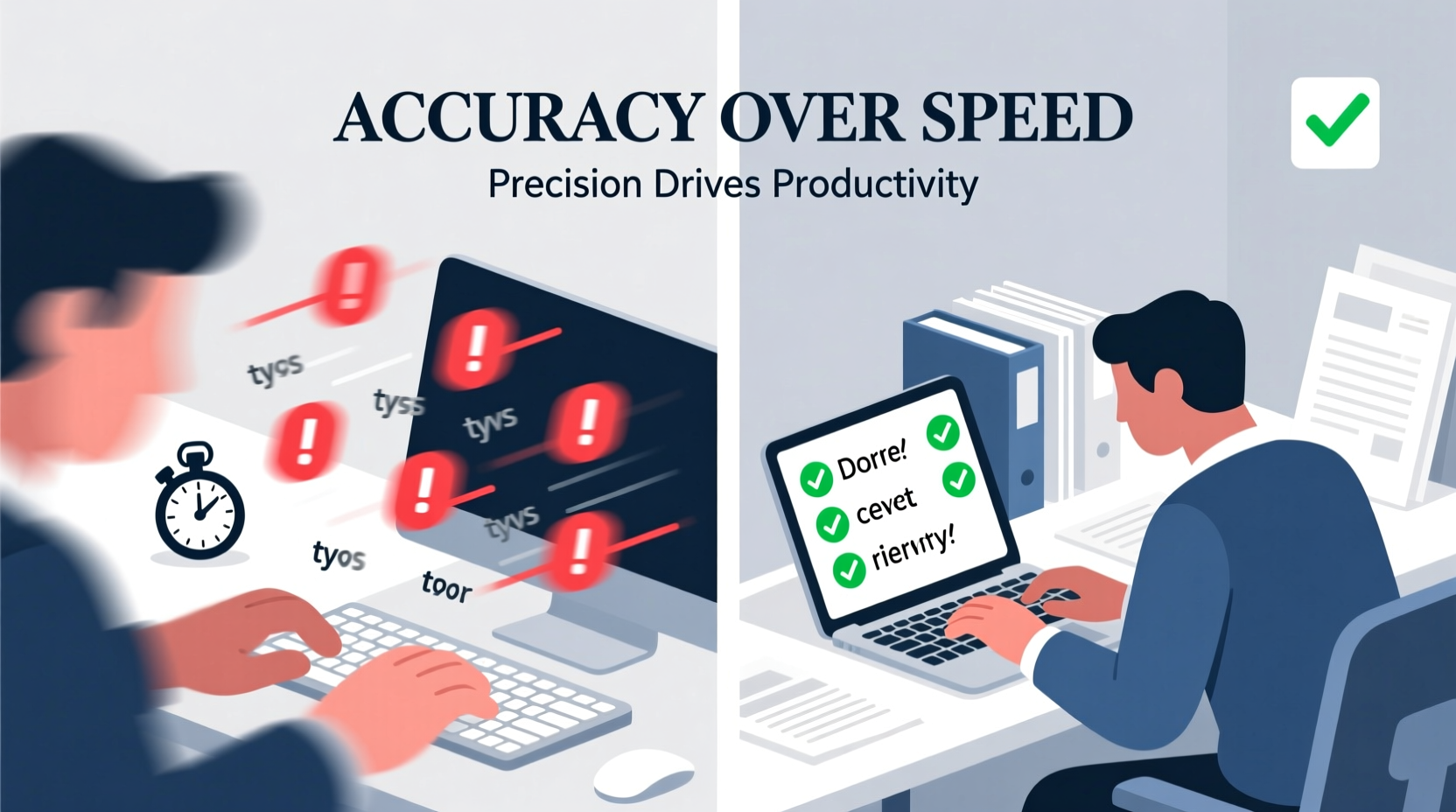
High-speed typing becomes counterproductive when it introduces frequent mistakes. Correcting typos, restructuring poorly phrased sentences, and re-reading content due to inaccuracies consume time that could have been saved with slower, more deliberate input. In cognitive terms, rapid typing without focus can overload working memory, leading to mental fatigue and reduced comprehension of one’s own writing.
Why Accuracy Often Outweighs Raw Speed
Accuracy refers to the correctness of typed content—fewer typos, correct grammar, and proper syntax. High accuracy means less post-typing editing, which translates directly into time savings. Consider this: correcting a single typo may take five seconds, but if a 500-word document contains 20 errors, that’s over a minute and a half spent fixing avoidable mistakes. Over weeks and months, those minutes accumulate into hours of wasted effort.
Moreover, inaccurate writing affects professionalism. An email riddled with spelling errors can damage credibility, especially in client-facing roles. In technical fields like programming or legal documentation, a single misplaced character can lead to system failures or contractual ambiguities. As Dr. Linda Johnson, a human-computer interaction researcher at MIT, explains:
“Speed without control is noise. What organizations truly need is signal—clear, accurate communication. A slightly slower typist who produces clean, coherent text is often far more productive than a fast typist who generates messy drafts requiring extensive revision.” — Dr. Linda Johnson, MIT Human-Computer Interaction Lab
Accuracy also supports better cognitive flow. When you type correctly the first time, your brain stays focused on content development rather than error detection. This allows for deeper engagement with ideas, improving both creativity and clarity in written expression.
Industry-Specific Demands: Where Speed Matters and Where Precision Reigns
The importance of speed versus accuracy varies significantly across professions. Understanding these differences helps individuals tailor their typing habits to their specific roles.
| Industry | Speed Importance | Accuracy Importance | Notes |
|---|---|---|---|
| Journalism & Content Writing | Moderate | High | Deadlines favor speed, but editorial standards demand clean copy. |
| Legal Documentation | Low | Very High | A single typo in a contract can have legal consequences. |
| Software Development | Moderate | Very High | Syntax errors halt code execution; precision is non-negotiable. |
| Data Entry | High | Moderate to High | Bulk input requires speed, but validation processes catch errors. |
| Academic Research | Low | High | Focused on argument quality; frequent revisions are expected. |
| Customer Support | High | Moderate | Rapid responses improve satisfaction, but clarity still matters. |
This comparison shows that while some roles benefit from faster typing, nearly all prioritize accuracy to some degree. Even in high-speed environments, tools like auto-correct and spell-checkers supplement—but do not replace—the need for careful input.
Mini Case Study: Two Translators, One Deadline
Consider two freelance translators assigned to complete a 2,000-word technical document within 24 hours. Translator A types at 85 WPM but has an error rate of 8%. Translator B types at 60 WPM with a 1.5% error rate.
Translator A finishes typing in about 24 minutes. However, due to numerous mistranslations and typos, they spend 90 minutes proofreading and correcting. Total time: ~114 minutes.
Translator B takes 34 minutes to type the document but only needs 20 minutes for final review. Total time: 54 minutes.
Despite being slower at input, Translator B completes the task more efficiently and submits a cleaner draft. This example illustrates that initial speed doesn’t always equate to faster delivery. Accuracy reduces downstream workload, ultimately enhancing true productivity.
Developing a Balanced Typing Strategy
The goal shouldn’t be to become the fastest typist in the office, but rather the most effective. This requires cultivating a balanced approach that integrates moderate speed with high accuracy. Here’s a step-by-step guide to building that skill set:
- Assess Your Baseline: Use free online tools (like Typing.com or 10FastFingers) to measure your current WPM and error rate. Record results over three sessions for an average.
- Focus on Form First: Practice proper finger placement and posture. Poor ergonomics lead to fatigue and mistakes. Keep wrists elevated and use touch typing techniques.
- Train for Accuracy: Begin drills emphasizing zero errors. Start at a comfortable pace—even 30 WPM—and gradually increase speed only after maintaining 98%+ accuracy.
- Incorporate Realistic Texts: Instead of random words, practice with actual documents—emails, articles, or code snippets—to simulate real-world conditions.
- Use Feedback Tools: Many typing platforms provide error heatmaps showing which keys you miss most. Target those weak spots deliberately.
- Practice Daily for 10–15 Minutes: Short, consistent sessions yield better long-term improvement than infrequent marathons.
- Apply Skills Immediately: Transfer improvements to daily tasks. Notice how fewer corrections affect your overall workflow.
Checklist: Building a Sustainable Typing Habit
- ✅ Measure your current WPM and accuracy monthly
- ✅ Maintain ergonomic posture while typing
- ✅ Prioritize correct keystrokes over speed in training
- ✅ Limit distractions during focused writing sessions
- ✅ Use spell-checkers as a final safety net, not a crutch
- ✅ Take short breaks every 30 minutes to prevent fatigue
- ✅ Review and revise drafts separately from initial typing
FAQ
Is 60 WPM considered fast typing?
Yes, 60 WPM is above average for general users. Most office roles don’t require speeds beyond 50–60 WPM. What matters more is consistency and accuracy at that speed.
Can I improve typing accuracy without sacrificing speed?
Absolutely. With structured practice, many people increase both simultaneously. The key is gradual progression—don’t push speed until accuracy stabilizes at your current level.
Do employers still test typing speed during hiring?
Some do, particularly in administrative, transcription, or call center roles. However, increasingly, employers value communication quality over raw speed. Always confirm expectations with the job description.
Conclusion: Rethinking Productivity Beyond Keystrokes
Productivity isn’t solely determined by how quickly fingers move across a keyboard. It’s shaped by the quality of thought, clarity of expression, and efficiency of the entire writing process. While typing speed can offer marginal gains in certain contexts, accuracy consistently delivers greater returns by reducing rework, enhancing professionalism, and supporting cognitive flow.
The most productive typists aren’t necessarily the fastest—they’re the ones who type with intention, minimize errors, and maintain sustainable habits. Whether you're drafting a report, coding an application, or responding to clients, prioritizing precision over pace will serve you better in the long run.




 浙公网安备
33010002000092号
浙公网安备
33010002000092号 浙B2-20120091-4
Comments
No comments yet. Why don't you start the discussion?