
As smartphone screens have evolved from LCD to OLED technology, users have increasingly turned to dark mode not just for aesthetic or eye comfort reasons—but also with the hope of extending battery life. The promise is simple: black pixels on OLED displays consume less power because they are turned off entirely. But how much does this translate into real-world savings? And under what conditions does dark mode make a measurable difference? This article examines the science behind OLED efficiency, analyzes real usage patterns, and provides actionable insights to help you determine whether switching to dark mode is worth it for your device’s battery longevity.
How OLED Displays Work and Why Black Matters
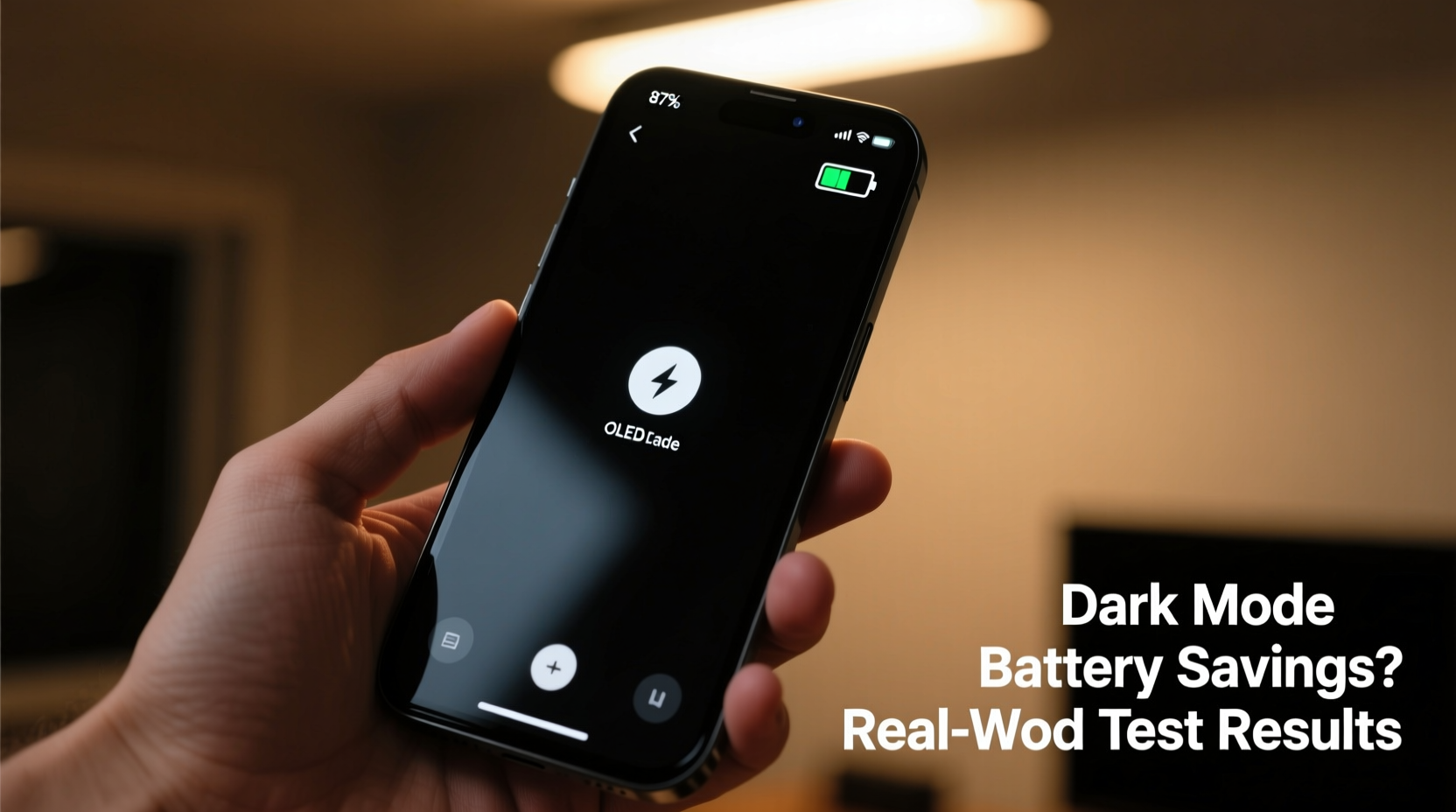
OLED, or Organic Light-Emitting Diode, technology differs fundamentally from traditional LCD (Liquid Crystal Display) screens. In an LCD panel, a backlight illuminates all pixels uniformly, regardless of the color being displayed. Even when showing black, the backlight remains on, making true black difficult to achieve and energy consumption relatively constant across different screen content.
In contrast, each pixel in an OLED display produces its own light. When a pixel is set to black, it is effectively turned off—consuming no power at all. Brighter colors, especially white, require more energy because all sub-pixels (red, green, blue) must emit light at high intensity. This dynamic means that the overall power draw of an OLED screen depends heavily on the brightness and color composition of what's being displayed.
“OLEDs are emissive, so if a pixel isn’t lit, it uses zero power. That makes interface design a direct factor in battery performance.” — Dr. Linus Lee, Display Technology Researcher at Stanford University
This principle forms the foundation of the argument for dark mode saving battery: replacing bright backgrounds with black or near-black tones reduces the number of active pixels, thereby lowering power consumption.
Lab Tests vs. Real-World Usage: Bridging the Gap
Controlled lab experiments consistently show that dark mode can reduce screen power consumption on OLED devices. Google conducted internal testing in 2018 that found switching from light to dark mode at 100% brightness could cut screen power usage by up to 60% on certain apps like YouTube and Maps. At 50% brightness, the savings were still significant—around 30–40% depending on content.
However, lab conditions often involve static screens, maximum brightness, and full-screen apps—all scenarios that maximize the contrast between light and dark interfaces. Real-world usage is far more variable. Users switch between apps, adjust brightness based on ambient light, and spend time on content-heavy platforms where background color is only one component of the overall display load.
A 2022 study by *Battery University* tested three common usage profiles on a Samsung Galaxy S22 (OLED):
| Usage Profile | Screen Brightness | Battery Saved with Dark Mode | Notes |
|---|---|---|---|
| Web Browsing (News Sites) | 60% | 12% | Mixed content; headlines dominate white space |
| Social Media Scrolling | 70% | 8% | Images and videos dilute background impact |
| Reading E-Books (Dark Theme) | 40% | 23% | High text-to-background ratio; optimal for savings |
The data shows that while dark mode does save battery, the extent varies dramatically based on activity. Tasks dominated by text on dark backgrounds yield the highest gains, whereas media-rich environments limit potential savings.
App Design and System-Level Optimization
Not all apps are created equal when it comes to dark mode efficiency. Some developers implement true black (#000000) backgrounds, which fully deactivate OLED pixels. Others use dark gray themes (e.g., #121212), which, while easier on the eyes, still consume power because pixels remain partially illuminated.
For example:
- YouTube (mobile app): Uses true black in dark mode, maximizing battery savings during video browsing.
- Twitter/X: Offers a dark theme but relies on dark gray, reducing the power-saving effect.
- Google Messages: Implements a proper black background, making messaging more efficient in dark mode.
Moreover, system-level features such as adaptive brightness, automatic timeout, and always-on display settings interact with dark mode in complex ways. On many Android devices, enabling dark mode alone won’t trigger maximum savings unless paired with other optimizations like lowering screen timeout or using scheduled dark themes.
Mini Case Study: A Week of Dark Mode Testing
Jamal, a software developer in Austin, TX, decided to test dark mode’s impact on his daily routine. He used a Pixel 7 Pro (OLED) and followed a strict protocol for one week:
- Enabled dark mode system-wide.
- Set screen brightness to automatic.
- Limited manual brightness overrides.
- Used predominantly text-based apps: email, Slack, code editors, e-books.
- Tracked battery percentage at bedtime and upon waking.
Prior to the test, Jamal averaged 30% battery remaining at night after a full day of moderate use. During the dark mode week, his average increased to 41%, with peak savings reaching 52% on lighter usage days. Notably, he avoided streaming services and kept screen-on time below 3.5 hours per day.
When he returned to light mode the following week, his battery retention dropped back to 32%. While other factors may have influenced the results, the correlation suggests that consistent dark mode use in text-dominant workflows can deliver tangible improvements.
When Dark Mode Doesn’t Help (And May Even Hurt)
Despite its advantages, dark mode isn't universally beneficial. There are several scenarios where the battery savings are negligible or even counterproductive:
- Watching videos: Most video content uses full-color frames regardless of UI theme. Streaming platforms like Netflix or YouTube don’t change their playback interface enough to affect overall power draw significantly.
- Using non-OLED phones: If your device has an LCD screen (common in budget smartphones), dark mode offers no battery benefit since the backlight remains on.
- Low brightness environments: At lower brightness levels, the absolute power difference between white and black pixels shrinks, reducing the relative gain from dark mode.
- Increased cognitive load: For some users, reading light text on dark backgrounds causes eye strain, leading to longer screen times or repeated scrolling—which indirectly increases battery usage.
Additionally, poorly implemented dark modes can create visual discomfort due to insufficient contrast or overly saturated colors, prompting users to increase brightness manually—an action that can negate any power savings.
Checklist: Maximizing Battery Savings with Dark Mode
To get the most out of dark mode on your OLED phone, follow this checklist:
- ✅ Confirm your phone has an OLED display (check specs online).
- ✅ Enable system-wide dark mode in Settings > Display.
- ✅ Use apps that support true black themes (e.g., Reddit Sync, F-Droid, Google apps).
- ✅ Avoid manually boosting brightness above 60% unless necessary.
- ✅ Pair dark mode with auto-brightness and shorter screen timeout (30 seconds).
- ✅ Schedule dark mode to activate during evening hours or low-light conditions.
- ❌ Don’t force dark mode on websites or apps that don’t support it natively (via forced browser themes).
Frequently Asked Questions
Does dark mode save battery on all phones?
No. Dark mode only saves battery on devices with OLED, AMOLED, or microLED displays. Phones with LCD screens do not benefit because the backlight remains active regardless of pixel color.
Is black better than dark gray for battery savings?
Yes. True black (#000000) turns off OLED pixels completely, while dark gray requires partial illumination. Apps using pure black backgrounds offer superior energy efficiency.
Can I automate dark mode based on battery level?
Some Android devices allow automation through built-in routines or third-party apps like Tasker. For example, you can set dark mode to activate when battery drops below 30%, helping stretch remaining charge.
Step-by-Step Guide to Optimizing Your OLED Phone’s Battery
If you're using an OLED smartphone and want to maximize battery efficiency through dark mode and related settings, follow this sequence:
- Verify your display type: Search “[your phone model] + display type” to confirm it uses OLED technology.
- Enable dark mode: Go to Settings > Display > Dark Theme and turn it on.
- Adjust brightness settings: Enable adaptive brightness and avoid setting brightness above 70% unnecessarily.
- Optimize app usage: Prioritize apps with native dark mode support and true black interfaces.
- Reduce screen timeout: Set screen-off timer to 30 seconds in Settings > Display > Screen Timeout.
- Use scheduling: Set dark mode to activate at sunset or during specific hours via Digital Wellbeing or Automation tools.
- Monitor battery usage: Check Settings > Battery > Usage to identify which apps drain power most—and whether dark mode correlates with improved longevity.
Reassess after one week. Compare battery drain rates, charging frequency, and subjective screen comfort to determine if the changes are delivering value.
Conclusion: Practical Power Savings with Realistic Expectations
Dark mode does save battery on OLED phones—but the magnitude of savings depends heavily on how you use your device. In controlled tests and text-focused workflows, reductions in screen power consumption can reach 30–60%. In everyday mixed-use scenarios, the average gain is closer to 10–15%, which translates to roughly 30–45 minutes of extra screen time per charge.
The key is alignment: match dark mode usage with activities where interface dominance allows for real savings. Combine it with smart brightness management and efficient app choices to amplify the effect. While it won’t replace the need for larger batteries or faster charging, dark mode remains one of the few user-controllable features that directly influence energy efficiency on modern smartphones.




 浙公网安备
33010002000092号
浙公网安备
33010002000092号 浙B2-20120091-4
Comments
No comments yet. Why don't you start the discussion?