
Most people assume their phone knows its own number—but surprisingly, that’s not always obvious. Whether you’ve just switched carriers, received a new SIM, or simply never checked, retrieving your mobile number can be trickier than expected. Unlike contact details, your phone number isn’t always automatically stored in the device settings, especially if it wasn’t registered during setup.
The good news is there are multiple reliable methods across different platforms to uncover your number quickly—no guesswork needed. From built-in settings to carrier tools and third-party apps, this guide covers the most effective approaches for Android, iOS, and even situations where your phone has no service.
Check Your Phone Number Through Device Settings
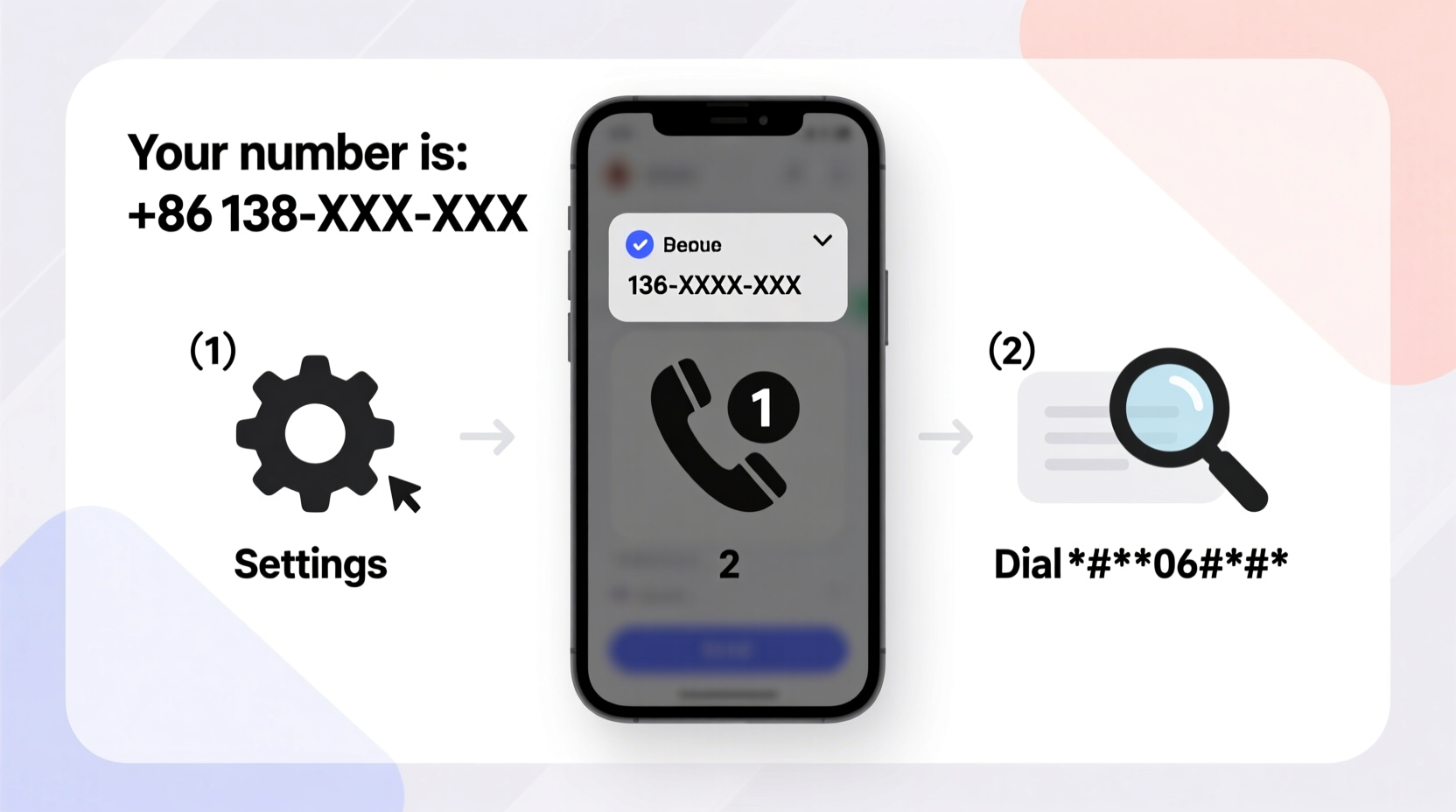
The fastest way to find your number is by exploring your device’s native settings. While the exact path varies by brand and operating system, both Android and iPhone offer accessible routes.
On iPhone (iOS)
- Open the Settings app.
- Tap your name at the top (Apple ID section).
- Select Phone Number—it will display your primary number linked to iMessage and FaceTime.
If your number doesn’t appear here, go to:
- Settings > Phone > My Number
Note: Some carriers do not push the number to the device, so this field may be blank.
On Android Devices
Android lacks a universal standard, but here are common paths depending on your manufacturer:
| Device Brand | How to Find Your Number |
|---|---|
| Samsung | Settings > About phone > Status > My phone number |
| Google Pixel | Settings > Network & internet > Mobile network > SIMs > Phone number |
| OnePlus / Oppo | Settings > About device > Status information > My phone number |
| Motorola | Settings > About phone > Status > My phone number |
Use Carrier-Specific Methods
Your mobile provider stores your number and often offers direct ways to retrieve it—even from your phone.
Dial a Universal Code
Some carriers support USSD codes that return your number instantly. Try these common ones:
*#06#– Shows IMEI, not number (common misconception)*#100#– Works on some networks (e.g., MTN in Africa)*225#– On Verizon and some U.S. carriers, returns account name and number*888#– T-Mobile users can get balance and number info
These vary by region and provider. Contact customer service to confirm supported codes.
Log Into Your Carrier Account Online
Visit your carrier’s website (e.g., Verizon.com, ATT.com, T-Mobile.com) and log in using your credentials. Once in your account dashboard, your primary phone number is typically displayed at the top of the page under “My Lines” or “Account Overview.”
This method is especially useful if you manage multiple lines or use family plans.
“Over 60% of customers who call us asking for their number already have access through their online portal—they just don’t know it.” — Lisa Tran, Customer Support Lead, Pacific Wireless Group
Use Third-Party Apps and Services
If built-in options fail, trusted third-party tools can help identify your number by analyzing incoming call data or SIM registration.
Truecaller
Download Truecaller from the App Store or Google Play. After granting permission to access calls and contacts, the app automatically detects your number during setup. It cross-references global directories to verify accuracy.
Text Yourself
A simple yet effective workaround:
- Ask a friend to call or text you.
- Alternatively, send an email to an email-to-SMS gateway (e.g., yournumber@vtext.com for Verizon).
- Check the incoming message—the sender ID will display your number.
This works even with limited service, as long as the message gets delivered.
What to Do If Your Number Doesn’t Appear Anywhere
Sometimes, despite trying every method, your number remains hidden. This usually happens when:
- The carrier hasn’t provisioned the number correctly.
- The SIM card is faulty or outdated.
- You’re using a VoIP or MVNO line that doesn’t broadcast the number.
Mini Case Study: Recovering a Lost Number After Switching Carriers
Sarah moved from AT&T to Mint Mobile and activated her eSIM successfully. However, her iPhone showed “No Service” under Settings > Phone > My Number. Confused, she tried dialing *#06# and checking her Apple ID—no luck.
She logged into Mint Mobile’s website and found her number listed under “Active Lines.” She then used WhatsApp to verify it by reconfirming her account. Within minutes, her number appeared correctly in her phone settings after a restart. The issue? Delayed provisioning sync between systems.
Solution: Always verify your number through your carrier’s portal after switching services.
Quick Checklist: How to Find Your Number in Under 5 Minutes
Follow this actionable checklist to retrieve your mobile number efficiently:
- ✅ Check Settings > Phone > My Number (iPhone) or Settings > About Phone > Status (Android)
- ✅ Look up your number via your carrier’s website or app
- ✅ Dial carrier-specific USSD code (e.g., *225# for Verizon)
- ✅ Use WhatsApp: Settings > Account > Your Phone Number
- ✅ Ask someone to call/text you and note the incoming ID
- ✅ Install Truecaller or similar app to auto-detect your number
- ✅ Contact customer service with ID proof if all else fails
Frequently Asked Questions
Can I find my phone number without a SIM card?
No. Without a SIM, your device has no assigned number. Wi-Fi-only devices like iPads may show a FaceTime number, but cellular identity requires a SIM or eSIM tied to a carrier account.
Why does my phone show a different number than my actual one?
This can happen if you transferred numbers recently and old data remains cached. It may also occur with dual-SIM phones showing the incorrect line. Restart the device or manually update the label in SIM settings.
Is it safe to use apps like Truecaller to find my number?
Yes, if downloaded from official stores. However, Truecaller uploads your contact list by default. Review permissions and disable syncing if privacy is a concern.
Conclusion: Take Control of Your Digital Identity
Your phone number is more than just a way to receive calls—it's a key part of your digital identity, used for two-factor authentication, banking alerts, social media logins, and more. Not knowing it can create unnecessary delays and security risks.
By mastering these quick, proven methods, you ensure you're always prepared—whether confirming your identity, setting up a new device, or helping someone else troubleshoot. Don’t wait until you’re locked out of an account. Verify your number today using one of the steps above.




 浙公网安备
33010002000092号
浙公网安备
33010002000092号 浙B2-20120091-4
Comments
No comments yet. Why don't you start the discussion?