
Many people assume their phone number is readily visible on their device, only to realize it’s not immediately accessible when needed. Whether you’re setting up a new phone, verifying an account, or lending your device to someone, knowing how to retrieve your mobile number quickly can save time and frustration. The process varies across operating systems and carriers, and in some cases, the number may not appear at all in standard settings. This guide provides clear, tested methods to locate your number on any smartphone—without relying on third-party apps or calling another device.
Why Your Phone Number Isn’t Always Visible
Despite seeming like basic information, your mobile number isn’t automatically stored or displayed on every device. Carriers assign numbers, but they don’t always push that data directly into your phone’s system. Additionally, SIM cards may or may not contain the number depending on how the carrier programmed them. On iPhones, for example, Apple doesn’t pull the number from the SIM by default; instead, it relies on carrier settings or user input during setup.
This inconsistency means users often have to dig deeper into settings or use alternative methods. Some phones display the number under “About” or “Phone Info,” while others require dialing a code or checking account details. Understanding why this happens helps set realistic expectations and encourages proactive verification.
How to Find Your Number on iPhone
iOS handles phone number visibility differently than Android. While newer iPhones sometimes show the number during initial setup, it may disappear later or fail to appear altogether, especially with eSIMs or after switching carriers.
- Open the Settings app.
- Tap Phone.
- Look under “My Number.”
If the field is blank, try this alternative method:
- Go to Settings > General > About.
- Scroll down and look for “Phone Number.”
In some cases, the number appears under Settings > Messages or FaceTime, listed next to your Apple ID. This works because iMessage and FaceTime register your number when linked to your account.
“Apple prioritizes privacy, so phone numbers aren’t automatically synced unless explicitly tied to services like iMessage.” — David Lin, Mobile Systems Analyst
Steps to Retrieve Your Number on Android Devices
Android offers more variability due to manufacturer customizations and OS versions. However, most devices follow similar pathways to access network information.
Method 1: Using Settings Menu
- Navigate to Settings.
- Select About Phone (sometimes under “System”).
- Tap Status or Sim Card Status.
- Look for “My Phone Number” or “MSISDN.”
Note: On many Samsung, Google Pixel, and OnePlus devices, this field is often left blank by carriers. Don’t be alarmed—it’s common.
Method 2: Dialer Code Shortcut
Some carriers support USSD codes that display subscriber information:
- Dial
*#123#– Supported by Vodafone and select European providers. - Dial
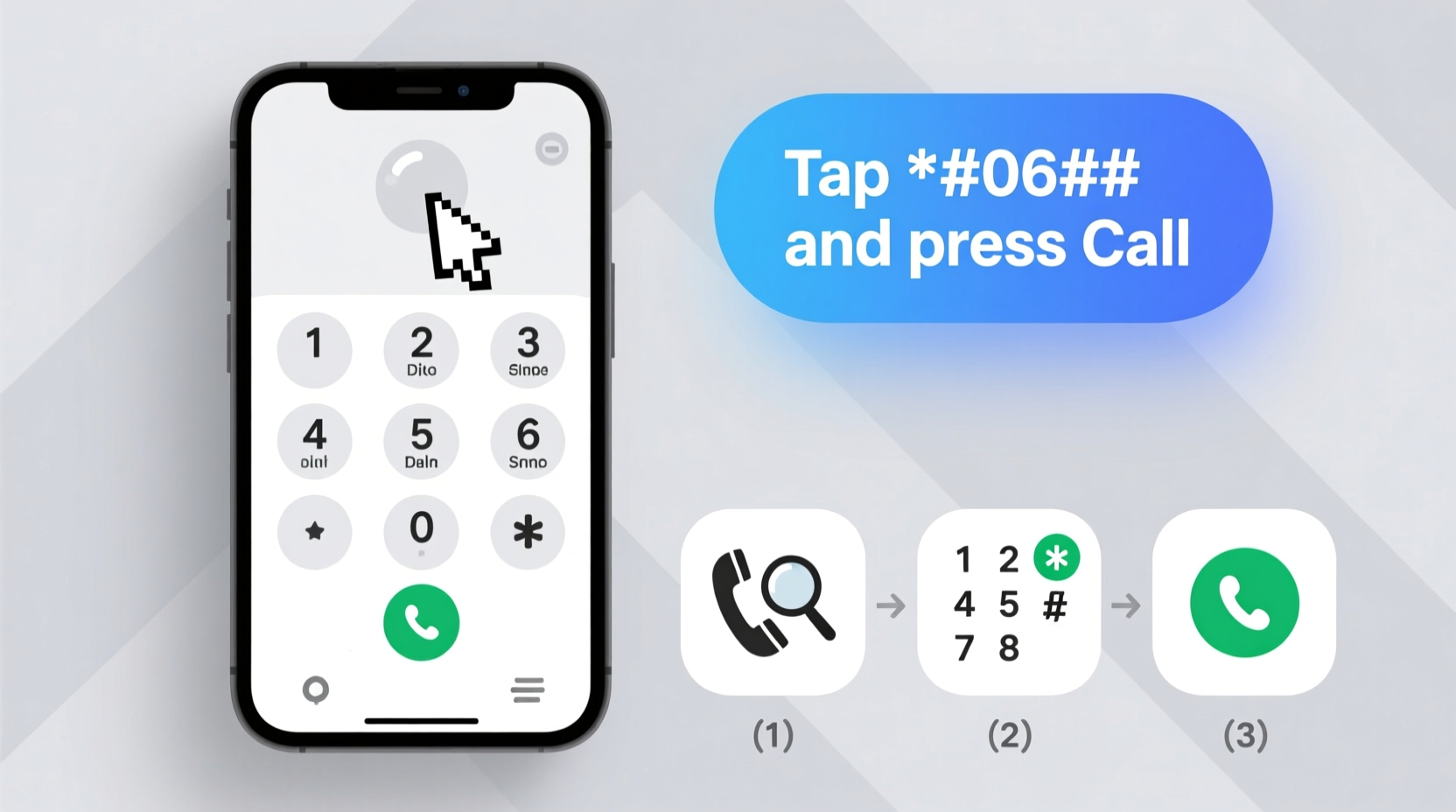
*#06#– Shows IMEI, not the number, but useful for identification. - Dial
*#*#4636#*#*– Opens Testing Menu; go to “Phone Information” to see the number if available.
This hidden menu (known as the Engineering Mode) is built into most Android phones and can reveal network details, including your number—if the carrier has populated it.
What to Do If Your Number Doesn’t Appear Anywhere
When standard methods fail, it’s time to use indirect but reliable alternatives. Here are four proven strategies:
1. Check Your Carrier Account Online
Log in to your provider’s website or app (e.g., Verizon, AT&T, T-Mobile, O2, EE). Your registered number is almost always visible on the dashboard or under “Account Details.” This is the most accurate method, especially for postpaid plans.
2. Call or Text Yourself from Another Device
Borrow a friend’s phone and call or message your number. Most smartphones display incoming caller IDs instantly. Alternatively, send a text to your own number and check the recipient field.
3. Review Initial Setup Emails
When activating a new line or device, carriers typically send a welcome email containing your number, plan details, and activation instructions. Search your inbox for keywords like “Welcome,” “activation,” or the carrier’s name.
4. Contact Customer Support
Call your carrier’s customer service line. After identity verification, they’ll provide your number immediately. Many offer live chat options via their app or website, which can be faster than calling.
| Method | Speed | Reliability | Best For |
|---|---|---|---|
| Settings Menu | Fast | Moderate | Quick checks on working devices |
| Carrier App/Website | Fast | High | Most accurate confirmation |
| Dialer Codes | Instant | Variable | Android troubleshooting |
| Calling Yourself | Medium | High | No internet or login access |
| Customer Service | Slow | Very High | Locked or broken devices |
Real-Life Scenario: Recovering a Number After Switching SIMs
Sarah recently upgraded her phone and transferred her old SIM to the new device. During a work meeting, she needed to share her contact info but realized her number wasn’t showing in Settings. She first checked “About Phone” on her Android—no result. Then she tried dialing *#*#4636#*#* and found her number under “Phone Information.” To confirm, she logged into her carrier’s app and verified the same number was listed. Within two minutes, she had the correct digits and shared them confidently. This experience taught her to verify her number after any device change.
Checklist: How to Quickly Locate Your Mobile Number
- ✅ Check Settings > Phone (iPhone) or Settings > About > Status (Android)
- ✅ Look under Messages or FaceTime on iPhone
- ✅ Dial *#*#4636#*#* on Android to access Phone Info
- ✅ Log in to your carrier’s app or website
- ✅ Send a test message from another phone
- ✅ Search your email for activation messages from your carrier
- ✅ Call customer support if other methods fail
Frequently Asked Questions
Why doesn’t my phone show my number even though I have service?
Your phone receives service through your SIM and carrier network, but the actual phone number must be manually entered or pushed by the carrier. Many providers do not auto-populate this field, especially on prepaid plans or international SIMs.
Can I find my number without a SIM card?
Not directly on the device. Without a SIM, there’s no associated number. However, if you previously used the phone with a SIM, check recent messages or call logs where your number might have been displayed as the sender. Otherwise, refer to your carrier account.
Does resetting my phone restore my number in settings?
No. A factory reset won’t make your number appear if it wasn’t there before. The issue lies with carrier configuration, not device memory. You’ll still need to use one of the alternative methods outlined above.
Take Control of Your Device Information
Knowing how to find your mobile number quickly is a small but essential digital skill. With the right steps, you can retrieve it in under a minute—regardless of device type or carrier. Don’t wait until you’re in a rush or sharing details professionally. Verify your number today using one of the reliable methods described. And if you’ve discovered a trick not listed here, consider sharing it to help others stay connected with confidence.




 浙公网安备
33010002000092号
浙公网安备
33010002000092号 浙B2-20120091-4
Comments
No comments yet. Why don't you start the discussion?