
In an age where smartphones, tablets, laptops, and smart displays are extensions of our daily lives, keeping their screens clean is more than just aesthetic—it's essential for hygiene, visibility, and device longevity. However, many common cleaning methods can do more harm than good. Harsh chemicals, abrasive cloths, or improper techniques may strip anti-glare coatings, damage oleophobic layers, or leave streaks that impair usability. The key lies in finding solutions that are both effective and gentle. This guide explores scientifically sound, user-tested approaches to maintaining pristine touch screens without risking damage.
Why Gentle Cleaning Matters for Touch Screens
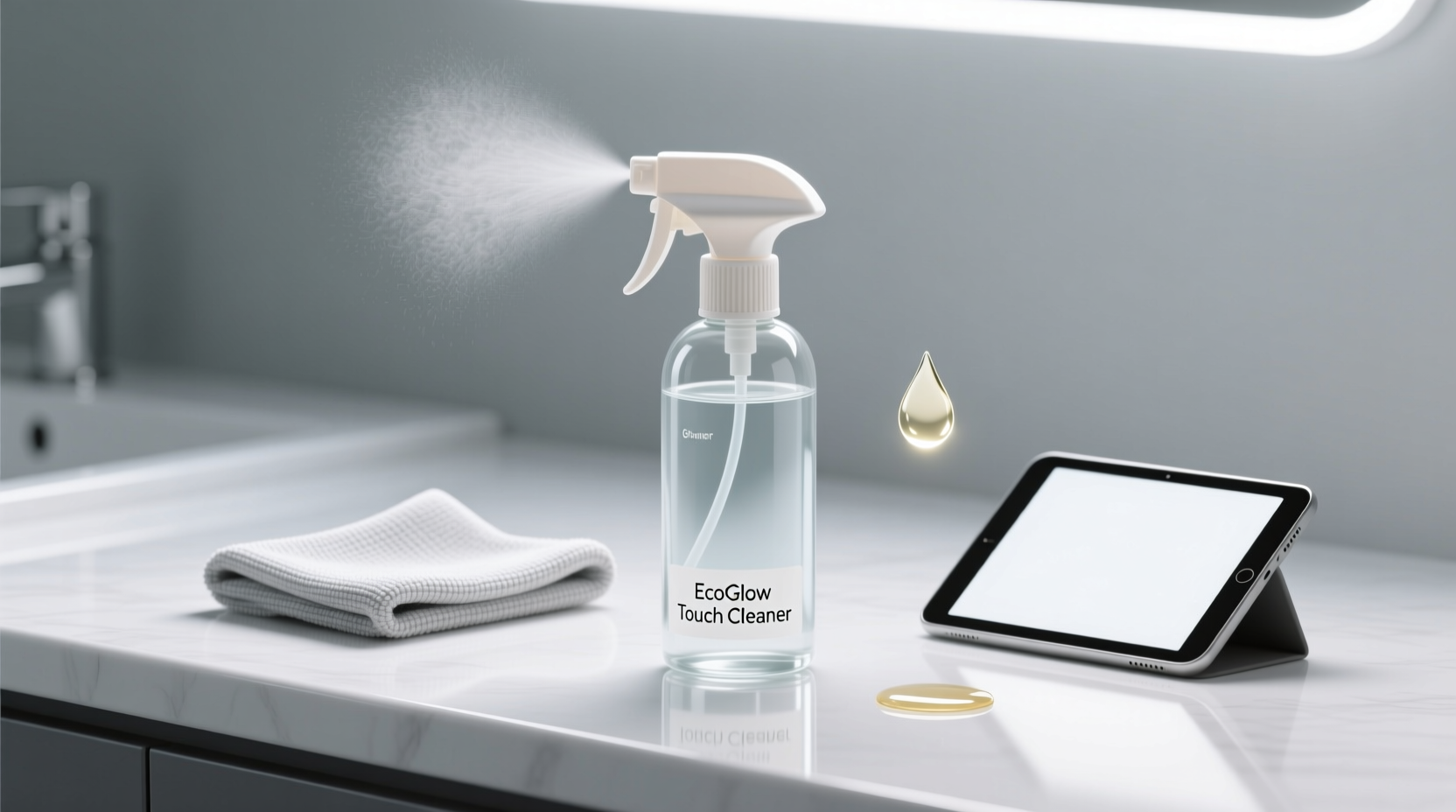
Modern touch screens are engineered with precision. Most feature a thin oleophobic coating that repels oils from fingers, reduces smudges, and enhances responsiveness. Over time, aggressive cleaners like ammonia-based window sprays or alcohol-heavy wipes degrade this layer, leading to increased fingerprint buildup and reduced sensitivity. Additionally, micro-abrasions from rough fabrics can scatter light, causing visible haze.
According to Dr. Lena Patel, materials scientist at the Institute for Consumer Electronics Research:
“Even 70% isopropyl alcohol, while effective for disinfection, should be used sparingly on touch screens. Repeated exposure accelerates coating wear. For routine cleaning, milder alternatives preserve functionality far better.” — Dr. Lena Patel, Materials Scientist
The goal isn’t just cleanliness—it’s sustainability. A well-maintained screen lasts longer, performs better, and remains hygienic without compromising its integrity.
Safe Ingredients for Effective Cleaning
The foundation of any effective touch screen cleaner is a balance between cleaning power and material safety. Below are ingredients proven to remove grime, oils, and microbes without harming sensitive surfaces.
- Distilled water: Free of minerals that cause spotting, it forms the base of most safe solutions.
- White vinegar (diluted): Naturally cuts through grease and evaporates cleanly when mixed in a 1:1 ratio with water.
- Isopropyl alcohol (50% or less): Useful for disinfecting but must be diluted and applied carefully.
- Dish soap (phosphate-free, mild): A single drop per cup of water helps break down oils without residue.
Step-by-Step Guide to Cleaning Any Touch Screen
Follow this method weekly or whenever visible smudging affects readability. It works across phones, tablets, monitors, and kiosks.
- Power off the device to avoid accidental inputs and make smudges easier to see.
- Remove loose debris using a dry, soft-bristled brush or compressed air around the edges.
- Fold a microfiber cloth into quarters to maximize surface area and minimize re-depositing dirt.
- Dampen one corner of the cloth with your chosen solution—never soak it.
- Wipe in gentle, overlapping strokes, starting from the top and moving downward.
- Use a dry section of the cloth to buff away moisture and prevent streaks.
- Inspect under angled light and repeat if necessary.
This process takes under two minutes but significantly improves clarity and hygiene. Avoid circular motions—they spread oils outward rather than removing them.
Do’s and Don’ts: Quick Reference Table
| Do | Don’t |
|---|---|
| Use lint-free microfiber cloths | Use paper towels or clothing |
| Dilute vinegar 1:1 with distilled water | Use Windex or other glass cleaners |
| Turn off the device before cleaning | Spray liquid directly on the screen |
| Clean once a week for regular users | Use high-concentration alcohol daily |
| Store devices in dust-free cases when not in use | Leave screens exposed in kitchens or bathrooms |
Real-World Example: Office Tablet Maintenance
A mid-sized medical clinic in Portland reported persistent glare and unresponsiveness on their patient check-in tablets. Staff had been using disinfectant wipes containing bleach and high-alcohol formulas multiple times a day. Within six months, several screens developed permanent haze and required costly replacements.
After switching to a gentler protocol—using a 50/50 distilled water and white vinegar spray with microfiber cloths applied twice daily—the devices remained responsive, clear, and germ-free. Follow-up surveys showed improved patient satisfaction due to faster interactions. The annual savings from avoided replacements exceeded $3,000.
This case illustrates that effectiveness doesn’t require harshness. Consistency and proper tools deliver superior long-term results.
DIY vs. Commercial Cleaners: What Works Best?
While pre-made cleaners promise convenience, many contain undisclosed surfactants or solvents that degrade over time. Homemade solutions offer transparency and cost efficiency.
Here’s a comparison of popular options:
- Homemade Vinegar Solution: Mix ½ cup distilled water + ½ cup white vinegar + 1 drop of mild dish soap. Shake gently before use. Effective against oils and bacteria; safe for daily use.
- Diluted Isopropyl Alcohol (50%): Combine equal parts 70% alcohol and distilled water. Ideal for weekly disinfection but not recommended for daily use.
- Commercial Screen Wipes: Look for brands like Zagg or Whoosh that specify “ammonia-free” and “safe for oleophobic coatings.” These are convenient but often more expensive per use.
Checklist: Your Weekly Touch Screen Care Routine
- ☐ Power down each device before cleaning
- ☐ Inspect for dust and debris along bezels
- ☐ Use a dry microfiber cloth to remove dry particles
- ☐ Apply cleaning solution to cloth, not screen
- ☐ Wipe vertically in straight lines
- ☐ Buff with dry side of cloth
- ☐ Check for missed spots under bright light
- ☐ Store devices in protective cases or stands
Frequently Asked Questions
Can I use hand sanitizer to clean my phone screen?
No. Hand sanitizers typically contain thickening agents, fragrances, and high concentrations of alcohol that leave sticky residues and accelerate coating wear. They are not formulated for electronic surfaces.
How often should I clean my touch screen?
For personal devices, once a week is sufficient for maintenance. High-touch shared devices—like POS systems or public kiosks—should be cleaned 2–3 times daily using disinfecting methods approved by manufacturers.
Are UV cleaning boxes worth it?
UV-C sanitizing boxes can reduce surface microbes without contact, making them useful for quick disinfection. However, they don’t remove physical smudges or dust. Use them as a supplement—not a replacement—for manual cleaning.
Final Thoughts: Small Habits, Lasting Results
Clean touch screens aren’t just about appearance—they impact usability, hygiene, and device lifespan. By choosing gentle, informed methods, you protect your investment and enhance your daily experience. Whether you opt for a simple vinegar-water mix or a trusted commercial product, consistency and care make all the difference. The best cleaner isn’t the strongest one—it’s the one you’ll use correctly, every time.




 浙公网安备
33010002000092号
浙公网安备
33010002000092号 浙B2-20120091-4
Comments
No comments yet. Why don't you start the discussion?