
In the evolving landscape of competitive Fortnite, the Zero Build mode has redefined how players approach combat, strategy, and mechanical execution. Without the reliance on rapid building, every shot, flick, and movement becomes a decisive factor. For controller users, this shift demands a refined setup—one that prioritizes precision, consistency, and control. The right configuration can mean the difference between securing a clutch elimination or missing a critical shot under pressure.
Unlike traditional building-heavy modes, Zero Build emphasizes gunplay, positioning, and map awareness. As such, controller sensitivity, dead zones, button layout, and response curves must be optimized not just for comfort, but for high-level accuracy. This guide breaks down the most effective controller settings tailored specifically for Zero Build, helping you maximize your performance through intelligent tuning and deliberate practice.
Understanding the Zero Build Meta
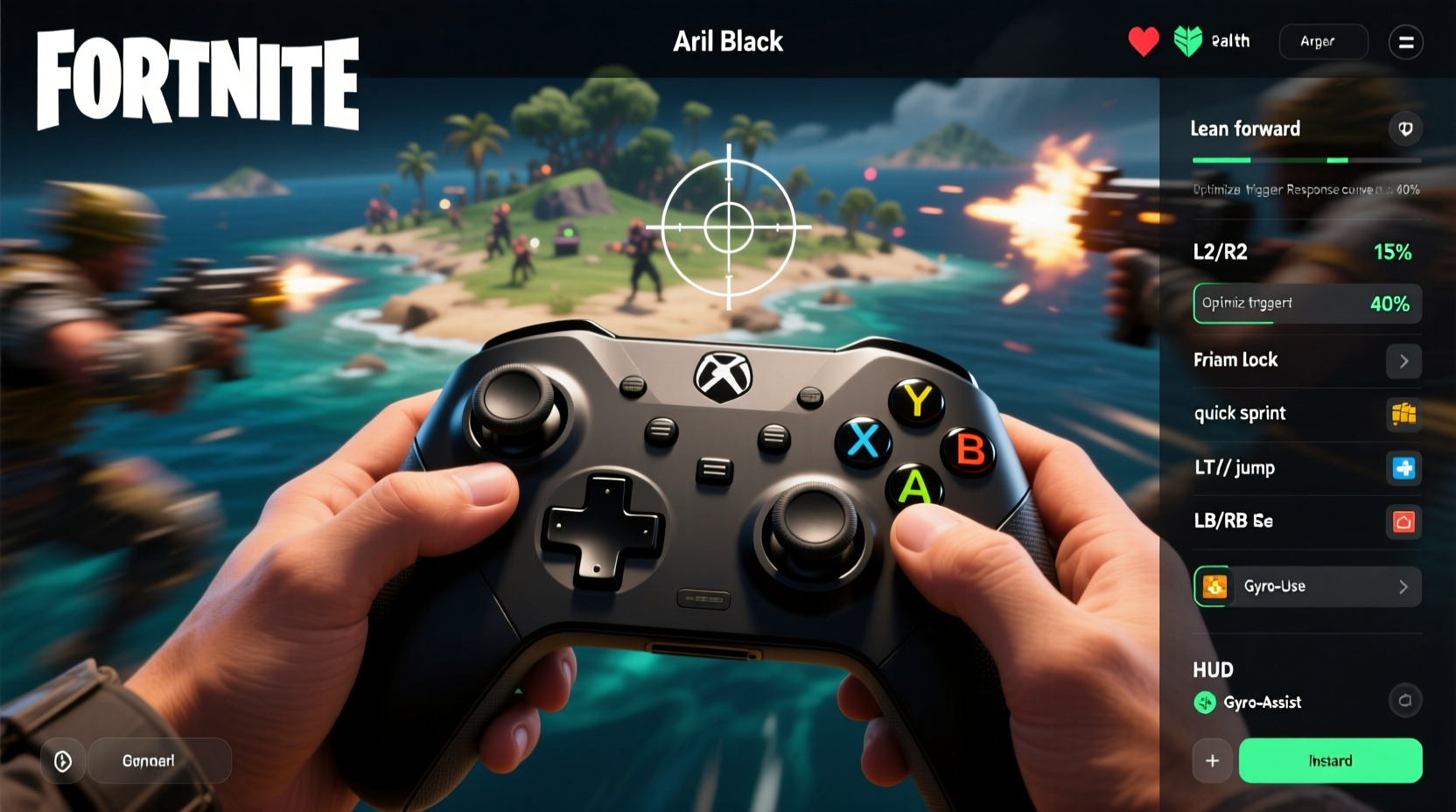
The removal of building tools in Zero Build shifts the focus squarely onto mechanical skill. Players no longer rely on walls to rotate or escape; instead, they depend on superior movement, cover usage, and consistent aim. This environment rewards players who can land headshots under duress, track fast-moving targets, and transition smoothly between weapons.
Controller players face a unique challenge: analog sticks inherently offer less precision than a mouse. However, modern controllers—especially those with customizable firmware like the SCUF Reflex or Elite Series 2—can bridge much of that gap when properly configured. The goal is not to mimic mouse sensitivity, but to create a responsive, repeatable aiming experience that feels natural and predictable.
“Precision in Zero Build isn’t about speed—it’s about consistency. Your settings should support muscle memory, not hinder it.” — Jordan Lee, Esports Analyst & Former Competitive Fortnite Coach
Core Controller Settings for Precision
The following settings are based on analysis from top-tier controller players, including professionals who compete in FNCS events using pads. These values are designed for standard DualShock 4 and Xbox controllers, though adjustments may be needed based on personal preference or hardware.
| Setting | Recommended Value | Rationale |
|---|---|---|
| Aim Assist Strength (Targeting) | High | Leverages built-in magnetism to help stabilize tracking on moving targets. |
| Look Sensitivity (Horizontal/Vertical) | 4.5–5.5 | Balances responsiveness with control; prevents overflicking during close-range fights. |
| Aim Sensitivity (Scoping) | 3.0–3.8 | Lower scoped sensitivity improves long-range accuracy, especially with snipers and ARs. |
| FOV (Field of View) | 87–90 | Higher FOV increases peripheral awareness without distorting depth perception. |
| Dead Zone (Right Stick) | 0.06–0.08 | Minimizes input lag while filtering out stick drift. |
| Response Curve | Dynamic | Allows faster turns at full stick deflection while maintaining fine control near center. |
Button Layout and Input Optimization
Your thumb only has so much range. Efficient button mapping reduces strain and minimizes misclicks during intense firefights. Consider these adjustments:
- Swap Crouch and Sprint: Assign crouch to a rear paddle (L3/R3) or bumper for quicker peeking and drop-shots.
- D-Pad Emotes Off: Disable D-pad emote wheel to prevent accidental openings mid-fight.
- Use Paddles for Building (Even in Zero Build): Map place functions to paddles to quickly deploy cover or ramps when needed, even in non-building modes.
- Hold to Aim: Use toggle aim only if you struggle with finger fatigue. Hold-to-aim offers more precise control over scope timing.
Step-by-Step: Optimizing Your Controller in 5 Minutes
- Open the Settings menu in Fortnite and navigate to “Controller.”
- Set Look Sensitivity to 5.0 and Aim Sensitivity (Scoped) to 3.5 as a baseline.
- Enable High Aim Assist Strength and set FOV to 87.
- Adjust Right Stick Dead Zone to 0.07 and select “Dynamic” Response Curve.
- Map Crouch/Jump to paddles or bumpers for faster access, then disable D-pad emotes.
- Test in Creative mode using a target range—adjust down if overflicking, up if sluggish.
Real-World Example: From Bronze to Champion League
Take the case of Marcus R., a player who climbed from Bronze to Champion League in six weeks using a stock Xbox controller and disciplined setting optimization. Initially, he used max sensitivity and linear response, which caused erratic aim and poor recoil control. After switching to a Dynamic curve and lowering his scoped sensitivity to 3.2, his headshot percentage increased from 38% to 64% within two weeks.
Marcus also remapped crouch to his back paddles, allowing him to perform quick drop-shots against aggressive opponents. He practiced daily in Creative maps with moving targets, focusing on smooth tracking rather than flick shots. His improved consistency allowed him to win more 1v1 engagements, even against PC players using mice.
This example illustrates that hardware matters less than intentionality. With the right settings and deliberate practice, controller players can compete at the highest levels of Zero Build Fortnite.
Advanced Tweaks for Competitive Edge
For players using custom controllers (SCUF, Razer Wolverine, etc.), additional refinements are possible:
- Hair Trigger Locks: Shorten trigger pull distance for faster shooting and editing.
- Stick Tension Adjustments: Tighter thumbsticks reduce micro-movements and improve stability.
- Interchangeable Thumbsticks: Dome-shaped sticks enhance precision for small corrections.
Additionally, consider enabling “Aim Down Sights Acceleration” at 0%. This ensures consistent response regardless of how long you’ve been aiming, promoting muscle memory development.
Frequently Asked Questions
Should I use Linear or Dynamic response curve?
Dynamic is generally preferred for Zero Build because it provides finer control at small stick movements while allowing fast turns when pushing the stick fully. Linear offers uniform response but can feel either too slow or too twitchy depending on sensitivity.
Is lower sensitivity always better for precision?
Not necessarily. Too low, and you’ll struggle to track fast flankers. Too high, and you’ll overshoot targets. The ideal range balances turn speed with control. Most top players use mid-to-low sensitivities (3.0–4.0 scoped) for consistency.
Can I compete with a stock controller?
Absolutely. While custom controllers offer advantages, many top players—including FNCS finalists—have used stock DualShock or Xbox controllers successfully. What matters most is consistency in settings and dedicated practice.
Final Checklist: Are You Ready for Precision Play?
- ✅ Set Look Sensitivity between 4.5 and 5.5
- Ensures balanced turning speed and control.
- ✅ Lower Scoped Sensitivity to 3.0–3.8
- Improves accuracy during long-range engagements.
- ✅ Enable High Aim Assist and 87+ FOV
- Maximizes targeting support and situational awareness.
- ✅ Use Dynamic Response Curve
- Offers responsive flicks and stable tracking.
- ✅ Remap Crouch/Sprint to Paddles or Bumpers
- Enables faster, more fluid movement mechanics.
- ✅ Practice Tracking in Creative Mode Daily
- Builds muscle memory and improves consistency.
Conclusion: Master Your Mechanics, Own the Game
Fortnite Zero Build doesn't eliminate the need for mechanical excellence—it elevates it. Every decision, every shot, and every movement carries greater weight. By optimizing your controller settings with precision in mind, you're not just adjusting numbers—you're building a foundation for elite performance.
The best settings are the ones you trust under pressure. Take the time to calibrate, test, and refine until your inputs feel seamless. Then, drill them into muscle memory through focused practice. Whether you're grinding ranked or competing in tournaments, remember: precision isn't accidental. It's engineered.




 浙公网安备
33010002000092号
浙公网安备
33010002000092号 浙B2-20120091-4
Comments
No comments yet. Why don't you start the discussion?