
Translating a web page isn't just about swapping words from one language to another—it's about preserving meaning, tone, and user experience across linguistic and cultural boundaries. With global internet usage rising, businesses, educators, and content creators increasingly need reliable ways to make their websites accessible to non-native speakers. However, inaccurate or clunky translations can damage credibility, confuse users, and hurt SEO performance. The key lies in combining technology with human insight to achieve seamless and accurate results.
Choose the Right Translation Approach
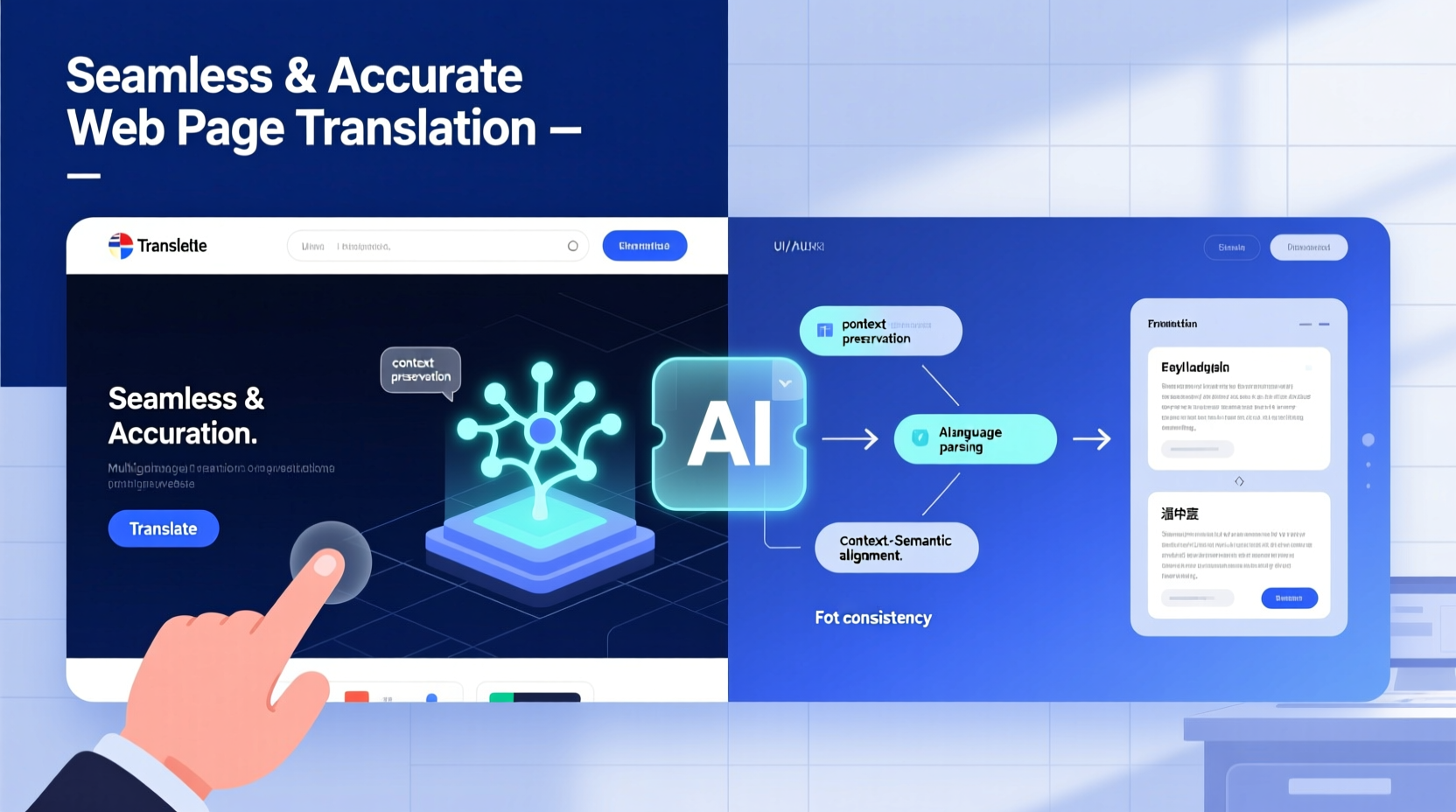
Not all translation methods are created equal. The approach you choose depends on your goals, budget, and the complexity of your content. There are three primary models: machine translation, human translation, and hybrid solutions.
- Machine Translation (MT): Tools like Google Translate, DeepL, or Microsoft Translator offer instant results at low cost. They work well for simple texts but often struggle with idioms, context, and technical terminology.
- Human Translation: Professional linguists provide high accuracy and cultural nuance, making this ideal for customer-facing content, legal pages, or marketing materials.
- Hybrid (MT + Post-Editing): Machine output is refined by human editors. This balances speed and quality, especially useful for large-scale sites needing frequent updates.
Leverage Browser-Based and Plugin Solutions
For immediate, user-driven translation, browser extensions and website plugins offer practical convenience. These tools integrate directly into the browsing experience, allowing visitors to switch languages on demand.
Popular options include:
- Google Translate Website Tool: A free widget that auto-translates your entire site. Easy to install via JavaScript snippet, though it may affect page load speed and SEO if not implemented carefully.
- Weglot: A premium service that translates content dynamically and maintains SEO-friendly URLs (e.g., /fr/ for French). It also syncs with CMS platforms like WordPress and Shopify.
- TranslatePress: Allows visual, front-end translation directly within WordPress, giving full control over every phrase.
These tools shine when real-time flexibility is needed, but they should be paired with manual oversight to correct awkward phrasing or mistranslations.
Follow a Step-by-Step Translation Workflow
To ensure consistency and accuracy, follow a structured process rather than translating haphazardly. Here’s a proven sequence:
- Audit Your Content: Identify which pages need translation—homepages, product descriptions, contact forms—and prioritize based on traffic and conversion value.
- Extract Text Safely: Use tools that preserve HTML structure so formatting tags aren’t altered during translation.
- Select Language Pairs: Focus on markets where your audience is most active. Avoid translating into languages without a clear user base.
- Apply Translation Method: Decide whether to use machine, human, or hybrid translation per page type.
- Review and Localize: Adapt idioms, date formats, currencies, and images to fit cultural expectations. For example, “click here” might become “tap to learn more” in some cultures.
- Test Functionality: Ensure translated forms, buttons, and navigation work correctly. Check text expansion—some languages take up more space (e.g., German).
- Publish and Monitor: Launch the translated version and track engagement metrics like bounce rate and time on page.
“Translation is not a copy-paste task. It’s localization—making content feel native to the reader.” — Dr. Lena Park, UX Localization Researcher at MIT Media Lab
Optimize for SEO Across Languages
Translated content must be discoverable. Simply duplicating content in another language won’t help search rankings unless SEO best practices are applied per region.
| SEO Factor | Do | Don’t |
|---|---|---|
| URL Structure | Use subdirectories (example.com/es/) or country-specific domains (example.es) | Use URL parameters like ?lang=es |
| Meta Tags | Translate title tags and meta descriptions naturally | Copy-paste English versions with placeholder brackets |
| hreflang Tags | Implement hreflang to tell search engines which language each page serves | Ignore hreflang and risk duplicate content penalties |
| Keywords | Research local search terms; e.g., “mobile phone” vs. “cellphone” | Directly translate keywords without checking search volume |
In addition, host regional content on servers close to the target audience when possible. This improves loading speed—a critical ranking factor.
Real-World Example: Expanding an E-Commerce Site to Spain
A mid-sized U.S.-based skincare brand wanted to enter the Spanish market. Their initial attempt used Google Translate to convert product pages automatically. While fast, the result was problematic: ingredient names were mistranslated, calls-to-action sounded robotic, and the brand voice disappeared.
They revised their strategy:
- Hired a native Spanish-speaking copywriter familiar with beauty industry terminology.
- Used DeepL to pre-translate bulk content, then edited manually for tone and clarity.
- Adapted imagery to reflect diverse skin tones relevant to the Iberian and Latin American audiences.
- Implemented hreflang tags and launched on a /es/ subdirectory.
Within four months, organic traffic from Spain increased by 170%, and conversion rates doubled compared to the machine-only version.
Essential Checklist for Web Page Translation
- ✅ Verify all text is contextually accurate, not just literal
- ✅ Confirm navigation menus and CTAs function properly
- ✅ Adjust layouts for text expansion (e.g., German can be 30% longer)
- ✅ Replace region-specific references (dates, addresses, units)
- ✅ Test mobile responsiveness in the new language
- ✅ Add hreflang and language meta tags
- ✅ Run spell-check and grammar review
Frequently Asked Questions
Can I rely solely on Google Translate for my website?
You can use Google Translate as a starting point, but relying on it entirely risks inaccuracies, poor tone, and SEO issues. For professional websites, especially those involving sales or sensitive information, post-editing by a human translator is essential.
How do I handle right-to-left languages like Arabic or Hebrew?
RTL languages require both linguistic and design adjustments. In addition to translation, you must mirror the layout—navigation on the right, text alignment reversed, icons repositioned. CSS frameworks like Bootstrap support RTL through dedicated classes or preprocessing tools like RTLCSS.
Does translating my site hurt my SEO?
No—if done correctly. Duplicate content concerns are mitigated using hreflang tags and unique, localized metadata. In fact, multilingual sites often rank better in international searches when optimized properly.
Final Thoughts: Accuracy Meets Accessibility
Translating a web page seamlessly and accurately is both a technical and creative challenge. Automation accelerates the process, but human judgment ensures authenticity. Whether you're reaching new customers, supporting global teams, or sharing knowledge across borders, thoughtful translation builds trust and inclusivity.
The most successful multilingual websites don’t just speak different languages—they understand them. By combining smart tools with cultural awareness and SEO discipline, you can create experiences that resonate no matter where your audience is located.




 浙公网安备
33010002000092号
浙公网安备
33010002000092号 浙B2-20120091-4
Comments
No comments yet. Why don't you start the discussion?