
Losing a smartphone is more than an inconvenience—it can mean losing access to personal data, financial accounts, and private communications. The good news is that modern technology offers powerful tools to help locate, secure, and even recover a missing device. Whether misplaced at home, left in a café, or stolen, knowing how to act quickly and correctly increases the chances of a successful recovery. This guide outlines reliable, secure, and practical methods for tracking your phone, backed by real-world strategies and expert insights.
Understanding Built-in Tracking Solutions
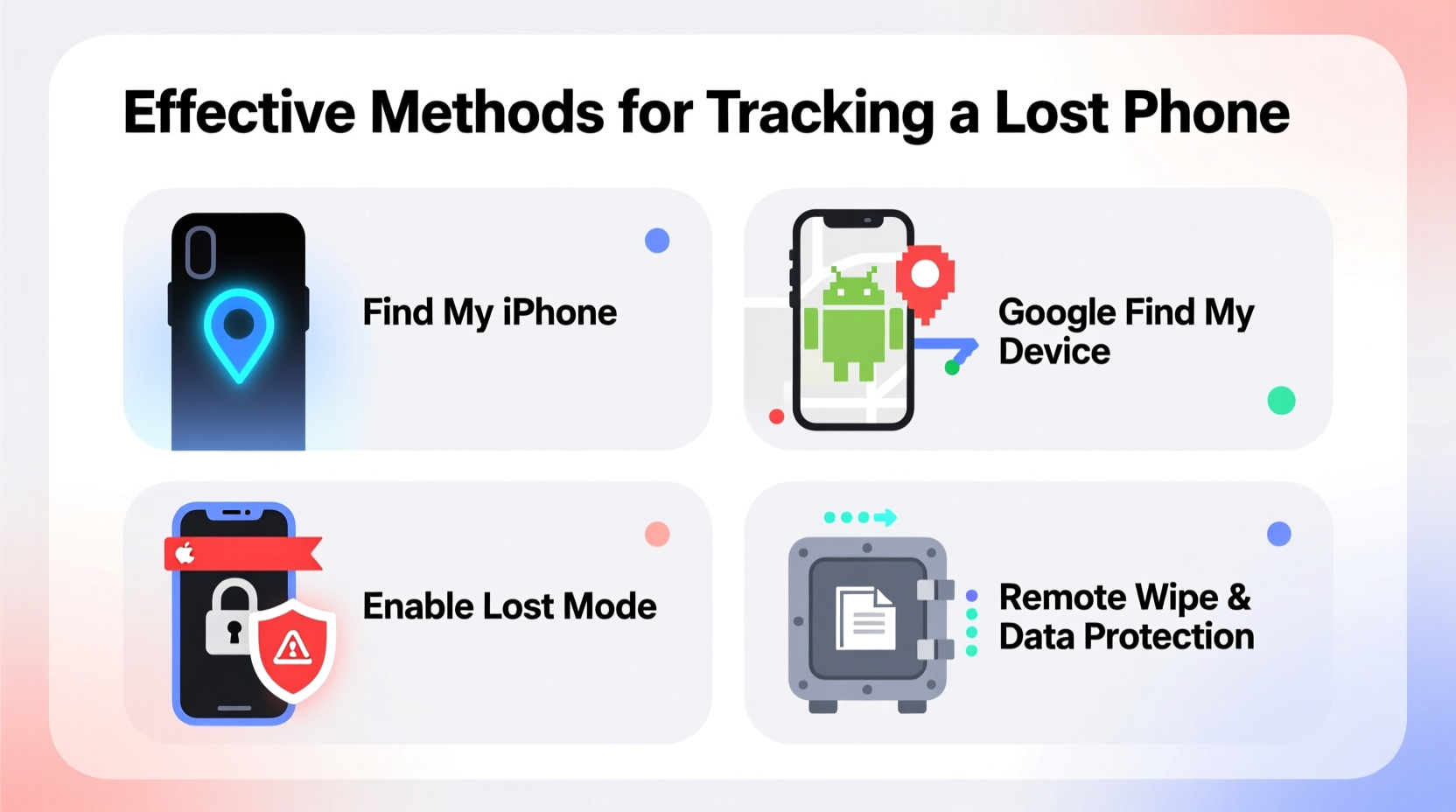
Most smartphones today come equipped with native tracking systems designed specifically for device recovery. These services are deeply integrated into the operating system and require minimal setup—provided you’ve enabled them before losing your phone.
For iPhone users: Apple’s “Find My” network leverages end-to-end encryption and Bluetooth signals from nearby Apple devices to locate a missing iPhone—even when it’s offline. As long as Find My iPhone was activated in iCloud settings, you can log into iCloud.com or use another Apple device to see its last known location, play a sound, enable Lost Mode, or remotely erase the device.
For Android users: Google’s “Find My Device” service allows remote tracking, locking, ringing, and wiping. It works across all Android phones with a Google account signed in and location services enabled. Access is available via web browser at google.com/android/find or through the app on another Android device.
Step-by-Step Guide to Locating Your Phone Immediately
When you realize your phone is missing, time is critical. Follow this timeline to maximize your chances of recovery:
- Stay Calm and Recreate Your Steps – Mentally retrace where you last had the device. Check common spots like pockets, bags, car seats, or under furniture.
- Use Another Device to Log In – Open a web browser on a tablet, computer, or friend’s phone and go to the appropriate tracking service (iCloud.com or android.com/find).
- Check Real-Time Location – If the phone is online, you’ll see its current or last known location on a map.
- Play a Sound – Even if set to silent, most tracking tools can trigger a loud ring for several minutes—useful if the phone is nearby but out of sight.
- Enable Lock & Message Mode – If recovery isn’t immediate, lock the device and display a message with a contact number so an honest finder can return it.
- Report to Authorities (if stolen) – Provide the device’s IMEI number and tracking details to local law enforcement.
- Remotely Erase Data (as last resort) – If recovery seems unlikely and sensitive data is at risk, initiate a factory reset remotely.
Third-Party Tracking Apps: When Native Tools Aren't Enough
While built-in tools are robust, some users benefit from additional features offered by third-party apps. These can be especially helpful for parents monitoring children’s devices or businesses managing company phones.
- Prey Anti-Theft: Offers cross-platform support (Android, Windows, macOS) and advanced reporting, including geofencing alerts and photo capture from front/rear cameras when the thief logs in.
- Lookout Security & Antivirus: Provides real-time location tracking, automatic backup, and anti-theft protection with remote wipe capabilities.
- Cerberus: A powerful option for Android, allowing stealth mode operation, SMS-based commands, and multiple trigger conditions.
These apps often require upfront installation and permissions, so they’re only useful if set up in advance. They also vary in privacy standards—always choose reputable apps with transparent data policies.
Do’s and Don’ts of Phone Recovery
| Do’s | Don’ts |
|---|---|
| Enable two-factor authentication on your accounts | Don’t publicly post that your phone is lost on social media |
| Keep your OS and tracking apps updated | Don’t attempt to physically confront a suspected thief |
| Record your phone’s IMEI number (dial *#06# to find it) | Don’t disable tracking features to save battery |
| Use strong passwords and biometric locks | Don’t ignore suspicious login alerts |
“Over 70% of lost phones are recovered within the first 24 hours—if tracking is enabled. The biggest mistake people make is assuming their phone will just turn up later.” — Dr. Alan Reyes, Cybersecurity Researcher at MobileTrust Labs
Real Example: Recovering a Stolen Phone Using Find My iPhone
In early 2023, Sarah M., a university student in Portland, had her iPhone stolen after leaving it on a library table. She immediately used a friend’s iPad to open the Find My app. The phone appeared near a residential neighborhood three miles away, moving slowly. She notified campus security and provided the live location. Officers tracked the signal to an apartment complex and, with proper authorization, recovered the device unharmed. The thief had not wiped the phone because Activation Lock prevented use without her Apple ID.
This case highlights the power of Apple’s ecosystem and the importance of acting fast. Sarah had enabled Find My and two-factor authentication months earlier—simple steps that made all the difference.
Protecting Privacy While Tracking
Tracking tools are essential, but misuse can raise ethical and legal concerns. For example, monitoring someone else’s phone without consent violates privacy laws in most jurisdictions. Even parental controls should be used transparently and age-appropriately.
To stay compliant and respectful:
- Only track devices you own or have explicit permission to monitor.
- Disable tracking features when no longer needed.
- Avoid sharing location data publicly or storing screenshots with identifiable information.
- Use encrypted connections when accessing tracking portals.
Frequently Asked Questions
Can I track my phone if it’s turned off?
Yes, but only up to its last known location. Both Find My (Apple) and Find My Device (Google) store the final GPS coordinates before shutdown. On newer iPhones, the Find My network can still detect the device via Bluetooth using nearby Apple products, even when powered off.
What if someone removes my SIM card?
Removing the SIM doesn’t disable tracking if Wi-Fi or cellular data was previously connected. The phone can still communicate over Wi-Fi networks it has joined before. However, if the device is factory reset and not protected by Activation Lock (iPhone) or Factory Reset Protection (Android), tracking becomes impossible.
Is it legal to track a lost phone?
Yes, as long as you’re tracking your own device or one you have legal authority over (e.g., a child’s phone). Unauthorized tracking of others’ devices may violate wiretapping or electronic surveillance laws.
Essential Pre-Loss Checklist
Prevention starts before anything goes missing. Use this checklist to prepare:
- ✅ Enable “Find My iPhone” or “Find My Device”
- ✅ Turn on Location Services and Share My Location (iOS) / Location Reporting (Android)
- ✅ Set a strong passcode or biometric lock
- ✅ Back up data regularly to cloud services
- ✅ Write down your IMEI number and store it separately
- ✅ Install a trusted third-party tracker (optional)
- ✅ Test the tracking feature once every few months
Conclusion: Be Prepared, Stay Secure
Losing a phone doesn’t have to mean losing control. With the right tools enabled and a clear action plan, you can significantly increase the odds of recovering your device safely. Technology has made tracking more accurate and secure than ever—but only if you’ve taken the necessary steps ahead of time. Don’t wait until it’s too late. Review your settings today, ensure tracking is active, and share these practices with family and friends. A few minutes now could save hours of stress later.




 浙公网安备
33010002000092号
浙公网安备
33010002000092号 浙B2-20120091-4
Comments
No comments yet. Why don't you start the discussion?