
Tracking a mobile device by its number is a topic surrounded by both curiosity and concern. While media portrayals often exaggerate the ease of such actions, real-world tracking involves technical, legal, and ethical considerations. Whether you're trying to locate a lost device, ensure the safety of a family member, or monitor company-owned equipment, understanding legitimate and effective approaches is essential. This guide explores practical, lawful ways to obtain location data tied to a phone number—without violating privacy or relying on unverified tools.
Understanding the Limitations of Number-Based Tracking
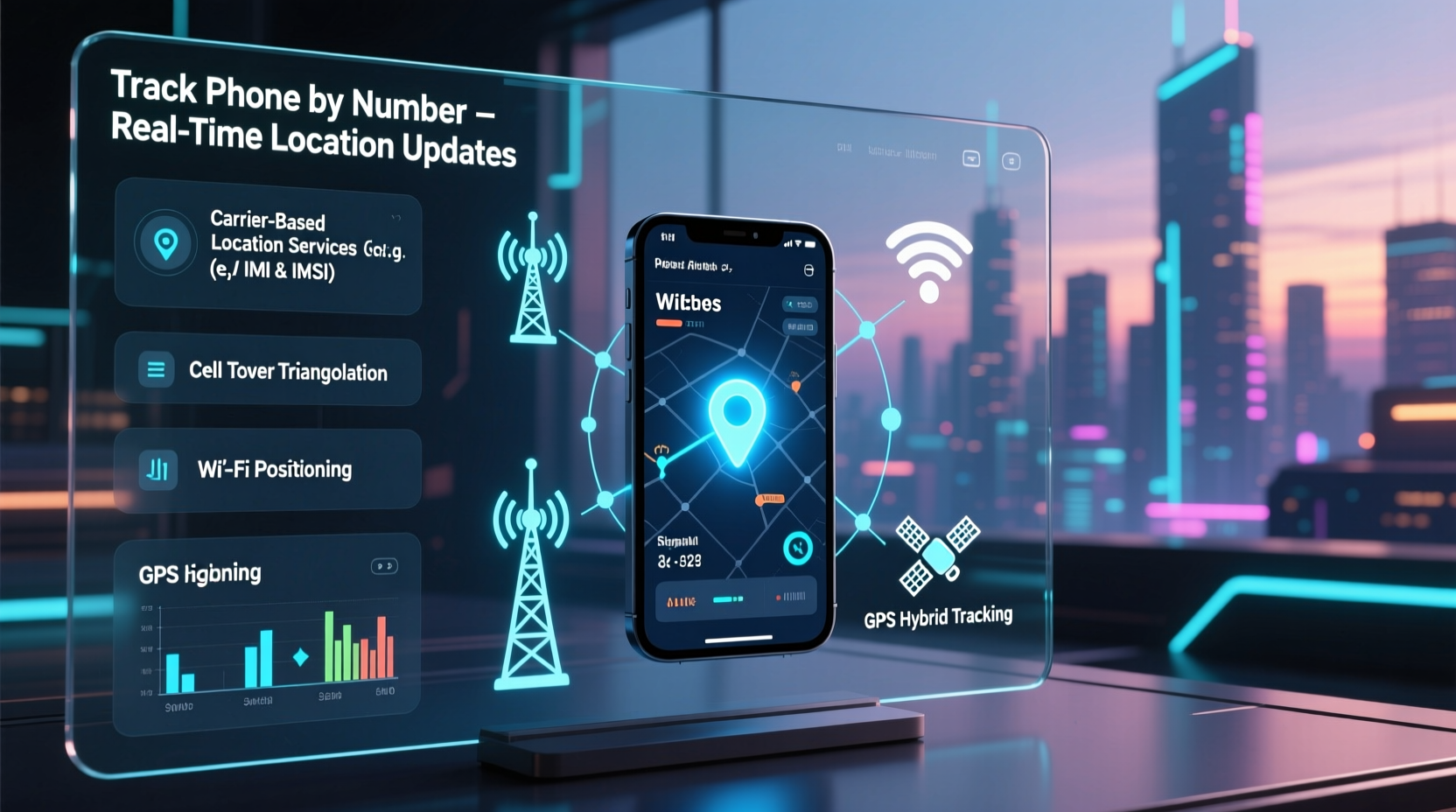
Contrary to popular belief, a phone number alone does not directly reveal a device’s real-time location. Mobile carriers and operating systems protect user privacy through encryption and access controls. However, under specific conditions, a number can act as a gateway to location services when paired with authorized apps, accounts, or network-level permissions.
Location data is typically accessible only through:
- Device-level GPS and internet-connected services (e.g., Google Find My Device, Apple’s Find My)
- Carrier-based triangulation (used in emergencies like 911 calls)
- Third-party apps with explicit user consent
Unauthorized attempts to track someone’s phone without their knowledge may violate laws such as the Electronic Communications Privacy Act (ECPA) in the U.S. or GDPR in Europe. Always ensure you have proper authorization before attempting any tracking.
Legitimate Methods to Track a Phone Using Its Number
The most reliable tracking methods require prior setup or cooperation from the device owner. Below are five proven techniques that work within legal and technical boundaries.
1. Use Built-in Device Locator Services
Both Android and iOS offer free, secure tools to locate devices linked to a phone number via associated accounts.
- Android: Google Find My Device – If the device is signed into a Google account and has location enabled, visit google.com/android/find. Enter the associated Google credentials (not the phone number directly), and view the device’s location on a map.
- iOS: Find My iPhone – For iPhones, go to icloud.com/find, sign in with the Apple ID, and select the device. The phone number is indirectly used since it's tied to the iCloud account.
These services provide real-time location, remote lock, and erase options—ideal for lost or stolen phones.
2. Carrier-Assisted Location (Emergency & Account Access)
Mobile carriers maintain location data for network operations and emergency response. While they don’t offer public tracking, they can assist under certain conditions:
- Law enforcement requests with a warrant
- Account holders locating their own registered devices
- Emergency situations (e.g., reporting a missing person)
If you’re the account holder, contact your carrier’s support line. Provide the phone number and proof of ownership. Some carriers offer basic location history if the feature is enabled.
3. Family & Shared Location Apps
Apps designed for family safety allow users to share locations voluntarily. These require mutual opt-in but are highly effective for monitoring children or elderly relatives.
| App | Platform | Setup Requirement | Accuracy |
|---|---|---|---|
| Find My (Apple) | iOS/macOS | Shared iCloud account or invite | High (GPS + Wi-Fi) |
| Google Family Link | Android/iOS | Parental control setup | Medium to High |
| Life360 | Android/iOS | Circle membership (invite-based) | High (real-time updates) |
Once set up, these apps continuously update location based on the device’s number and connected account.
4. SMS-Based Location Sharing
Some services allow a user to request location via text message. For example:
- Sending “live location” via WhatsApp or Telegram (requires app usage)
- Using Google Messages’ location sharing feature
In these cases, the recipient receives a link showing the sender’s current position. The phone number acts as the identifier for initiating the request—but only works if the recipient agrees.
5. Enterprise & Parental Control Software
For company-owned devices or parental supervision, specialized software like Microsoft Intune, MobileIron, or mSpy can track location via the device’s number and IMEI.
These tools require installation and configuration in advance. They are legal only when used on devices you own or with informed consent.
“Location tracking should always balance utility with ethics. Consent isn’t just a legal requirement—it’s the foundation of trust.” — Dr. Alan Reed, Cybersecurity Policy Advisor
Step-by-Step Guide: Locating a Lost Phone Linked to a Number
If you’ve lost your phone or need to find one you’re authorized to track, follow this sequence:
- Verify Ownership – Ensure you have the right to access the device (e.g., it’s yours or belongs to a dependent).
- Identify the OS – Determine if it’s Android or iOS to choose the correct tool.
- Access the Associated Account – Log in to Google or Apple with the correct credentials.
- Use the Locator Tool – Open Find My Device or Find My iPhone and select the device.
- Take Action – Play a sound, lock the device, or mark it as lost.
- Contact Carrier (if needed) – Report the loss and request assistance, especially if theft is suspected.
This process relies on the phone number being tied to an active account, so keeping your recovery information updated is critical.
Mini Case Study: Recovering a Stolen Smartphone
Mark, a college student, left his phone in a café. Realizing it was gone, he immediately went home and used his laptop to visit Google’s Find My Device. He logged in with his Gmail—linked to his phone number—and saw the device moving slowly across town. He reported the location to campus security, who intercepted the individual near a bus stop. The phone was recovered undamaged.
The key factors in Mark’s success were: pre-enabled location services, a signed-in Google account, and prompt action. His phone number wasn’t used directly, but it helped verify ownership with the carrier when needed.
Common Misconceptions and Red Flags
Many websites claim to offer “free phone number tracking” with instant GPS results. These are almost always misleading. Be cautious of:
- Sites asking for payment to reveal a location
- Apps requiring no permissions but promising full access
- Services claiming to track any number without login
Such platforms may harvest personal data, install spyware, or violate privacy laws. Legitimate tracking never bypasses user consent or device security.
Checklist: Preparing for Effective Phone Tracking
Ensure you can locate your device when needed by completing these steps now:
- ✅ Enable GPS and location services on your phone
- ✅ Sign in to a Google or Apple account
- ✅ Turn on “Find My Device” or “Find My iPhone”
- ✅ Share your location with trusted contacts via Family Link or Find My
- ✅ Record your phone’s IMEI number (dial *#06# to see it)
- ✅ Install a reputable security app if managing children’s devices
FAQ
Can I track a phone using just the number without installing anything?
No. Without prior setup like enabling Find My Device or linking to a tracking app, it’s not possible to locate a phone using only the number. Real-time tracking requires software integration and permissions.
Is it legal to track someone’s phone with their number?
It is legal only if you have explicit consent or are the authorized owner of the device (e.g., a parent tracking a minor’s phone). Unauthorized tracking can lead to criminal charges.
What if the phone is turned off?
Most tracking services show the last known location before shutdown. Once powered back on and connected to data or Wi-Fi, the location updates instantly if tracking is enabled.
Conclusion
Accurate phone tracking using a number is feasible—but only through legitimate, pre-authorized methods. Relying on built-in tools like Google Find My Device or Apple’s Find My network ensures both effectiveness and compliance with privacy standards. The phone number itself serves more as an identifier than a direct tracker; true location accuracy comes from GPS, internet connectivity, and user-enabled services.
Protect yourself and your loved ones by setting up location sharing today. A few minutes of preparation can make all the difference in recovering a lost device or ensuring someone’s safety. Technology works best when used responsibly—stay informed, stay secure, and respect digital boundaries.




 浙公网安备
33010002000092号
浙公网安备
33010002000092号 浙B2-20120091-4
Comments
No comments yet. Why don't you start the discussion?