
Unwanted phone calls from telemarketers, scammers, or persistent unknown numbers have become a daily nuisance. These interruptions not only disrupt your focus but can also pose risks to your personal security. Fortunately, modern smartphones come equipped with tools—and there are third-party solutions available—to help you regain control. This guide walks you through proven, practical methods to block unwanted numbers across both iOS and Android platforms, ensuring your peace of mind.
Understanding the Problem: Why You’re Receiving Unwanted Calls
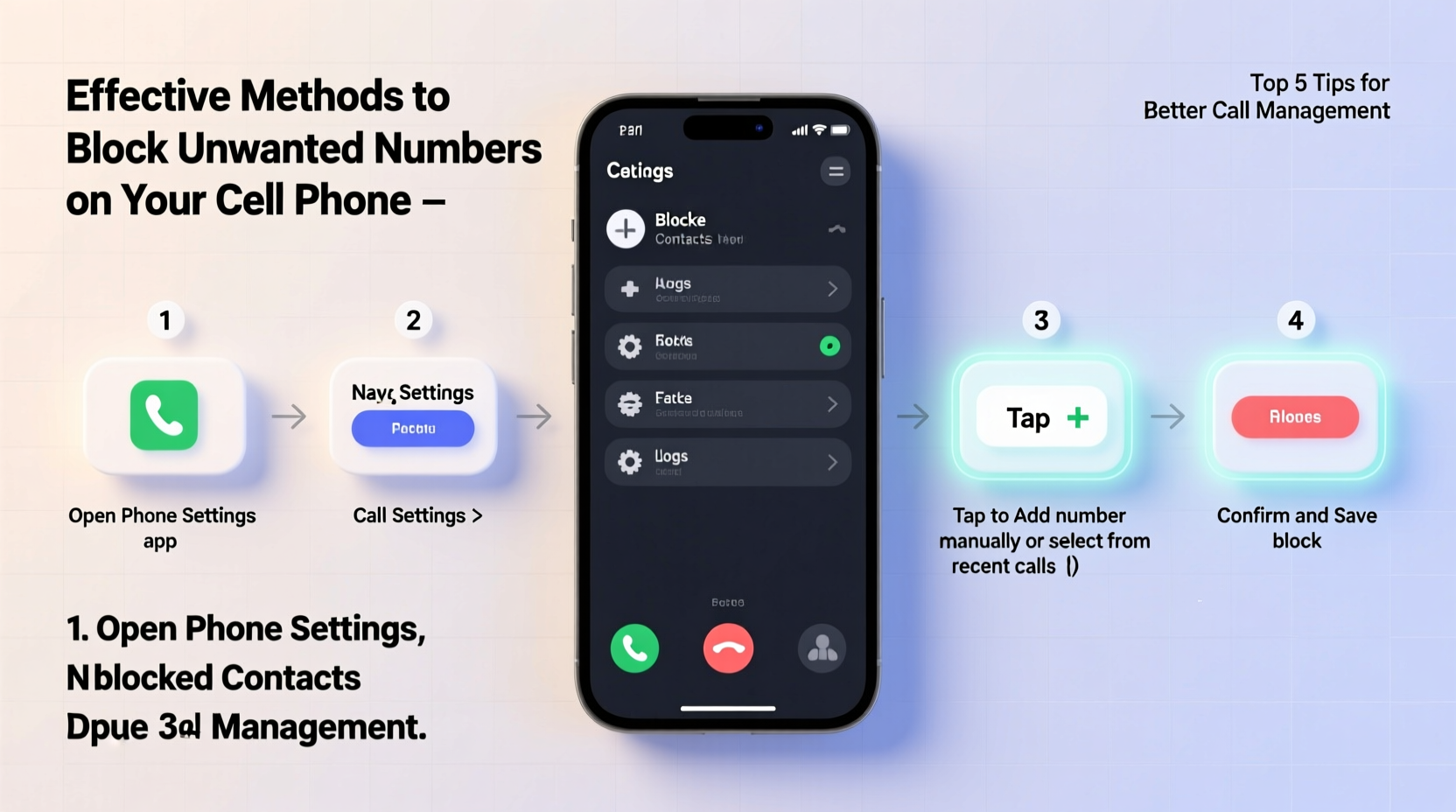
The rise in spam and scam calls is driven by automated dialing systems and easily accessible phone number databases. Scammers often use “spoofed” numbers—fake caller IDs that mimic local area codes—to increase the likelihood you’ll answer. According to the Federal Trade Commission (FTC), millions of consumers report receiving robocalls each year, many attempting to extract personal information or financial details.
Blocking these numbers isn’t just about convenience; it’s a critical step in protecting your privacy and reducing exposure to fraud. The good news is that both Apple and Google have built robust call management features into their operating systems, and several carrier-level and third-party tools enhance these capabilities.
Step-by-Step Guide to Blocking Numbers on iPhone
If you're using an iPhone, blocking a number is straightforward and integrated directly into the Phone app. Follow these steps:
- Open the Phone app and go to your recent call history.
- Tap the “(i)” icon next to the unwanted number.
- Scroll down and select Block this Caller.
- Confirm by tapping Block Contact.
Once blocked, the number will no longer be able to reach you via calls or FaceTime. Messages from the number will still appear, but they’ll be separated into a “Blocked” section if you enable filtering.
Blocking Numbers on Android Devices
Android offers multiple ways to block numbers, depending on your device manufacturer and default dialer app. The most common method uses the Google Phone app:
- Open the Phone app and tap the number in your call log.
- Select Block / Report spam.
- Confirm your choice. The number will be blocked, and Google may use the report to improve spam detection for others.
For Samsung users, the process is similar within the default Phone app. Navigate to the call log, tap and hold the number, then choose “Add to Auto Reject List” or “Block number.”
Some Android devices allow you to block messages separately. To do so, open the Messages app, open a conversation from the unwanted number, tap the three-dot menu, and select “Block number.”
Using Built-in Spam Protection Features
Both major mobile platforms now include proactive spam detection:
- iOS with Silence Unknown Callers: Enable this feature in Settings > Phone. When turned on, calls from numbers not in your contacts go straight to voicemail. You can review them later without interruption.
- Android with Call Screen and Spam Protection: Available on phones with the Google Dialer, Call Screen uses Google Assistant to answer suspected spam calls and transcribes the audio in real time. You can watch the interaction and decide whether to pick up, block, or report the number.
To activate Spam Protection on Android:
- Open the Phone app.
- Tap the three-dot menu and go to Settings.
- Select Spam and Call screen.
- Toggle on Enable enhanced spam detection.
“Proactive call filtering reduces spam exposure by over 70% for users who enable built-in protection tools.” — Consumer Technology Association, 2023 Mobile Security Report
Third-Party Apps for Advanced Call Blocking
While native tools are effective, third-party apps offer deeper functionality, including community-based blacklists, caller ID enhancement, and detailed call logs. Some top-rated options include:
| App | Platform | Key Features | Cost |
|---|---|---|---|
| RoboKiller | iOS, Android | AI-powered spam blocking, fake answer bots, custom block lists | Paid (subscription) |
| Hiya | Android, some carriers | Caller ID, spam scoring, automatic blocking | Free with premium tier |
| Truecaller | iOS, Android | Huge global database, spam reporting, SMS filtering | Freemium |
These apps work by comparing incoming numbers against vast databases of reported spam. Truecaller, for example, leverages crowd-sourced data from millions of users to identify suspicious callers before they even ring your phone.
Carrier-Level Solutions
Many mobile carriers offer free or premium call protection services:
- T-Mobile: Includes Scam Shield at no cost, offering Scam ID, Scam Block, and international spam protection.
- Verizon: Provides Call Filter, with a free version for basic blocking and a $2.99/month plan for advanced features.
- AT&T: Offers Call Protect, which includes auto-blocking, spam alerts, and caller ID verification.
These services operate at the network level, meaning they can stop spam calls before they even reach your device. Activation is typically done through your carrier’s app or website.
Mini Case Study: How Sarah Reduced Spam Calls by 90%
Sarah, a freelance designer from Austin, was receiving over 15 unsolicited calls per day—many claiming to be from her bank or IRS. Frustrated and concerned about phishing attempts, she decided to take action.
She started by enabling “Silence Unknown Callers” on her iPhone and reported every spam number she received. She then installed RoboKiller, which used its “Answer Bots” feature to waste scammers’ time while providing her with transcripts. Within two weeks, her spam calls dropped from 15 daily to fewer than two per week. By combining native iOS features with a trusted third-party app, Sarah regained control of her phone experience.
Checklist: How to Fully Secure Your Phone Against Unwanted Calls
Use this checklist to ensure comprehensive protection:
- ✅ Enable native spam protection (Silence Unknown Callers on iOS, Spam Protection on Android)
- ✅ Block individual numbers after identifying them as spam
- ✅ Install a reputable third-party app like Truecaller or Hiya
- ✅ Activate your carrier’s free call protection service
- ✅ Regularly review and update your blocked numbers list
- ✅ Avoid answering calls from unknown international numbers
- ✅ Never share your phone number publicly on social media or forums
Frequently Asked Questions
Can blocked numbers still leave voicemails?
Yes, on most phones, blocked callers can leave voicemails, but they won’t ring your phone. On iPhone, these go to a separate “Blocked Messages” section. On Android, they may appear in your visual voicemail with a spam label.
Will the person know I’ve blocked them?
No. When a blocked number calls, it typically goes straight to voicemail or rings once before disconnecting. The caller receives no notification that they’ve been blocked, preserving discretion.
What if a legitimate number gets blocked by mistake?
You can unblock any number through your phone’s settings. On iPhone: Settings > Phone > Blocked Contacts > Edit. On Android: Open the Phone app > Settings > Blocked numbers > Remove. Always double-check before blocking.
Take Control of Your Communication
Your phone should be a tool for connection, not a source of stress. With the right combination of built-in features, carrier services, and trusted apps, you can dramatically reduce—or even eliminate—unwanted calls. The key is consistency: regularly update your block lists, report spam, and stay informed about new threats. Don’t wait for the next scam call to act. Implement these strategies today and reclaim your phone’s peace and privacy.




 浙公网安备
33010002000092号
浙公网安备
33010002000092号 浙B2-20120091-4
Comments
No comments yet. Why don't you start the discussion?