
Receiving a call with “No Caller ID” can be unsettling. Is it a wrong number? A business trying to reach you? Or a scammer hiding their identity? With the rise of robocalls and spoofed numbers, unknown calls have become more than just an annoyance—they’re a potential security risk. Fortunately, iPhone users have several tools and strategies at their disposal to identify, manage, and even block these mysterious callers. Understanding how to handle No Caller ID calls empowers you to take control of your privacy and communication.
Understanding No Caller ID: What It Really Means
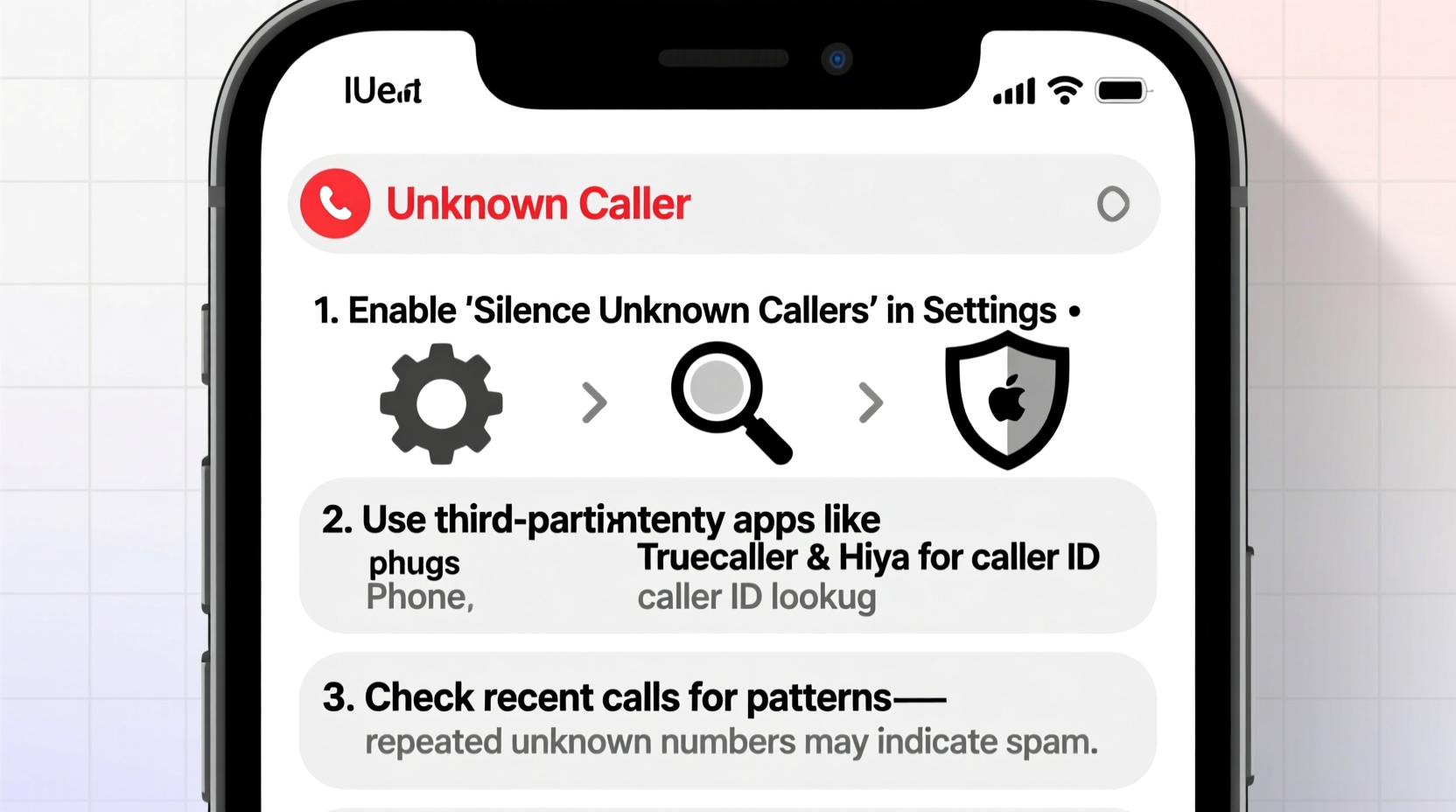
When a call appears as “No Caller ID,” it means the caller has chosen to withhold their phone number from being displayed. This can happen for legitimate reasons—such as healthcare providers or law enforcement—or for deceptive ones, like telemarketers or fraudsters attempting to avoid detection.
Caller ID suppression is achieved through carrier settings or third-party apps that mask the originating number. While U.S. Federal Communications Commission (FCC) rules require carriers to support caller ID authentication (STIR/SHAKEN framework), not all callers comply, especially international or spoofed sources.
It’s important to recognize that “No Caller ID” doesn’t always mean malicious intent, but repeated or suspicious calls warrant caution and investigation.
Step-by-Step Guide to Identifying Hidden Callers
You don't have to remain in the dark when receiving anonymous calls. Follow this practical sequence to gather clues and determine the source:
- Let it go to voicemail: If the call isn’t urgent, allow it to ring through. Many scammers hang up without leaving a message, while genuine callers will often leave context.
- Check voicemail for clues: Listen carefully for background noise, voice patterns, or any mention of names, companies, or locations.
- Reverse search the time and frequency: Note the date, time, and frequency of calls. Repeated calls at odd hours may indicate automated systems.
- Use a reverse lookup service: Although No Caller ID numbers aren’t directly searchable, some third-party apps may log similar reports from other users.
- Respond cautiously (if at all): If you choose to return the call, do so only after verifying through independent channels—not via any number mentioned during the initial call.
Leverage Built-in iPhone Features to Manage Unknown Calls
iOS includes robust tools designed to minimize unwanted contact. These features won’t reveal the identity of a No Caller ID caller directly, but they help reduce exposure and improve call filtering.
| Feature | Function | How to Enable |
|---|---|---|
| Silence Unknown Callers | Blocks calls from numbers not in your contacts; sends them straight to voicemail | Settings > Phone > Silence Unknown Callers |
| Call Blocking & Identification | Allows third-party apps to label and block spam callers | Settings > Phone > Call Blocking & Identification |
| Wi-Fi Calling | Enhances STIR/SHAKEN authentication, improving caller legitimacy checks | Settings > Phone > Wi-Fi Calling (enable) |
Enabling “Silence Unknown Callers” is one of the most effective preventive measures. It ensures that only people in your address book or recent interactions can ring your phone directly. Others are sent to voicemail, where you can assess whether the call is worth returning.
Real Example: How One User Tracked a Persistent No Caller ID Harasser
Sarah, a freelance designer in Austin, began receiving daily No Caller ID calls between 8–9 PM. The caller never left messages, but the timing was consistent. Concerned about harassment, she activated “Silence Unknown Callers” and started monitoring her voicemail log.
After two weeks, she noticed three calls had brief voicemails with faint office chatter in the background. She recorded the times and cross-referenced them with client meetings. One former client used a virtual number app and admitted they were testing a new calling system without realizing it masked their ID. Sarah resolved the issue by asking them to disable the anonymity feature.
This case illustrates how pattern recognition and strategic use of iPhone tools can uncover hidden identities—even without direct caller information.
“Anonymous calls are increasingly common, but behavioral patterns and call metadata often provide more insight than the number itself.” — Dr. Alan Reyes, Telecommunications Security Analyst
Third-Party Apps That Help Identify Suspicious Calls
While Apple restricts deep access to call data, several trusted apps integrate with iOS to enhance caller identification and reporting. These services rely on community-sourced databases and machine learning to flag risky numbers.
- Truecaller: Offers real-time spam detection, crowd-sourced caller IDs, and automatic blocking. Can sometimes identify masked callers based on historical reports.
- Hiya: Partners with carriers to provide enhanced caller labeling and fraud alerts.
- RoboKiller: Uses answer bots to engage spam callers and gather intelligence, reducing repeat attempts.
To maximize effectiveness, ensure these apps are enabled in Settings > Phone > Call Blocking & Identification. Keep in mind that no app guarantees 100% accuracy, but they significantly reduce exposure to known scam operations.
Checklist: Action Plan for Handling No Caller ID Calls
Stay proactive with this concise checklist every time you encounter an unidentified caller:
- ✅ Do not answer immediately—let it ring through if unsure
- ✅ Enable \"Silence Unknown Callers\" in iPhone settings
- ✅ Check voicemail for verbal or audio clues
- ✅ Log the date, time, and frequency of repeated calls
- ✅ Install a reputable caller ID app like Truecaller or Hiya
- ✅ Report persistent harassment to your carrier or the FCC
- ✅ Avoid pressing any buttons during automated calls (e.g., “Press 1 to speak to a representative”)—this confirms your number is active
Frequently Asked Questions
Can I trace a No Caller ID call myself?
No consumer-level tool allows direct tracing of suppressed numbers. Law enforcement agencies may obtain records through legal channels, but individuals cannot unmask these calls without cooperation from the carrier or court order.
Why do I suddenly get more No Caller ID calls?
An increase may result from data leaks, online form submissions, or recycled phone numbers. Scammers often target recently deactivated lines, assuming they’ve been reassigned. Using a call-blocking app can mitigate this surge.
Does ignoring No Caller ID calls make them stop?
Often, yes. Most automated systems prioritize numbers that respond. By not answering or engaging, you signal that the line may not be active, reducing future attempts. However, targeted personal calls may persist.
Protecting Your Privacy Long-Term
Beyond managing individual calls, long-term privacy requires proactive habits. Limit sharing your phone number online, especially on public forums or unsecured websites. Use alternate contact methods—like messaging apps or email—when possible. Consider using a secondary number for registrations via services like Google Voice or Apple’s Hide My Email (with iCloud+).
Additionally, keep your iOS updated. Apple continuously improves call filtering and integrates stronger anti-spoofing protocols with each release. Staying current ensures you benefit from the latest security enhancements.
“The best defense against hidden callers is a layered approach: technology, awareness, and disciplined behavior.” — Lena Torres, Cybersecurity Educator
Take Control of Your iPhone Experience
No Caller ID calls don’t have to be a mystery or a threat. By combining iPhone’s native features, smart third-party tools, and cautious engagement, you can significantly reduce uncertainty and protect your personal information. Whether it’s silencing unknown callers, analyzing patterns, or reporting abuse, every action strengthens your digital boundaries.




 浙公网安备
33010002000092号
浙公网安备
33010002000092号 浙B2-20120091-4
Comments
No comments yet. Why don't you start the discussion?