
In an age where personal information is constantly harvested, your phone number has become a valuable piece of data. Once exposed, it can lead to relentless spam calls, phishing attempts, doxxing, or even identity theft. Unlike passwords, you can't easily change your number—and doing so disrupts communication with contacts, banks, and services. The smarter approach is prevention: taking proactive steps to shield your number from exposure in the first place. This guide outlines practical, proven strategies to maintain control over who accesses your contact information and how it’s used.
1. Limit Public Exposure of Your Number
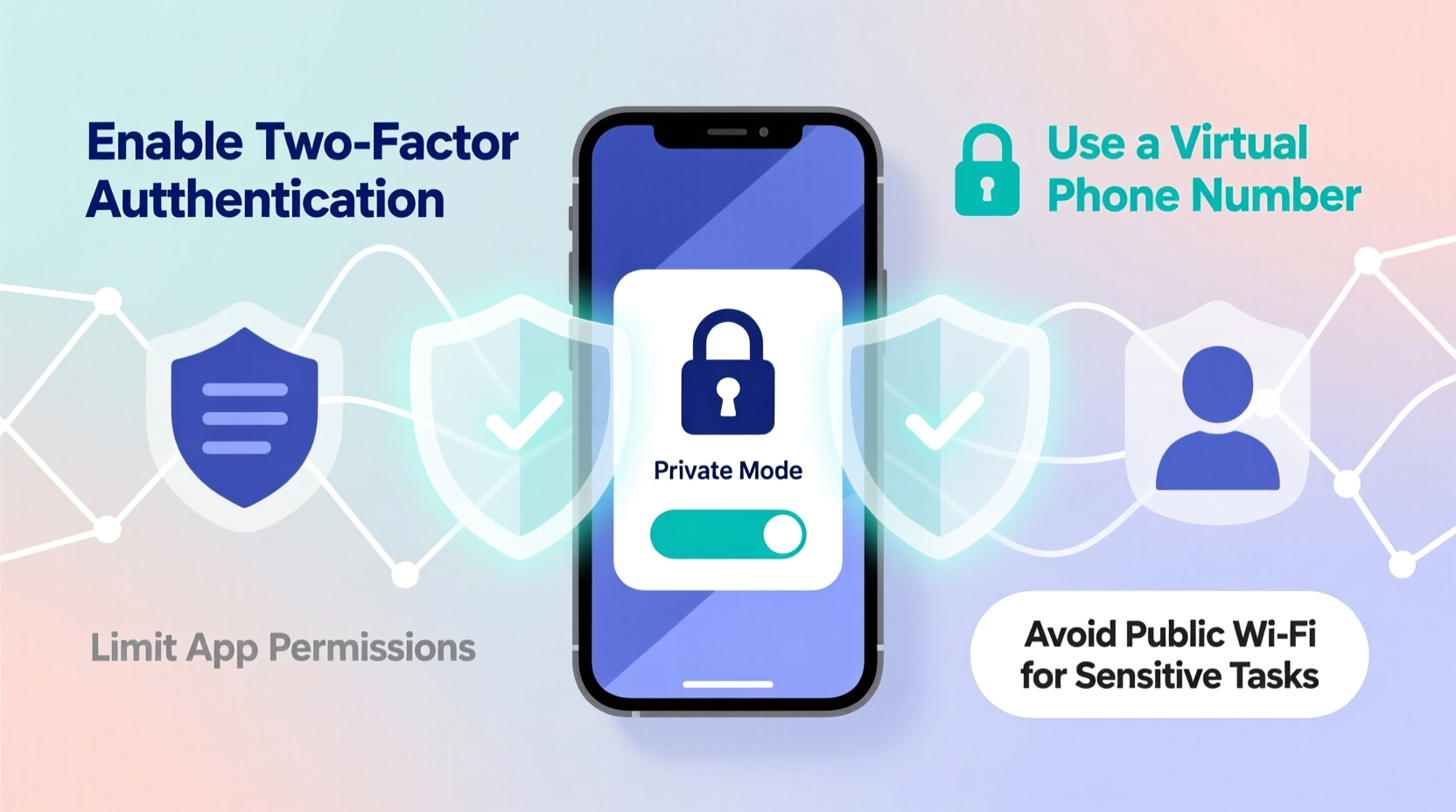
Your phone number often ends up in public directories through seemingly harmless actions—signing up for newsletters, entering contests, or listing items on marketplaces. Each time you submit your number without scrutiny, you increase the risk of it being sold or leaked.
Avoid sharing your real number on social media profiles, public forums, or classified ads. Instead, use alternative identifiers such as usernames, email addresses, or platform-specific messaging systems. For example, when selling something online, let potential buyers message you through the app rather than giving out your personal line.
2. Use a Secondary or Virtual Number
One of the most effective ways to protect your primary number is by using a disposable or virtual alternative. These numbers act as a buffer between you and third parties, absorbing spam and shielding your real identity.
Services like Google Voice, TextNow, or MySudo allow you to create one or more virtual phone numbers linked to your device. You can use these for online registrations, customer service lines, or temporary communications. If a number starts receiving spam, simply deactivate it and generate a new one.
Google Voice, for instance, offers free U.S.-based numbers with call forwarding, voicemail transcription, and spam filtering. It integrates seamlessly with Android devices and Gmail, making it ideal for everyday privacy management.
“Virtual numbers are essential tools for digital hygiene. They separate your personal identity from transactional interactions.” — Lena Torres, Cybersecurity Consultant at VeriShield Labs
Benefits of Virtual Numbers:
- Prevent your real number from appearing in data broker databases
- Reduce unwanted calls and SMS spam
- Enable location flexibility (e.g., using a local area code while traveling)
- Allow compartmentalization—for work, personal use, or side projects
3. Opt Out of Data Broker Listings
Data brokers collect and sell personal information—including phone numbers—to marketers, advertisers, and sometimes malicious actors. Sites like Whitepages, Spokeo, Intelius, and PeopleFinder regularly list user details scraped from public records, social media, and commercial transactions.
The good news: most reputable data brokers provide opt-out forms. While the process can be tedious—requiring verification and repeated submissions—it significantly reduces your digital footprint.
Start by searching your name and number on major data broker platforms. When found, follow their removal instructions. Some services offer automated removal tools like DeleteMe or OneRep, which monitor and purge your data across dozens of sites for a subscription fee.
| Service | Free Removal? | Paid Option | Estimated Time to Remove |
|---|---|---|---|
| Whitepages | Yes (manual) | Spotlight removal: $4.99/mo | 2–4 weeks |
| Spokeo | No | $17.99/month | Immediate upon payment |
| Intelius | Limited | $29.95 one-time | Up to 48 hours |
| DeleteMe | No | $129/year | Ongoing monitoring & removal |
4. Control App Permissions and Account Settings
Many mobile apps request access to your contacts under the guise of “finding friends” or improving service. In reality, they often upload and store this data, potentially exposing your number to third-party partners or breaches.
Review app permissions regularly. On iOS and Android, disable contact access for any app that doesn’t genuinely need it. Additionally, adjust privacy settings on social networks: avoid linking your phone number to public profiles, and disable features like “discoverability via phone number” on platforms like Instagram, Twitter, and WhatsApp.
For WhatsApp specifically, set your “Who Can See My Phone Number” option to “My Contacts” or “Nobody” in Settings > Privacy > Profile Photo/About/Last Seen. This prevents strangers from connecting your account to your number.
Step-by-Step: Secure Your WhatsApp Visibility
- Open WhatsApp and go to Settings
- Select Privacy
- Tap “Phone Number”
- Choose “My Contacts” or “Nobody”
- Repeat for other visibility options (Profile Photo, Last Seen)
5. Recognize and Avoid Phishing Tactics
Cybercriminals often use spoofed messages or fake verification prompts to trick users into revealing their numbers. A common scam involves receiving an SMS claiming you’ve won a prize and asking you to reply with your number to claim it. Never respond to unsolicited texts requesting personal information.
Be cautious with two-factor authentication (2FA) requests. If you receive a verification code without initiating a login, someone may be trying to hijack your account. Immediately secure your accounts with stronger passwords and enable authenticator apps instead of SMS-based 2FA where possible.
“SMS is inherently insecure. Attackers can intercept messages through SIM swapping or SS7 vulnerabilities. Move to app-based authentication whenever available.” — Dr. Rajiv Mehta, Network Security Researcher at MITRE Corporation
Mini Case Study: The Cost of Oversharing
Sophia, a freelance graphic designer, listed her personal phone number on a job board to appear more trustworthy to clients. Within weeks, she began receiving daily robocalls and suspicious texts. Her number appeared on three data broker sites within six months. After spending hours opting out manually, she switched to a Google Voice number for all client communications. Her spam dropped by 90%, and she regained peace of mind knowing her primary line was no longer publicly exposed.
Checklist: Protect Your Phone Number in 7 Steps
- ✅ Replace your real number with a virtual one for online signups
- ✅ Disable “find me by phone number” on social media and messaging apps
- ✅ Audit app permissions and revoke unnecessary contact access
- ✅ Search your name and number on data broker sites
- ✅ Submit opt-out requests or use a removal service
- ✅ Avoid sharing your number on public websites or social profiles
- ✅ Use authenticator apps instead of SMS for 2FA
FAQ
Can I completely remove my number from the internet?
You can significantly reduce its presence by opting out of data brokers and avoiding public sharing, but complete erasure is nearly impossible due to backups, archives, and unregulated databases. Ongoing vigilance is key.
Is it safe to give my number to banks or healthcare providers?
Yes, regulated institutions are bound by privacy laws (like HIPAA or GLBA) to protect your data. However, ensure you’re communicating through verified channels—never share your number via email or unsecured forms.
What should I do if my number is being spoofed?
If others report calls or texts they believe came from you, your number may be spoofed. Report it to the FCC and your carrier. While you can’t stop spoofing directly, alerting authorities helps track abuse patterns.
Take Control Before It’s Too Late
Your phone number is more than a contact method—it’s a gateway to your digital life. Once compromised, regaining control becomes difficult and time-consuming. By adopting virtual numbers, tightening privacy settings, and actively managing your data footprint, you reclaim authority over who reaches you and how. Don’t wait until spam overwhelms your inbox or a scammer targets you. Start implementing these strategies today to build a more secure, private communication environment.




 浙公网安备
33010002000092号
浙公网安备
33010002000092号 浙B2-20120091-4
Comments
No comments yet. Why don't you start the discussion?