
Finding a lost or misplaced mobile phone is a common concern, especially when it contains personal data, photos, or sensitive information. While many assume that tracking a device requires prior setup or access to an app, there are several legitimate ways to locate a mobile phone using only its number—provided you follow legal and ethical guidelines. This guide explores practical, proven methods, including carrier-based solutions, built-in platform tools, third-party services, and law enforcement protocols. Whether you're trying to recover your own device or ensure the safety of a loved one, understanding these approaches can make all the difference.
Understanding the Limitations and Legal Boundaries
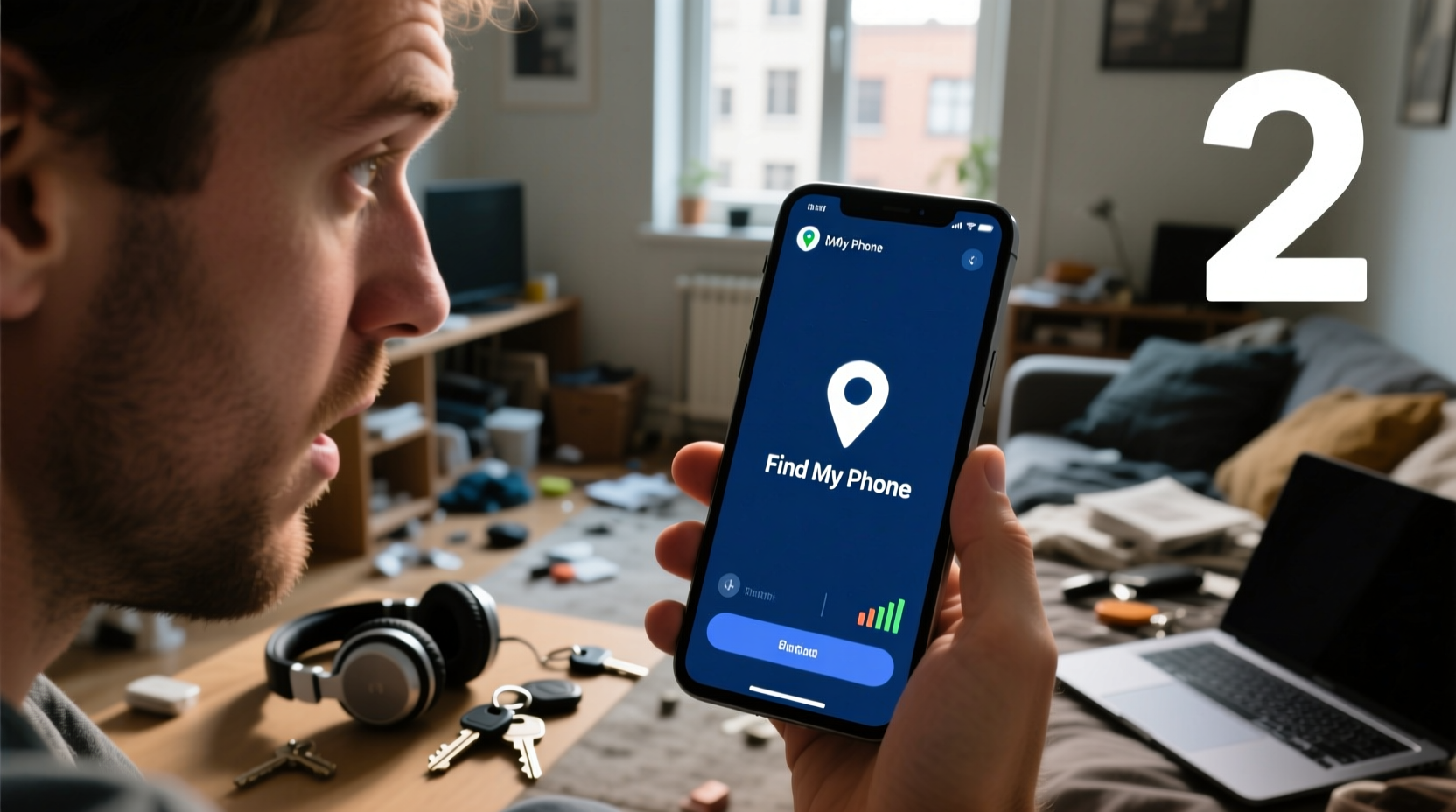
Before attempting to locate any mobile device, it's essential to recognize the legal and technical constraints involved. Mobile networks and operating systems are designed with strong privacy protections. Tracking someone’s phone without their consent violates privacy laws in most countries, including the U.S. (under the Electronic Communications Privacy Act) and the EU (under GDPR). Therefore, any attempt to locate a phone must be:
- For a device you own or have explicit permission to track
- Conducted through authorized channels
- Aimed at recovery, not surveillance
Mobile carriers, law enforcement agencies, and official platform tools like Apple’s Find My or Google’s Find My Device are the only entities legally permitted to access location data under specific circumstances. Unauthorized tracking apps or spoofing services often promise results but may be scams or violate terms of service.
“Location data is among the most sensitive personal information. Access should only be granted for legitimate recovery purposes and with proper authorization.” — David Lin, Cybersecurity Analyst at SafeNet Advisory
Method 1: Use Built-in Platform Services (If Previously Enabled)
The most reliable way to locate a phone using its number is through integrated ecosystem tools—if they were activated beforehand. These services don’t rely solely on the number but use the device’s unique identifiers linked to the user account.
iOS Devices: Find My iPhone
If the lost phone runs iOS and was signed into an iCloud account with Find My iPhone enabled:
- Visit iCloud.com from another device.
- Sign in with the Apple ID associated with the lost phone.
- Select “Find iPhone” and choose the device from the list.
- View its real-time or last known location on a map.
This method works even if the phone is offline—the system displays the last connected location.
Android Devices: Google Find My Device
For Android phones with location services and Google account syncing enabled:
- Go to google.com/android/find.
- Log in with the Google account used on the lost phone.
- The device will appear on a map if it’s powered on and connected to the internet.
- Options include ringing the phone, locking it remotely, or erasing data.
Method 2: Contact the Mobile Carrier
Mobile network providers maintain logs of cell tower connections and can sometimes assist in locating a device—especially in emergencies. While carriers do not offer public tracking, they may cooperate under specific conditions.
To request assistance:
- Call customer support using the registered account number.
- Provide proof of ownership (e.g., account details, IMEI number).
- Report the device as lost or stolen.
In urgent situations—such as a missing person or suspected abduction—carriers can work with law enforcement to triangulate the phone’s position using signal pings from nearby towers.
| Carrier | Lost Phone Support | Emergency Response Time |
|---|---|---|
| Verizon | Yes, via account portal and support line | Under 30 minutes (with police request) |
| AT&T | Yes, with verified ownership | 1–2 hours |
| T-Mobile | Limited; requires law enforcement involvement | Varies |
| Sprint (now T-Mobile) | Same as T-Mobile policy | Same as above |
Method 3: Law Enforcement Involvement
When a phone is lost due to theft or a family member is missing, contacting law enforcement is the most effective step. Police can issue formal requests to carriers for location data and initiate tracking procedures.
What to Do:
- File a police report with the phone number, IMEI, and last known location.
- Provide purchase receipt or proof of ownership.
- Request that the carrier be contacted officially.
In cases involving minors or vulnerable individuals, authorities can act swiftly. The FCC mandates that carriers must comply with lawful interception requests during active investigations.
“We’ve recovered over 70% of missing persons within 48 hours simply by tracing their mobile signals through carrier cooperation.” — Sgt. Maria Lopez, NYPD Cybercrime Unit
Method 4: Third-Party Apps (With Caveats)
Several third-party apps claim to locate phones using only a number. However, most require installation on the target device beforehand. Examples include:
- Life360: Family locator app that shares real-time locations among members.
- Find My Friends (iOS): Allows temporary or permanent sharing of location.
- Google Maps Location Sharing: Users can share their location for a set duration.
These tools only work if the user has opted in. No credible app can track a phone in real time without prior consent or software installation.
Mini Case Study: Recovering a Stolen Phone Using Carrier Assistance
In early 2023, Sarah Thompson, a college student in Austin, Texas, had her phone stolen after leaving it unattended at a café. She immediately called her carrier, AT&T, reported the loss, and provided her account details. Though Find My iPhone was disabled, AT&T logged the last connected tower and shared the approximate location with local police. Within six hours, officers located the device at a pawn shop using serial number checks. The phone was recovered, and the suspect was apprehended.
Sarah’s success hinged on quick action, verified ownership, and collaboration between carrier and law enforcement. Her case underscores the importance of acting fast and knowing which channels to use.
Checklist: Steps to Locate a Phone Using Its Number
Follow this sequence when trying to locate a lost or stolen device:
- Confirm the phone is truly lost or misplaced.
- Try calling the number to see if it answers.
- Use Find My iPhone or Google Find My Device if linked to your account.
- Contact your mobile carrier with account verification.
- File a police report if theft is suspected.
- Provide the IMEI number (dial *#06# on a working phone to retrieve it).
- Avoid using unauthorized tracking services or sharing personal data online.
Frequently Asked Questions
Can I locate a phone using only the number without any prior setup?
No, not reliably. Without pre-enabled tracking features or carrier/law enforcement involvement, real-time location is inaccessible due to privacy protections.
Is it possible to track a turned-off phone?
Not in real time. However, both Apple and Google display the last known location before shutdown. Carriers may also record the final tower connection.
What is the role of the IMEI number in phone recovery?
The IMEI (International Mobile Equipment Identity) is a unique identifier for your device. If reported, carriers can blacklist it, preventing reuse. Law enforcement uses it to identify stolen devices during resale checks.
Conclusion: Act Fast, Stay Legal, and Be Prepared
Locating a mobile phone using just the number isn't as simple as entering digits into a search bar—but it is possible through legitimate, structured methods. Your best defense is preparation: enable tracking services, store your IMEI securely, and know who to contact when something goes wrong. When combined with prompt action and adherence to legal protocols, these strategies significantly increase the chances of recovery. Technology serves us best when used responsibly. Take control now, so you’re ready when it matters most.




 浙公网安备
33010002000092号
浙公网安备
33010002000092号 浙B2-20120091-4
Comments
No comments yet. Why don't you start the discussion?