
In an era where digital privacy is increasingly fragile, call logs can become unexpected liabilities. These records—seemingly harmless—can reveal personal relationships, business dealings, or travel patterns. Whether you're selling your device, sharing it temporarily, or simply protecting sensitive information, knowing how to permanently erase call logs is essential. Unlike simple deletion, which often leaves data recoverable, true removal requires deliberate, technical steps. This guide outlines proven techniques across platforms, ensuring your communication history stays gone for good.
Understanding Call Logs and Data Persistence
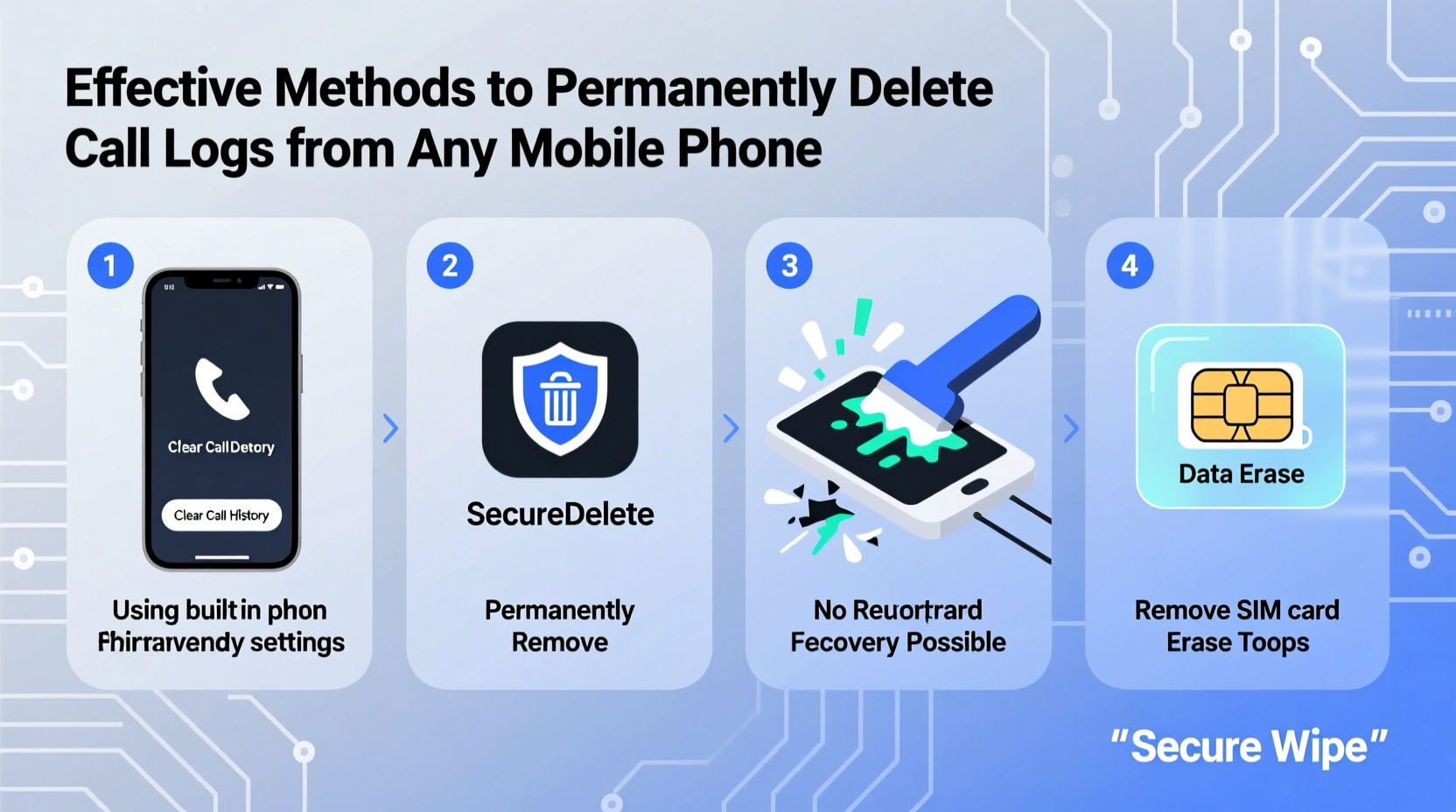
When you delete a call log through your phone’s interface, the entry typically disappears from view—but not from storage. Most operating systems mark the space as “available” rather than erasing the actual data. Until new data overwrites it, specialized recovery tools can retrieve deleted logs. This applies to both Android and iOS devices, though their underlying architectures differ.
Call logs are stored in system databases: contacts2.db on Android (part of the Contacts Provider) and within protected system containers on iOS. These databases may also sync with cloud services like Google Account or iCloud, adding another layer of complexity. To truly eliminate logs, you must address both local and cloud-stored copies.
“Deleting data from a smartphone is like shredding a document—unless you destroy the fragments, someone with the right tools can reconstruct it.” — Dr. Lena Patel, Cybersecurity Researcher at SecureMobile Lab
Step-by-Step: Permanently Delete Call Logs by Platform
For Android Devices
Android offers multiple pathways for removing call logs, depending on device model, OS version, and manufacturer customizations. Follow these steps for maximum effectiveness:
- Delete via Phone App: Open the Phone app, go to Recents, tap the three-dot menu, and select “Delete all call history” or choose individual entries.
- Clear Data in Contacts App: Go to Settings > Apps > Contacts (or Contacts Storage) > Storage > Clear Data. This removes cached logs tied to the contacts database.
- Disable & Remove Google Sync: Visit Settings > Accounts > Google, disable “Sync Contacts” and “Call History.” Then, go to Google My Activity, filter by “Phone Calls,” and delete entries.
- Encrypt Before Wiping (Optional): Enable device encryption in Settings > Security. Then perform a factory reset—this makes residual data much harder to recover.
- Overwrite Storage (Advanced): After resetting, fill the device with large files (e.g., videos), then delete them and reset again. This increases the chance of overwriting old data.
For iPhones (iOS)
iOS handles call logs differently, storing them in a protected SQLite database (call_history.db) that users cannot directly access. However, permanent removal is still achievable:
- Delete Individually or En Masse: In the Phone app, swipe left on a call log and tap “Delete,” or use “Clear All” at the top.
- Turn Off iCloud Sync: Go to Settings > [Your Name] > iCloud > turn off “Contacts.” This prevents logs from being restored from backup.
- Delete iCloud Backups: Navigate to Settings > [Your Name] > iCloud > Manage Storage > Backups. Select your device and tap “Delete Backup.”
- Perform Factory Reset: Go to Settings > General > Transfer or Reset iPhone > Erase All Content and Settings. Ensure you’re not restoring from a previous backup.
- Use iTunes/Finder for Encrypted Backup Deletion: If you backed up via computer, delete those backups manually—they may contain call logs.
Third-Party Tools and Risks
Some users turn to third-party apps promising “permanent” deletion. While tools like Secure Eraser (Android) or iMyFone Umate (iOS) claim to overwrite data, proceed with caution. Many lack transparency about their methods, and some may collect user data themselves.
| Tool | Platform | Effectiveness | Risks |
|---|---|---|---|
| Secure Eraser | Android | Moderate (requires root for full access) | Ads, limited free version |
| iMyFone Umate | iOS (via PC/Mac) | High (when used correctly) | Paid software, requires trust in vendor |
| Disk Drill (with recovery prevention) | Both (via connected computer) | Low for real-time deletion | Not designed for proactive erasure |
Experts generally recommend relying on built-in features and factory resets over third-party solutions unless you have verified the tool’s reputation and methodology.
Mini Case Study: Selling a Used Phone Safely
Sophia, a freelance journalist based in Berlin, needed to sell her old Samsung Galaxy S21 after upgrading. She had conducted sensitive interviews over the phone and wanted to ensure no call logs remained. She first deleted all recent calls, then disabled Google sync and cleared the Contacts Storage app data. Next, she performed a factory reset while connected to Wi-Fi, allowing the device to complete the wipe process fully. Finally, she filled the phone with high-resolution videos until storage was full, deleted them, and reset once more. When tested with forensic software, no recoverable call logs were found. Her method combined standard procedures with data overwriting—a practical approach for non-technical users seeking high assurance.
Checklist: Ensuring Complete Call Log Removal
- ✅ Delete call logs manually from the Phone app
- ✅ Disable cloud sync (Google/iCloud) before deletion
- ✅ Clear Contacts or Phone app cache and data (Android)
- ✅ Delete associated cloud backups and activity logs
- ✅ Perform a factory reset with encryption enabled
- ✅ Optionally, overwrite storage with dummy data before final reset
- ✅ Avoid restoring from old backups after reset
Common Mistakes That Leave Data Behind
Even careful users can fall into traps that compromise data removal. The most frequent errors include:
- Assuming “delete” means permanent: UI deletion rarely removes data at the binary level.
- Ignoring cloud sync: Restoring from a synced account can bring logs back.
- Skipping factory reset: Without it, database remnants stay accessible via rooting or jailbreaking.
- Using untrusted wiping apps: Some apps fake deletion without touching raw storage.
FAQ
Can deleted call logs be recovered by law enforcement?
Yes, with proper forensic tools and legal authority, agencies can recover data from physical memory even after deletion—especially if no factory reset or overwriting occurred. Encryption and full wipes significantly reduce this risk.
Does a factory reset always remove call logs?
On modern encrypted devices, yes—provided you do not restore from a backup afterward. Older or unencrypted devices may still leave recoverable traces.
Are there apps that auto-delete call logs after a set time?
Yes. Apps like Auto Call Recorder (Android) or workflow automations via Shortcuts (iOS) can schedule log cleanup. However, ensure they also prevent cloud backups to be effective.
Final Steps for Lasting Privacy
Permanently deleting call logs isn’t just about pressing “Delete.” It requires understanding how data persists across layers—local storage, app caches, and cloud ecosystems. By combining manual deletion, sync management, and a secure factory reset, you create a robust defense against data recovery. For maximum security, especially before transferring ownership, add a layer of data overwriting. Digital footprints fade faster when you take control of the entire lifecycle—not just the visible part.




 浙公网安备
33010002000092号
浙公网安备
33010002000092号 浙B2-20120091-4
Comments
No comments yet. Why don't you start the discussion?