
In many homes, offices, and commercial buildings, mobile phone repeaters—also known as signal boosters—are installed to improve weak cellular reception. While they can significantly enhance connectivity in dead zones, there are legitimate reasons to remove them: changes in building structure, relocation of service antennas, interference with carrier networks, or the availability of stronger native signals due to infrastructure upgrades. Removing a repeater improperly, however, can lead to network instability, equipment damage, or even regulatory violations. This guide outlines a professional, step-by-step approach to safely decommission and remove a mobile phone repeater while restoring natural network performance.
Why Remove a Mobile Phone Repeater?
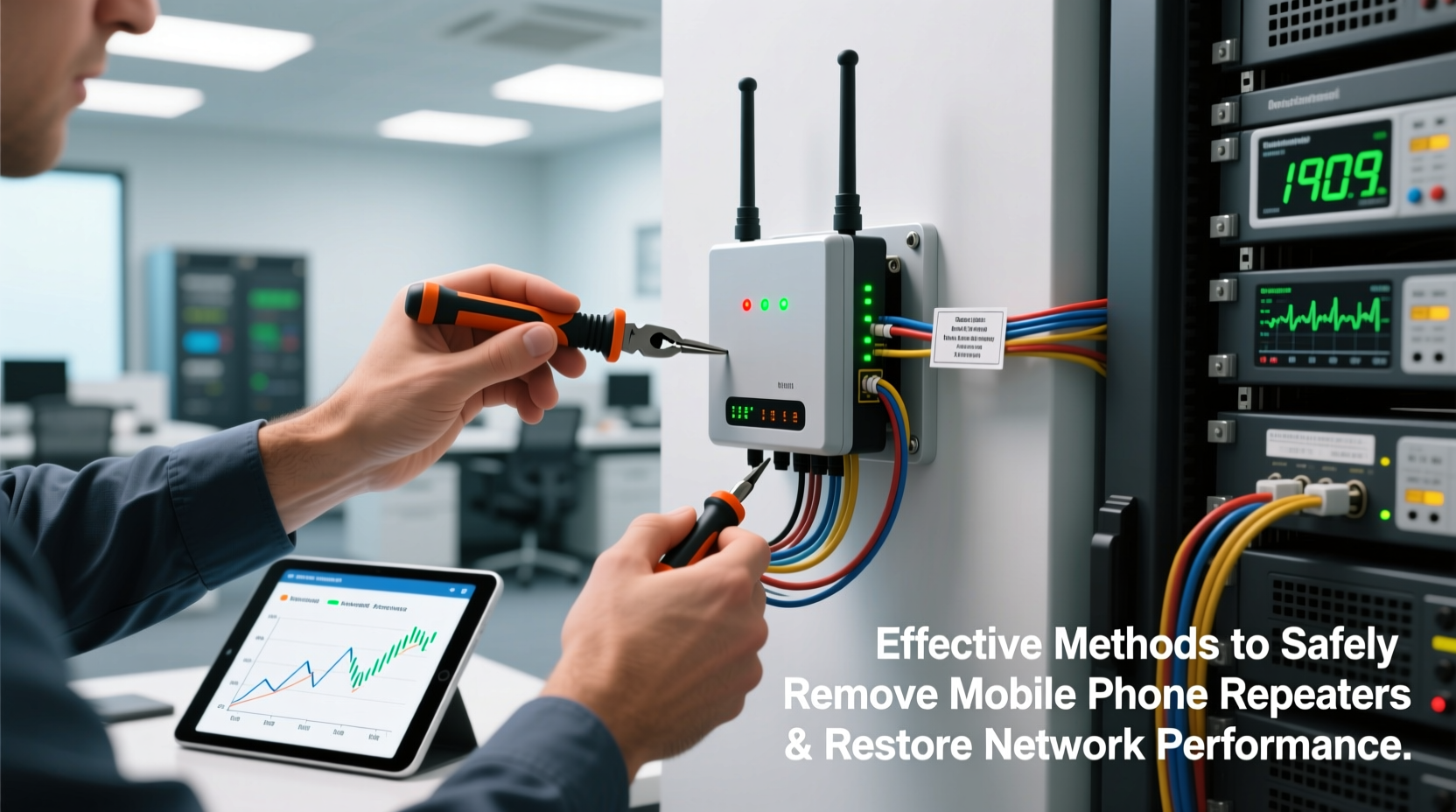
Repeaters serve a critical function where signal penetration is poor, but their continued operation isn't always beneficial. Over time, urban cellular coverage improves with new towers and 5G rollouts, making some boosters redundant. In other cases, poorly configured repeaters generate oscillation, feedback loops, or uplink noise that degrades network quality for nearby users—including those not using the booster.
Carriers such as Verizon, AT&T, and T-Mobile have reported cases where unauthorized or malfunctioning repeaters caused widespread interference. The FCC mandates that all consumer boosters be certified and registered, and improper removal may leave residual issues even after physical disconnection.
Step-by-Step Guide to Safely Remove a Repeater System
A typical repeater system includes three main components: an outdoor donor antenna, an indoor rebroadcast antenna, and an amplifier unit that connects the two. Removal must be done in reverse order of installation to avoid signal spikes or electrical hazards.
- Power Down the Amplifier
Locate the power supply for the booster amplifier and unplug it. Most units have LED indicators; confirm all lights are off before proceeding. - Disconnect Indoor Antenna
Unscrew or unclip the coaxial cable connecting the amplifier to the indoor broadcast antenna. Handle connectors carefully to prevent damage to threads or center pins. - Remove Outdoor Donor Antenna Connection
Disconnect the cable from the external antenna. If mounted on a roof or exterior wall, ensure fall protection if working at height. - Dismount Antennas Securely
Remove mounting brackets and seal any drilled holes with weatherproof caulk to prevent water intrusion. - Store Components Properly
If reusing later, wrap cables neatly and store in a dry, temperature-controlled space. Label connectors to avoid confusion during future setup.
“Improper shutdown sequences can cause voltage surges in connected devices. Always disconnect power first.” — James Lin, RF Systems Engineer, Wireless Infrastructure Association
Restoring Natural Network Performance
After removal, your devices should automatically revert to connecting directly with the nearest cell tower. However, this transition isn’t always seamless. Some phones cache network preferences or remain locked to frequencies previously amplified by the booster.
To ensure a smooth return to baseline performance:
- Reboot all mobile devices to clear cached signal data.
- Toggle airplane mode on and off to force a fresh network scan.
- Check signal bars and perform a speed test using tools like Speedtest by Ookla or Carrier-specific apps.
- Verify voice call clarity and data reliability across multiple locations in the building.
If performance remains subpar post-removal, the issue may not have been the repeater—but rather structural shielding (e.g., metal framing, low-emissivity windows) or distance from the tower.
Do’s and Don’ts During Repeater Removal
| Do’s | Don’ts |
|---|---|
| Label cables before disconnecting | Leave outdoor antennas exposed to weather |
| Test native signal before and after removal | Use excessive force on coaxial connectors |
| Seal entry points to prevent moisture damage | Dispose of electronic components in regular trash |
| Register decommissioning with carrier if required | Ignore blinking lights after power-off (indicates residual charge) |
Real-World Example: Office Building Signal Cleanup
A mid-sized law firm in downtown Chicago had installed a signal booster five years ago due to poor LTE reception in its basement conference rooms. By 2023, employees began reporting dropped calls and slow uploads—even when near windows. An IT audit revealed that a newer DAS (Distributed Antenna System) installed by the building management was now providing full coverage, rendering the old repeater obsolete.
Worse, the legacy booster was amplifying noise from neighboring bands, creating co-channel interference. After following a structured removal process—powering down, disconnecting antennas, and sealing rooftop penetrations—native signal quality improved by 40% in speed tests. Employees regained stable VoLTE calling without manual intervention.
This case highlights a common oversight: failing to reassess signal needs as infrastructure evolves. Regular audits every 18–24 months can prevent such conflicts.
Checklist: Safe Repeater Decommissioning
- ☐ Confirm necessity of removal via signal testing
- ☐ Power down amplifier and verify shutdown
- ☐ Disconnect indoor antenna cable
- ☐ Disconnect outdoor donor antenna cable
- ☐ Remove and store antennas and mounts
- ☐ Seal all exterior cable entry points
- ☐ Reboot user devices to refresh network connection
- ☐ Perform post-removal signal benchmarking
- ☐ Recycle electronic parts through e-waste programs
- ☐ Document removal for compliance or future reference
Frequently Asked Questions
Will removing a repeater damage my phone or carrier service?
No. Phones are designed to switch between signal sources seamlessly. Once the repeater is gone, your device will connect directly to the nearest cell tower. No permanent changes occur to your phone or account.
Can I reinstall the repeater later if needed?
Yes, provided all components are intact and stored properly. Just ensure the model is still FCC-compliant and compatible with current network bands (especially important after 3G sunsetting and 5G expansion).
Is professional help required for removal?
For basic consumer-grade systems, DIY removal is safe if you follow proper procedures. However, for enterprise-level boosters, distributed systems, or rooftop installations requiring climbing, hiring a certified installer is recommended for safety and compliance.
Conclusion: Regain Clean, Reliable Connectivity
Removing a mobile phone repeater isn’t just about taking down hardware—it’s about restoring balance to your local wireless environment. When outdated or misconfigured, these devices can do more harm than good. By following a methodical removal process, verifying native signal recovery, and avoiding common pitfalls, you ensure that your space benefits from the best available network performance—without artificial interference.




 浙公网安备
33010002000092号
浙公网安备
33010002000092号 浙B2-20120091-4
Comments
No comments yet. Why don't you start the discussion?