
Finding someone on Facebook using their phone number can be a practical way to reconnect with old friends, verify a contact, or establish professional connections. While Facebook does not offer a direct public search bar for phone numbers, there are legitimate and efficient ways to use your existing network and device integration to locate individuals. The key is knowing how to leverage Facebook’s tools responsibly while respecting privacy boundaries.
Unlike traditional search engines, Facebook’s search functionality is designed around user connections and shared data. This means that visibility depends heavily on mutual contacts, privacy settings, and whether the person has chosen to make their number discoverable. Understanding this ecosystem allows you to approach the process strategically rather than randomly.
How Facebook Uses Phone Numbers for Discovery
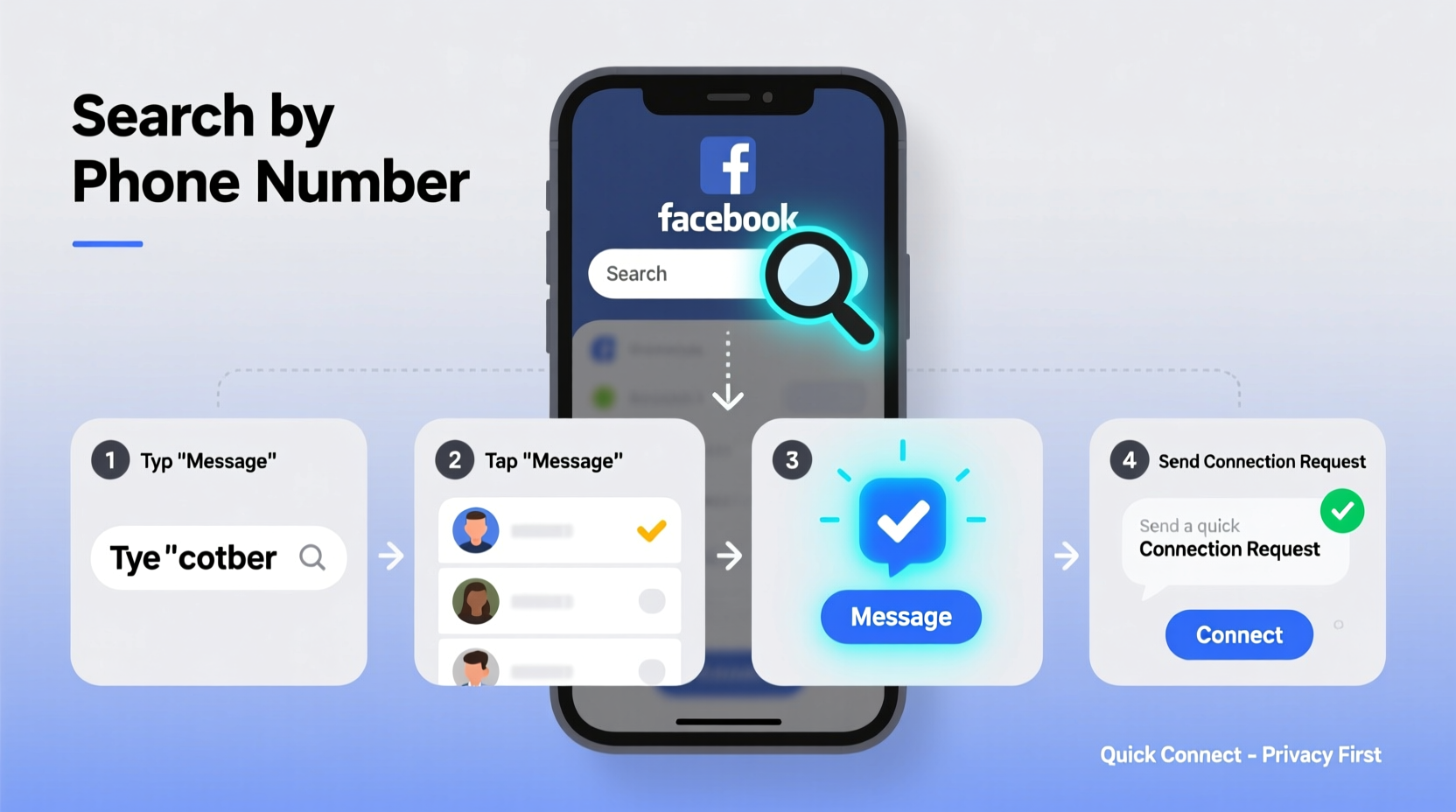
Facebook allows users to sync their mobile contacts with the platform to help find friends and improve connection suggestions. When someone uploads their address book, Facebook matches phone numbers against its database and may suggest mutual connections. This feature works both ways: if your number is in someone else’s contacts and they’ve enabled contact syncing, you might appear in their “People You May Know” section.
However, visibility hinges on privacy settings. Users can control whether others can find them via phone number under Settings & Privacy > Settings > Privacy > How People Find and Contact You. If a user disables this option, even those with their number won’t be able to locate them through search.
“Phone-based discovery on Facebook is permission-based. It only works when both parties have matching data and compatible privacy settings.” — Lena Torres, Digital Privacy Consultant
Step-by-Step Guide to Search Using a Phone Number
While you cannot type a phone number into Facebook’s main search bar and expect results, there are indirect but reliable methods to use a number effectively.
- Save the Number to Your Phone: Enter the phone number into your mobile device’s contact list. Use any available name or label it clearly for reference.
- Enable Contact Syncing on Facebook: Open the Facebook app, go to Settings & Privacy > Settings > Contacts. Tap “Sync Contacts” and allow access to your address book.
- Wait for Suggestions: After syncing, Facebook will scan for matches. Within minutes to hours, the person may appear under “People You May Know” or in your friend suggestions.
- Check the Messenger App: Open Messenger separately. Often, synced contacts appear here first, listed under “Contacts” or as suggested chats.
- Verify Through Mutual Friends or Activity: If the profile appears, review mutual friends, recent posts, or tagged photos to confirm identity before sending a connection request.
Alternative Methods When Syncing Fails
If contact syncing doesn’t yield results, don’t assume the person isn’t on Facebook. Several factors—privacy settings, inactive accounts, or number changes—could explain the absence. Try these alternatives:
- Ask a Mutual Friend: Browse mutual connections’ friend lists. If you share a contact with the person, you may spot their profile indirectly.
- Use Facebook Search with Known Details: Combine the phone number’s owner’s name, workplace, school, or city in the search bar. Refine results using filters like “People,” “Current City,” or “Workplaces.”
- Search via Facebook Marketplace or Groups: Some users interact publicly in local buy/sell groups or community forums. A detailed name search within a geographic group may uncover their profile.
- Reverse Search the Number Externally: Use reputable reverse phone lookup services (like Truecaller or Whitepages) to identify the person’s name, then search that name on Facebook.
Mini Case Study: Reconnecting After Years
Sarah lost touch with her college roommate after graduation. She had an old phone number saved from a decade ago. Instead of assuming it was outdated, she added it to her phone, synced her contacts with Facebook, and within two hours, her roommate’s profile appeared under “People You May Know.” Although the number wasn’t current, the account remained active under a new number, and the match worked due to overlapping social circles. Sarah sent a message referencing a shared memory, and they reconnected within a day.
Do’s and Don’ts When Searching by Phone Number
| Do’s | Don’ts |
|---|---|
| Save the number to your phone before syncing | Don’t use third-party apps that promise “Facebook phone lookups”—most are scams |
| Respect privacy settings and avoid repeated requests | Don’t attempt to bypass security with fake accounts |
| Verify identity before messaging | Don’t share someone’s number or profile without consent |
| Use Messenger’s contact detection for faster results | Don’t assume inactivity means the account doesn’t exist |
Checklist: Efficient Connection Workflow
Follow this checklist to maximize your chances of finding and connecting with someone using their phone number:
- ✅ Save the phone number to your mobile device
- ✅ Enable contact syncing in Facebook settings
- ✅ Allow 24 hours for Facebook to process and suggest matches
- ✅ Check both Facebook and Messenger apps for suggestions
- ✅ Confirm identity using mutual friends, photos, or bio details
- ✅ Send a personalized friend request or message
- ✅ Wait patiently; avoid sending follow-up messages too soon
Understanding Limitations and Privacy Boundaries
It’s important to recognize that Facebook prioritizes user privacy over convenience. Even if you have someone’s correct phone number, you won’t see their profile if:
- They’ve disabled “Let others find me by my phone number” in settings.
- Their account is deactivated or permanently deleted.
- The number has been reassigned and not updated on their account.
- You’re using a business account or restricted profile with limited search capabilities.
Additionally, Facebook’s algorithm favors connections within existing networks. If you share no mutual friends, schools, or workplaces, the likelihood of appearing in each other’s suggestions decreases significantly—even with synced contacts.
FAQ
Can I search Facebook directly using a phone number?
No. Facebook does not allow direct entry of phone numbers into its search bar. Discovery relies on contact syncing or indirect identification through names and shared contexts.
Why didn’t my contact appear after syncing?
This could happen if the person hasn’t uploaded that number to Facebook, has disabled discovery via phone number, or has blocked syncing from certain regions. It may also take up to 24–48 hours for suggestions to update.
Is it safe to sync my contacts with Facebook?
Yes, but with caveats. Facebook encrypts contact data, but syncing means your entire address book becomes part of their recommendation system. Review privacy settings regularly and disable syncing if you're concerned about data exposure.
Conclusion
Searching for someone on Facebook using a phone number isn’t about hacking the system—it’s about working within its design. By syncing contacts, verifying identities, and understanding privacy controls, you can reconnect efficiently and respectfully. The most successful outcomes come not from aggressive searching, but from aligning your approach with how Facebook’s network logic operates.




 浙公网安备
33010002000092号
浙公网安备
33010002000092号 浙B2-20120091-4
Comments
No comments yet. Why don't you start the discussion?