
When upgrading computers or retiring old devices, many people overlook the risks tied to improper disposal of hard drives. Simply deleting files or formatting a drive does not erase data permanently. Skilled individuals with basic recovery tools can retrieve personal, financial, or business-critical information from discarded drives. Ensuring complete data destruction is essential for protecting privacy and complying with data protection regulations. This guide outlines proven, secure methods to eliminate data risk while responsibly disposing of storage hardware.
Understanding Data Persistence on Hard Drives
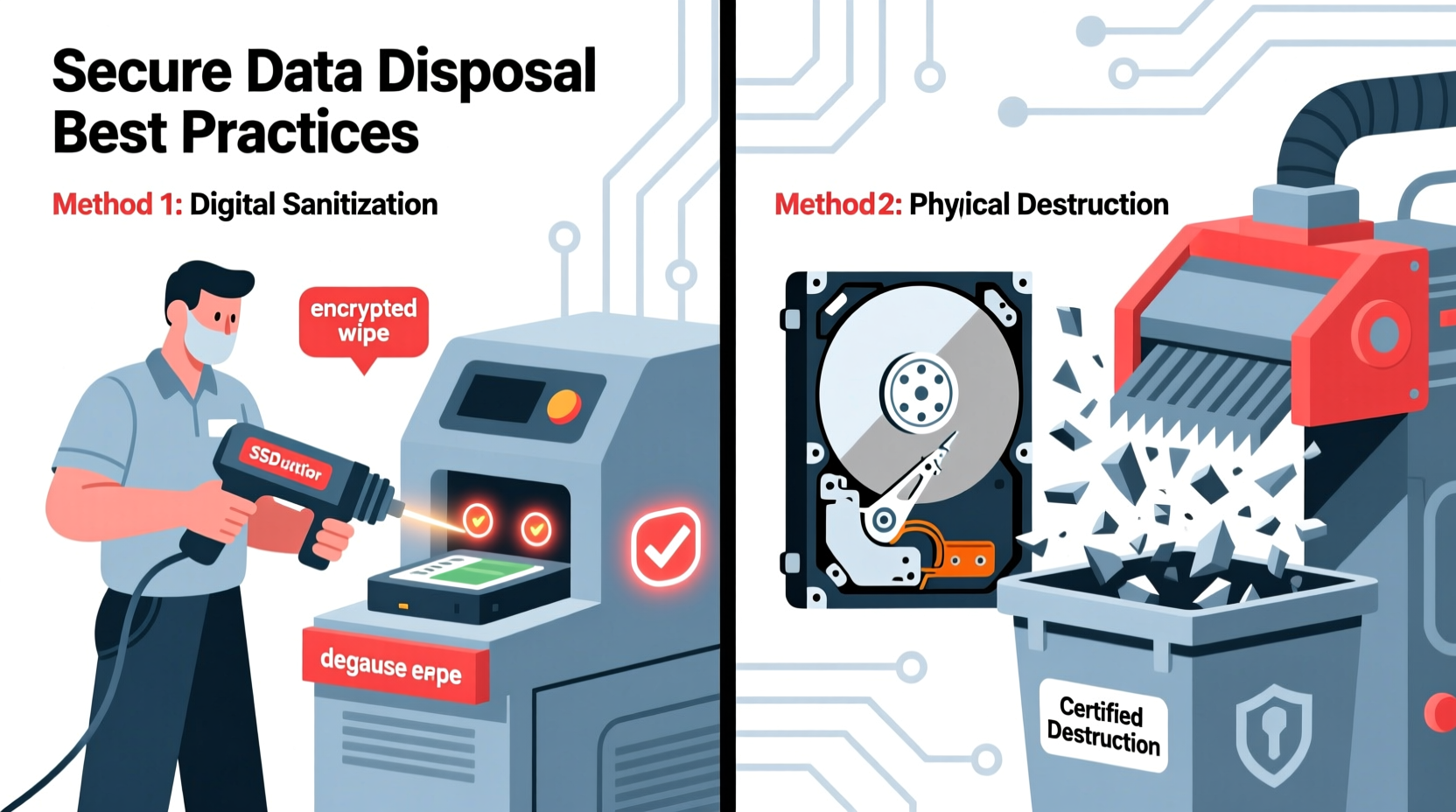
Most users assume that emptying the recycle bin or reformatting a drive removes all data. In reality, these actions only remove file pointers—references the operating system uses to locate data—not the actual information stored on magnetic platters (in HDDs) or NAND cells (in SSDs). Until new data overwrites the space, original files remain recoverable using forensic software.
This persistence poses serious risks. A 2020 study by Blancco Technology Group found that 40% of used drives purchased online contained recoverable personal or corporate data, including tax records, passwords, and private communications. To prevent unauthorized access, physical or cryptographic destruction must render data irretrievable.
“Data isn’t truly gone until the storage medium is physically compromised or cryptographically erased beyond recovery.” — Dr. Alan Reed, Cybersecurity Researcher at the Institute for Digital Forensics
Step-by-Step: Secure Data Destruction Methods
Different scenarios call for different approaches. Whether you’re an individual clearing a personal laptop or an organization decommissioning servers, choose a method based on sensitivity of data, volume of drives, and available resources.
1. Secure Wiping (Software-Based Erasure)
Data wiping involves overwriting every sector of the drive with random patterns, making original data unrecoverable. Unlike simple formatting, wiping follows recognized standards such as DoD 5220.22-M (U.S. Department of Defense), NIST 800-88, or Gutmann (35-pass).
Recommended tools:
- DBAN (Darik’s Boot and Nuke) – Free, open-source, supports HDDs
- Blancco Drive Eraser – Commercial-grade, certified, supports SSDs and HDDs
- Parted Magic – Includes secure erase options via ATA commands
2. Physical Destruction
Physical destruction ensures no data can ever be retrieved. It's ideal for highly sensitive environments or end-of-life drives that won't be reused.
Effective techniques include:
- Drilling: Use a power drill to penetrate multiple points across the platters (HDD) or NAND chips (SSD).
- Shredding: Commercial hard drive shredders reduce drives to confetti-sized pieces.
- Crushing: Hydraulic crushers deform the drive casing and internal components beyond repair.
For HDDs, focus on the central platters; for SSDs, target the memory chips. Visual inspection after destruction helps confirm effectiveness.
3. Degaussing (Magnetic Erasure)
Degaussing uses a powerful electromagnetic field to scramble magnetic domains on HDD platters, rendering data unreadable. This method is fast and effective for bulk HDD disposal.
Limitations: Degaussing doesn’t work on SSDs, which store data electronically. Additionally, degaussed drives are unusable afterward, as the process erases firmware too.
4. Cryptographic Erasure
If the drive uses full-disk encryption (e.g., BitLocker, FileVault, or self-encrypting drives), cryptographic erasure offers a fast, secure alternative. Instead of erasing data, it destroys the encryption key—making all data permanently inaccessible.
This method is efficient for large-scale enterprise environments where physical destruction isn’t practical. NIST SP 800-88 Rev. 1 endorses cryptographic erasure when combined with proper key management.
Comparison of Data Destruction Methods
| Method | Effectiveness | Drive Reuse? | Time Required | Best For |
|---|---|---|---|---|
| Secure Wiping | High (if standards-compliant) | Yes | 1–24 hours | Reusable drives, moderate sensitivity |
| Physical Destruction | Maximum | No | Minutes (with tools) | High-security environments, end-of-life |
| Degaussing | High (HDD only) | No | Seconds per drive | Bulk HDD disposal |
| Cryptographic Erasure | High (if encryption was active) | Yes | Seconds | Encrypted enterprise drives |
Mini Case Study: Municipal Data Breach Prevention
In 2022, a mid-sized city in the Pacific Northwest began upgrading its public library computer systems. Over 70 older desktops were slated for donation. Initially, IT staff performed standard format operations on each machine’s hard drive. However, during an internal audit, a cybersecurity consultant flagged this practice as insufficient.
The city then implemented a formal decommissioning protocol: drives were either wiped using DBAN following DoD 5220.22-M standards or physically destroyed using a rented industrial crusher. Each step was documented, and serial numbers were logged. As a result, the city safely donated functional computers without exposing patron records, browsing history, or employee data. The case became a model for other municipalities seeking cost-effective yet secure asset disposal.
Checklist: Secure Hard Drive Disposal Process
Follow this checklist to ensure no step is missed when retiring a drive:
- Back up any necessary data before beginning.
- Identify drive type: HDD or SSD.
- Determine data sensitivity level (public, internal, confidential, top secret).
- Select appropriate destruction method based on type and sensitivity.
- Use certified software or tools (e.g., DBAN, Blancco, or physical crusher).
- Verify success—run a verification scan post-wipe or inspect physical damage.
- Document the process, including date, method, and personnel involved.
- Dispose of remnants responsibly through e-waste recycling if applicable.
Frequently Asked Questions
Can data be recovered after a factory reset?
Yes, in most cases. A factory reset typically only deletes the file system index. With the right tools, data remains recoverable until overwritten. Always perform secure wiping or physical destruction after resetting.
Is smashing a hard drive with a hammer enough?
It can be effective if done thoroughly—hammer strikes must penetrate the platters (in HDDs) or memory chips (in SSDs). However, inconsistent force may leave areas intact. For guaranteed results, combine physical damage with other methods or use professional equipment.
Do I need to destroy the entire drive?
Not necessarily. For HDDs, destroying the internal platters is sufficient. For SSDs, the NAND flash chips must be damaged. The outer casing and circuit board can often be recycled separately if data-bearing components are properly neutralized.
Final Steps: Responsible Recycling After Destruction
After ensuring data is irrecoverable, consider environmental impact. Hard drives contain metals like aluminum, copper, and rare earth elements. Many components are recyclable—but only through certified e-waste handlers.
Look for recyclers compliant with R2 (Responsible Recycling) or e-Stewards standards. These organizations follow strict protocols for handling hazardous materials and preventing illegal dumping. Some manufacturers, including Dell and HP, offer take-back programs that include secure data destruction verification.
Conclusion
Protecting your digital footprint extends beyond firewalls and passwords—it includes how you retire outdated hardware. Whether you choose software wiping, physical destruction, or cryptographic erasure, the goal remains the same: ensuring that your data never resurfaces where it shouldn’t. By applying rigorous, verified methods, you safeguard your identity, your business, and your peace of mind.




 浙公网安备
33010002000092号
浙公网安备
33010002000092号 浙B2-20120091-4
Comments
No comments yet. Why don't you start the discussion?