
In an era where digital privacy is increasingly fragile, many people seek ways to communicate without exposing personal information. Text messaging, while convenient, often ties directly to your mobile number—making it a potential liability for privacy, security, or professional boundaries. Whether you're reaching out to a service provider, managing online sales, or simply prefer to keep your identity discreet, there are reliable and accessible ways to send texts without revealing your phone number.
The demand for anonymous or semi-anonymous texting has grown alongside concerns about data tracking, spam, and unwanted follow-ups. Fortunately, technology offers several practical solutions that balance usability with discretion. From built-in carrier features to third-party apps and web-based services, the tools available today make it easier than ever to maintain control over who sees your personal contact details.
Why Send Texts Without Revealing Your Number?
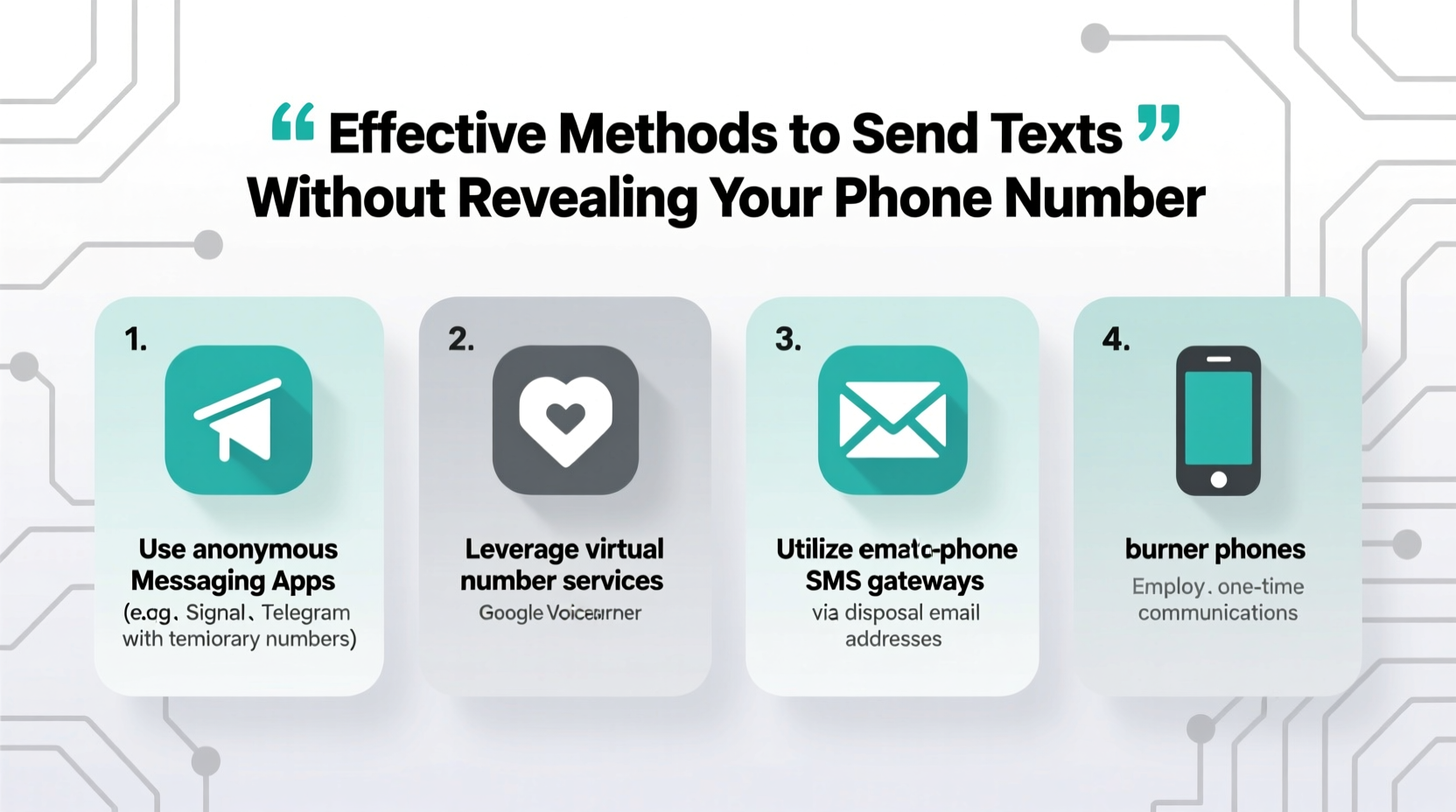
There are numerous legitimate reasons to conceal your phone number when sending messages. Privacy isn’t just for those with something to hide—it’s a fundamental aspect of digital autonomy.
- Selling items online: When listing goods on platforms like Craigslist or Facebook Marketplace, sharing your number can lead to spam or harassment.
- Professional outreach: Freelancers or entrepreneurs may want to contact clients without using personal lines.
- Dating app transitions: Moving from an app to SMS without immediately sharing personal numbers adds a layer of safety.
- Reporting issues anonymously: Whistleblowing or reporting misconduct may require message delivery without traceability.
- Avoiding spam: Many users report receiving unsolicited calls after sharing their number in seemingly harmless contexts.
“Privacy in communication isn’t about secrecy—it’s about consent. You should decide when and how your personal data is shared.” — Dr. Lena Torres, Digital Rights Researcher at the Open Communications Institute
Top Methods to Send Anonymous or Private Texts
Below are five proven techniques for sending text messages without exposing your real phone number. Each method varies in permanence, accessibility, and level of anonymity.
1. Use Messaging Apps with Disconnected Numbers
Several messaging platforms allow you to obtain a secondary phone number for texting and calling, completely separate from your primary line. These numbers are often virtual and linked to internet-based accounts rather than SIM cards.
Popular options include:
- Google Voice (U.S. only): Offers a free U.S. number that forwards texts and calls to your real number. Messages sent via Google Voice display the assigned number, not your personal one.
- TextNow: Provides free VoIP numbers usable across devices. Ideal for temporary or long-term anonymous texting.
- Textra SMS + Burner Numbers: Integrates with temporary number services to mask your identity.
2. Leverage Carrier-Based Caller ID Blocking
Most mobile carriers support caller ID suppression through dialing codes. While primarily used for calls, some networks extend this feature to SMS under certain conditions.
To block your number temporarily:
- Prefix the recipient’s number with
*67before dialing (e.g., *675551234567). - This hides your number for that single interaction.
Note: This method does not reliably work for standard SMS on most carriers. It's more effective for voice calls. However, some MVNOs (Mobile Virtual Network Operators) may offer enhanced privacy settings upon request.
3. Use Web-Based SMS Gateways
Online SMS gateways let you send texts from a browser without installing software or linking a personal device. These services often provide disposable or rotating numbers.
Examples:
- TextEm: Allows one-time anonymous texts with no registration.
- AnonySMS: Sends messages globally using temporary sender IDs.
- SendAnonymousSMS.net: Offers scheduled and instant messaging with optional return-blocking.
These platforms are ideal for quick, one-off messages but may lack encryption or message history. Use them cautiously for sensitive content.
4. Employ Burner Phone Apps
Burner apps create temporary, self-destructing phone lines. They’re widely used by professionals, travelers, and privacy-conscious individuals.
Features typically include:
- Auto-expiring numbers
- Cloud-based message syncing
- Integration with calendar and reminders
Top burner apps:
| App | Cost | Lifespan of Number | Encryption |
|---|---|---|---|
| Burner | Paid (free trial) | Flexible (days to months) | Yes (end-to-end) |
| Sidekick by MightySignal | Free | Indefinite unless deleted | Limited |
| Hushed | Paid (credits system) | Renewable monthly | Yes |
These apps are especially useful for recurring but non-permanent communication needs, such as short-term rentals or job searches.
5. Utilize Business Communication Platforms
For professionals and organizations, dedicated business texting platforms offer branded or masked numbers that protect employee identities.
Solutions like:
- Twilio: Enables programmable SMS with custom sender IDs.
- MessageBird: Offers API-driven messaging with number masking.
- Front: Shared inboxes where outgoing messages show a team number, not individual ones.
These are enterprise-grade tools best suited for customer service, appointment reminders, or internal coordination where privacy and branding matter.
Mini Case Study: Safely Selling Online
Marissa, a freelance graphic designer, decided to sell her old laptop on Facebook Marketplace. Instead of posting her personal number, she created a Google Voice account linked to a Gmail address used solely for marketplace activity.
Over two weeks, she received 14 inquiries. All messages were routed to her phone via the Google Voice app, but her real number remained hidden. After filtering serious buyers, she arranged a public meetup and completed the sale. Once done, she deactivated the Google Voice number.
This approach protected her from spam, robocalls, and potential doxxing—all while maintaining responsive communication.
Step-by-Step Guide: Sending Your First Anonymous Text
Follow this sequence to send a private message using a virtual number service like Google Voice:
- Sign up for Google Voice at voice.google.com.
- Verify your account using your current phone number (this stays private).
- Select a free U.S.-based number from the available options.
- Open the Google Voice app or website and click “Messages.”
- Click the compose button and enter the recipient’s phone number.
- Type your message and hit send.
- Confirm that the message displays your Google Voice number, not your personal one.
For international use, consider a paid VoIP provider like TextNow Pro or MySudo, which offer global number options.
Checklist: Ensuring Safe & Private Texting
Before sending messages anonymously, ensure you’re protecting both your identity and the integrity of your communication:
- ✅ Use a strong password for any virtual number account
- ✅ Avoid including personally identifiable information in messages
- ✅ Log out of public computers after use
- ✅ Enable two-factor authentication on your messaging platforms
- ✅ Regularly review app permissions and connected devices
- ✅ Delete temporary numbers after their purpose is fulfilled
Frequently Asked Questions
Can I permanently hide my number on all texts?
Not universally. Standard SMS through your carrier will always link to your number unless you route messages through a third-party service like Google Voice or a burner app. For true permanent concealment, avoid using your SIM-based line entirely for sensitive communications.
Are anonymous texting services legal?
Yes, using virtual numbers or privacy tools to send texts is legal in most countries, provided the intent is not fraudulent, threatening, or harassing. Always comply with local telecommunications laws and platform terms of service.
Can recipients trace an anonymous text back to me?
It depends on the method. Web-based gateways with weak security may leak IP addresses. Encrypted apps like Signal (with linked numbers) or Google Voice offer stronger protection. True anonymity requires careful tool selection and operational habits—like avoiding reuse of identifiers or linking to personal accounts.
Conclusion
Maintaining control over your personal information shouldn’t require sacrificing convenience. With the right tools, sending texts without revealing your phone number is not only possible but straightforward. Whether you choose a free virtual number, a burner app, or a professional platform, each option empowers you to communicate on your own terms.
Privacy is not paranoia—it’s preparation. Start integrating these methods into your digital routine today, and take back ownership of how and when your personal details are shared.




 浙公网安备
33010002000092号
浙公网安备
33010002000092号 浙B2-20120091-4
Comments
No comments yet. Why don't you start the discussion?