
In an era where smartphones are central to daily life, knowing how to locate a lost device—or ensure the safety of a loved one—has become increasingly important. However, tracking a mobile phone’s location must be done with care, respect for privacy, and adherence to legal and ethical standards. Unauthorized tracking violates personal rights and can lead to serious consequences. This guide outlines effective, secure, and privacy-conscious methods to track a mobile phone—only when you have proper consent or ownership.
Understanding Legal and Ethical Boundaries
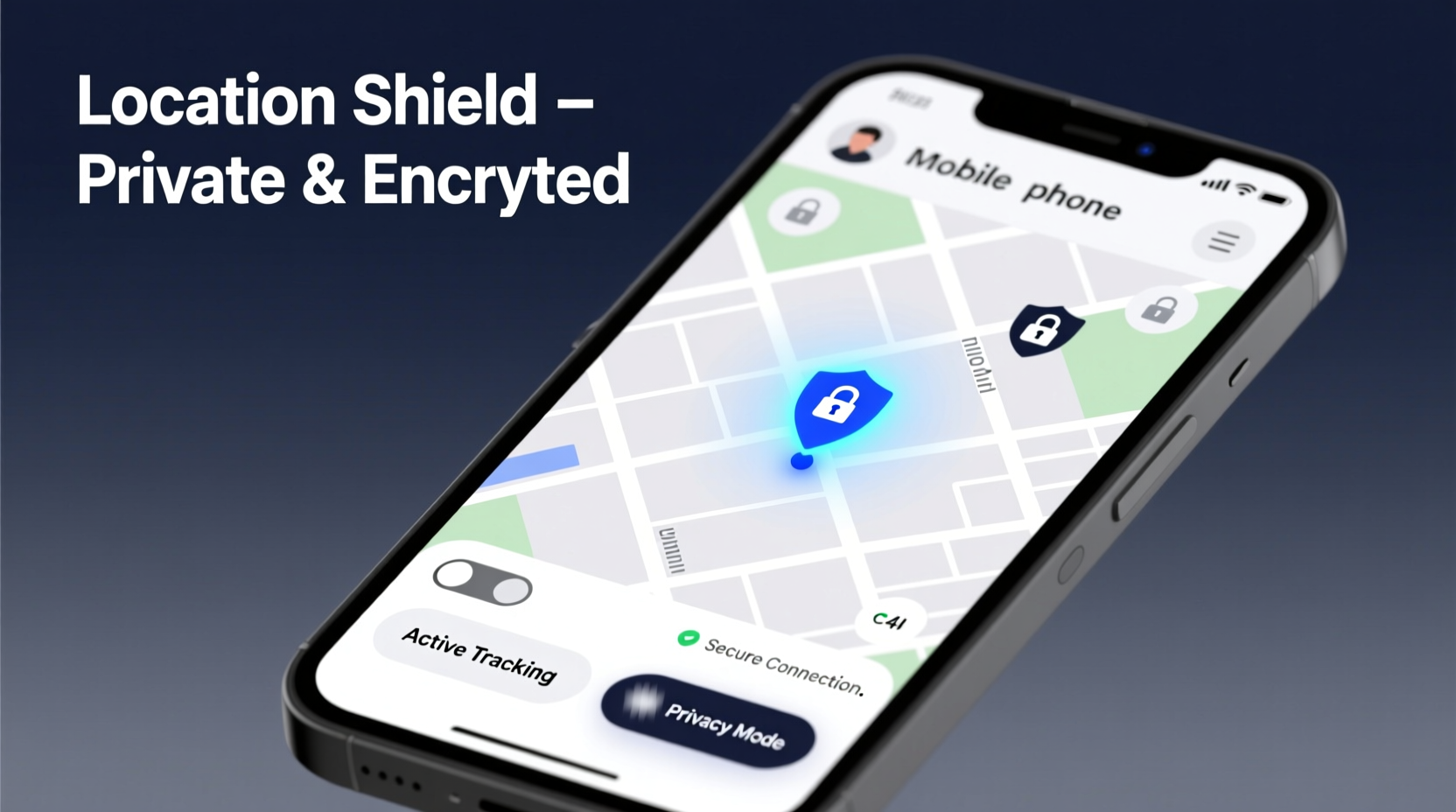
Before exploring any tracking method, it is essential to understand that location tracking without explicit permission is illegal in most jurisdictions. Laws such as the General Data Protection Regulation (GDPR) in Europe and the Electronic Communications Privacy Act (ECPA) in the U.S. strictly regulate access to personal data, including geolocation.
Tracking is acceptable only in specific scenarios:
- Locating your own lost or stolen device
- Parents monitoring未成年 children (with transparency)
- Caregivers tracking elderly individuals with cognitive impairments (with consent)
- Employers tracking company-owned devices used by employees (under clear policy)
“Location data is among the most sensitive types of personal information. Any tracking must be transparent, consensual, and purpose-limited.” — Dr. Lena Patel, Cybersecurity Researcher at Stanford University
Native Device Tracking Tools
The most secure and private way to track a phone is through built-in operating system features. These tools are designed with encryption, authentication, and user control in mind.
For iOS Devices: Find My iPhone
Apple’s “Find My” network uses end-to-end encryption to allow users to locate their iPhone, iPad, or Mac. Even if the device is offline, its last known location is stored securely. Key features include:
- Real-time location on a map
- Play Sound to locate nearby
- Lost Mode: Lock the device and display a message
- Erase remotely if recovery seems unlikely
For Android Devices: Google Find My Device
Google’s service offers similar functionality across Android phones, tablets, and Wear OS watches. It allows:
- Viewing device location on Google Maps
- Triggering a loud ring for 5 minutes (even on silent)
- Locking the device with a new PIN
- Erasing all data remotely
| Feature | Find My (iOS) | Find My Device (Android) |
|---|---|---|
| End-to-End Encryption | Yes | Limited (improving) |
| Offline Finding | Yes (via Bluetooth network) | Yes (using nearby devices) |
| Remote Wipe | Yes | Yes |
| Activation Lock | Yes (prevents reuse) | Yes (Factory Reset Protection) |
Family & Caregiver Tracking Apps
When tracking minors or vulnerable adults, dedicated family safety apps provide structured, consent-based monitoring. These tools emphasize transparency and mutual trust.
Recommended Apps:
- Life360: Offers real-time location sharing, driving reports, and emergency alerts. All members must join voluntarily.
- Google Family Link: Allows parents to view their child’s device location, set screen time limits, and manage app usage.
- Apple Family Sharing: Enables location sharing within a family group using iCloud, with opt-in permissions.
Mini Case Study: Recovering a Lost Phone Safely
Sophia, a college student in Seattle, misplaced her iPhone at a coffee shop. She immediately logged into iCloud.com from a friend’s laptop. Using “Find My,” she saw the device was still at the café. She activated Lost Mode, which locked the phone and displayed her email. An employee found it later and contacted her. The entire process took under two hours—no third-party tools, no risk to privacy.
Step-by-Step Guide: Securing Your Device for Tracking
To ensure you can track your phone when needed, follow this proactive checklist:
- Enable Location Services: Go to Settings > Privacy > Location Services and turn it on.
- Activate Find My (iOS) or Find My Device (Android): Ensure the feature is enabled under your account settings.
- Sign In to Your Account: Use your Apple ID or Google account consistently across devices.
- Keep Software Updated: Security patches improve tracking reliability and prevent exploits.
- Set a Strong Passcode: Prevents unauthorized access if the phone is found by someone else.
- Test the Feature: Occasionally verify tracking works by locating your phone from another device.
Avoiding Common Pitfalls
Even well-intentioned tracking efforts can go wrong. Here are common mistakes and how to avoid them:
| Mistake | Why It’s Risky | Best Practice |
|---|---|---|
| Using spyware apps without consent | Illegal, unethical, damages trust | Only use authorized, transparent tools |
| Leaving tracking on indefinitely | Creates unnecessary data exposure | Disable when not needed (e.g., after finding a lost phone) |
| Sharing location links publicly | Exposes real-time movements | Use temporary, password-protected sharing |
| Ignoring battery optimization | Device goes offline quickly | Enable Low Power Mode during tracking |
Frequently Asked Questions
Can I track a phone if it’s turned off?
Not in real time. However, both iOS and Android show the last known location before shutdown. If the device is powered back on and connected to the internet, tracking resumes immediately.
Is it possible to track a phone without installing software?
Yes—if the device runs iOS or Android and has been set up with a cloud account (Apple ID or Google), native tracking works without additional apps. But these services must be enabled *before* the phone is lost.
What should I do if my phone is stolen?
Act quickly: Use Find My or Find My Device to lock the phone, display a message, and report the IMEI number to your carrier. File a police report if necessary. Avoid confronting thieves directly.
Conclusion: Responsible Tracking Builds Trust
Tracking a mobile phone can be a powerful tool for safety, recovery, and peace of mind—but only when done responsibly. Rely on built-in, encrypted tools from trusted platforms, always prioritize consent, and maintain open communication with those involved. Technology should empower, not invade. By following secure and private practices, you protect not only devices but also relationships and personal freedoms.




 浙公网安备
33010002000092号
浙公网安备
33010002000092号 浙B2-20120091-4
Comments
No comments yet. Why don't you start the discussion?