
Losing an Android device can be more than just inconvenient—it can compromise sensitive personal data, banking information, and digital identity. With over 3 billion active Android users worldwide, the risk of theft or accidental loss is real. Fortunately, modern Android devices come equipped with powerful built-in tools and third-party options that make tracking and securing your phone not only possible but highly effective. Understanding how to use these tools proactively can mean the difference between recovery and permanent loss.
Enable Google’s Find My Device: The First Line of Defense
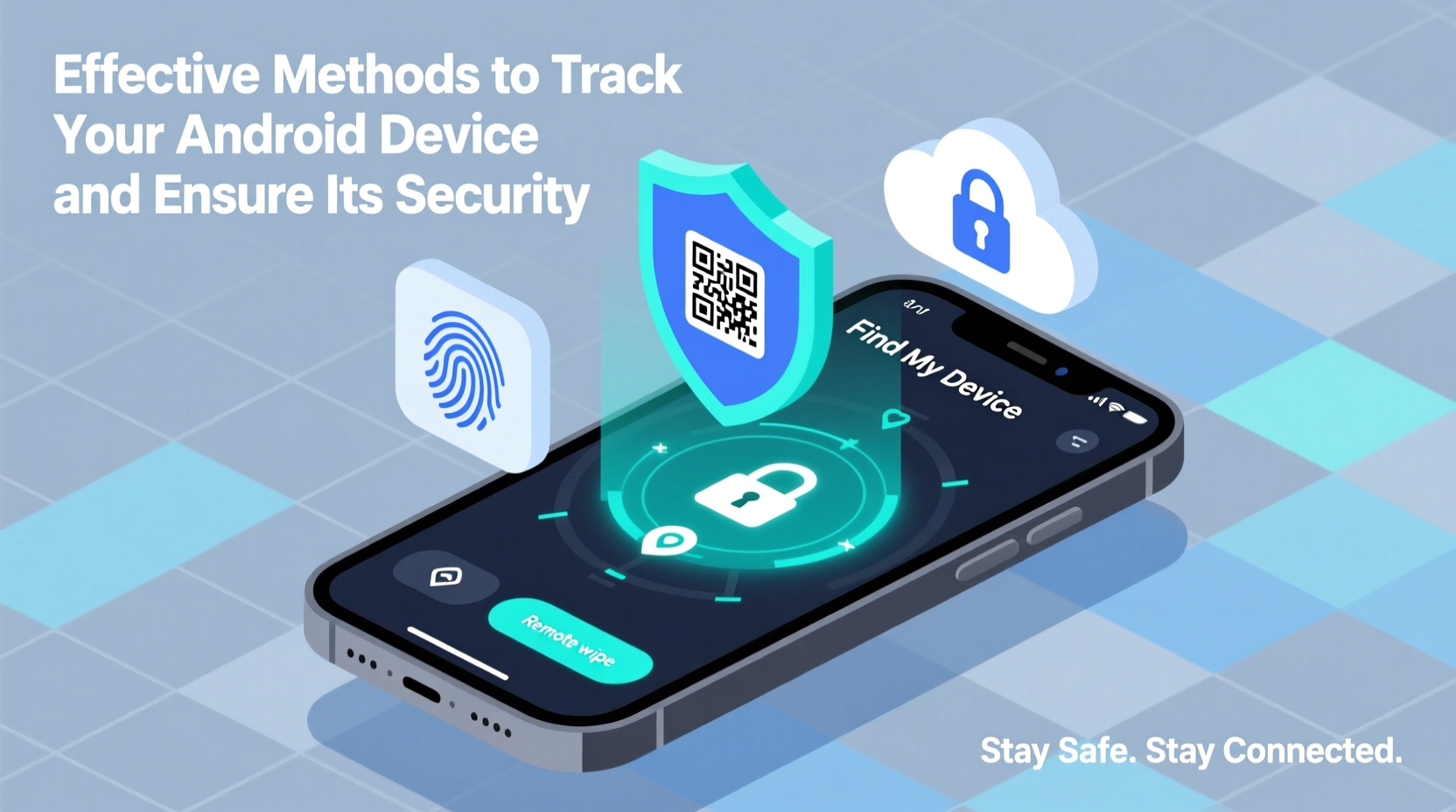
Google’s Find My Device service is the most essential tool for tracking lost or stolen Android phones. Integrated directly into the Android operating system, it allows you to locate, lock, ring, or erase your device remotely through a web browser or another Android device.
To ensure it works when needed:
- Verify that your device is signed in to a Google account.
- Ensure Location Services and GPS are enabled.
- Turn on “Find My Device” in Settings > Security & Location.
- Maintain internet connectivity (Wi-Fi or mobile data).
Once activated, visit google.com/android/find from any device to view your phone’s last known location on a map. You can also trigger a loud alarm—even if the phone is set to silent—and display a custom message with contact details.
Set Up Additional Tracking with Third-Party Apps
While Google’s solution covers most scenarios, adding a secondary tracking app increases redundancy and functionality. These apps often offer features like SIM change alerts, stealth mode, photo capture via front camera, and geofencing.
Recommended third-party apps include:
| App Name | Key Features | Privacy Consideration |
|---|---|---|
| Prey Anti-Theft | Geofencing, remote screenshots, multi-device support | Open-source; minimal data collection |
| Cerberus | Background photo capture, call recording (root required), GPS logging | Premium model; requires trust in developer |
| Where’s My Droid | Loud alarm, low-cost premium features | Ad-supported free version |
Using multiple tracking layers ensures that even if one service fails—due to app removal, battery drain, or network issues—another may still provide critical location data.
Secure Your Device Before Loss Occurs
Recovery starts long before the moment you misplace your phone. Proactive security measures significantly improve your chances of regaining control.
- Use Strong Authentication: Enable a PIN, pattern, password, or biometric lock (fingerprint or face unlock). Avoid simple codes like \"1234.\"
- Encrypt Your Data: Modern Android versions encrypt data by default when a screen lock is set. Verify encryption status under Settings > Security.
- Back Up Regularly: Use Google One or another cloud service to back up contacts, messages, photos, and app data automatically.
- Install Updates Promptly: Security patches fix vulnerabilities that could be exploited remotely.
- Restrict Unknown Sources: Disable installation of apps from outside the Google Play Store unless absolutely necessary.
“Most stolen devices are wiped within hours. Preemptive setup of remote tracking and wipe is the only reliable safeguard.” — Dr. Lena Torres, Mobile Security Researcher at CyberShield Labs
Step-by-Step Guide: What to Do When Your Phone Is Lost
If your Android device goes missing, act quickly. Follow this timeline to maximize recovery chances:
- Minute 0–5: Use another device to open Find My Device. Check the live location. If nearby, use the ring feature.
- Minute 5–15: Lock the device remotely with a message: “Reward if returned. Call [alternative number].”
- Minute 15–30: File a report with local authorities and provide the IMEI number (dial *#06# to retrieve it).
- Hour 1: Contact your carrier to suspend service and prevent unauthorized calls or data use.
- Within 24 Hours: If location updates stop, consider the device powered off or factory reset. Initiate remote wipe if sensitive data is at risk.
Note: Wiping erases all data permanently. Only proceed if recovery seems unlikely and financial or personal data is exposed.
Real-World Example: Recovering a Stolen Phone in Bangkok
In early 2023, software developer Mark R. had his Pixel 6 stolen while traveling in Bangkok. He immediately accessed Find My Device from an internet café. The phone showed movement across the city. He shared the real-time location with local police, who used the data to intercept the thief near a secondhand electronics market. The device was recovered within four hours.
Mark credited the outcome to three factors: having Find My Device enabled, keeping location services on, and acting within the first hour. “I didn’t panic,” he said. “I followed the steps I’d read about months earlier. It worked because I was prepared.”
Do’s and Don’ts of Android Security
| Do | Don't |
|---|---|
| Keep Find My Device enabled at all times | Leave your phone unlocked in public |
| Record your IMEI and store it separately | Delay reporting a lost device |
| Use two-factor authentication on your Google account | Click on suspicious links in texts or emails |
| Regularly review connected devices in your Google account | Assume tracking works without internet or GPS |
Frequently Asked Questions
Can I track my Android phone if it’s turned off?
No, real-time tracking requires the device to be powered on and connected to Wi-Fi or cellular networks. However, Find My Device may show the last known location before shutdown, which can still be useful for reporting to authorities.
What happens if someone removes my SIM card?
Removing the SIM disables cellular data, but if the device connects to a saved Wi-Fi network, tracking remains possible. Some third-party apps can trigger alerts when the SIM is changed, helping identify tampering.
Is it legal to use photo capture or audio recording to catch a thief?
Laws vary by country. In many jurisdictions, covert audio recording without consent is illegal. Photo capture via front camera may be permissible for security, but consult local privacy regulations before enabling such features.
Essential Security Checklist
- ✅ Enable Find My Device in settings
- ✅ Set a strong screen lock (PIN/password/biometrics)
- ✅ Back up data to Google Drive or another cloud service
- ✅ Record your IMEI number (*#06#) and save it securely
- ✅ Install one trusted third-party anti-theft app
- ✅ Review app permissions monthly
- ✅ Keep your OS and apps updated
Final Thoughts: Prevention Is Power
The best time to secure your Android device is before it goes missing. Technology offers robust solutions, but they only work if configured in advance. Taking just 15 minutes to enable tracking, strengthen access controls, and understand recovery procedures can protect years of memories, communications, and personal information.




 浙公网安备
33010002000092号
浙公网安备
33010002000092号 浙B2-20120091-4
Comments
No comments yet. Why don't you start the discussion?