
Keeping track of your smartphone’s location is more than just a convenience—it can be crucial in emergencies, for recovering lost devices, or ensuring the safety of family members. For T-Mobile users, several reliable and secure tracking options exist, both through carrier-specific services and widely trusted platforms. With rising concerns about digital privacy and data security, knowing how to locate your device without compromising personal information is essential. This guide walks you through proven, effective methods that balance ease of use with strong security.
Use Built-in Carrier Tools: T-Mobile FamilyWhere
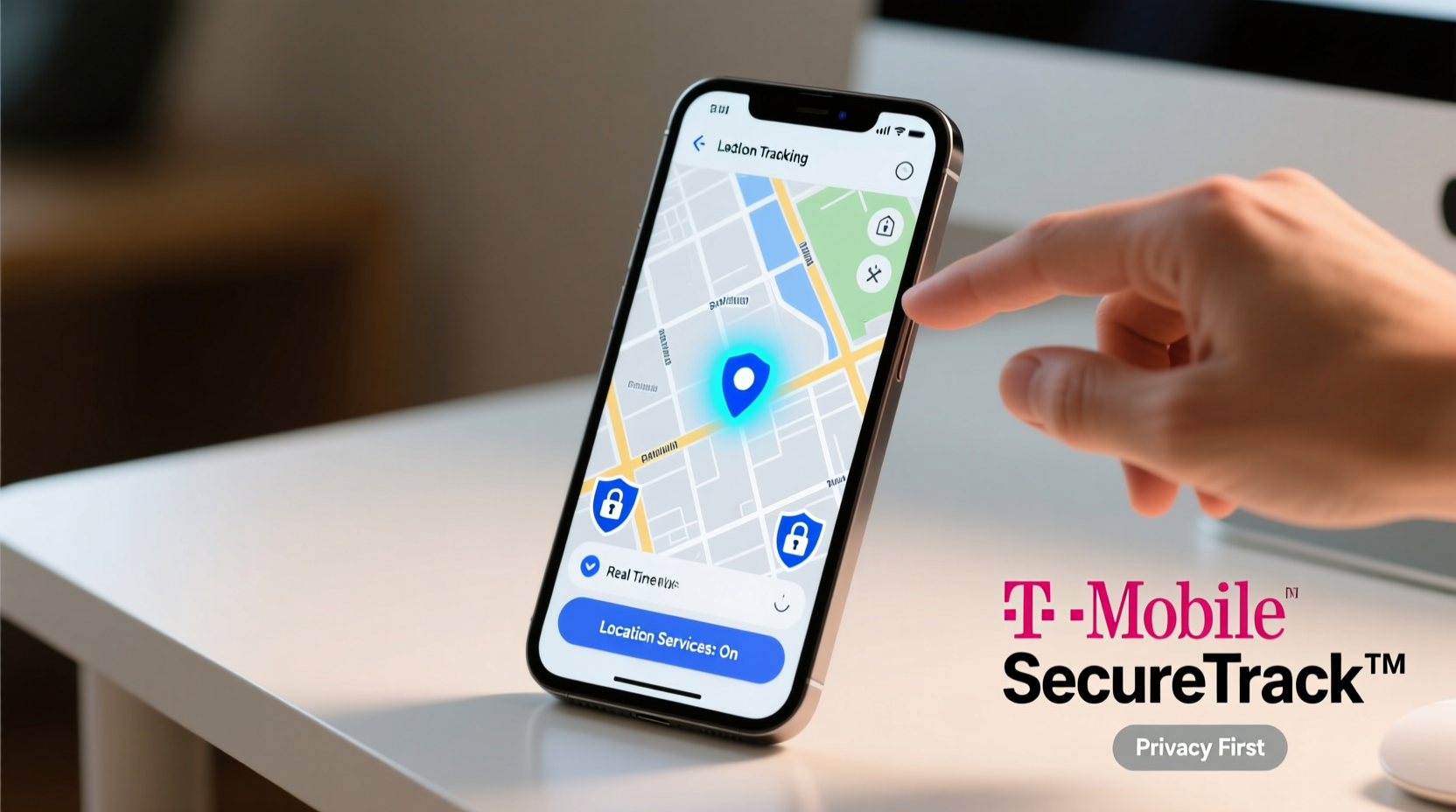
T-Mobile offers its own location-tracking service called FamilyWhere, designed primarily for families who want to monitor the whereabouts of loved ones—especially children or elderly relatives. Available as part of select T-Mobile plans, this service allows real-time GPS tracking via a mobile app or web portal.
Once activated, FamilyWhere provides:
- Real-time location updates
- Location history (up to 30 days)
- Geofencing alerts when someone enters or leaves a designated area
- Speed monitoring for driving safety
To set up FamilyWhere, all devices must be on the same T-Mobile account, and the user being tracked must consent if they are over 18. The service requires minimal technical setup—just download the app, log in with your T-Mobile credentials, and add members to your circle.
Leverage Universal Device Finders: Apple Find My & Google Find My Device
Regardless of carrier, the most secure and widely used tracking tools come from the device manufacturers themselves.
For iPhone Users: Find My (Apple)
If your T-Mobile phone is an iPhone, Apple’s Find My network is one of the most powerful location tools available. It uses end-to-end encryption, meaning only you can access your device’s location—not even Apple can see it.
Features include:
- Locate your iPhone on a map in real time
- Play a sound to help find it nearby
- Activate Lost Mode to lock the device and display a custom message
- Remotely erase data if recovery seems unlikely
The system works even if the phone is offline by leveraging Bluetooth signals from other Apple devices in the vicinity—a feature known as “offline finding.”
For Android Users: Find My Device
Google’s Find My Device service performs similar functions for Android phones, including those on T-Mobile. To use it, ensure your device has location services enabled and is signed into a Google account.
You can access the tool at google.com/android/find from any browser. From there, you can:
- See the phone’s current or last known location
- Ring the device at maximum volume for up to five minutes
- Lock it with a new PIN or password
- Erase all personal data remotely
“Built-in find-my tools like Apple’s Find My and Google’s Find My Device offer the highest level of integration and security because they’re deeply embedded in the operating system.” — Daniel Ruiz, Mobile Security Analyst at CyberShield Labs
Third-Party Tracking Apps: When Extra Features Are Needed
While native tools are often sufficient, some users require additional functionality such as detailed driving reports, screen monitoring, or multi-platform dashboards. Third-party apps like Life360, Find My Kids, and Google Messages’ Location Sharing can supplement built-in options—but should be chosen carefully.
| App | Best For | Security Note |
|---|---|---|
| Life360 | Family tracking with crash detection and driving reports | Data sharing policies have raised privacy concerns; review permissions |
| Find My Kids | Child safety with SOS button and school zone alerts | Premium features require subscription; app runs in background |
| Google Messages (Location Share) | Temporary sharing during trips or meetups | Ends automatically; no persistent tracking |
Always install third-party apps from official stores, check app permissions, and avoid granting unnecessary access to contacts, camera, or microphone.
Step-by-Step Guide: How to Locate Your T-Mobile Phone Right Now
Whether your phone was misplaced at home or lost in public, follow this sequence to maximize recovery chances:
- Stay Calm and Act Quickly: The sooner you act, the better your chances of locating it while it’s still powered on.
- Determine Your Device Type: Is it an iPhone or Android? This dictates which tool to use first.
- Use the Correct Finder Tool:
- iPhone: Go to iCloud.com/find and sign in with your Apple ID.
- Android: Visit google.com/android/find and log in with your Google account.
- Check Location and Ring It: If the device is nearby and online, use the ring feature—even if it’s on silent, it will play at full volume.
- Enable Lost Mode or Lock It: If you believe it’s stolen or inaccessible, lock it immediately with a message containing your contact info.
- Contact T-Mobile Support: Call 611 from another phone or visit T-Mobile.com. They can suspend service to prevent misuse and may assist in deactivating the IMEI if necessary.
- File a Police Report (if stolen): Provide the make, model, serial number, and last known location. Law enforcement may coordinate with carriers for assistance.
Mini Case Study: Recovering a Lost Phone at JFK Airport
Sarah, a T-Mobile customer traveling from New York to Miami, realized her Samsung Galaxy S23 was missing after clearing security at JFK. She immediately borrowed a friend’s phone and accessed Google Find My Device. The tracker showed the phone stationary near Terminal 4’s安检 area. She contacted airport lost-and-found and provided the precise location pin from the app. Within two hours, a TSA officer had recovered the device from a bin used during screening. Sarah credited the fast recovery to having location services enabled and acting within the critical first hour.
Privacy and Security Best Practices
Tracking tools are powerful, but they also carry risks if misused or poorly configured. Follow these guidelines to protect yourself and others:
- Only track devices where you have explicit permission (e.g., minors, consenting adults).
- Use strong passwords and two-factor authentication on iCloud and Google accounts.
- Regularly review connected devices and remove old or unused ones.
- Avoid public Wi-Fi when accessing tracking portals; use a secure connection.
- Disable location sharing when not needed to reduce digital footprint.
Do’s and Don’ts of Phone Tracking
| Do’s | Don’ts |
|---|---|
| Enable Find My Device / Find My iPhone during initial setup | Track someone without their knowledge or consent |
| Test your tracking tool monthly to ensure it works | Share live location links publicly or on social media |
| Use geofencing alerts for peace of mind with aging parents | Store tracking login details in unsecured notes apps |
FAQ
Can I track my T-Mobile phone if it’s turned off?
Not in real time. However, both Apple and Google show the last known location before shutdown. If the phone is later powered on and connects to the internet, the location will update immediately.
Does T-Mobile provide GPS tracking for free?
Basic tools like Find My Device and Find My iPhone are free. T-Mobile’s FamilyWhere service may require an eligible plan or add-on fee, typically $5–$10/month depending on the package.
What if my phone was factory reset?
After a factory reset, most tracking features are disabled unless Activation Lock is active (on iPhones) or Find My Device Protection is enabled (on Android). These prevent reactivation without your account credentials, preserving traceability even after wiping.
Conclusion: Take Control of Your Device Safety Today
Tracking your T-Mobile phone doesn’t have to be complicated or risky. By using built-in tools like Apple’s Find My or Google’s Find My Device, supplemented by responsible use of carrier services like FamilyWhere, you can maintain control over your device’s whereabouts with confidence. Security starts before loss occurs—enable tracking now, verify settings regularly, and educate family members on safe practices. A few minutes of preparation today could save hours of stress tomorrow.




 浙公网安备
33010002000092号
浙公网安备
33010002000092号 浙B2-20120091-4
Comments
No comments yet. Why don't you start the discussion?