
It happens in an instant: you're enjoying a latte at your favorite café, reach for your phone, and—splash—it slips into your coffee or someone else’s spilled drink. Panic sets in. Phones are expensive, packed with personal data, and essential to daily life. But all is not lost. The first few minutes after a liquid exposure are critical, and knowing exactly what to do can mean the difference between a minor scare and a costly replacement.
Liquid damage doesn’t always mean instant death for your device. Modern smartphones have some water resistance, but spills involving sugary or milky drinks are especially dangerous. These liquids leave behind sticky residues that corrode internal components over time. Immediate, correct action dramatically increases your chances of recovery. This guide walks you through science-backed, field-tested steps to clean and potentially rescue your phone after a café mishap.
Step 1: Act Immediately—The First 60 Seconds Matter
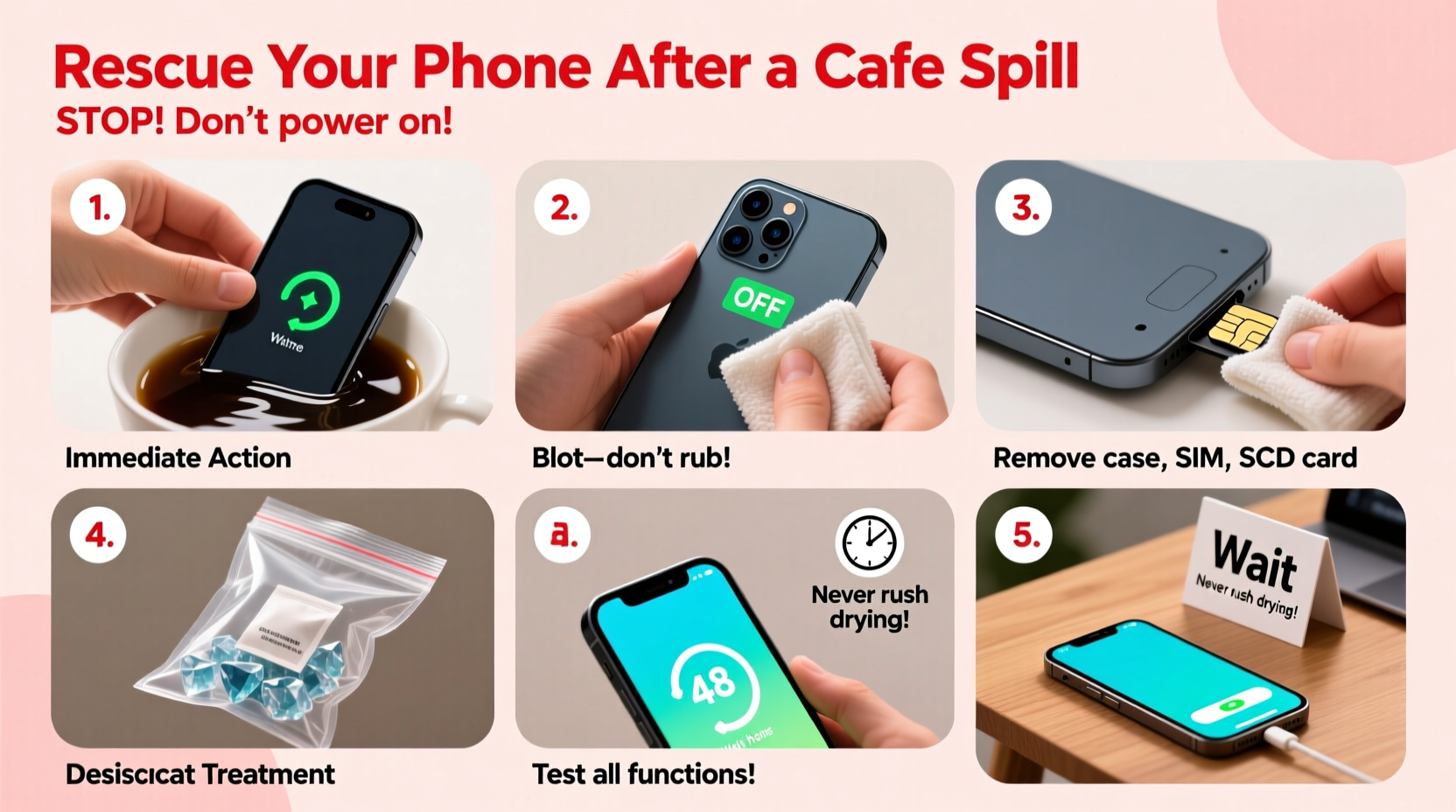
Time is your enemy. The longer liquid sits inside your phone, the higher the risk of corrosion and short circuits. As soon as your phone hits the drink:
- Retrieve it quickly—don’t let it soak. Every second counts.
- Power it off immediately. If it’s still on, hold the power button for 10 seconds to force a shutdown. Never attempt to restart or charge it later until fully dried.
- Remove accessories: take off the case, SIM tray, and any attached peripherals. This allows better airflow and reduces trapped moisture.
Step 2: Dry the Exterior Thoroughly
Use a soft, lint-free cloth or paper towel to gently wipe down the entire surface. Pay special attention to ports (charging, headphone), speakers, and buttons where liquid can pool. Tilt the phone to drain excess liquid from openings—do not shake it violently, as this can push liquid deeper.
Avoid using heat sources like hairdryers, radiators, or ovens. High heat can warp plastic, melt adhesives, and damage sensitive components. Similarly, do not use compressed air unless it’s low-pressure and specifically designed for electronics—standard canned air may contain propellants that worsen contamination.
Step 3: Address Sticky Residues from Sugary or Creamy Drinks
Coffee with milk, soda, or sweetened tea leaves behind sugars and fats that attract dust and corrode circuitry. Simply drying won’t suffice. For non-water spills, gentle cleaning is crucial.
- If comfortable, use a wooden or plastic toothpick to carefully remove gummy residue from ports.
- Dampen a microfiber cloth with 70% isopropyl alcohol (not acetone or window cleaner) and lightly wipe accessible areas. Alcohol evaporates quickly and helps dissolve organic residues without damaging most coatings.
- For stubborn buildup near speaker grilles, lightly dampen a cotton swab with alcohol, squeeze out excess, and gently dab—never insert deeply.
“Even 'water-resistant' phones aren't spill-proof. Sugar and dairy in beverages create conductive films that accelerate corrosion.” — Dr. Lena Patel, Electronics Repair Specialist, TechCare Labs
Step 4: Use Safe Drying Methods—No Rice, Use Silica Instead
The myth of putting a wet phone in rice persists, but it’s ineffective and outdated. Rice absorbs little moisture and can introduce starch and dust into ports. Instead, rely on better methods:
| Method | Effectiveness | Notes |
|---|---|---|
| Rice | Poor | Slow absorption; risks debris in ports |
| Silica Gel Packets | High | Found in shoeboxes or pill bottles; highly absorbent |
| Desiccant Bags | Very High | Reusable moisture absorbers available online |
| Fan + Ventilation | Moderate | Use in combination with desiccants; avoid direct heat |
Place your phone in a sealed container or ziplock bag with silica gel packets for at least 24–48 hours. More packets = faster drying. Position the phone so ports face downward to encourage drainage.
Step 5: Test and Monitor After Drying
After 48 hours, reassemble your phone (replace SIM, remove any tools), then power it on. Watch for these signs:
- Does it turn on normally?
- Are touchscreen, speakers, microphone, and charging port functioning?
- Any flickering screen, distorted sound, or overheating?
If the phone powers on but behaves oddly, residual moisture or corrosion may still be present. Turn it off again and extend drying time by another 24 hours. Persistent issues may require professional disassembly and cleaning with specialized solvents.
Mini Case Study: Recovering a Phone from a Mocha Spill
Sophie, a freelance writer, dropped her iPhone into a half-full mocha at a downtown café. She followed these steps: retrieved the phone within 10 seconds, powered it off, wiped it with a napkin, removed the case, and placed it in a container with silica gel from a recent camera box. She waited 36 hours before turning it on. The phone booted normally, though the speaker was slightly muffled. After gently blowing into the grille and drying another 12 hours, full function returned. No data was lost, and the phone remained in use for another 14 months.
Essential Do’s and Don’ts Checklist
- Turn the phone off immediately
- Wipe exterior with a dry cloth
- Use silica gel for drying
- Wait at least 24–48 hours before powering on
- Seek professional repair if symptoms persist
- Press buttons repeatedly to “check” if it works
- Use rice as your primary drying method
- Charge or plug in cables while damp
- Apply heat from hairdryers or microwaves
- Shake or spin the phone to remove liquid
FAQ: Common Questions After a Cafe Spill
Can water-resistant phones survive drink spills?
Water resistance (like IP67 or IP68 ratings) only applies to fresh water under controlled conditions. It does not protect against sugary, acidic, or creamy liquids, which are more damaging. Always treat a spill as an emergency, regardless of your phone’s rating.
What if my phone turns on but the screen is glitchy?
This often indicates moisture or corrosion on internal connectors. Power it off immediately, continue drying, and avoid repeated attempts to restart. Glitches may resolve after thorough drying, but persistent issues need technician inspection.
Is professional cleaning worth the cost?
If your phone has sentimental or financial value (e.g., recent model or irreplaceable photos), professional ultrasonic cleaning can be cost-effective. Technicians disassemble the device, clean the logic board with precision solvents, and inspect for corrosion. Prices typically range from $50–$120, far below replacement costs.
Final Steps: Prevention and Preparedness
While accidents happen, you can reduce future risks. Avoid placing drinks near your phone. Use protective cases with raised edges to keep surfaces elevated. Consider carrying a small emergency kit: a sealable bag, a few silica gel packets, and a microfiber cloth. Awareness and preparation make all the difference.
“The best repair is the one you never need. But when disaster strikes, knowledge is your strongest tool.” — Marcus Tran, Mobile Device Forensics Technician
Conclusion: Stay Calm, Act Fast, Save Your Phone
A spilled drink in a café doesn’t have to mean a dead phone. With swift, informed action, many devices can be rescued—even after exposure to sticky, corrosive liquids. The key lies in immediate shutdown, careful cleaning, and proper drying with effective materials like silica gel. Avoid outdated myths, prioritize safety, and know when to seek expert help.




 浙公网安备
33010002000092号
浙公网安备
33010002000092号 浙B2-20120091-4
Comments
No comments yet. Why don't you start the discussion?