
In today’s digital world, phishing attempts and scam emails have become increasingly sophisticated. Among the most common targets is Apple, with cybercriminals impersonating official Apple communications to steal login credentials, credit card details, or install malware. Recognizing these threats early and knowing how to report them properly not only protects you but also helps Apple improve its global security systems. This guide walks through practical, actionable steps to detect fraudulent messages and report them effectively to Apple.
Understanding the Threat: What Are Scam Emails?
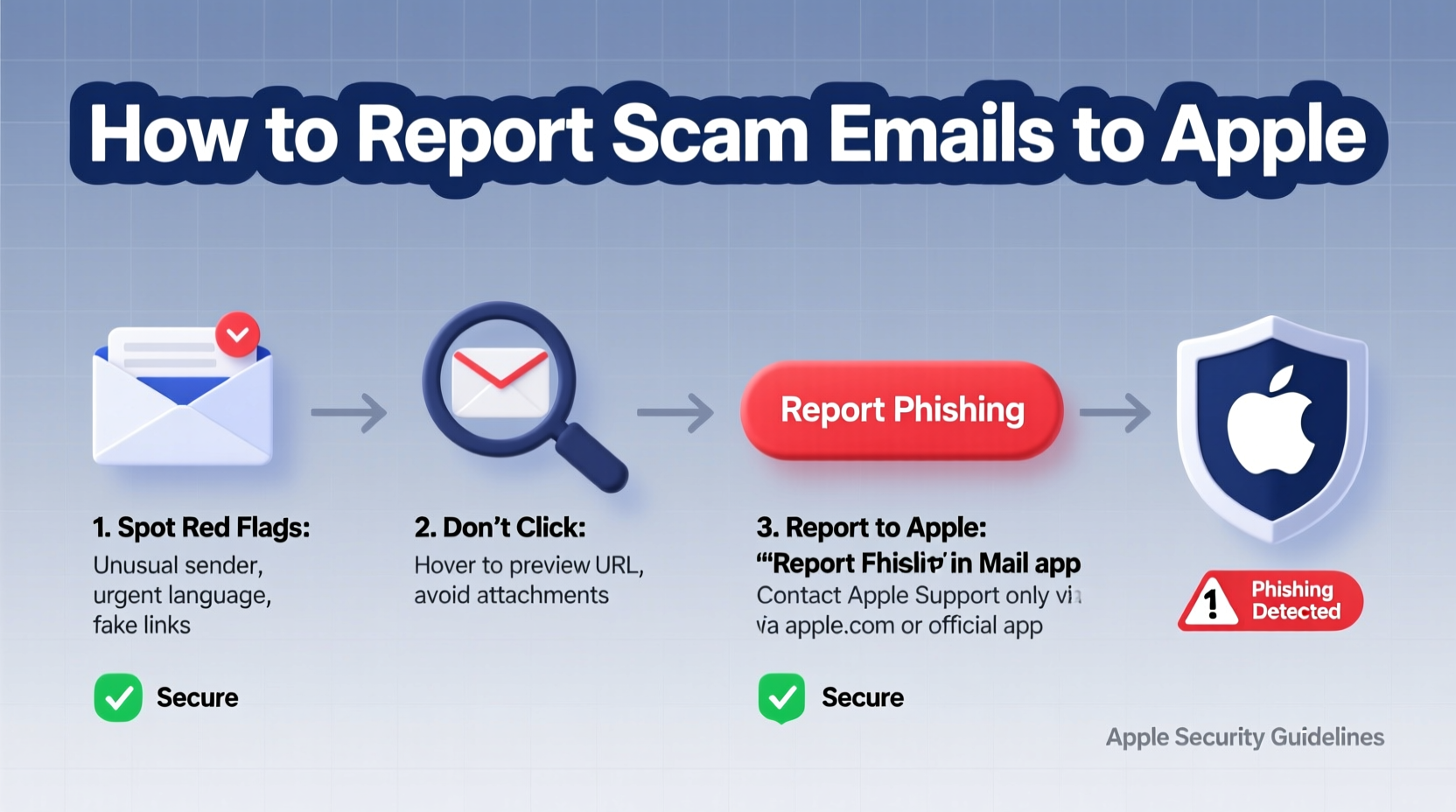
Scam emails, often referred to as phishing attacks, are deceptive messages designed to mimic legitimate organizations—like Apple—to trick users into revealing sensitive information. These emails may claim your Apple ID has been locked, your iCloud storage is full, or that unauthorized purchases were made on your account. The goal is urgency: to prompt immediate action without thoughtful verification.
According to the Anti-Phishing Working Group (APWG), over 500,000 unique phishing sites were reported in a single quarter of 2023, with tech brands like Apple being among the most impersonated. Cybersecurity expert Dr. Linda Chen notes:
“Apple’s widespread user base makes it a prime target. The more convincing the spoof, the higher the chance someone will click without thinking.” — Dr. Linda Chen, Cybersecurity Researcher at Stanford University
How to Identify a Scam Email from Apple
Not every suspicious email is obvious. Modern phishing attempts use Apple’s logo, realistic fonts, and even correct-looking URLs. However, several red flags can help you spot a fake:
- Generic greetings: Messages starting with “Dear User” or “Dear Customer” instead of your actual name.
- Urgent language: Phrases like “Act now!” or “Your account will be suspended in 24 hours!” are designed to provoke panic.
- Suspicious sender address: Look closely at the “From” field. Official Apple emails come from domains ending in @apple.com, @icloud.com, or @me.com—not @gmail.com, @yahoo.com, or misspelled versions like @appl3.com.
- Links leading to non-Apple domains: Hover over buttons or hyperlinks (without clicking) to preview the URL. If it redirects to a site that isn’t apple.com or icloud.com, it’s likely a scam.
- Poor grammar and formatting: Typos, awkward phrasing, or misaligned logos are telltale signs of fraud.
- Requests for personal information: Apple will never ask for your password, credit card number, or security questions via email.
Step-by-Step Guide to Reporting Scam Emails to Apple
Reporting phishing attempts helps Apple track malicious activity and protect other users. Follow this timeline to ensure your report is effective:
- Do not click any links or download attachments. Even hovering can sometimes trigger tracking scripts. Close the email immediately if opened.
- Preserve the full email headers. These contain technical routing information crucial for investigation. In most email clients, you can view headers via “Show Original” or “View Source.”
- Forward the email to Apple’s dedicated anti-phishing address: reportphishing@apple.com. Include the full message and headers.
- If using iPhone or Mac Mail, mark as junk first. This helps train your device’s spam filter and isolates the threat.
- Report to your email provider. Gmail, Outlook, and Yahoo all allow users to report phishing, improving their detection algorithms.
- Monitor your Apple ID activity. Go to appleid.apple.com, sign in, and check the “Devices” and “Security” sections for unfamiliar logins or changes.
- Enable two-factor authentication if not already active. This adds a critical layer of protection even if your credentials are compromised.
What Happens After You Report a Scam Email?
Once Apple receives your report, their security team analyzes the email’s origin, content, and infrastructure. They collaborate with domain registrars and internet service providers to take down phishing sites and block future messages. While individual users don’t receive confirmation, each report contributes to broader threat intelligence.
Apple does not investigate on a per-user basis, but aggregated reports help refine machine learning models used across iCloud, Safari, and Mail apps to detect and filter phishing attempts automatically.
“Every report strengthens Apple’s ability to defend millions of users. It’s a collective security effort.” — Mark Liu, Senior Security Analyst at Apple Inc.
Do’s and Don’ts When Handling Suspicious Emails
| Do’s | Don’ts |
|---|---|
| ✅ Forward suspicious emails to reportphishing@apple.com | ❌ Click on links or download attachments |
| ✅ Check the sender’s email address carefully | ❌ Reply to the email or engage with the sender |
| ✅ Verify account issues by logging in directly via Apple’s website | ❌ Share passwords, Apple ID, or payment details via email |
| ✅ Use built-in reporting tools in your email client | ❌ Assume an email is safe just because it looks professional |
| ✅ Keep your devices updated with the latest iOS and macOS security patches | ❌ Ignore warning signs due to urgency or fear |
Real Example: A Close Call with a Fake iCloud Lock Warning
Sophie, a freelance designer in Portland, received an email titled “iCloud Account Locked – Immediate Action Required.” The message displayed Apple’s logo, used formal language, and included a button labeled “Unlock Now.” At first glance, it appeared authentic.
She paused before clicking. Instead, she hovered over the button and noticed the link led to “apple-security-login.net”—not an official Apple domain. She checked her Apple ID through her iPhone’s Settings app and found no alerts. Sophie forwarded the full email with headers to reportphishing@apple.com and marked it as junk in her Gmail account.
Two weeks later, Apple released a security update noting the takedown of a phishing campaign targeting iCloud users with similar tactics. Her report contributed to identifying the threat earlier.
Frequently Asked Questions
Can Apple recover my account if I’ve already clicked a scam link?
If you entered your Apple ID and password on a fake site, change your password immediately at iforgot.apple.com. Enable two-factor authentication if not already active. Contact Apple Support directly through their official website for further assistance.
Does Apple respond to every phishing report?
No, Apple does not send individual replies to phishing reports. However, they systematically analyze all submissions to enhance their security infrastructure. Your report plays a vital role in protecting the wider user community.
Are scam emails only sent to personal accounts?
No. Business and education accounts using Apple IDs are equally targeted. Organizations should train employees to recognize phishing and establish internal reporting protocols alongside forwarding to Apple.
Protect Yourself Proactively: A Final Checklist
- ☑️ Regularly review your Apple ID security settings
- ☑️ Enable two-factor authentication
- ☑️ Never enter Apple credentials from an email link
- ☑️ Forward phishing emails to reportphishing@apple.com
- ☑️ Report scams to your email provider (Gmail, Outlook, etc.)
- ☑️ Keep iOS, macOS, and apps up to date
- ☑️ Educate family members or colleagues about common phishing tactics
Stay Vigilant, Stay Secure
Identifying and reporting scam emails is a simple yet powerful way to contribute to a safer digital ecosystem. Apple’s security depends not only on technology but on informed users who act responsibly. By staying alert, verifying sources, and reporting threats promptly, you protect not just yourself—but millions of others who rely on Apple’s services every day. Make reporting phishing attempts a routine habit, just like updating your software. Your vigilance matters.




 浙公网安备
33010002000092号
浙公网安备
33010002000092号 浙B2-20120091-4
Comments
No comments yet. Why don't you start the discussion?