
The average person receives over 20 spam calls per month, according to the Federal Trade Commission. These intrusive calls range from automated robocalls to sophisticated scams that mimic local numbers. The frustration is real—and so are the risks. Fortunately, you don’t have to endure this digital nuisance. With the right combination of built-in tools, third-party apps, and proactive habits, it’s entirely possible to block a phone effectively and eliminate unwanted calls for good.
Understanding the Problem: Why You’re Getting So Many Unwanted Calls
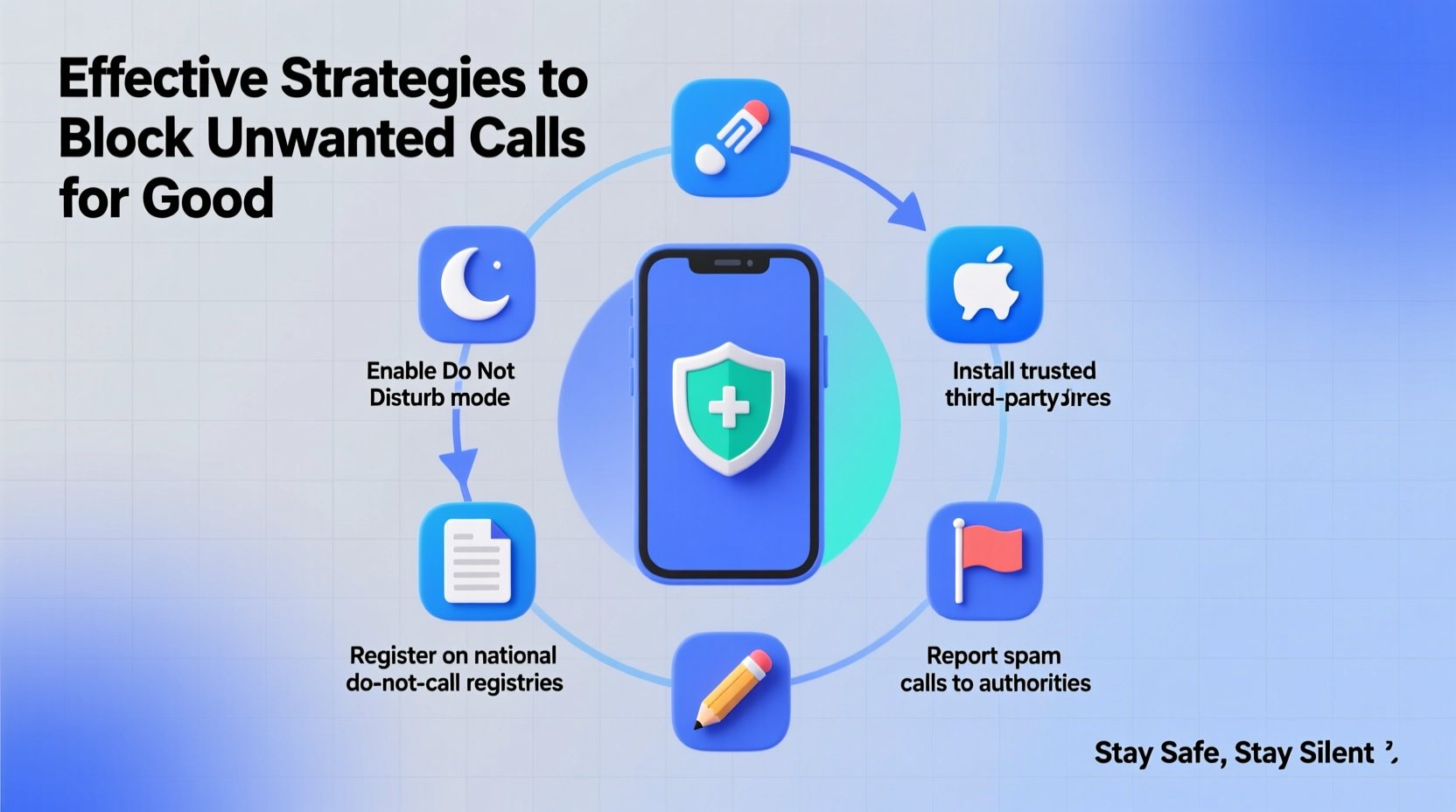
Robocall technology has become cheaper and more accessible, enabling scammers to dial thousands of numbers automatically. Caller ID spoofing makes these calls appear as if they're coming from trusted sources—your bank, local businesses, or even your own area code. This tactic increases the likelihood you’ll answer, putting personal information and finances at risk.
The FCC reports that spoofed calls accounted for nearly 70% of all unwanted calls in 2023. Because phone numbers can be generated and recycled endlessly, blocking one number rarely solves the problem long-term. A strategic, multi-layered defense is essential.
Step-by-Step Guide to Blocking Calls on Your Device
Modern smartphones come with robust call-blocking features. Follow this timeline to secure your device within 24 hours.
- Day 1 – Audit Recent Call Logs: Review the last week of missed or answered calls. Identify patterns such as repeated area codes or specific keywords (\"SSA,\" \"Warranty,\" \"IRS\").
- Block High-Frequency Numbers: On iPhone, tap the caller in Recents > Info > Block this Caller. On Android, open the Phone app > Recent calls > Tap number > Block/report spam.
- Enable Built-In Spam Protection:
- iOS: Settings > Phone > Silence Unknown Callers (blocks calls not in your contacts).
- Android: Open Phone app > Settings > Spam and Call Screen > Enable “Filter spam calls.”
- Register with the National Do Not Call Registry: Visit donotcall.gov and add your number. While this won’t stop illegal callers, it reduces legitimate telemarketing by law.
- Install a Trusted Third-Party App: Choose one like Hiya, Truecaller, or RoboKiller based on compatibility and privacy policies.
Top Carrier-Based Call Protection Services
Your mobile provider likely offers free or premium call-blocking services. These work at the network level, stopping spam before it reaches your phone.
| Carrier | Service Name | Cost | Key Features |
|---|---|---|---|
| AT&T | Call Protect | Free basic; $3.99/mo premium | Spam detection, caller ID, international scam blocking |
| Verizon | Call Filter | Free basic; $2.99/mo plus | Real-time alerts, fraud blocking, customizable filters |
| T-Mobile | Scam Shield | Free for most plans | Scam ID, Scam Block, Voicemail Defense, Number Masking |
| Sprint (now T-Mobile) | Same as T-Mobile Scam Shield | Free | Fully integrated into existing service |
“Network-level filtering is the most effective first line of defense. It stops millions of scam calls daily before they ever ring a customer’s phone.” — Lisa Brown, FCC Consumer Affairs Director
Choosing the Right Third-Party App: Comparison & Recommendations
Third-party apps enhance protection with community-driven databases and AI-powered analytics. However, not all apps are created equal—some compromise privacy by collecting excessive data.
Look for apps that:
- Offer real-time spam identification
- Allow manual blocking and reporting
- Provide call screening (e.g., automated voicemail response)
- Respect user privacy with transparent data policies
Mini Case Study: How Sarah Reduced Her Spam Calls by 95%
Sarah, a small business owner in Austin, was receiving up to 15 spam calls daily. Many appeared to be from her own ZIP code, making them hard to ignore. After registering with the Do Not Call list and enabling AT&T Call Protect, she still saw about five spam calls a day. She then installed Truecaller, which uses crowd-sourced spam reports to flag suspicious numbers. Within a week, incoming spam dropped to one or two per week. When a new wave of fake IRS calls emerged, she used Truecaller’s reporting feature, helping block the number for others too.
Essential Checklist to Stop Unwanted Calls Permanently
To fully protect your phone, complete the following actions:
- ✅ Register your number at donotcall.gov
- ✅ Enable built-in spam filter on your smartphone (iOS/Android)
- ✅ Activate your carrier’s free call-blocking service (e.g., Scam Shield, Call Filter)
- ✅ Install one reputable third-party app (Truecaller, Hiya, or RoboKiller)
- ✅ Manually block persistent spam numbers from your call log
- ✅ Report illegal robocalls to the FTC at reportfraud.ftc.gov
- ✅ Never engage with suspected spam callers—no speaking, no pressing buttons
Frequently Asked Questions
Can I block all spam calls completely?
No solution blocks 100% of spam calls due to the evolving tactics of scammers. However, combining carrier tools, device settings, and a reliable app can reduce unwanted calls by over 90%. Consistent updates and reporting improve long-term effectiveness.
Is it safe to use apps like Truecaller?
Most reputable call-blocking apps are safe, but they collect phone number data to build their databases. Truecaller, for example, allows users to opt out of public directory listings. Always review app permissions and choose those with clear privacy policies.
What should I do if a scammer has my personal information?
If you suspect a scammer obtained sensitive data (like your Social Security number), immediately place a fraud alert with one of the three major credit bureaus (Equifax, Experian, TransUnion). Consider freezing your credit and monitoring accounts for suspicious activity. Report the incident to the FTC at identitytheft.gov.
Final Steps to Maintain Long-Term Protection
Stopping unwanted calls isn’t a one-time fix—it requires ongoing maintenance. Update your apps monthly, recheck carrier settings after phone upgrades, and continue reporting new spam numbers. New scam campaigns emerge constantly, but so do better defenses.
One often-overlooked strategy is using a secondary number for online sign-ups and deliveries. Services like Google Voice allow you to create a disposable number that forwards to your main line. If it gets spammed, simply deactivate it without changing your primary contact.
“The best defense is layered: use technology, stay informed, and never reward scammers with engagement.” — David Liu, Cybersecurity Analyst at Consumer Reports
Take Control of Your Phone Line Today
You don’t have to live with constant interruptions from spam callers. By activating built-in protections, leveraging your carrier’s tools, and adding a smart third-party app, you can reclaim your phone for real conversations. Start implementing these strategies now—many take less than five minutes. Share your experience or tips in the comments below to help others fight back against the robocall epidemic.




 浙公网安备
33010002000092号
浙公网安备
33010002000092号 浙B2-20120091-4
Comments
No comments yet. Why don't you start the discussion?