
Getting your website noticed by Google is only the first step. The real challenge lies in ensuring that your pages are indexed quickly and consistently. Indexing is the gateway to visibility — without it, even the most valuable content remains invisible in search results. Many website owners publish high-quality content only to wait weeks for Google to discover it. The good news: you don’t have to leave indexing to chance. By applying technical precision, strategic outreach, and proactive monitoring, you can dramatically accelerate how fast Google indexes your site and enhances its presence in search.
Understand How Google Indexing Works
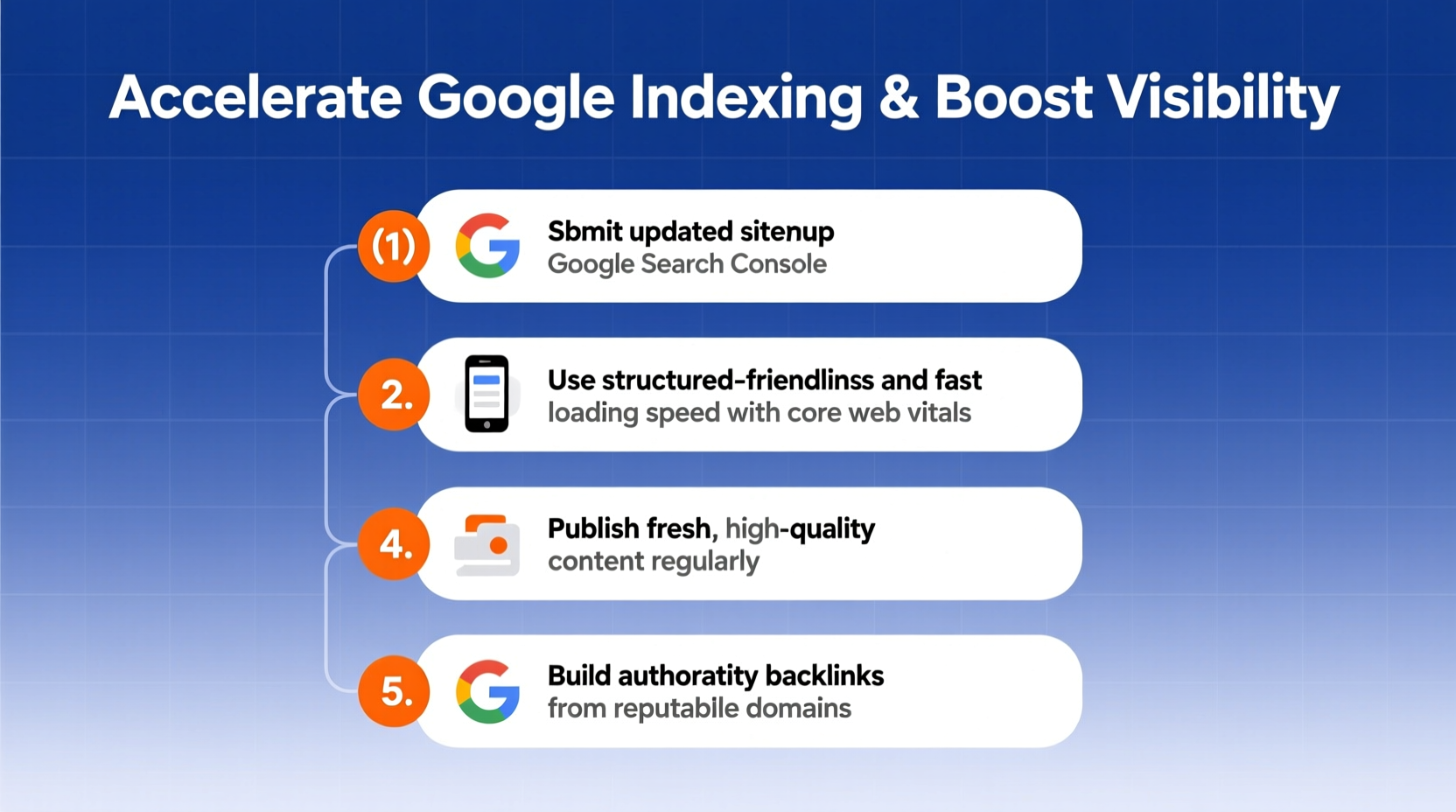
Before diving into tactics, it's essential to understand the process. Google uses bots — primarily Googlebot — to crawl web pages, follow links, and gather information. Once crawled, pages enter a queue for indexing, where Google analyzes their content, structure, and relevance. Only after indexing do they become eligible to appear in search results.
Delays often occur due to poor site architecture, lack of internal linking, or failure to signal new content effectively. Google prioritizes sites that are technically sound, regularly updated, and trusted by other domains. Recognizing this hierarchy allows you to optimize not just for speed but also for long-term visibility.
“Indexing isn’t passive. Sites that actively manage crawlability, freshness, and authority will always outperform those waiting to be discovered.” — John Mueller, Google Search Advocate
Optimize Your Site Structure for Faster Crawling
A well-organized site structure helps Googlebot navigate efficiently. If your content is buried under multiple layers of navigation or broken links, crawling slows down significantly.
Start by creating a logical hierarchy: use clear categories, minimize click depth, and ensure every important page is reachable within three clicks from the homepage. Implement breadcrumb navigation and maintain a clean URL structure that reflects topic relationships (e.g., /blog/seo/indexing-tips).
Create and Submit an Updated XML Sitemap
Your XML sitemap acts as a roadmap for Google. It lists all important pages, their last modification date, and update frequency. Make sure your sitemap includes only canonical, indexable URLs and excludes duplicates, thin content, or private pages.
After generating the sitemap (via tools like Screaming Frog, Yoast SEO, or Google Search Console), submit it directly through Google Search Console. Re-submit whenever you publish major new content or restructure sections of your site.
Leverage Google Search Console Proactively
Google Search Console (GSC) is your direct line to Google’s indexing system. Beyond submitting sitemaps, GSC allows you to monitor crawl errors, inspect individual URLs, and request indexing manually.
When publishing a new page, use the “Inspect URL” tool to check its status. If Google hasn’t crawled it yet, click “Request Indexing.” This doesn’t guarantee instant inclusion, but it signals priority and often results in indexing within hours — especially for established domains with strong crawl budgets.
| Action | Benefit | Best For |
|---|---|---|
| Submit sitemap | Full-site discovery | New websites or large updates |
| Request indexing per URL | Fast tracking of key pages | Blogs, product launches, press releases |
| Monitor crawl stats | Identify bottlenecks | Tech-heavy or large-scale sites |
| Fix mobile usability issues | Improve crawl efficiency | Responsive or mobile-first sites |
Generate Immediate Backlinks and Social Signals
Google discovers new content partly through external links. When reputable websites link to your new page, Googlebot is more likely to find and prioritize it. Even a few quality backlinks from industry blogs, newsletters, or social media platforms can trigger faster crawling.
Share new content across professional networks like LinkedIn, Twitter, and niche forums. While social shares aren’t a direct ranking factor, they increase exposure and the likelihood of earning natural backlinks. Consider reaching out to collaborators or partners to mention your resource in relevant discussions.
Mini Case Study: Accelerated Indexing Through Outreach
A small digital marketing agency launched a comprehensive guide on local SEO. After publishing, they shared the link in two active Slack communities and reached out to three industry influencers who had previously covered similar topics. Within 24 hours, two of the influencers retweeted the post, and one linked to it in a weekly newsletter. Google indexed the page within six hours, confirmed via GSC. Within a week, it ranked on page two for competitive keywords like “local SEO checklist.” The rapid indexing was directly tied to the sudden influx of referral traffic and external signals.
Improve Crawl Efficiency with Internal Linking
Internal links are one of the most underrated tools for accelerating indexing. Every time you publish new content, link to it from existing high-traffic pages such as your blog homepage, resource hub, or recent posts section.
This strategy does two things: it increases the number of entry points for Googlebot, and it passes link equity, signaling importance. Avoid orphaned pages — those with no internal links pointing to them — as they often go undiscovered for weeks or never get indexed at all.
- After publishing a new article, add a link from your “Latest Posts” section.
- Update older related articles with contextual links to the new piece.
- Include new pages in navigation menus if they represent core topics.
- Use footer links sparingly and only for essential pages like About or Contact.
Ensure Technical Health and Mobile Readiness
No amount of promotion can compensate for technical flaws. Googlebot may skip pages that load slowly, return server errors, or fail mobile usability checks. Regularly audit your site using Google Search Console and tools like PageSpeed Insights or Lighthouse.
Focus on fixing critical issues: eliminate redirect chains, compress images, defer non-essential JavaScript, and ensure your robots.txt file isn’t blocking important pages. Also, verify that your site is mobile-friendly — Google uses mobile-first indexing, meaning the mobile version of your site determines how content is crawled and ranked.
Checklist: Pre-Publishing SEO Audit
- ✅ Confirm the page is set to “index” (no noindex tag)
- ✅ Add the page to your XML sitemap
- ✅ Test loading speed on desktop and mobile
- ✅ Fix broken links and 404s
- ✅ Ensure responsive design passes mobile usability
- ✅ Include internal links from at least two existing pages
- ✅ Share the URL on at least two social platforms
- ✅ Submit the URL for indexing via Google Search Console
FAQ
How long does it usually take Google to index a new page?
For established websites with strong domain authority, indexing can happen in minutes to hours. Newer or less authoritative sites may wait several days or even weeks. Using Google Search Console’s “Request Indexing” feature significantly reduces wait times.
Does pinging services help with indexing?
While traditional ping services (like Pingomatic) were once popular, they have limited impact today. Google relies more on sitemaps, backlinks, and direct submissions via Search Console than third-party pings. Focus your efforts there instead.
Can I get penalized for requesting indexing too often?
No. Google does not penalize legitimate indexing requests. However, repeatedly submitting low-quality or duplicate pages may reduce the effectiveness over time. Use the feature judiciously for high-value content only.
Conclusion
Speeding up Google’s indexing process isn’t about shortcuts — it’s about smart optimization, consistent maintenance, and proactive communication with search engines. By structuring your site for crawl efficiency, leveraging Google Search Console, building early backlinks, and maintaining technical excellence, you create the ideal conditions for rapid discovery and lasting visibility.
The web moves fast. Don’t let your content linger in obscurity. Apply these strategies with every new publication, monitor your results in Search Console, and refine your approach over time. Your audience is searching — make sure they can find you.




 浙公网安备
33010002000092号
浙公网安备
33010002000092号 浙B2-20120091-4
Comments
No comments yet. Why don't you start the discussion?