
In today’s digital-first world, typing isn’t just a skill—it’s a necessity. Whether you're writing emails, coding, or drafting reports, your ability to type efficiently directly impacts productivity, focus, and even job performance. Yet many people still hunt-and-peck or rely on inefficient habits formed in school. The good news: with the right approach, anyone can dramatically improve their typing speed and accuracy in weeks, not years.
The journey from average to expert typist doesn’t require innate talent—just consistency, smart practice, and an understanding of what works. This guide breaks down the most effective techniques for accelerating typing mastery and provides realistic timelines based on real-world learning patterns.
Why Typing Speed Matters Beyond Words Per Minute
Typing quickly is valuable, but accuracy and endurance are equally important. A high words-per-minute (WPM) rate means little if every third word needs correction. True typing mastery combines speed, precision, and comfort over extended periods. Poor technique leads to fatigue, errors, and even repetitive strain injuries.
Professional writers, programmers, and administrative workers who type daily report that improving their typing reduced mental load, shortened work hours, and improved overall well-being. According to a study by the University of Washington, touch typists (those who type without looking at the keyboard) complete tasks up to 30% faster than visual typists.
“Touch typing is one of the few skills where deliberate practice yields measurable, lifelong returns.” — Dr. Linda Chen, Cognitive Performance Researcher
Proven Strategies to Accelerate Typing Mastery
Improving typing speed isn’t about mindless repetition. It’s about targeted, intelligent practice. Below are seven research-backed strategies that deliver results faster than generic drills.
1. Learn Touch Typing from Day One
If you’re still glancing at the keys, break the habit now. Touch typing uses muscle memory to locate keys without sight, allowing your brain to focus on content rather than mechanics. Start with proper hand positioning: left index finger on “F,” right index on “J,” thumbs on the spacebar.
2. Prioritize Accuracy Over Speed Initially
Speed builds naturally when accuracy is consistent. Rushing too soon reinforces mistakes. Begin with exercises at 75–80 WPM accuracy targets before pushing limits. Tools like Keybr.com and Ratatype adapt to your error patterns and reinforce weak areas.
3. Practice Daily with Purpose
Twenty minutes of focused practice daily beats two hours once a week. Short, regular sessions build stronger neural pathways. Use timed drills (5–10 minutes) followed by real-world typing (emails, notes) to apply skills contextually.
4. Use Real Content, Not Just Random Words
Type excerpts from books, articles, or transcribe short audio clips. This trains your brain to anticipate language patterns, improving rhythm and reducing hesitation. It also makes practice more engaging.
5. Analyze Your Errors
Track which keys or transitions cause mistakes. Are you missing the semicolon? Tripping between “R” and “T”? Isolate problem zones and drill them individually. Most typing platforms provide error heatmaps—use them.
6. Optimize Your Environment
Ergonomics matter. Keep wrists elevated slightly above the keyboard, elbows at 90 degrees, and screen at eye level. An uncomfortable setup causes tension, slowing progress and increasing errors.
7. Challenge Yourself Gradually
Once you hit 60 WPM with 95%+ accuracy, introduce advanced drills: capitalization, symbols, and punctuation under time pressure. Simulate real conditions like live chat or transcription to build stamina.
How Long Does It Really Take to Master Typing?
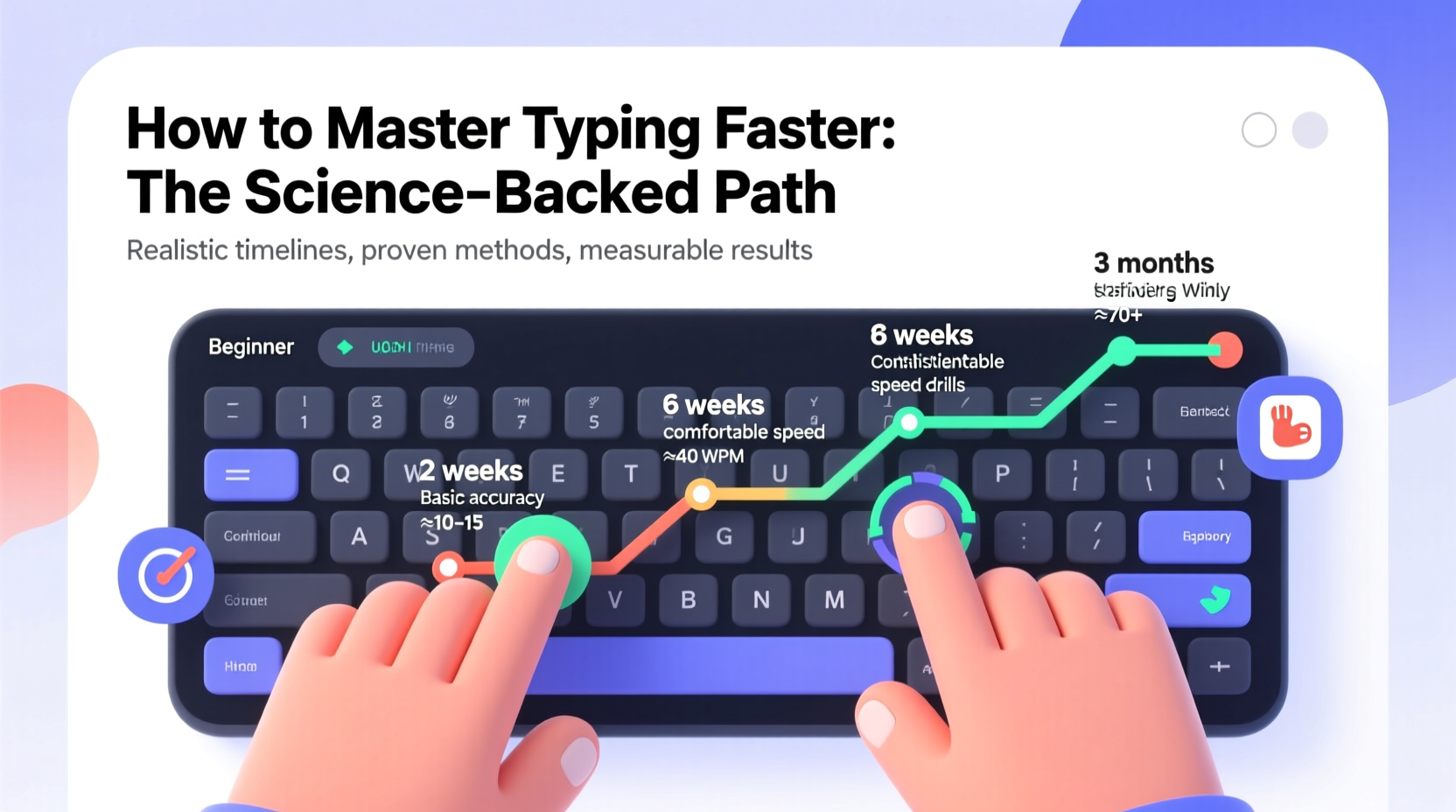
There’s no universal timeline, but realistic benchmarks exist based on effort and method. Mastery means reaching 80+ WPM with minimal errors—well above the average adult typing speed of 40 WPM.
| Daily Practice | Time Commitment | Expected Outcome |
|---|---|---|
| 10–15 min | 3–4 weeks | Transition to touch typing, ~50 WPM |
| 20–30 min | 6–8 weeks | 60–70 WPM with strong accuracy |
| 30+ min + real-world use | 10–12 weeks | 80+ WPM, near-fluent proficiency |
| Minimal or inconsistent practice | 3+ months | Slow progress, plateau around 50 WPM |
Progress isn’t linear. Expect plateaus around 50–60 WPM, where gains feel stalled. Push through by varying exercises and focusing on rhythm over raw speed.
Mini Case Study: From 38 WPM to 92 WPM in 10 Weeks
Sarah, a paralegal assistant, typed at 38 WPM using two fingers and made frequent errors in legal documents. She committed to 25 minutes daily on TypingClub and transcribed court summaries for 15 minutes after work. By week six, she reached 65 WPM. At week ten, her average stabilized at 92 WPM with 98% accuracy. Her supervisor noted a 40% reduction in document turnaround time.
Action Plan: Your 8-Week Roadmap to Faster Typing
Follow this structured approach to maximize improvement without burnout.
- Week 1–2: Learn correct finger placement. Practice 15–20 minutes daily using guided lessons. Focus only on home row keys.
- Week 3–4: Expand to top and bottom rows. Introduce simple sentences. Target 90% accuracy at 45 WPM.
- Week 5–6: Increase session length to 30 minutes. Add timed tests and real text transcription. Aim for 60 WPM.
- Week 7–8: Practice mixed content with numbers and symbols. Take weekly benchmark tests. Break 75 WPM with 95% accuracy.
Frequently Asked Questions
Can I learn to type quickly at any age?
Absolutely. While younger learners may pick up motor skills faster, adults often progress more deliberately due to better focus and discipline. Neuroplasticity allows the brain to adapt at any age with consistent input.
Is it worth learning to type faster if I already type at 60 WPM?
Yes. Increasing to 80+ WPM reduces cognitive friction, especially during creative or technical work. Over a year, typing 20 WPM faster can save 50–70 hours of active typing time.
Should I use a mechanical keyboard to improve typing?
Not required, but helpful. Mechanical keyboards offer tactile feedback and consistent key resistance, which can enhance muscle memory. However, technique matters more than equipment. You can master typing on any standard keyboard.
Essential Typing Practice Checklist
- ✅ Commit to daily practice (minimum 15 minutes)
- ✅ Use proper hand positioning (home row foundation)
- ✅ Avoid looking at the keyboard
- ✅ Focus on accuracy before speed
- ✅ Track progress weekly with timed tests
- ✅ Incorporate real-world typing (emails, notes)
- ✅ Adjust chair and desk for ergonomic alignment
- ✅ Review error patterns and target weak keys
Mastery Is Within Reach—Start Today
Becoming a fast, accurate typist isn’t reserved for prodigies or tech veterans. It’s a skill built through small, consistent actions. The strategies outlined here eliminate guesswork and accelerate progress by focusing on what actually works: deliberate practice, error analysis, and real application.
You don’t need months of vague effort. With focused training, fluency is achievable in under three months. Every minute invested pays dividends in time saved, stress reduced, and work executed with greater ease.




 浙公网安备
33010002000092号
浙公网安备
33010002000092号 浙B2-20120091-4
Comments
No comments yet. Why don't you start the discussion?