
Modern smartphones are powerful tools, but their utility is limited by one critical factor: battery life. For Android users, managing power efficiently can mean the difference between a full day of uninterrupted use and constantly hunting for an outlet. While manufacturers continue improving hardware efficiency, much of your phone’s battery longevity depends on how you use it. From display settings to background app behavior, small adjustments can yield significant gains in daily endurance. These strategies go beyond basic advice — they’re rooted in device performance principles and real-world usage patterns.
Optimize Display Settings for Maximum Efficiency
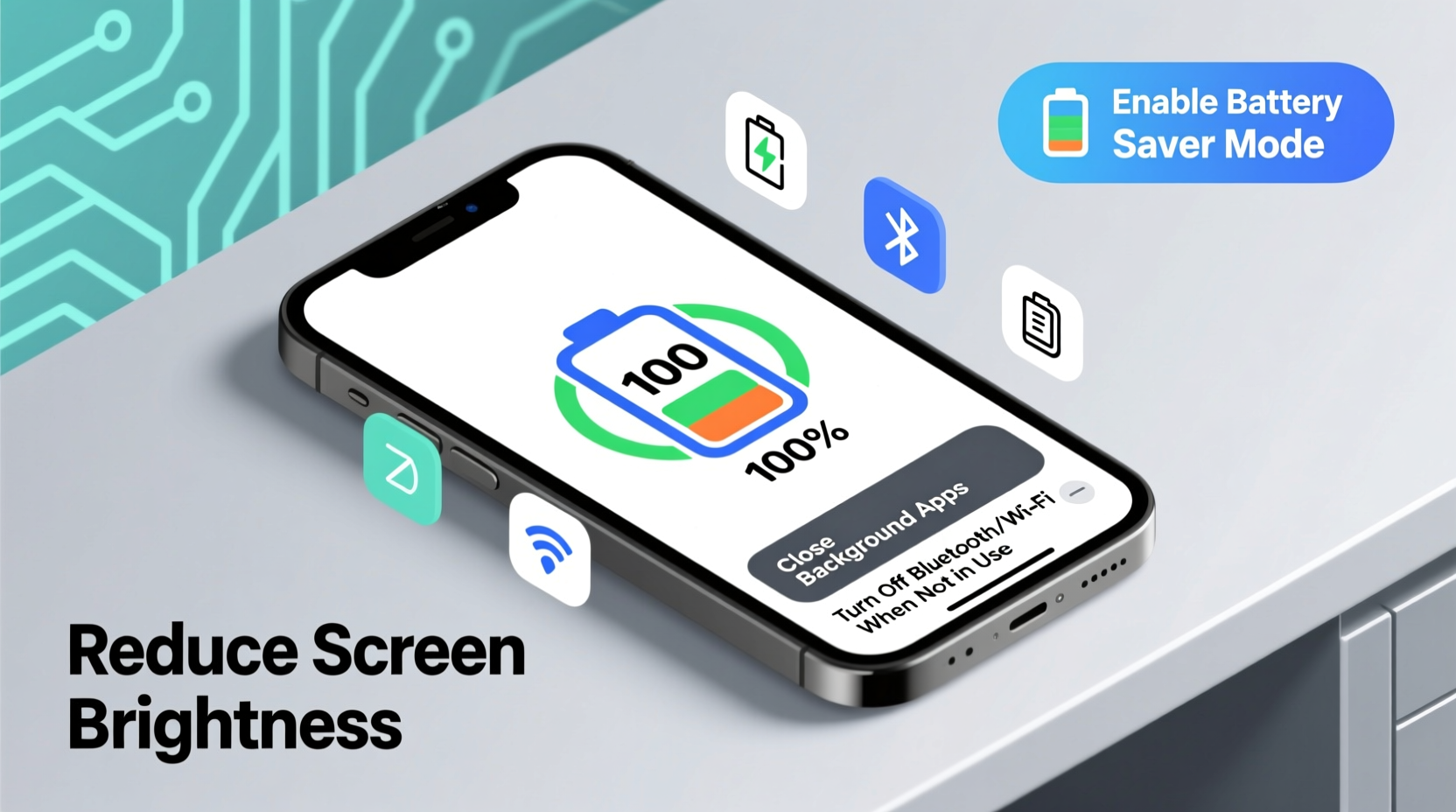
The screen is the single largest consumer of battery power on any Android device. Brightness, resolution, refresh rate, and even color temperature all impact energy draw. Reducing visual intensity doesn’t just save power — it often improves readability in bright environments.
- Lower brightness manually: Auto-brightness isn't always accurate. Set brightness to around 50% or lower in normal conditions.
- Use adaptive brightness wisely: Enable it only if you frequently move between lighting environments.
- Reduce screen timeout: Set screen-off delay to 30 seconds instead of 1 or 2 minutes.
- Switch to Dark Mode: OLED and AMOLED screens turn off pixels when displaying black, significantly reducing power usage.
Leverage Adaptive Battery and Background Restrictions
Android's built-in Adaptive Battery learns your usage patterns and restricts background activity for apps you rarely use. This feature, combined with manual app management, prevents unnecessary drain from services running silently.
To enhance this further:
- Navigate to Settings > Battery > Adaptive Battery and ensure it’s enabled.
- Go to Settings > Apps & notifications > See all apps, select underused apps, and choose Battery > Background restriction.
- Disable auto-sync for non-essential accounts like social media or secondary email.
Some apps, such as Facebook or weather widgets, continuously fetch data in the background. Restricting them can extend battery life by up to 20% over a full day.
“Adaptive features in modern Android versions reduce background wake-ups by up to 30%, directly translating into longer screen-on time.” — Dr. Lena Torres, Mobile Systems Researcher at TechInsight Labs
Manage Connectivity Features Proactively
Wireless radios — including Wi-Fi, Bluetooth, GPS, and mobile data — are major contributors to battery consumption, especially when left active unnecessarily. The key is not elimination, but intelligent automation.
| Feature | When to Keep On | When to Turn Off |
|---|---|---|
| Wi-Fi | At home, work, or trusted networks | In areas with poor signal or while traveling |
| Bluetooth | Using headphones, smartwatch, or car audio | Not actively pairing devices |
| Location Services | Navigation, fitness tracking | General browsing or idle periods |
| Mobile Data | No Wi-Fi available | Connected to stable Wi-Fi |
Consider using Android’s Quick Settings panel to toggle these features on demand. Alternatively, set up automation via Google Assistant Routines or Bixby Routines (on Samsung) to disable Bluetooth when headphones disconnect or turn off Wi-Fi at bedtime.
Step-by-Step Guide: Morning Routine for All-Day Battery
Starting your day with intentional battery optimization sets the tone for sustained performance. Follow this five-minute routine every morning:
- Check overnight battery drain (1 min): Open Battery Usage in settings. If more than 10–15% drained while idle, investigate rogue apps.
- Enable Battery Saver mode (30 sec): Schedule it to activate at 20% or enable it preemptively during travel days.
- Turn off unused connections (1 min): Disable Bluetooth, GPS, and hotspot if not needed.
- Update apps over Wi-Fi only (1 min): Prevent background updates on cellular data.
- Set display to Dark Mode + 60Hz (1.5 min): Lower refresh rate where possible; use dark wallpaper for OLED screens.
This sequence ensures your phone enters the day in its most efficient state, minimizing surprise shutdowns by afternoon.
Real-World Example: A Sales Executive’s Battery Fix
Mark, a regional sales manager, used his Pixel 7 heavily for calls, CRM access, and navigation. He regularly experienced battery failure by 3 PM despite charging overnight. After analyzing his usage, he discovered that Google Maps was refreshing location every few minutes, and Slack was syncing messages every 15 seconds.
He applied the following changes:
- Restricted background data for Slack and Gmail.
- Set location accuracy to “Battery Saving” mode.
- Reduced screen brightness and switched to a static dark wallpaper.
- Enabled Battery Saver at 40% instead of waiting until 20%.
Result: His battery lasted until 8:30 PM with 12% remaining, eliminating midday charging needs and improving reliability during client meetings.
Essential Battery Maintenance Checklist
- Review battery usage by app
- Clear cache for high-drain apps
- Reboot device to reset background processes
- Ensure OS and apps are updated
- Verify no apps are keeping screen awake unintentionally
Frequently Asked Questions
Does closing apps manually save battery?
No. Android manages app memory efficiently. Force-closing apps can actually increase battery use because restarting them requires more processing power. Instead, restrict background activity for misbehaving apps.
Is it bad to charge my phone overnight?
Modern Android phones stop charging at 100%, so occasional overnight charging is safe. However, prolonged full charges accelerate long-term battery degradation. Use features like Charge Limit (on Samsung) or Peak Charging (on OnePlus) to delay charging past 80% until morning.
How long should an Android battery last in a day?
A well-maintained device with moderate use (email, messaging, browsing, short videos) should last 12–18 hours. Heavy use (gaming, video streaming, GPS navigation) may require midday charging. If your phone dies before 6 hours, consider battery calibration or replacement.
Final Thoughts and Action Plan
Maximizing Android battery life isn’t about extreme limitations — it’s about smart, sustainable habits. You don’t need to sacrifice functionality to gain hours of extra use. By adjusting display settings, controlling background processes, managing connectivity, and performing regular maintenance, you take control of your device’s energy profile.
Battery longevity also affects resale value and environmental impact. A phone that lasts all day reduces reliance on chargers, power banks, and frequent replacements. Start with one change today — perhaps enabling Dark Mode or restricting one background app — then build from there. Small steps compound into meaningful improvements.




 浙公网安备
33010002000092号
浙公网安备
33010002000092号 浙B2-20120091-4
Comments
No comments yet. Why don't you start the discussion?