
The iPhone 16 Plus represents a significant investment—both financially and functionally. With its sleek design, advanced camera system, and premium materials, maintaining its appearance is about more than just aesthetics; it’s about preserving value, performance, and personal pride in ownership. One of the most common threats to its pristine condition? Scratches. From micro-abrasions in your pocket to accidental drops on rough surfaces, everyday use can quickly dull the finish. The good news: with the right approach, you can significantly reduce or even eliminate surface damage. This guide outlines proven, practical methods to protect your device and maintain its showroom shine.
Choose the Right Protective Case
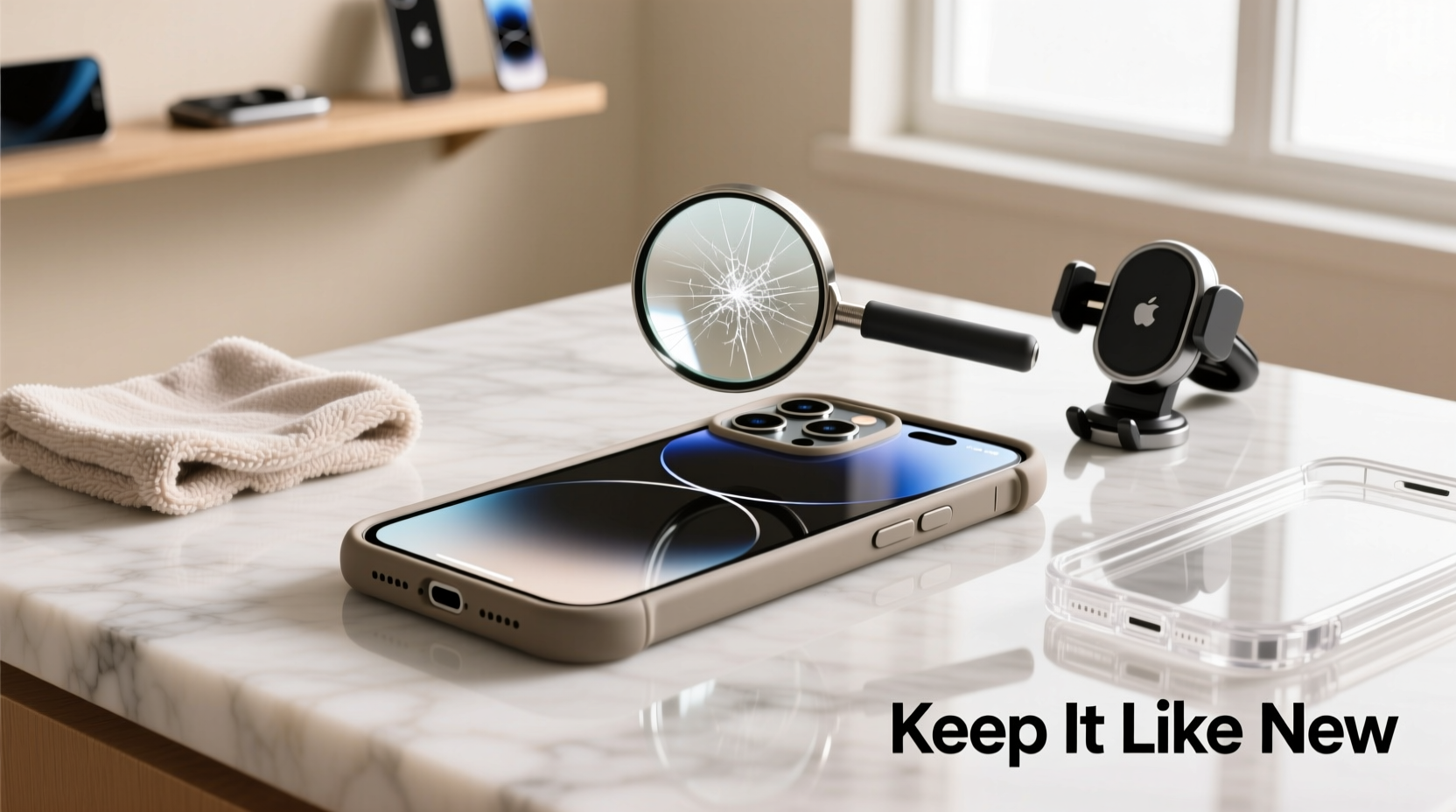
A high-quality case is the first line of defense against scratches. Not all cases are created equal, and selecting one that aligns with your lifestyle is crucial. Look for cases made from impact-resistant materials such as polycarbonate, TPU (thermoplastic polyurethane), or hybrid combinations. These materials absorb shock and prevent direct contact between hard surfaces and your phone’s body.
Cases with raised edges around the screen and camera module provide additional protection. When placed face-down on a table, these edges ensure the glass doesn’t make direct contact, reducing the risk of fine scratches from dust particles or grit.
Apply a Premium Screen Protector
Even with a sturdy case, the display remains vulnerable. A tempered glass screen protector is essential. Modern options for the iPhone 16 Plus offer up to 9H hardness—matching sapphire in scratch resistance—while maintaining touch sensitivity and clarity.
When applying a screen protector, cleanliness is key. Dust or lint trapped underneath can create pressure points that lead to bubbles or uneven wear. Follow the included instructions meticulously: clean the screen with the provided alcohol wipe, use the dust remover, and align carefully before pressing down.
For maximum protection, consider a full-coverage model that extends slightly beyond the curved edges of the display. While slightly more challenging to install, these offer better edge protection where drops often initiate cracks or chips.
Be Mindful of Storage Habits
Where and how you carry your iPhone matters. Tossing it into a bag or pocket alongside keys, coins, or pens is a recipe for scratches. Metal objects, especially those with sharp edges, can easily gouge aluminum frames or glass backs.
“Over 60% of cosmetic damage occurs not from drops, but from daily friction with loose items in pockets and purses.” — Jordan Lee, Mobile Device Durability Analyst at TechShield Labs
To minimize risk, designate a specific compartment in your bag for your phone. If using a pocket, ensure it’s empty of other hard objects. Some users opt for minimalist wallets with dedicated phone slots, eliminating the need to mix devices with keys or change.
Do’s and Don’ts of Phone Storage
| Do’s | Don’ts |
|---|---|
| Use a lined pocket or padded pouch | Mix your phone with keys or coins |
| Carry in a dedicated sleeve or holster | Leave it loose in a backpack with tools or bottles |
| Place screen-up on clean surfaces | Set it face-down on sandy or gritty tables |
| Store upright when not in use | Leave it under heavy books or bags |
Regular Cleaning and Maintenance Routine
Dust, oil, and microscopic debris accumulate on your phone daily. Over time, these particles act as abrasives during handling. A consistent cleaning routine prevents buildup and maintains surface integrity.
Use a soft, lint-free microfiber cloth—similar to those used for eyeglasses—to wipe the screen and back panel daily. For deeper cleaning, lightly dampen the cloth with water or a 70% isopropyl alcohol solution. Never spray liquid directly onto the device. Avoid paper towels, kitchen wipes, or rough fabrics, which can cause micro-scratches.
Pay special attention to the edges and ports. Use a dry, soft-bristled brush (like a clean toothbrush) to gently remove debris from speaker grilles and charging ports. Buildup here can scratch surrounding areas when inserting cables.
Step-by-Step Weekly Maintenance Plan
- Power off the device (optional but recommended).
- Wipe the entire surface with a dry microfiber cloth.
- Lightly dampen the cloth with isopropyl alcohol and clean again, focusing on oily areas like the fingerprint zone near the side button.
- Use a soft brush to clear dust from ports and buttons.
- Inspect the case and screen protector for wear; replace if scratched or lifting.
- Reassemble and power on.
Invest in Additional Protective Accessories
Beyond cases and screen protectors, several accessories enhance long-term protection:
- Film Skin for Back Panel: Matte or glossy adhesive films shield the rear glass from scratches and minor impacts. Easy to apply and replace, they also allow for customization.
- Camera Lens Protector: Though the iPhone 16 Plus features durable sapphire crystal lenses, a thin transparent protector adds an extra layer against sand or metal contact.
- PopSocket or Grip Stand: These reduce direct finger contact with the back of the phone, minimizing oil transfer and abrasion from frequent handling.
Some users report success with nano-coating sprays that add a hydrophobic and oleophobic layer. However, results vary, and these coatings typically last only a few weeks. They should complement—not replace—physical protection.
Mini Case Study: Long-Term Protection in Action
Sophia R., a travel photographer based in Vancouver, uses her iPhone 16 Plus daily in rugged environments—from beach shoots to mountain trails. Despite constant exposure to sand, humidity, and temperature changes, her phone remains nearly flawless after ten months. Her routine includes a rugged OtterBox case, a full-coverage tempered glass screen protector, and a matte skin on the back. She cleans the device weekly and never places it directly on outdoor surfaces. “I treat it like my camera gear,” she says. “A little discipline goes a long way.”
FAQ: Common Questions About Scratch Prevention
Can I use a screen protector and a case together without issues?
Yes, and it’s highly recommended. Most modern cases are designed to accommodate screen protectors. Just ensure the case doesn’t press against the edge of the protector, which could cause lifting. A slight lip on the case bezel helps prevent this.
Do wireless chargers cause scratches on the back of the iPhone?
Potentially. Low-quality chargers may have rough inner surfaces or misaligned magnets that rub against the glass. Use reputable brands with smooth, silicone-lined interiors. Regularly inspect both the charger pad and phone back for debris.
How often should I replace my screen protector?
Replace it when visible scratches appear, bubbling occurs, or touch responsiveness declines. Even minor scratches compromise structural integrity. Most users replace theirs every 6–12 months, depending on usage intensity.
Final Checklist: Protect Your iPhone 16 Plus Like a Pro
- ✅ Install a high-quality tempered glass screen protector
- ✅ Use a durable case with raised edges
- ✅ Avoid carrying phone with keys, coins, or sharp objects
- ✅ Clean the device weekly with a microfiber cloth
- ✅ Apply a back skin or film for added rear protection
- ✅ Inspect and replace worn accessories promptly
- ✅ Store in a designated, soft compartment




 浙公网安备
33010002000092号
浙公网安备
33010002000092号 浙B2-20120091-4
Comments
No comments yet. Why don't you start the discussion?