
Selling products directly through Instagram without a website is not only possible—it’s increasingly common. With over 2 billion monthly active users and powerful built-in shopping tools, Instagram has evolved into a full-fledged sales platform. Whether you're launching a side hustle or scaling a small brand, you can reach buyers, build trust, and close sales entirely within the app. The key lies in strategy, consistency, and knowing how to leverage Instagram’s native features effectively.
1. Optimize Your Profile for Sales
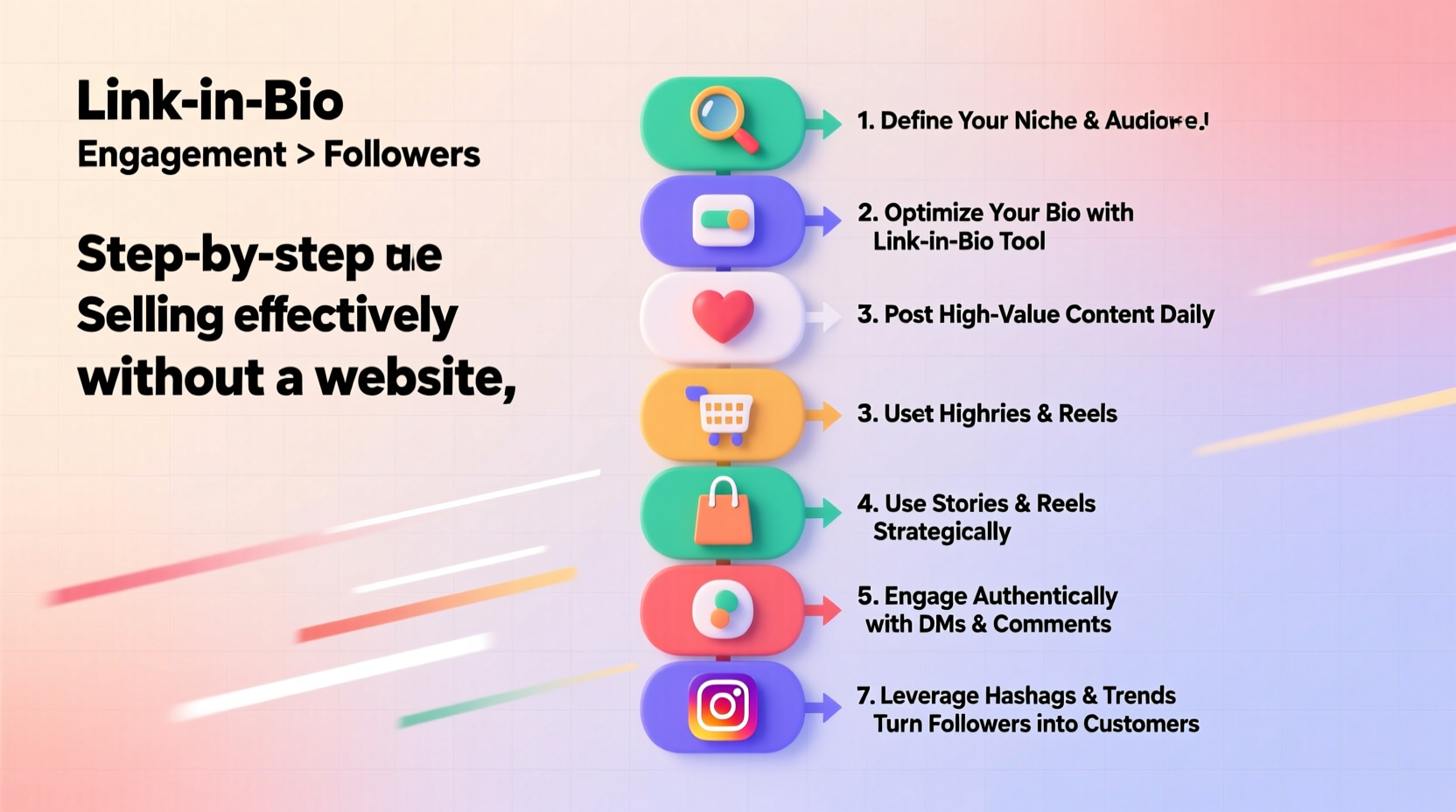
Your Instagram profile is your digital storefront. First impressions matter, and every element—from your bio to your profile picture—should signal professionalism and clarity. A well-optimized profile tells visitors exactly what you offer and how to buy it.
Start with a clear, recognizable profile photo. If you're selling handmade candles, use a clean image of your product or logo. Avoid selfies unless you’re building a personal brand. Next, craft a concise bio that answers three questions: What do you sell? Who is it for? How do they buy?
In your bio, include a strong call-to-action (CTA) such as “DM to order” or “Tap the link below.” Even without a website, you can use tools like Linktree, Tap.bio, or Later’s link-in-bio feature to direct traffic to multiple offers, testimonials, or order forms.
Key Elements of a High-Converting Bio
- Name field: Include keywords (e.g., “Eco-Friendly Jewelry by Maya”)
- Username: Keep it consistent with your brand name
- Bio text: Clearly state your niche and value proposition
- Action button: Use “Contact” or “Email” if available; otherwise, direct to DMs
- Link: Rotate seasonal offers or new launches in your link-in-bio tool
2. Set Up Instagram Shopping Without a Website
You don’t need a standalone e-commerce site to tag products or enable checkout. Instagram allows eligible accounts to set up a native shop using Facebook’s Commerce Manager—even if all fulfillment happens off-platform.
To qualify, you must:
- Have a business or creator account
- Be located in a supported market
- Comply with Instagram’s merchant policies
- Connect a catalog (via Facebook or a third-party platform)
If you don’t meet these requirements yet, you can still simulate a shop experience. Upload high-quality photos of individual products and tag them in posts and Reels. Use captions to list prices, sizes, and availability. When someone comments “SOLD,” reply promptly and move the conversation to Direct Messages (DMs).
“Instagram’s algorithm rewards engagement. The faster you respond to inquiries, the more your content gets prioritized.” — Lena Torres, Social Media Strategist
3. Create a Step-by-Step Selling Workflow
Selling without a website requires a disciplined process to manage orders, payments, and customer service. Here’s a proven workflow used by successful micro-entrepreneurs:
- Post visually appealing content daily: Showcase products in use, behind-the-scenes clips, and user-generated content.
- Use Stories for flash updates: Announce restocks, limited editions, or sold-out items with countdown stickers or polls.
- Enable quick replies in DMs: Save templates for common questions (“What’s the price?” “Do you ship internationally?”).
- Confirm orders via DM: Once a customer expresses interest, send a payment request via PayPal, Venmo, or Zelle.
- Track inventory manually: Use a simple spreadsheet to mark items as reserved or sold.
- Follow up after delivery: Send a thank-you message and ask for a review or photo.
4. Build Trust Without a Website
Without a traditional website, credibility becomes even more critical. Customers need reassurance before sending money to someone they’ve never met. You compensate for the lack of a formal site by creating social proof and transparency.
Feature customer testimonials in your Stories and grid posts. Repost client photos (with permission) and tag them. Share short videos of you packaging orders or sourcing materials. Transparency builds authenticity.
| Trust-Building Tactic | How to Implement | Example |
|---|---|---|
| User-Generated Content | Repost customer photos in Stories | “@jesswears posted her new earrings—love how they catch the light!” |
| Behind-the-Scenes | Video of you making a batch of soap | Caption: “Each bar is hand-poured and cured for 4 weeks” |
| Clear Policies | Dedicated Story highlight for shipping & returns | Label: “🚚 Shipping Info” with processing times |
| Verified Contact | Add email or WhatsApp to bio | “Questions? Text +1 (555) 123-4567” |
Mini Case Study: From Zero to $3k/Month Selling Prints
Alex Rivera, a freelance illustrator, started posting digital art on Instagram with no intention to sell. After receiving repeated DMs asking, “Can I buy this?”, he decided to test the market. He created a Linktree with three options: Buy Print, Commission Art, and FAQ. Each artwork was posted with dimensions, price, and a note: “DM ‘PRINT’ to order.”
Using PayPal for payments and USPS for shipping, Alex fulfilled every order personally. Within four months, he averaged $3,200 in monthly sales—all without a website. His secret? Consistent posting (daily Reels showing his drawing process), pinned comments with pricing, and fast responses. He now uses Instagram’s native product tags to streamline discovery.
5. Turn Followers Into Buyers: Proven Engagement Tactics
Posting regularly isn’t enough. You need to activate your audience. Engagement drives visibility, and visibility drives sales.
Host weekly Q&A sessions in Stories. Use poll stickers to let followers vote on new designs. Launch “limited drop” announcements with a 24-hour timer. These tactics create urgency and encourage immediate action.
Another effective method is the “Comment-to-Win” campaign. Ask followers to comment with a keyword (e.g., “GLOW”) for a chance to win a free product. This increases post reach and collects intent signals—you can follow up with commenters who might be ready to buy.
“People don’t buy from feeds—they buy from relationships. Show up, engage authentically, and make your audience feel seen.” — Marcus Lee, E-Commerce Consultant
Checklist: Launch Your Instagram-Only Store in 7 Days
- ✅ Switch to a business/creator account
- ✅ Finalize product photos and pricing
- ✅ Write a compelling bio with a CTA and link
- ✅ Set up a payment method (PayPal, Venmo, etc.)
- ✅ Create Story highlights for products, reviews, and policies
- ✅ Post 3 grid posts and 5 Stories introducing your launch
- ✅ Respond to every comment and DM within 1 hour
Frequently Asked Questions
Can I accept payments directly on Instagram without a website?
Yes, if you're in a supported country and approved for Instagram Checkout, customers can pay without leaving the app. Otherwise, most sellers use external platforms like PayPal, Stripe invoices, or Cash App to collect payments after confirming orders via DM.
How do I handle shipping without a website?
Use carrier apps like USPS Mobile, Pirate Ship, or Shippo to print labels from your phone. Keep a log of tracking numbers and share them with buyers via DM. For frequent shipments, consider pre-printed return labels and branded packaging.
What if my account gets hacked or banned?
Protect your business by enabling two-factor authentication, backing up customer data, and maintaining a secondary contact method (e.g., email list or Telegram group). Never store payment details in DMs.
Final Thoughts: Start Small, Sell Smart
You don’t need a website to start selling on Instagram. What you do need is clarity, consistency, and confidence. By optimizing your profile, creating a seamless buying process, and building trust through transparency, you can turn your Instagram presence into a profitable venture.
The barrier to entry has never been lower. Thousands of entrepreneurs are already doing it—turning hobbies into income, one DM at a time. Your next sale could come from a single post seen by the right person at the right moment.




 浙公网安备
33010002000092号
浙公网安备
33010002000092号 浙B2-20120091-4
Comments
No comments yet. Why don't you start the discussion?