
In an increasingly digital world, a single photograph can carry more information than meets the eye. Whether you’re trying to reconnect with a long-lost acquaintance, verify someone’s identity, or investigate a suspicious profile, knowing how to extract meaningful data from a photo is a valuable skill. While facial recognition technology was once limited to law enforcement and intelligence agencies, today’s tools make it accessible to everyday users—when used responsibly and ethically.
This guide explores practical, reliable methods to identify individuals from photos using both free and advanced tools, while emphasizing privacy, legality, and accuracy.
Understanding the Basics: What a Photo Can Reveal
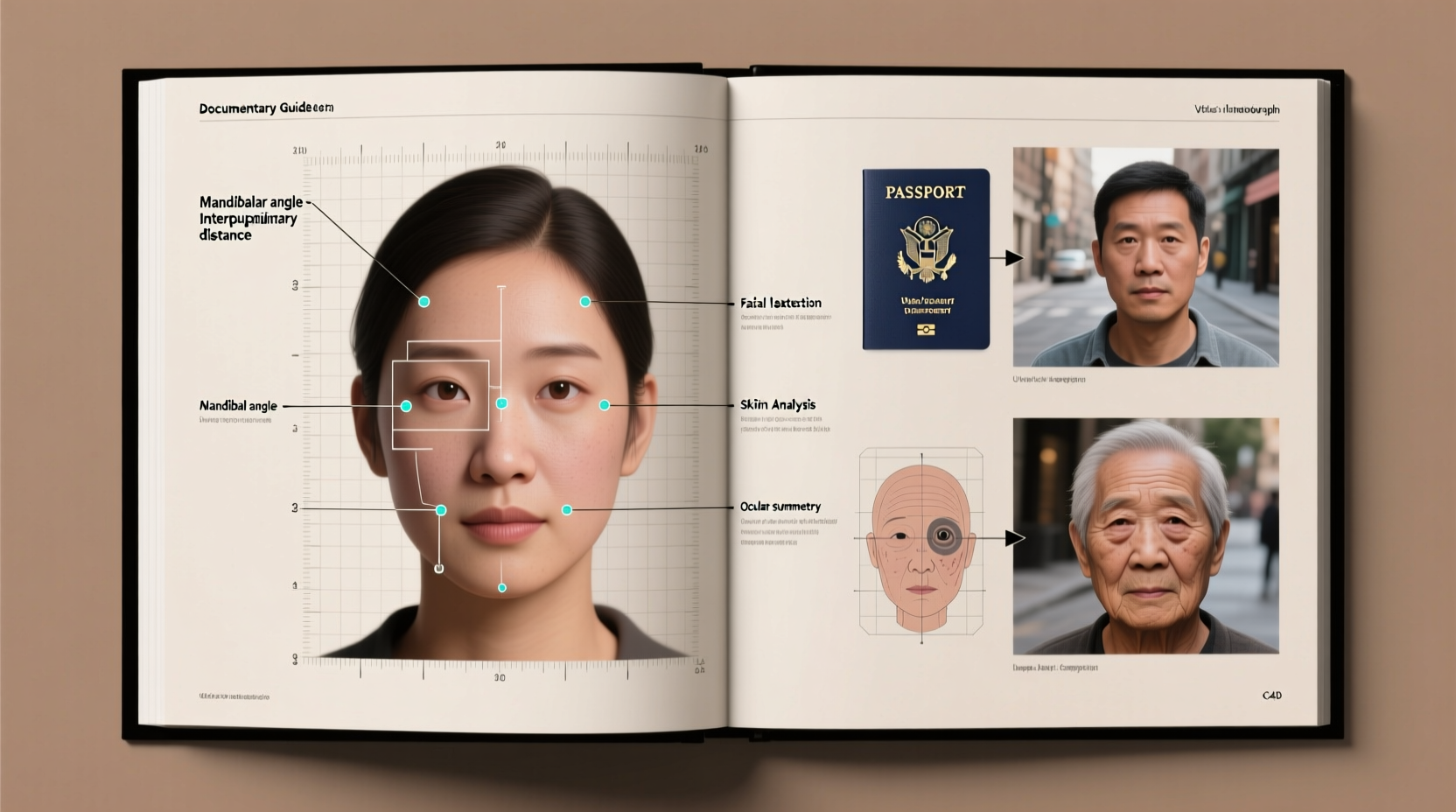
A digital photo contains more than just pixels. Most images taken with smartphones or digital cameras include metadata—also known as EXIF (Exchangeable Image File Format) data. This hidden information may include:
- Camera model and settings
- Date and time the photo was taken
- GPS coordinates (if location services were enabled)
- Device serial number
While EXIF data doesn’t directly reveal a person’s identity, it can provide crucial context. For example, geolocation tags might place the subject in a specific city or landmark, narrowing down potential matches.
Reverse Image Search: The First Step in Identification
One of the most effective starting points is a reverse image search. This technique allows you to find where else an image appears online, potentially linking it to social media profiles, news articles, or public databases.
Popular platforms include:
- Google Images: Upload the photo or paste its URL to see matching results.
- Bing Visual Search: Offers similar functionality with integration into Microsoft’s ecosystem.
- Yandex.Images: Particularly effective for finding faces due to its advanced facial recognition algorithms.
- TinEye: Specializes in tracking image usage across the web, useful for detecting manipulated or repurposed photos.
When performing a reverse search, crop the image to focus on the face if possible. Background clutter can reduce accuracy. Also, try different formats—sometimes converting the image to grayscale improves matching.
“Reverse image search is often the fastest way to determine if a photo has been used elsewhere online. It’s the digital equivalent of showing a picture around town.” — Sarah Lin, Digital Forensics Analyst
Facial Recognition Tools and AI-Powered Platforms
Advanced facial recognition software analyzes facial geometry—distance between eyes, jawline shape, nose structure—to compare against databases. Some tools are designed for consumer use, while others are restricted to authorized entities.
Publicly available options include:
| Tool | Purpose | Limitations |
|---|---|---|
| FaceCheck.ID | Searches public social profiles using facial recognition | Accuracy varies; not all regions supported |
| PimEyes | Scans internet for facial matches across websites | Paid subscription required for full access |
| FindClone.ru | Links photos to VKontakte (Russian social network) | Primarily effective in Eastern Europe |
These tools work best when the subject has a visible presence on social media. However, they raise ethical concerns about consent and surveillance. Always consider whether your intent aligns with responsible use.
Step-by-Step Guide: Identifying Someone Using a Photo
- Verify the image source: Confirm that you have the right to use the photo. Avoid images obtained through hacking or unauthorized access.
- Extract metadata: Use an EXIF reader to check for timestamps, GPS data, or device info.
- Crop and enhance: Focus on the face. Use free tools like GIMP or Photopea to adjust brightness or contrast if needed.
- Run a reverse image search: Start with Google Images, then try Yandex for better face detection.
- Use facial recognition platforms: Input the image into PimEyes or FaceCheck.ID to scan for matches.
- Cross-reference results: Look for consistent names, locations, or profiles across multiple sources.
- Validate findings: Do not assume identity based on one match. Corroborate with other details like mutual connections or biographical info.
Real-World Example: Reconnecting with a Stranger
Jessica found an old concert photo on a community forum showing her favorite band. In the background, a woman held a sign with a unique nickname: “LunaWolf87.” Curious, Jessica downloaded the image and ran a reverse search on Yandex. The same photo appeared on a now-private Instagram account under the username @luna_wolf_photo.
Using the cropped face from the image, she uploaded it to PimEyes. The tool returned a match on a public Facebook profile belonging to a graphic designer in Portland named Selena Wolfe. A quick search for “Selena Wolfe LunaWolf87” confirmed the connection through a vintage blog post.
Jessica reached out respectfully, explaining how she found her. They later met at another concert, proving that thoughtful digital sleuthing can lead to positive outcomes.
Ethical and Legal Considerations
While identifying someone from a photo is technically feasible, it must be balanced with privacy rights. Unauthorized tracking or harassment based on image searches can violate laws such as the General Data Protection Regulation (GDPR) in Europe or state-level privacy statutes in the U.S.
Always ask yourself:
- Do I have a legitimate reason for seeking this person?
- Am I respecting their right to privacy?
- Could my actions be perceived as stalking or intimidation?
If the purpose is personal safety, reuniting families, or journalistic investigation, proceed with caution and transparency. Never use these tools to manipulate, impersonate, or harm others.
Common Mistakes to Avoid
- Assuming a single match is definitive: Many people look alike. Verify with additional context.
- Ignoring image manipulation: Deepfakes and photo edits are common. Look for inconsistencies in lighting or edges.
- Over-relying on facial recognition: These systems have bias and error rates, especially with diverse skin tones or angles.
- Skipping metadata checks: You might miss critical clues embedded in the file itself.
Frequently Asked Questions
Can I identify someone from a blurry photo?
Possibility depends on the level of blur. Slight blurriness can sometimes be enhanced using AI upscaling tools like Fotor or VanceAI. However, heavily pixelated or distorted images rarely yield reliable results.
Are facial recognition tools legal for personal use?
In most countries, using public-facing tools like Google Lens or PimEyes for non-commercial, informational purposes is legal. However, storing biometric data or using it for surveillance without consent may violate privacy laws.
What if the person I’m looking for doesn’t use social media?
Without a digital footprint, identification becomes significantly harder. Consider alternative routes such as public records, event registries, or contacting organizations linked to the photo (e.g., schools, workplaces).
Final Checklist: Before You Begin Your Search
- ✅ Ensure you have permission to use the photo (if not publicly shared).
- ✅ Remove personal identifiers from the image if sharing it with third-party tools.
- ✅ Use incognito mode to prevent algorithmic bias from your browsing history.
- ✅ Document your process for transparency and accuracy.
- ✅ Stop if the person clearly intends to remain anonymous.
Conclusion
Identifying someone from a photo combines technical tools, analytical thinking, and ethical judgment. When used responsibly, these techniques can reunite lost contacts, verify identities, or support investigative research. But with great capability comes responsibility—always prioritize respect, legality, and human dignity.




 浙公网安备
33010002000092号
浙公网安备
33010002000092号 浙B2-20120091-4
Comments
No comments yet. Why don't you start the discussion?