
In today’s digital world, sharp, clear images are essential—whether for personal memories, professional portfolios, or social media content. Yet, even the most experienced photographers occasionally capture blurry photos due to camera shake, poor focus, or low lighting. The good news is that many blurred images can be rescued. With the right combination of prevention, technique, and post-processing, you can significantly improve image clarity and restore lost detail.
Understanding the Causes of Blurry Images
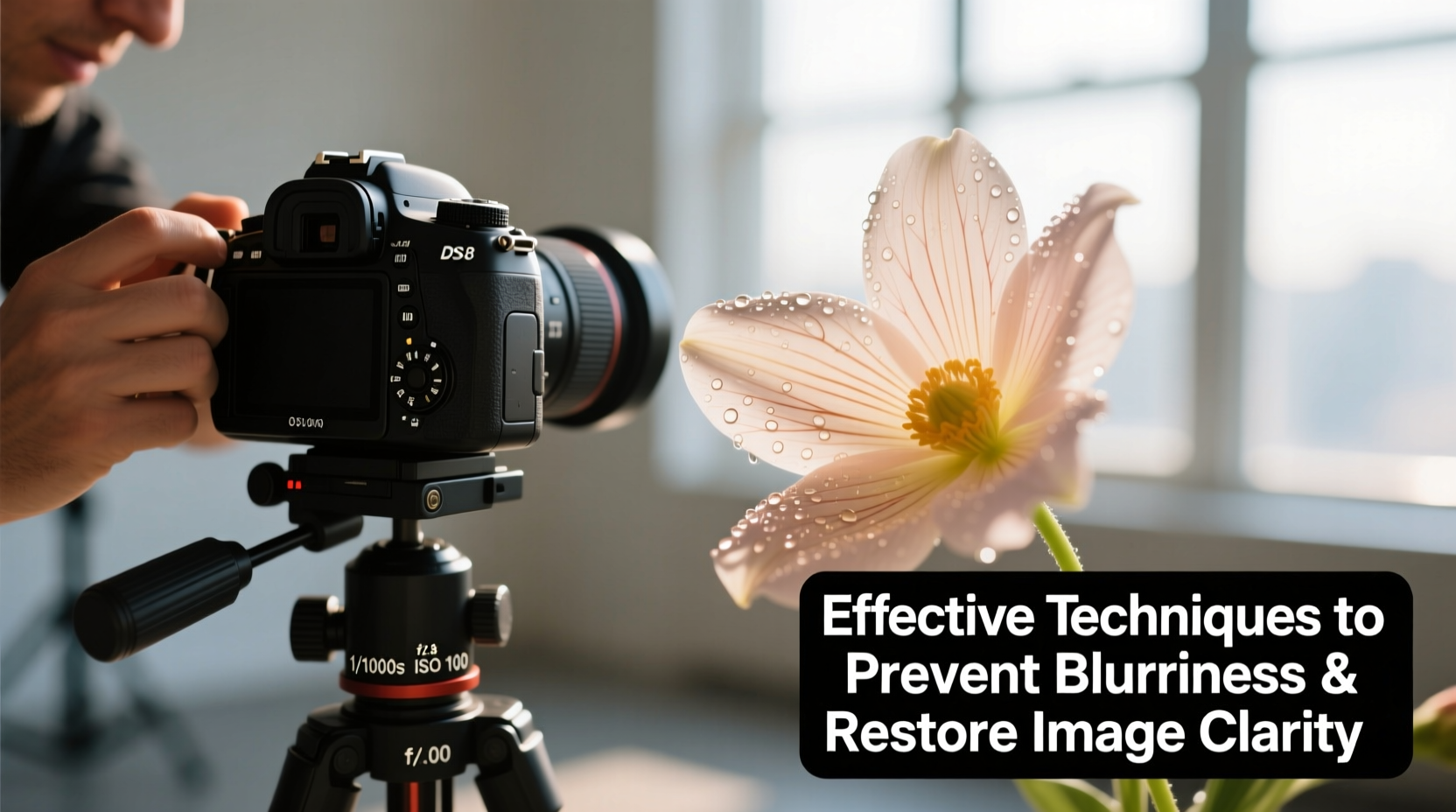
Before fixing a blurry photo, it's crucial to understand what caused the blur in the first place. Common causes include:
- Camera shake: Movement during exposure, especially in low light or with slow shutter speeds.
- Misfocused subjects: Autofocus errors or shallow depth of field leading to out-of-focus areas.
- Low resolution: Images captured at small dimensions or heavily compressed formats.
- Motion blur: Fast-moving subjects not properly frozen by the shutter speed.
- Optical limitations: Poor lens quality, smudges on the lens, or diffraction at small apertures.
Identifying the root cause determines whether the blur can be corrected—and which method will be most effective.
Prevention: Capturing Sharp Images from the Start
The best way to avoid blurry photos is to prevent them during capture. These practices ensure maximum clarity before editing begins.
- Use a tripod: Essential for long exposures, macro photography, or any low-light situation.
- Enable image stabilization: Use lens-based or in-body stabilization (IBIS) when available.
- Select appropriate shutter speed: For moving subjects, use 1/500s or faster; for portraits, 1/125s is often sufficient.
- Focus accurately: Use single-point autofocus on the subject’s eyes or key features, especially in portrait photography.
- Shoot in RAW format: Provides more data for recovery and sharpening in post-processing.
Additionally, clean your lenses regularly and avoid using digital zoom, which degrades image quality.
Step-by-Step Guide to Restoring Clarity in Post-Processing
Even with careful shooting, some images still lack crispness. Here’s a structured workflow to enhance clarity using software tools:
- Open the image in editing software such as Adobe Photoshop, Lightroom, or free alternatives like GIMP or RawTherapee.
- Zoom to 100% view to assess actual sharpness rather than appearance at smaller scales.
- Apply luminance noise reduction first if the image is grainy—this prevents amplifying noise during sharpening.
- Use the Sharpening tool: In Lightroom, adjust Amount, Radius, Detail, and Masking sliders carefully. Start with Amount: 50–70, Radius: 1.0–1.3, Detail: 25–40.
- Use masking to target edges only: Hold Alt/Option while adjusting Masking to see where sharpening is applied—white areas receive sharpening, black areas do not.
- Consider high-pass filtering (Photoshop): Duplicate the layer, apply Filter > Other > High Pass (radius 1–3 pixels), then set the layer blending mode to “Overlay” or “Soft Light.”
- Apply selective sharpening using brushes or masks to emphasize eyes, textures, or important details without over-sharpening the entire image.
This process enhances micro-contrast and edge definition, giving the illusion of greater clarity without introducing artifacts.
Advanced Tools for Deblurring and AI Restoration
Recent advances in artificial intelligence have revolutionized image restoration. AI-powered tools analyze patterns in blurred regions and reconstruct lost details with remarkable accuracy.
| Tool | Best For | Key Feature |
|---|---|---|
| Topaz Sharpen AI | Motion blur, camera shake | Three modes: Sharpen, Stabilize, Focus |
| Adobe Photoshop Neural Filters (Super Resolution) | Upscaling & detail recovery | Doubles image size with enhanced detail |
| Fotor GoEnhance AI | Quick online fixes | One-click sharpening and upscaling |
| Remini | Old or heavily degraded photos | Face detail reconstruction |
These tools go beyond traditional sharpening by predicting texture and structure. For example, Topaz Sharpen AI’s “Focus” module can correct slight focus errors from misfocused portraits, making it invaluable for salvaging otherwise unusable shots.
“AI-driven deblurring isn’t magic—but it’s the closest thing we’ve seen to reversing optical mistakes after the fact.” — Dr. Lena Park, Computational Imaging Researcher at MIT Media Lab
Mini Case Study: Recovering a Blurry Family Portrait
Sarah, an amateur photographer, took a candid family photo indoors using her smartphone. The lighting was dim, and she didn’t use a flash. The resulting image was soft and slightly blurred, especially around the children’s faces.
She uploaded the photo to Topaz Sharpen AI and selected the “Stabilize” mode to correct motion blur from hand movement. Then, she used the “Focus” module to enhance facial details. After applying mild noise reduction and increasing contrast, the final image showed clear eyes, defined hair strands, and natural skin texture—transforming a nearly discarded photo into a cherished keepsake.
This case illustrates how combining proper diagnosis with modern tools can rescue real-world images.
Checklist: How to Make a Picture Not Blurry
Follow this actionable checklist to improve image clarity—both before and after capture:
- ✅ Use a tripod or stabilize your camera when lighting is low
- ✅ Set shutter speed appropriately for your focal length and subject motion
- ✅ Clean your lens and sensor regularly
- ✅ Shoot in RAW for maximum editing flexibility
- ✅ Enable autofocus confirmation or use manual focus with focus peaking
- ✅ Apply moderate sharpening in post-processing with masking
- ✅ Use AI tools like Topaz Sharpen AI for difficult blur cases
- ✅ Avoid excessive compression when saving for web or sharing
FAQ
Can you fix a blurry photo completely?
While not all blurry photos can be fully restored, modern software—especially AI-based tools—can dramatically improve clarity in many cases. Success depends on the type and severity of blur. Slight camera shake or soft focus is often recoverable; extreme blur or extremely low resolution may not be.
Why does my photo look sharp on my phone but blurry on a computer?
Smartphones often apply aggressive in-camera sharpening and display images at reduced resolution, masking blur. When viewed at 100% on a larger monitor, imperfections become visible. Always review images on a full-sized screen before declaring them sharp.
Is it better to sharpen in-camera or during editing?
It’s generally better to sharpen during editing. In-camera sharpening applies a fixed algorithm that cannot be adjusted later. Shooting in RAW and applying controlled, selective sharpening gives superior results and preserves image integrity.
Conclusion: Clarity Is Within Reach
Blurry photos don’t have to be permanent losses. By understanding the causes of blur, practicing good photographic technique, and leveraging powerful editing tools, you can consistently produce sharp, detailed images. Whether you’re rescuing an old memory or refining a professional shot, the ability to restore clarity empowers you to get the most out of every pixel.




 浙公网安备
33010002000092号
浙公网安备
33010002000092号 浙B2-20120091-4
Comments
No comments yet. Why don't you start the discussion?