
Bluetooth speakers have become essential companions for music lovers, whether at home, on the beach, or during a workout. While modern models offer impressive sound for their size, many users don’t realize that small adjustments and smart habits can dramatically improve audio performance. The difference between flat, muffled playback and crisp, immersive sound often comes down to setup, placement, and maintenance—not just hardware specs. With the right approach, you can unlock your speaker’s full potential without upgrading to a more expensive model.
Optimize Speaker Placement for Balanced Acoustics
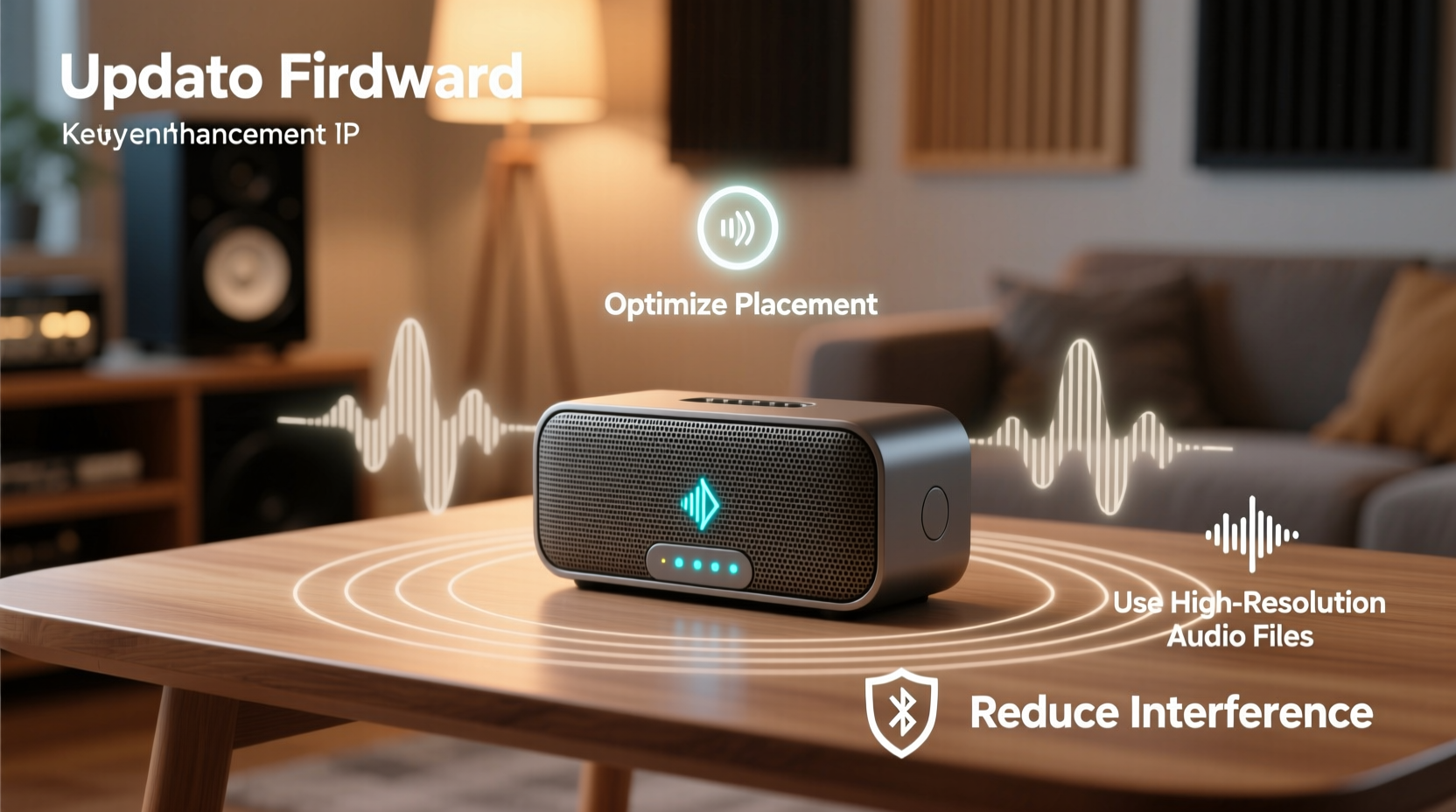
Where you place your Bluetooth speaker has a direct impact on how sound travels and is perceived. Hard surfaces like walls, floors, and glass reflect sound waves, which can create echoes or muddy bass. Conversely, soft materials such as carpets, curtains, and furniture absorb sound, potentially muting high frequencies.
For optimal clarity and depth, position your speaker at ear level when seated—typically between 3 and 4 feet off the ground. Avoid placing it directly against a wall unless the manufacturer recommends bass enhancement through boundary coupling. If you're using the speaker outdoors, keep it elevated on a table rather than letting it sit on grass or sand, both of which absorb sound energy.
Minimize Interference and Maintain a Strong Signal
Bluetooth relies on the 2.4 GHz frequency band, which is also used by Wi-Fi routers, microwaves, and other wireless devices. Signal interference can cause audio dropouts, compression artifacts, or reduced dynamic range—all of which degrade sound quality.
To maintain a clean connection:
- Keep your source device (phone, tablet) within 10 feet of the speaker with minimal obstacles.
- Avoid placing the speaker near large metal objects or electronic appliances.
- Turn off unused Bluetooth devices nearby to reduce signal congestion.
- If possible, switch your Wi-Fi router to the 5 GHz band to free up space on 2.4 GHz.
Additionally, ensure your speaker firmware is up to date. Manufacturers often release updates that improve codec support, stability, and audio processing efficiency.
Select High-Quality Audio Sources and Codecs
The quality of the original audio file plays a crucial role in what you hear. Streaming low-bitrate MP3s or compressed voice notes will never deliver the same fidelity as lossless FLAC files or high-bitrate AAC streams—even on premium hardware.
Use streaming services that support higher-quality audio modes, such as Spotify Premium (320 kbps), Apple Music (AAC 256 kbps), or Tidal (HiRes FLAC). When pairing your device, check if your speaker supports advanced codecs like aptX, aptX HD, LDAC, or AAC. These enable better data transfer compared to standard SBC, preserving more detail in vocals and instruments.
“Many people blame their speaker for poor sound, but the real issue often lies in the source material or outdated codec usage.” — Daniel Park, Audio Engineer at SoundLabs Studio
| Bluetooth Codec | Max Bitrate | Sound Quality | Device Compatibility |
|---|---|---|---|
| SBC | 328 kbps | Fair – prone to compression | Universal |
| AAC | 384 kbps | Good – efficient for music | iOS, some Android |
| aptX | 384 kbps | Very Good – low latency | Most Android |
| LDAC | 990 kbps | Excellent – near-lossless | Android 8.0+ |
Maintain Your Speaker for Long-Term Performance
Dust, moisture, and debris can accumulate in speaker grilles and ports, dampening sound output over time. Regular cleaning helps preserve clarity and prevents distortion.
Use a soft-bristled brush or dry microfiber cloth to gently remove dust from the exterior. For stubborn particles inside mesh grilles, lightly use a vacuum with a brush attachment on low suction. Never spray liquids directly onto the speaker; instead, dampen a cloth slightly and wipe around controls and ports carefully.
Batteries also affect performance. As lithium-ion cells degrade, power delivery becomes inconsistent, which may lead to volume drops or clipping during peaks. Charge your speaker before the battery dips below 20%, and avoid leaving it plugged in after 100% charge to prolong battery health.
Step-by-Step Guide to Tuning Your Bluetooth Speaker
Follow this sequence to systematically improve your speaker’s audio output:
- Update firmware: Check the manufacturer’s app or website for updates.
- Choose a quiet environment: Eliminate background noise for accurate listening.
- Position correctly: Place the speaker centrally, away from walls and obstructions.
- Pair using the best available codec: Ensure your phone and speaker support aptX or LDAC if possible.
- Play a reference track: Use a well-recorded song with clear vocals, bass, and highs (e.g., “Hotel California” by Eagles).
- Adjust EQ settings: Use your music app’s equalizer to boost or cut frequencies based on room acoustics.
- Test at various volumes: Listen for distortion at high levels and lack of presence at low levels.
- Clean regularly: Wipe down the speaker weekly and deep-clean monthly.
Real-World Example: Improving Outdoor Party Sound
Mark rented a mid-range Bluetooth speaker for his backyard barbecue. Guests complained about weak bass and unclear vocals, even at maximum volume. After reviewing these tips, he made three changes: moved the speaker off the wooden deck onto a plastic table (reducing vibration), switched his phone’s Bluetooth codec to LDAC, and played higher-bitrate tracks from Tidal instead of compressed YouTube audio. The improvement was immediate—bass became punchy, vocals clearer, and overall loudness seemed greater despite no volume adjustment.
This case illustrates how non-hardware factors often limit performance more than the speaker itself.
Common Mistakes That Degrade Sound Quality
Avoid these frequent errors that compromise audio fidelity:
- Overloading the speaker: Playing at maximum volume for long periods stresses drivers and causes distortion.
- Using damaged cables: Even wireless speakers may rely on auxiliary inputs or charging cables that interfere if faulty.
- Neglecting software updates: Outdated firmware may not support newer audio standards.
- Ignoring environmental acoustics: Placing a speaker in a corner can exaggerate bass unnaturally.
“Great sound isn’t just about decibels—it’s about balance, detail, and consistency across frequencies.” — Lena Torres, Acoustic Design Consultant
FAQ
Can I connect two Bluetooth speakers together for better sound?
Yes, if both speakers support stereo pairing or multi-speaker sync (like JBL Connect, Sony Stereo Pair, or Bose SimpleSync), you can link them for wider soundstage and improved bass response. Check your model’s manual for instructions.
Why does my Bluetooth speaker sound muffled suddenly?
Muffled sound can result from dirt blocking the grille, water damage, outdated firmware, or a failing driver. First, clean the speaker thoroughly. If the issue persists, reset the device or contact customer support.
Does battery level affect sound quality?
Yes. Low battery can reduce amplifier power, leading to quieter output and compression. Some speakers automatically lower EQ settings to conserve energy. Always use the speaker at full charge for best results.
Final Checklist for Better Bluetooth Audio
- ✅ Update speaker firmware regularly
- ✅ Play high-bitrate audio files
- ✅ Position speaker at ear level in open space
- ✅ Use compatible Bluetooth codecs (LDAC, aptX, AAC)
- ✅ Clean grille and ports monthly
- ✅ Avoid extreme volume for extended periods
- ✅ Pair in low-interference environments
Take Control of Your Listening Experience
Enhancing your Bluetooth speaker’s sound quality doesn’t require technical expertise or costly upgrades. By understanding how placement, signal integrity, source quality, and maintenance influence audio, you gain control over your listening experience. Small changes yield significant improvements—richer bass, clearer vocals, and a more immersive atmosphere. Whether you're hosting a gathering or enjoying a quiet evening, apply these strategies consistently and rediscover the music you thought you already knew.




 浙公网安备
33010002000092号
浙公网安备
33010002000092号 浙B2-20120091-4
Comments
No comments yet. Why don't you start the discussion?