
Steyafro smart glasses blend style with technology, offering hands-free audio, voice control, and smartphone integration through seamless Bluetooth connectivity. However, like any wireless device, they can occasionally struggle to maintain a stable link with your phone or tablet. Connection drops, failed pairings, or intermittent audio are common frustrations that disrupt the user experience. The good news is that most of these issues can be resolved with systematic troubleshooting. Understanding the root causes—ranging from software glitches to environmental interference—empowers users to restore functionality quickly and confidently.
Understanding Common Connection Issues
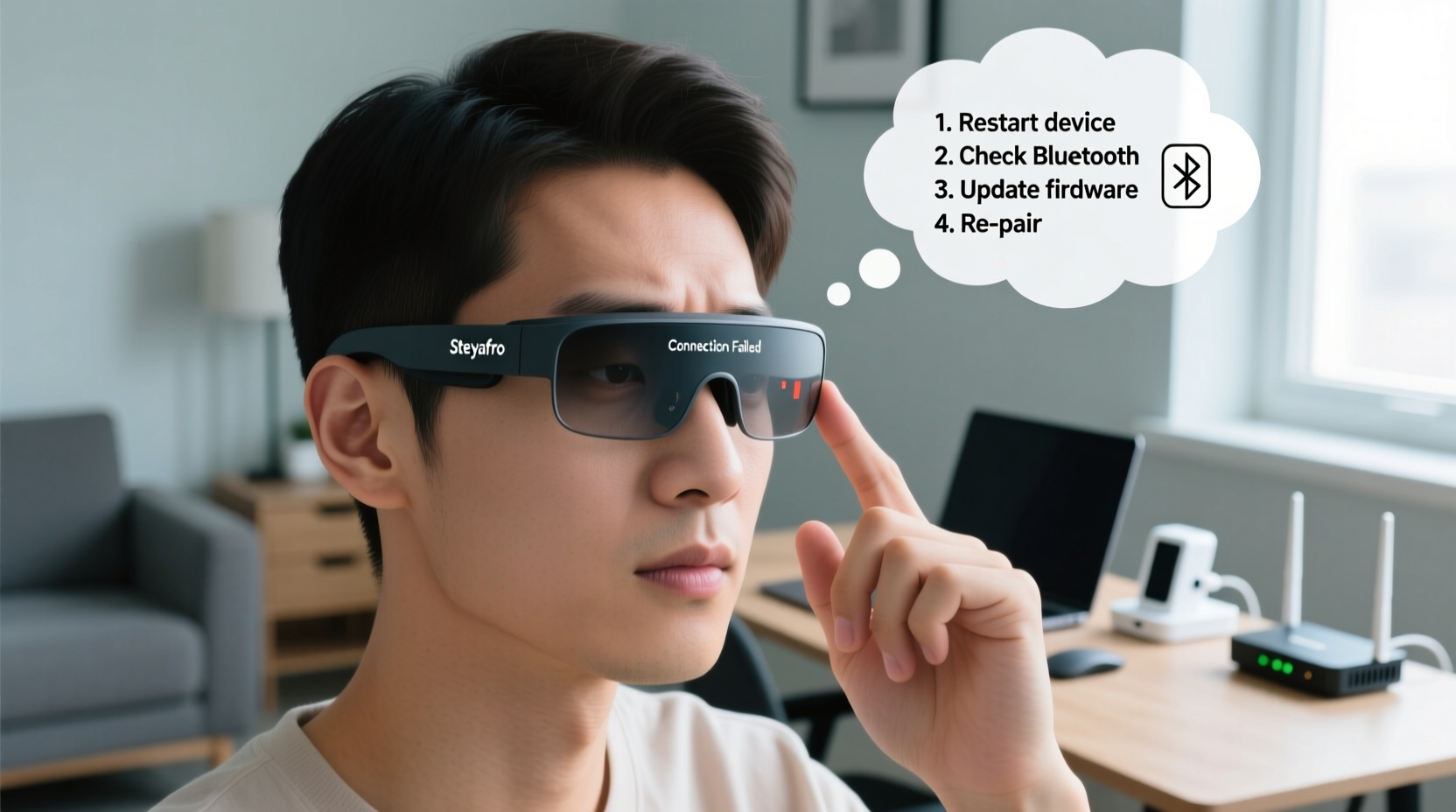
Before diving into solutions, it’s important to identify the type of problem you’re experiencing. Steyafro smart glasses primarily rely on Bluetooth 5.0 or higher for connectivity, which means compatibility and signal strength play critical roles. Common symptoms include:
- Inability to pair the glasses with a device
- Frequent disconnections during use
- One-way audio or no sound at all
- Delayed response to voice commands or touch controls
- Glasses not appearing in the Bluetooth device list
These issues may stem from outdated firmware, incorrect Bluetooth settings, physical obstructions, or conflicting apps. Recognizing the pattern helps narrow down the solution path. For example, if the glasses disconnect every time you turn your head, it could indicate a weak signal due to body obstruction rather than a software flaw.
Step-by-Step Troubleshooting Guide
Follow this structured approach to diagnose and resolve connection problems efficiently. Each step builds on the previous one, ensuring no stone is left unturned.
- Verify Power and Pairing Mode: Ensure the glasses are fully charged and in pairing mode (indicated by a blinking blue LED). If the light isn’t flashing, press and hold the power button for 5–7 seconds until it enters discoverable mode.
- Enable Bluetooth on Your Device: Go to Settings > Bluetooth and confirm it’s turned on. Disable airplane mode if active.
- Forget the Device: In your phone’s Bluetooth settings, locate “Steyafro Smart Glasses” and select “Forget This Device.” This clears any corrupted pairing data.
- Restart Both Devices: Reboot your smartphone or tablet. Then power cycle the glasses by turning them off and on again.
- Re-pair the Glasses: Return to Bluetooth settings, scan for devices, and select your Steyafro glasses when they appear. Confirm pairing if prompted.
- Test Audio Output: Play a short audio clip or make a test call to verify both audio and microphone functionality.
- Update Firmware: Open the official Steyafro app (if installed) and check for firmware updates under the device settings section. Install any available updates.
This sequence addresses the most frequent causes of connection failure, from stale pairing records to outdated software. Completing all steps ensures a clean slate for reconnection.
Do’s and Don’ts: Best Practices for Stable Connectivity
Maintaining consistent performance requires ongoing care. The following table outlines key behaviors that support or hinder connection stability.
| Do’s | Don’ts |
|---|---|
| Keep your glasses within 3 feet of your phone | Place your phone in a back pocket while wearing the glasses |
| Charge the glasses regularly to avoid low-power disconnections | Use the glasses when battery is below 10% |
| Update the Steyafro app and firmware monthly | Ignore firmware update notifications |
| Store the glasses in a dry, temperature-controlled environment | Leave them in direct sunlight or humid areas (e.g., bathrooms) |
| Limit active Bluetooth devices nearby | Surround yourself with multiple paired earbuds, speakers, and trackers |
Real-World Example: Resolving Intermittent Audio Drops
Consider the case of Marcus, a daily commuter who uses his Steyafro glasses for calls and podcasts during train rides. He began experiencing audio cutouts every few minutes, especially when passing through tunnels. At first, he assumed the issue was network-related. After testing offline playback, however, the interruptions persisted.
Following the troubleshooting guide, Marcus discovered that his phone had two other Bluetooth devices—wireless earbuds and a smartwatch—constantly vying for bandwidth. By disabling those devices during his commute and ensuring his glasses were updated to firmware version 2.1.3, the audio stabilized completely. The root cause wasn’t signal loss but Bluetooth channel congestion, a subtle yet fixable issue.
“Bluetooth stability isn’t just about range—it’s about ecosystem management. Reducing connected device load often restores smooth performance without hardware changes.” — Lena Patel, Senior Wireless Systems Engineer
Advanced Fixes for Persistent Problems
If basic troubleshooting fails, deeper interventions may be necessary. These are appropriate only after confirming the issue isn’t isolated to one phone or app.
- Reset the Glasses to Factory Settings: Use the reset pinhole (usually near the charging port) or the app-based reset function. This erases all settings and returns the device to out-of-box state.
- Check App Permissions: On Android and iOS, ensure the Steyafro app has permissions for location (required for Bluetooth scanning), microphone, and notifications.
- Test on Another Device: Pair the glasses with a different smartphone or tablet. If the problem persists across devices, the issue likely lies with the glasses themselves.
- Inspect for Physical Damage: Check the charging contacts and internal antennas for corrosion or impact damage. Even minor cracks can degrade wireless performance.
- Contact Support with Diagnostic Logs: The Steyafro app often includes a diagnostics tool. Generate a log and send it to customer support for technical analysis.
FAQ: Frequently Asked Questions
Why won’t my Steyafro glasses show up in Bluetooth settings?
The glasses may not be in pairing mode or could already be connected to another device. Ensure they are powered on and blinking blue. Also, check if they’re listed under “Connected Devices” on another phone. Turn off Bluetooth on that device to free the connection.
Can I use Steyafro glasses with non-Android or non-iOS devices?
Yes, but with limitations. They support standard Bluetooth A2DP and HFP profiles, so they can work with laptops, tablets, or smart TVs. However, advanced features like voice assistant integration or app-based customization require the official mobile app, which is only available for iOS and Android.
How often should I update the firmware?
Check for updates monthly or whenever you notice performance issues. Steyafro typically releases firmware patches every 6–8 weeks addressing connectivity bugs and improving battery efficiency.
Final Checklist: Connection Recovery Plan
Use this checklist the next time your Steyafro smart glasses fail to connect:
- ✅ Charge both glasses and phone above 30%
- ✅ Enable Bluetooth and disable airplane mode
- ✅ Forget the glasses in Bluetooth settings
- ✅ Restart both devices
- ✅ Re-enter pairing mode on the glasses
- ✅ Reconnect and test audio
- ✅ Open Steyafro app and install pending updates
- ✅ Limit nearby Bluetooth devices during use
Conclusion
Connection problems with Steyafro smart glasses are rarely permanent. With methodical troubleshooting, most users can restore full functionality within minutes. The key is to approach the issue systematically—starting with simple resets and progressing to firmware updates and device resets only when necessary. By understanding the underlying causes of Bluetooth instability and adopting best practices, you can enjoy uninterrupted audio and seamless smart features. Technology should enhance your life, not interrupt it. Take control of your device’s performance today and get back to what matters most.




 浙公网安备
33010002000092号
浙公网安备
33010002000092号 浙B2-20120091-4
Comments
No comments yet. Why don't you start the discussion?