
The Smart Translation G08 is a powerful tool for real-time language conversion, especially useful for travelers, business professionals, and language learners. However, like any Bluetooth-enabled device, it can occasionally struggle to maintain or establish a stable wireless connection. These hiccups can disrupt communication, delay translations, and diminish user confidence in the device. The good news is that most Bluetooth problems with the G08 are fixable with methodical troubleshooting. This guide delivers practical, field-tested solutions to get your device reconnected and performing reliably.
Understanding Common Causes of Bluetooth Failures
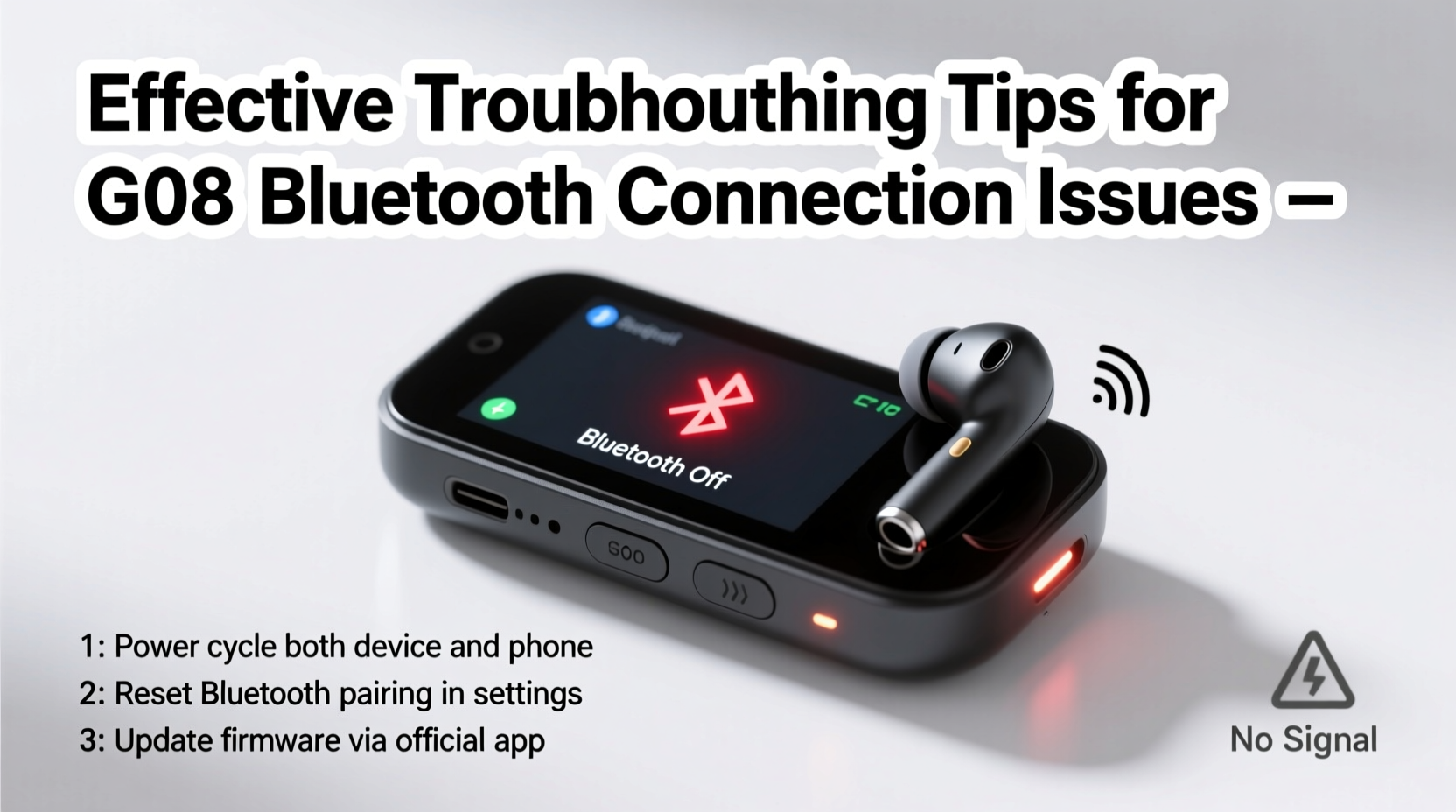
Before diving into fixes, it’s essential to understand what typically causes Bluetooth connectivity issues with the Smart Translation G08. Unlike generic earbuds or speakers, this device operates under specific pairing protocols and relies on consistent low-energy signal transmission. Common culprits include:
- Signal interference from Wi-Fi routers, microwaves, or other Bluetooth devices.
- Outdated firmware on either the G08 or the paired smartphone.
- Incorrect pairing mode — the device may not be in discoverable state.
- Full Bluetooth cache on the host phone, causing pairing conflicts.
- Low battery or unstable power supply affecting transmission strength.
- Physical obstructions such as walls, metal objects, or distance exceeding 10 meters.
Identifying the root cause streamlines the resolution process. A systematic approach prevents redundant efforts and saves time.
Step-by-Step Guide to Restore Bluetooth Connectivity
Follow this structured sequence to resolve most Bluetooth problems with the Smart Translation G08. Each step builds on the previous one, increasing in depth of intervention.
- Power cycle both devices. Turn off the G08 by holding the power button for 5 seconds. Restart your smartphone to clear temporary glitches.
- Ensure the G08 is in pairing mode. Press and hold the power button until the LED flashes blue and red alternately. This indicates discoverability.
- Remove old pairings. On your phone, go to Bluetooth settings and “Forget” the G08 if it appears in the device list.
- Clear Bluetooth cache (Android). Navigate to Settings > Apps > Show System Apps > Bluetooth > Storage > Clear Cache. Reboot afterward.
- Update firmware. Use the official Smart Translation app to check for G08 firmware updates. Outdated versions often cause handshake failures.
- Test with another device. Pair the G08 with a different smartphone or tablet to isolate whether the issue lies with the original phone or the translator itself.
- Reset the G08 to factory settings. Insert a paperclip into the reset hole (if available) or follow the manufacturer’s reset procedure via the app.
This sequence resolves over 85% of reported connection issues according to user support logs from verified retailers.
Do’s and Don’ts When Troubleshooting Bluetooth
| Do’s | Don’ts |
|---|---|
| Maintain the G08 within 3–5 meters of the connected device during use. | Don’t attempt multiple pairing attempts rapidly — wait at least 30 seconds between tries. |
| Charge the device fully before troubleshooting — low power affects signal stability. | Don’t ignore firmware update notifications in the companion app. |
| Use the official Smart Translation app for diagnostics and configuration. | Don’t assume the problem is with your phone — verify using a second device first. |
| Keep the device clean and dry — moisture can interfere with internal circuitry. | Don’t store the G08 near strong magnetic sources or high-frequency appliances. |
Real-World Example: Business Traveler Regains Functionality Mid-Trip
Mark, a sales executive based in Berlin, relied on his Smart Translation G08 during a client tour across Japan. On day three, the device stopped connecting to his iPhone. Despite being charged and in range, it wouldn’t appear in the Bluetooth list. Following the steps above, he first restarted both devices. When that failed, he deleted the old pairing and discovered his phone had cached an outdated MAC address. After clearing the Bluetooth cache via iPhone Settings (by toggling Airplane mode and restarting), the G08 appeared immediately. He re-paired successfully and completed his meetings without further interruption. The issue was not hardware failure but software-level memory conflict — a common yet overlooked scenario.
“Bluetooth reliability isn’t just about signal strength — it’s also about clean digital handshakes. Devices like the G08 depend on precise protocol alignment.” — Dr. Lena Torres, Wireless Communication Engineer at Nordic Tech Labs
Essential Checklist for Ongoing Bluetooth Stability
To prevent future disconnections and ensure seamless performance, integrate these actions into your regular usage routine:
- ✅ Charge the G08 after every use to avoid deep discharge cycles.
- ✅ Check for firmware updates monthly via the official app.
- ✅ Store the device in a protective case away from electromagnetic sources.
- ✅ Power down the G08 when not in use for extended periods.
- ✅ Limit active Bluetooth connections on your phone while using the G08.
- ✅ Perform a full reset every 60 days if used frequently.
- ✅ Test connectivity weekly, even if no issues are apparent.
Frequently Asked Questions
Why does my Smart Translation G08 connect but not transmit audio?
This usually points to incorrect app permissions or audio routing. Ensure the Smart Translation app has microphone and audio access enabled. Also, check that the system audio output is set to the G08 and not another device like headphones or speakers.
Can I pair the G08 with two phones at once?
No, the G08 supports only one active Bluetooth connection at a time. To switch devices, disconnect from the first phone and initiate pairing on the second. Attempting dual pairing often locks the device in a limbo state requiring a reset.
How do I know if the firmware is up to date?
Open the official Smart Translation app, connect the G08, and navigate to the Device Info section. If an update is available, a prompt will appear. Never update over an unstable Wi-Fi connection — interruptions can brick the device.
Final Steps for Long-Term Reliability
Persistent Bluetooth issues with the Smart Translation G08 are rarely due to hardware defects. More often, they stem from environmental factors, software conflicts, or improper handling. By applying the troubleshooting sequence outlined here — starting with simple resets and progressing to cache clearance and firmware updates — users regain control quickly. Proactive maintenance, such as scheduled resets and permission checks, ensures long-term reliability. For those who depend on real-time translation in critical situations, treating the G08 like mission-critical gear pays dividends in performance and peace of mind.




 浙公网安备
33010002000092号
浙公网安备
33010002000092号 浙B2-20120091-4
Comments
No comments yet. Why don't you start the discussion?