
There are moments when you need to make a call without revealing your phone number. Whether it’s to protect your privacy, avoid unwanted callbacks, or reach out discreetly, knowing how to block your caller ID is essential. Fortunately, modern phones—regardless of brand or network—offer multiple reliable ways to hide your number before dialing. From temporary one-time blocks to permanent settings changes, this guide covers every method you need to stay in control of your identity during outgoing calls.
Understanding Caller ID and Number Blocking
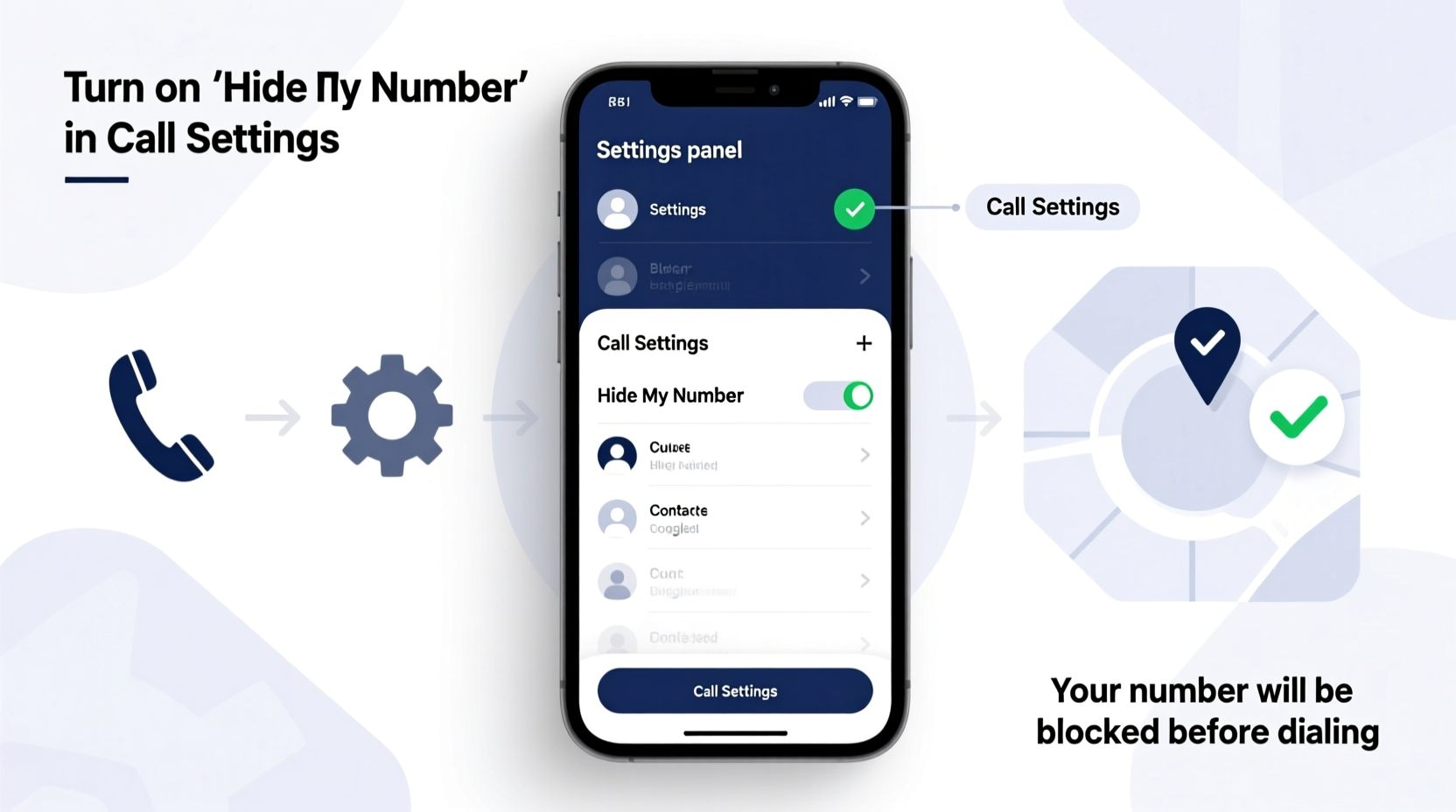
Caller ID transmits your phone number to the recipient when you place a call. While helpful for legitimate communication, it can be a privacy concern in certain situations. Number blocking prevents this information from being shared, either on a per-call basis or across all outgoing calls.
Two primary types of number blocking exist:
- Temporary blocking: Hides your number for a single call using a prefix code (e.g., *67).
- Permanent blocking: Disables caller ID globally through device settings or carrier services.
It's important to note that while these methods work on most networks, they may not bypass emergency services or numbers with call-tracing capabilities. Additionally, some recipients may still see “Private,” “Blocked,” or “Unknown” instead of your number, which could affect whether they answer.
“Caller ID blocking is a basic but powerful privacy tool. It empowers users to decide when and how their contact information is shared.” — Dr. Linda Reyes, Telecommunications Privacy Researcher
Step-by-Step: How to Block Your Number Temporarily
If you only want to hide your number occasionally, temporary blocking is the most flexible option. This method works across devices and carriers without changing your default settings.
Using the *67 Prefix (Works on Most Networks)
The universal short code *67 disables caller ID for a single call:
- Open your phone’s dialer app.
- Enter
*67, followed by the full 10-digit phone number (including area code). - Press the call button.
For example: *67 555 123 4567
This method works on both mobile and landline phones in the U.S. and Canada. However, it does not work for toll-free numbers (like 800 or 888), emergency calls (911), or certain international destinations.
Alternative Carrier-Specific Codes
Some providers offer variations. These are less common but still functional in select regions:
- Sprint/T-Mobile: #31# + number (common in Europe; limited U.S. support)
- Verizon: *67 remains standard
Note: International travelers should research local codes, as *67 equivalents vary by country (e.g., #31# in the UK and EU).
Permanently Block Your Number on Smartphones
If you consistently prefer privacy, setting up permanent caller ID blocking through your device or carrier ensures your number stays hidden on every outgoing call—without needing to enter codes each time.
Blocking on iPhone (iOS)
iPhones allow you to disable caller ID via Settings:
- Go to Settings.
- Tap Phone.
- Select Show My Caller ID.
- Toggle the switch to Off.
Once disabled, all outgoing calls will display “No Caller ID” unless re-enabled. This change syncs across all Apple devices linked to the same Apple ID if iMessage is active.
Blocking on Android Phones
Android settings vary slightly depending on manufacturer and OS version, but the general path is consistent:
- Open the Phone or Dialer app.
- Tap the three-dot menu (⋮) and select Settings.
- Choose Supplementary Services or Caller ID.
- Select Hide number or Don’t show my number.
On Samsung devices, this may appear under “Call settings” > “Additional settings” > “Caller ID.” Once set, the option applies system-wide.
| Device Type | Blocking Method | Persistence |
|---|---|---|
| iPhone | Settings → Phone → Show My Caller ID → Off | Permanent until changed |
| Android (Samsung, Pixel, etc.) | Dialer Settings → Supplementary Services → Hide Number | Permanent until changed |
| Landline (Analog) | Contact carrier for line-level blocking | Permanent or temporary options |
| All Mobile Devices | Dial *67 + number | One-time use only |
Carrier-Level Caller ID Management
For users who want maximum control—or whose devices lack built-in blocking options—contacting your carrier is a reliable alternative. Most major providers offer free caller ID suppression services.
To permanently block your number at the network level:
- Call your carrier’s customer service (e.g., Verizon: *611, AT&T: *611).
- Request to have “caller ID blocked on all outgoing calls.”
- Confirm the change and ask for written confirmation if needed.
Carriers like AT&T, T-Mobile, and Verizon typically implement this at no extra cost. Note that emergency services (911) will still receive your number even with blocking enabled, as required by law.
Mini Case Study: Protecting Personal Information During Job Hunting
Sarah, a marketing professional relocating to Chicago, began contacting local businesses for freelance opportunities. She didn’t want to leave her personal cell number with every receptionist she spoke to. Using *67 for initial outreach allowed her to maintain professionalism without exposing her number. After securing interviews, she switched back to showing her caller ID for follow-ups. This strategy helped her manage connections safely while building trust gradually.
Her experience highlights how selective number blocking supports both privacy and strategic communication.
Common Mistakes to Avoid
While blocking your number seems straightforward, several pitfalls can undermine its effectiveness:
- Assuming blocking works on all numbers: Emergency lines, toll-free numbers, and some corporate systems may still capture your identity.
- Forgetting to re-enable caller ID: If you toggle off “Show My Caller ID” on iPhone, future calls won’t identify you—even when desired.
- Mixing up *67 and *69: *69 redials the last caller; accidentally using it after *67 can lead to confusion.
- Expecting anonymity online: Number blocking only affects traditional voice calls, not VoIP apps like WhatsApp or FaceTime unless configured separately.
FAQ
Will the person know I blocked my number?
The recipient will typically see “Private,” “Blocked,” “No Caller ID,” or “Unknown” on their screen. They may suspect intentional blocking, especially if they recognize your voice.
Can I unblock my number for just one call if permanent blocking is on?
Yes. Use *82 before the number: Dial *82 555 123 4567. This overrides permanent suppression for that single call.
Does number blocking work internationally?
Not universally. While *67 works in North America, European countries often use #31# instead. Check local regulations before traveling. Also, international roaming agreements may affect caller ID transmission.
Checklist: Mastering Number Blocking on Any Phone
- ✅ Test *67 by calling a friend or your voicemail
- ✅ Turn off “Show My Caller ID” in iPhone settings if permanent blocking is preferred
- ✅ Locate caller ID settings in your Android dialer app
- ✅ Contact your carrier to request network-level blocking
- ✅ Remember *82 to unblock temporarily when needed
- ✅ Avoid using blocking on emergency or automated systems where identification is required
Conclusion
Controlling when your phone number is shared is a simple yet powerful way to protect your privacy. Whether you're making sensitive calls, avoiding telemarketers, or simply managing professional boundaries, the tools to block your number are readily available on nearly every phone. From quick codes like *67 to permanent settings in iOS and Android, you have flexible options tailored to your needs.




 浙公网安备
33010002000092号
浙公网安备
33010002000092号 浙B2-20120091-4
Comments
No comments yet. Why don't you start the discussion?