
In an age where privacy is increasingly fragile, knowing how to make anonymous calls can be essential—whether you're protecting your identity from telemarketers, avoiding harassment, or simply preserving personal boundaries. While caller ID was designed for transparency, there are legitimate reasons to conceal your number. This guide explores practical, reliable methods to hide your mobile number across smartphones, landlines, and internet-based calling platforms.
Why Hide Your Number? Understanding the Need for Privacy
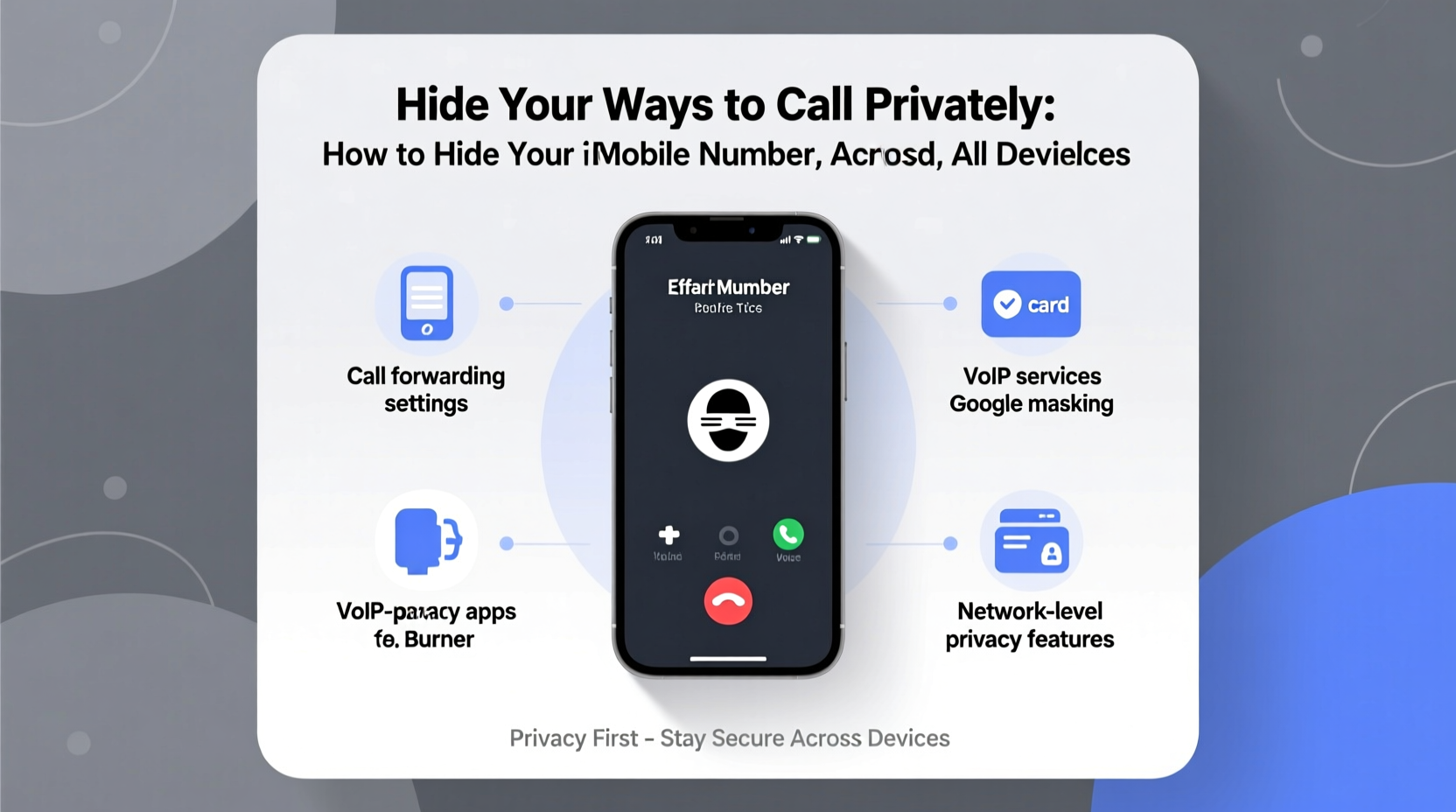
Not every private call stems from secrecy. Professionals like real estate agents, therapists, or nonprofit workers may need to contact clients without exposing personal phone numbers. Others may be escaping abusive relationships or dealing with stalkers. In such cases, revealing a number isn't just inconvenient—it’s unsafe.
The U.S. Federal Communications Commission (FCC) recognizes the right to block your number on a per-call basis, but permanent anonymity requires more strategic tools. The key is understanding which method suits your device, carrier, and use case.
How to Block Your Number on Mobile Devices
Both iOS and Android offer built-in options to prevent your number from appearing on outgoing calls. These vary slightly by carrier, but the core functionality remains consistent.
iOS (iPhone)
- Navigate to Settings > Phone.
- Select Show My Caller ID.
- Toggle it off to hide your number for all outgoing calls.
This setting applies globally. When disabled, your calls will appear as “Private,” “Blocked,” or “Unknown” on recipients’ phones.
Android (Samsung, Google Pixel, etc.)
- Open the Phone app and tap the three-dot menu.
- Go to Settings > Call settings > Additional settings > Caller ID.
- Select Hide number.
Note: This option may be labeled differently depending on manufacturer and carrier.
“With rising spam and scam calls, consumers have a growing incentive to protect their identities. Temporary blocking is legal and widely supported.” — FCC Consumer Guide, 2023
Temporary Blocking: Dialing Codes That Work Instantly
If you only want to hide your number occasionally, temporary codes are fast and effective. These prefixes work on most carriers in North America and many international networks.
- *67 + [number]: Prefix any number with *67 to block your ID for that single call.
- #31# + [number]: Used in Europe and some Asian countries for temporary blocking.
- *82: Unblocks your number if it's been permanently hidden (useful for one-off visible calls).
For example: To call 555-123-4567 privately on a U.S. network, dial *67 5551234567. The recipient will see “Private Number” or similar.
Limitations of Dial Codes
These codes do not work with toll-free numbers, emergency services, or automated systems that require caller authentication. Additionally, some organizations (e.g., banks) may automatically reject blocked calls for security reasons.
Using Third-Party Apps for Anonymous Calling
When built-in settings and dial codes fall short, third-party apps offer robust privacy features. These services assign you a secondary number or route calls through encrypted servers.
| App | Platform | Privacy Feature | Cost |
|---|---|---|---|
| Google Voice | iOS, Android, Web | Assigns U.S. number; hides real number by default | Free (U.S. only) |
| TextNow | iOS, Android | Free VoIP number; masks original number | Free with ads / Premium $5/month |
| Dialer.in | Web-based | One-time disposable numbers for global calls | Pay-per-use |
| MySudo | iOS, Android | Create up to 9 separate Sudo numbers with full privacy | $10–$20/month |
Apps like Google Voice are ideal for users who frequently make personal or business calls without exposing their primary line. MySudo goes further by offering isolated digital personas—perfect for freelancers, activists, or anyone managing multiple roles.
Mini Case Study: A Freelancer Protects Client Boundaries
Sophie, a freelance graphic designer based in Portland, used her personal number for client outreach. Over time, she received after-hours messages and even unwanted social media friend requests. She switched to Google Voice, creating a professional number linked to her Gmail. Now, clients reach her during work hours only, and her personal number stays private. Her productivity improved, and so did her peace of mind.
Landline and VoIP Solutions for Complete Anonymity
Traditional landlines still support caller ID blocking, though usage has declined. For maximum discretion, Voice over IP (VoIP) services provide advanced control.
Landline Blocking
- Dial *67 before each call (same as mobile).
- Contact your provider to disable caller ID system-wide (e.g., AT&T, Verizon).
VoIP Services with Built-In Privacy
Voice over IP platforms like Skype, Vonage, and Ooma allow users to configure caller ID settings independently of physical location. Many let you choose whether to display your number, a business line, or no ID at all.
Skype, for instance, lets you purchase a local number and use it to make calls that mask your actual location and identity. International calling becomes both affordable and discreet.
Checklist: How to Ensure Your Number Stays Hidden
- ✅ Confirm your device supports caller ID blocking in settings.
- ✅ Test *67 with a friend to verify it works on your carrier.
- ✅ Disable “Show My Caller ID” on iPhone or Android if permanent hiding is needed.
- ✅ Install a trusted VoIP app like Google Voice or MySudo for recurring privacy needs.
- ✅ Avoid sharing your real number on public forums or classified ads.
- ✅ Review app permissions—ensure calling apps don’t access unnecessary data.
- ✅ Regularly audit linked accounts (e.g., Google Voice tied to Gmail).
Frequently Asked Questions
Can someone trace a blocked number?
Standard *67 blocking prevents display on most phones, but law enforcement and telecom providers can still trace the origin with proper authorization. True anonymity requires encrypted VoIP services or burner phones.
Does hiding my number affect call quality?
No. Number blocking does not impact audio clarity, latency, or connection stability. Quality depends on network strength and service type (mobile, VoIP, landline).
Will my call go through if I block my number?
Most calls connect normally, but some businesses and institutions (e.g., hospitals, banks) have systems that auto-reject blocked numbers. If a call fails, try again without blocking.
Conclusion: Take Control of Your Communication Privacy
Your phone number is more than a contact point—it’s a piece of your digital identity. Whether you’re shielding yourself from harassment, managing professional boundaries, or simply valuing discretion, the tools to hide your number are accessible and effective. From simple dial codes to secure VoIP platforms, the right method depends on your frequency of use, device type, and risk level.
Start small: test *67 today. Then consider upgrading to a dedicated privacy app if long-term anonymity matters to you. In a world of constant connectivity, choosing when to be seen—and when to stay hidden—is a fundamental right.




 浙公网安备
33010002000092号
浙公网安备
33010002000092号 浙B2-20120091-4
Comments
No comments yet. Why don't you start the discussion?