
YouTube is one of the most widely used platforms in the world, offering endless entertainment, education, and information. But every time you search for a video, like a tutorial, or browse trending clips, YouTube records your activity. This includes your search history, watch history, and even device-specific behavior. While personalization can enhance user experience, unchecked data collection poses real privacy risks. Your search history can reveal sensitive interests, habits, and preferences—information that, if exposed or misused, could compromise your digital safety. Taking control of your YouTube history isn’t just about tidiness; it’s about reclaiming autonomy over your online footprint.
Why Managing Your YouTube Search History Matters
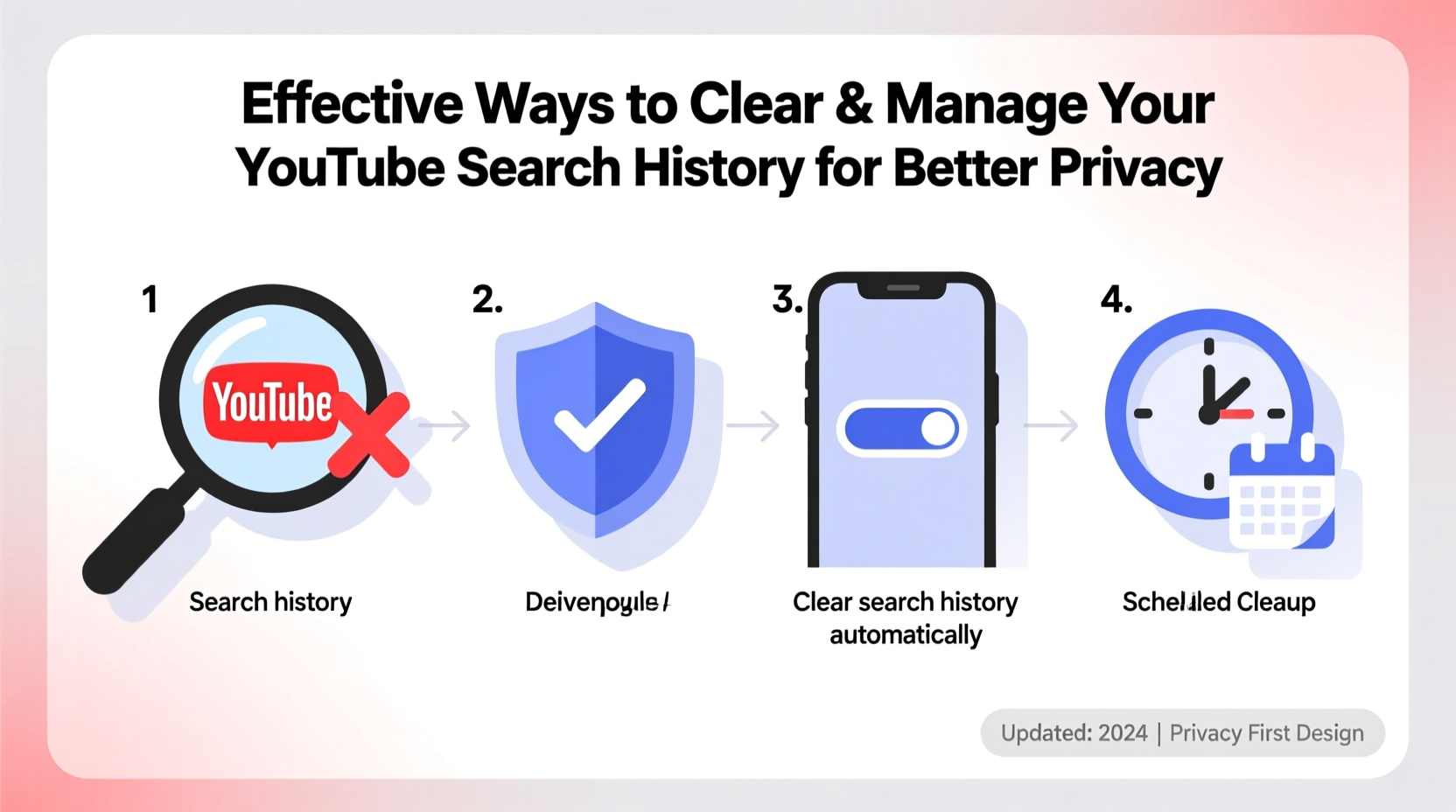
Your YouTube search history does more than suggest videos—it shapes what you see across Google services. Because YouTube is owned by Google, your activity often syncs with your broader Google account, influencing ads, autocomplete suggestions, and even search results on other platforms. This interconnected tracking raises concerns about surveillance, data profiling, and unintended exposure—especially on shared devices or public networks.
For example, someone searching for mental health resources might later see related ads on unrelated websites. A parent using a family tablet might inadvertently expose children to inappropriate recommendations based on past searches. In professional settings, outdated search patterns could lead to irrelevant or embarrassing suggestions during presentations.
Managing your YouTube search history helps mitigate these risks. It enhances privacy, reduces targeted advertising, and ensures your recommendations stay relevant and intentional.
How to Clear Your YouTube Search History: Step-by-Step
Removing your search history is straightforward, whether you're using a mobile device or desktop. Follow this universal guide to delete past searches effectively.
- Sign in to your Google Account – Ensure you’re logged into the correct account linked to YouTube.
- Navigate to YouTube Studio or YouTube homepage – On desktop, go to youtube.com. On mobile, open the YouTube app.
- Access your history – Click your profile picture, then select “History & privacy” from the menu.
- Clear search history – Under “My Activity,” click “Clear search history.” Confirm the action when prompted.
- Optional: Pause future tracking – Toggle off “Pause save to watch history” and “Pause save to search history” to stop future recording.
This process removes all recorded searches instantly. Note that while deletion is immediate, cached suggestions may persist temporarily in autocomplete until refreshed.
Automate Privacy: Use Auto-Delete Settings
Manually clearing history each time is impractical. YouTube and Google offer built-in automation tools to help maintain privacy without constant intervention.
In your Google Account settings, navigate to “Data & privacy” > “Web & App Activity” > “Manage activity controls.” Here, you can enable auto-delete for your YouTube search history. Choose intervals of 3 months or 18 months. Once set, Google automatically purges old data, reducing manual effort and ensuring consistent privacy hygiene.
This feature is particularly useful for users who want a balance between personalized content and routine data cleanup. As Google notes, “Auto-delete gives you more control over how long your activity data is stored.”
“Setting up auto-delete is one of the most effective passive privacy measures users can implement.” — Dr. Lena Patel, Digital Privacy Researcher at Stanford University
Do’s and Don’ts When Managing YouTube History
| Do’s | Don’ts |
|---|---|
| ✅ Regularly review your search and watch history | ❌ Assume incognito mode fully protects your activity |
| ✅ Use auto-delete to automate privacy maintenance | ❌ Share login details on untrusted devices |
| ✅ Pause search saving when using shared devices | ❌ Ignore synced activity across Google services |
| ✅ Check device-specific histories (phone, TV, tablet) | ❌ Rely solely on clearing browser cache |
Real-World Example: Protecting Family Privacy
Sarah, a mother of two, noticed her child’s tablet was recommending disturbing content despite no direct searches. After investigating, she discovered that her own previous searches—related to news events—had influenced the algorithm. Because the device used a shared family Google account, YouTube’s recommendation engine had associated those searches with the entire household.
She took immediate action: cleared all search history, disabled search saving on children’s profiles, and set up auto-delete for her primary account. Within days, the recommendations improved significantly. Sarah now reviews her family’s YouTube settings monthly, ensuring each member maintains appropriate boundaries.
This scenario highlights how easily search history can affect others—especially in multi-user environments—and why proactive management is essential.
Comprehensive Checklist for YouTube Privacy Control
- ☑ Sign in to the correct Google account
- ☑ Navigate to YouTube > History & privacy
- ☑ Clear search history manually
- ☑ Turn off “Save to search history”
- ☑ Enable auto-delete (3 or 18 months)
- ☑ Review activity on all devices (mobile, smart TV, browser)
- ☑ Use separate profiles for family members
- ☑ Periodically check Google Web & App Activity settings
- ☑ Log out of shared devices after use
- ☑ Monitor recommended videos for anomalies
Frequently Asked Questions
Does clearing YouTube search history also delete watch history?
No. Search history and watch history are managed separately. You must clear both individually under the “History & privacy” section. Disabling one does not affect the other.
Can someone else see my YouTube search history?
If you’re logged in on a shared device and haven’t paused history saving, yes—anyone with access can view your searches via the YouTube app or website. Using separate profiles or signing out after use mitigates this risk.
Will deleting my search history improve video recommendations?
Initially, recommendations may become less accurate, but over time, they reset to a neutral state. If you continue watching content intentionally, new patterns will form—leading to fresher, more relevant suggestions aligned with current interests.
Take Control of Your Digital Footprint Today
Your YouTube search history is more than a list of queries—it’s a reflection of your digital identity. Left unmanaged, it can influence everything from ad targeting to content exposure across devices. By actively clearing your history, pausing data collection, and leveraging automation tools, you regain control over what YouTube knows about you. These steps are simple but powerful, especially when practiced consistently.
Privacy isn’t about hiding—it’s about choosing what to share and when. Whether you're protecting personal information, managing family accounts, or simply decluttering your digital space, taking charge of your YouTube history is a meaningful step toward a safer, more intentional online experience.




 浙公网安备
33010002000092号
浙公网安备
33010002000092号 浙B2-20120091-4
Comments
No comments yet. Why don't you start the discussion?