
The Reddit app is a powerful tool for staying connected with communities, following trending discussions, and engaging with content that matters. However, over time, the app can accumulate cached data—temporary files stored to speed up load times—that may begin to slow down performance or cause glitches. When the app starts lagging, freezing, or consuming excessive storage, clearing the cache is one of the most effective first-line solutions. Unlike deleting app data, which removes login credentials and preferences, clearing the cache only removes non-essential temporary files, preserving your settings while refreshing performance.
Why Clearing Cache Improves App Performance
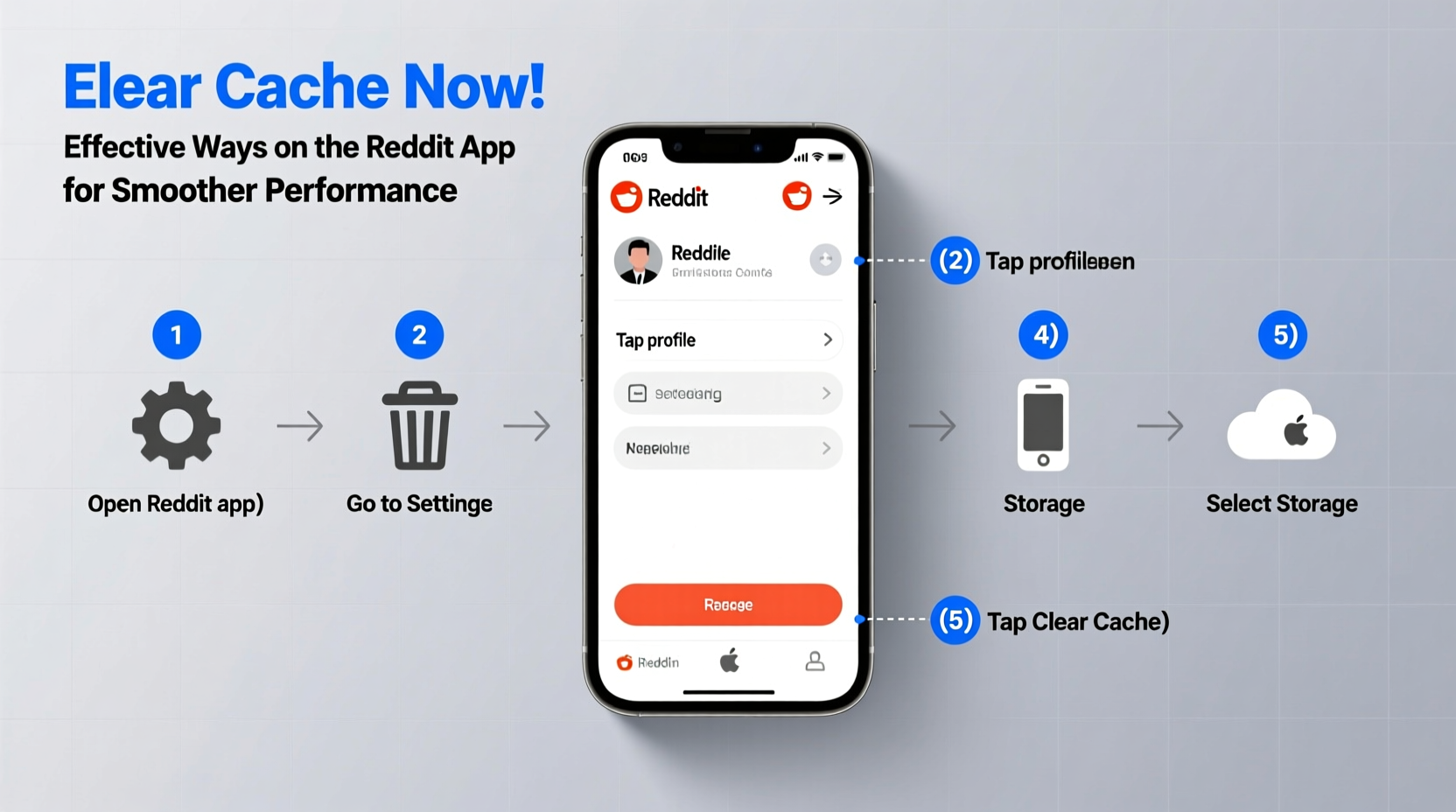
Every time you browse Reddit, the app stores images, videos, and webpage elements in its cache to reduce load times during future visits. While this improves initial responsiveness, an overloaded cache can lead to sluggish behavior, crashes, or even display errors. Over weeks or months, especially with heavy use, these files accumulate and may conflict with updated versions of content or app features.
Clearing the cache resets this stored information, forcing the app to retrieve fresh data. This often resolves issues like:
- Slow scrolling or delayed image loading
- Crashes when opening specific subreddits
- Inconsistent notifications
- App taking up excessive storage space
- Outdated post previews or broken media thumbnails
“Regular cache maintenance is like defragmenting a hard drive—it doesn’t change your data, but it optimizes how quickly the system can access it.” — David Lin, Mobile App Optimization Engineer
Step-by-Step Guide: How to Clear Cache on Android
Android provides direct access to app storage settings, making it easy to manage cached data without uninstalling the app. Follow these steps:
- Open your device’s Settings app.
- Navigate to Apps or Applications, then locate and tap Reddit.
- Select Storage & cache.
- Tap Clear Cache. Do not select “Clear Storage” or “Clear Data” unless you want to log out and reset all preferences.
- Wait a few seconds for the process to complete.
- Reopen the Reddit app and allow it to reload content.
After clearing the cache, you may notice slightly slower loading the first time you open posts or images, as the app rebuilds its cache with fresh data. Within minutes, performance typically stabilizes at a higher level than before.
How to Clear Cache on iOS (iPhone/iPad)
iOS handles app cache differently than Android. There is no direct \"Clear Cache\" button within the Settings menu for individual apps. Instead, you must offload or reinstall the Reddit app to remove cached data. While this sounds drastic, it’s a safe method that preserves your account login if done correctly.
Option 1: Offload the App (Recommended)
This method removes the app but keeps its documents and data, including login sessions:
- Go to Settings > General > iPhone Storage (or iPad Storage).
- Scroll down and tap Reddit.
- Select Offload App.
- Once removed, tap Reinstall App to download it again from the App Store.
Upon reopening, the app should log you in automatically using saved credentials, and cached junk will be gone.
Option 2: Delete and Reinstall
If offloading doesn’t resolve persistent issues:
- Press and hold the Reddit app icon until the quick actions menu appears.
- Select Remove App > Delete App.
- Confirm deletion.
- Visit the App Store, search for “Reddit,” and reinstall the app.
- Log back in manually.
Alternative Methods to Optimize Reddit App Performance
Clearing the cache is the most direct fix, but combining it with other optimization techniques ensures long-term smooth operation.
Reduce Media Auto-Loading
By default, the Reddit app auto-loads images and videos, which contributes heavily to cache buildup. To minimize this:
- Open the Reddit app and go to your profile.
- Navigate to Settings > Data Saver.
- Enable Turn on Data Saver to prevent automatic media loading over cellular and Wi-Fi.
This reduces both data usage and cached file accumulation.
Update the App Regularly
Developers frequently release updates that include performance improvements and bug fixes. An outdated version may have known memory leaks or inefficient caching logic. Always keep the app updated via the Google Play Store or Apple App Store.
Restart Your Device Periodically
A full device reboot clears system-level memory and stops background processes that might interfere with app performance. Doing this weekly helps maintain overall responsiveness, including within the Reddit app.
Cache Management Checklist
Use this checklist to maintain optimal Reddit app performance on a regular basis:
- ✅ Check app storage usage monthly
- ✅ Clear cache every 4–6 weeks (Android)
- ✅ Offload and reinstall Reddit every 2–3 months (iOS)
- ✅ Enable Data Saver mode to limit media caching
- ✅ Keep the app updated to the latest version
- ✅ Restart your phone weekly to refresh system memory
- ✅ Monitor for unusual behavior (crashes, lag) as early warning signs
Real Example: Recovering a Lagging Reddit Experience
Samantha, a daily Reddit user and moderator of two active communities, noticed her app had become increasingly unresponsive. Posts took several seconds to load, videos wouldn’t play inline, and the app occasionally froze when switching between subreddits. Her phone showed Reddit using over 1.2 GB of storage—unusually high for a social media app.
She decided to clear the cache through her Android settings. After tapping “Clear Cache,” the app freed up nearly 900 MB instantly. Upon reopening, the interface felt snappier, and media loaded more reliably. She also enabled Data Saver mode to prevent rapid cache buildup in the future. Within a week, she reported a dramatic improvement in stability and response time, all without losing her login or custom settings.
Common Mistakes to Avoid
While managing app cache is straightforward, certain missteps can lead to frustration:
| Mistake | Why It’s Problematic | What to Do Instead |
|---|---|---|
| Clearing app data instead of cache | Logs you out and resets preferences | Select only “Clear Cache” on Android |
| Ignoring app updates | Older versions may have unresolved bugs | Enable auto-updates or check weekly |
| Waiting until performance is critical | Issues worsen over time | Perform maintenance every few weeks |
| Assuming iOS has a direct cache-clear option | Leads to confusion and inaction | Use offload or reinstall method |
Frequently Asked Questions
Will clearing the cache log me out of Reddit?
No, clearing the cache does not remove your login information on either Android or iOS. Your session tokens are stored separately from cached media and temporary files. You’ll remain logged in after the cache is cleared.
How often should I clear the Reddit app cache?
For regular users, clearing the cache every 4 to 6 weeks is sufficient. Heavy users who browse multiple subreddits daily may benefit from doing it every 3 weeks, especially if they notice performance dips.
Does clearing cache delete my saved posts or comments?
No. Saved posts, upvoted content, and comment history are synced to your Reddit account on the server side. The local cache only contains temporary display data, not personal content or interactions.
Final Thoughts: Maintain Smooth Browsing with Simple Habits
Clearing the cache on the Reddit app is a simple yet powerful way to restore speed, stability, and reliability. Whether you're on Android or iOS, the process takes just a few minutes and can significantly extend the app’s usability between major updates or reinstalls. By incorporating regular cache management into your digital routine, you avoid slowdowns before they disrupt your experience.




 浙公网安备
33010002000092号
浙公网安备
33010002000092号 浙B2-20120091-4
Comments
No comments yet. Why don't you start the discussion?