
In today’s digital landscape, Instagram remains one of the most powerful platforms for personal branding, business promotion, and community building. But no matter how compelling your content is, it won’t generate results if people can’t easily find or access your profile. The key lies in making your Instagram profile link not only accessible but also strategically shared across multiple channels. A well-distributed and optimized link drives traffic, increases followers, and boosts engagement. This guide explores practical, proven strategies to create and distribute your Instagram link effectively.
Optimize Your Profile Before Sharing
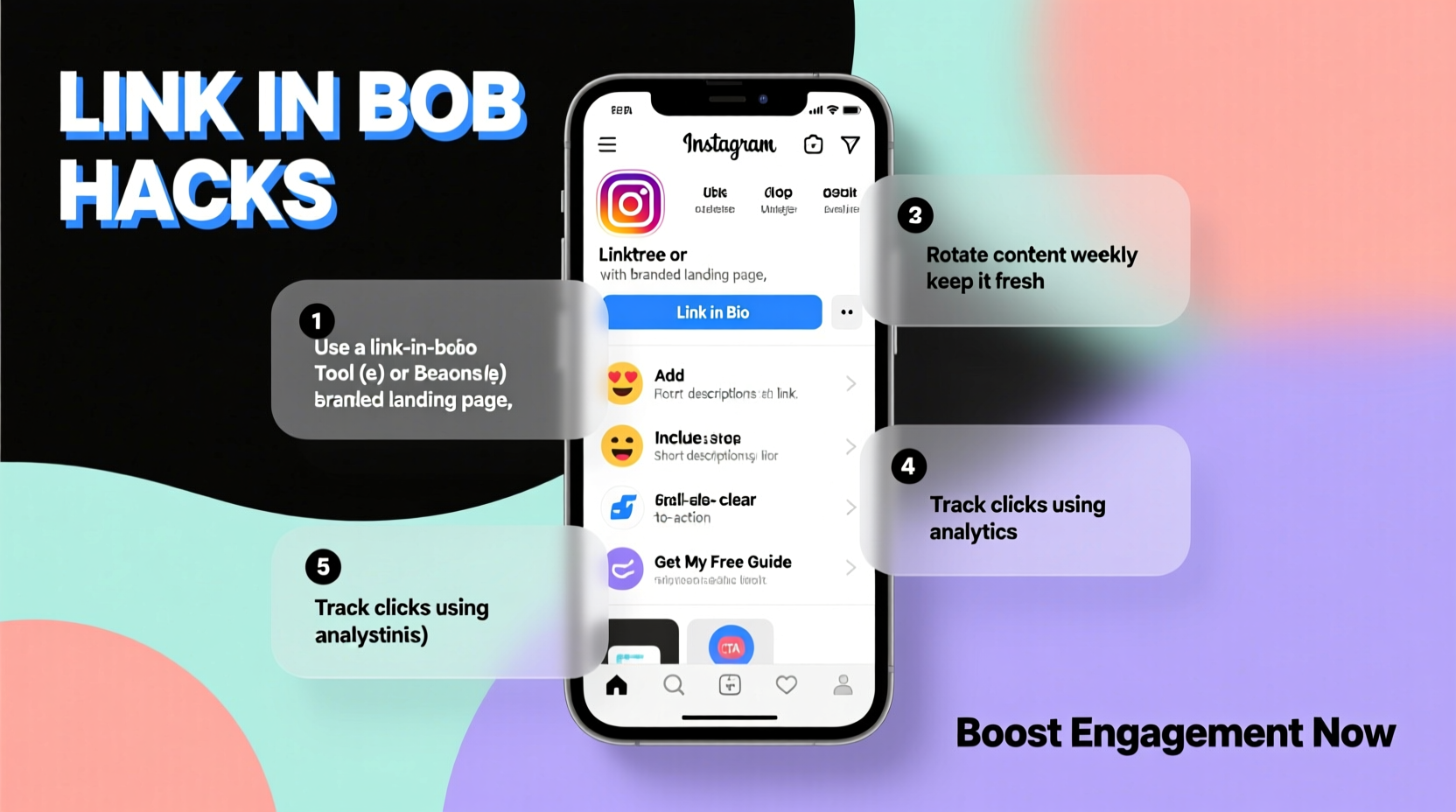
Before promoting your Instagram link, ensure your profile reflects professionalism and clarity. A clean, coherent profile encourages visitors to follow and engage. Start by using a recognizable profile picture—ideally a high-resolution headshot or brand logo. Craft a bio that clearly states who you are, what you offer, and includes a strong call-to-action (CTA). Use relevant keywords and emojis sparingly to improve readability without cluttering the space.
The username should be consistent with your brand or personal identity. Avoid numbers or underscores unless absolutely necessary. Most importantly, make sure your account is set to public if your goal is growth. Private accounts limit discoverability and reduce the incentive for users to click through from external sources.
Create a Clean, Memorable Link
Your Instagram URL follows the format https://www.instagram.com/yourusername. While functional, long or confusing usernames can deter clicks. Choose a handle that is easy to spell, pronounce, and remember. If your preferred name is taken, consider slight variations that still align with your brand (e.g., “_official” or location-based suffixes).
Avoid changing your username frequently, as this disrupts recognition and forces you to re-share your link everywhere. Consistency builds trust. Once finalized, treat your Instagram handle like a permanent digital address—use it uniformly across all social platforms, email signatures, and marketing materials.
Step-by-Step Guide to Copying and Verifying Your Link
- Open the Instagram app and go to your profile.
- Tap the three dots (iOS) or menu icon (Android) in the top-right corner.
- Select “Copy Profile URL” or manually tap the username to open it in-browser and copy the address bar.
- Paste the link into a browser to confirm it redirects correctly.
- Test the link on both mobile and desktop devices.
Leverage Multiple Channels for Distribution
Maximizing engagement starts with placing your Instagram link where your audience already spends time. Relying solely on Instagram’s internal discovery mechanisms limits reach. Proactive sharing across platforms amplifies visibility.
- Email Signatures: Add your Instagram link beneath your name in professional and promotional emails.
- Website & Blog: Include social icons in headers, footers, or sidebar widgets. Dedicate a “Connect With Me” section.
- YouTube & TikTok: Mention your Instagram in video descriptions and verbally during content.
- Business Cards: Print your handle and full URL on physical or digital cards.
- Podcast Show Notes: List your Instagram alongside other social links.
| Channel | Best Practice | Common Mistake |
|---|---|---|
| Use branded hyperlinks (e.g., \"Follow me on Instagram\") | Pasting raw URLs that look unprofessional | |
| SMS / WhatsApp | Pair link with context: “See behind-the-scenes photos here →” | Spamming links without value proposition |
| Live Events | Display QR code + handle on screens or signage | Forgetting to mention it verbally |
Use QR Codes and Bio Tools Strategically
QR codes bridge offline and online experiences. Generate a custom QR code that directs users straight to your Instagram profile. Print them on flyers, packaging, posters, or presentation slides. When scanned, they eliminate typing errors and streamline access.
For creators managing multiple links (e.g., latest post, product page, newsletter), use a centralized bio tool like Linktree, Beacons, or Campsite. These services allow you to host a single link in your Instagram bio while offering visitors multiple destinations. Update the primary link regularly to promote new content, events, or campaigns.
Mini Case Study: Local Café Gains 500 Followers in 3 Weeks
A small coffee shop in Portland struggled to grow its Instagram presence despite high foot traffic. They began printing QR codes on receipts with the prompt: “Scan for daily specials & latte art.” The code led directly to their Instagram profile. Within three weeks, they gained over 500 new followers, many of whom engaged with stories and tagged the café in posts. The low-effort integration turned passive customers into active online supporters.
Engagement-Driven Promotion Tactics
Sharing your link is only half the battle. To drive meaningful engagement, pair the link with compelling reasons to follow. Announce exclusive content available only on Instagram—such as live Q&As, limited-time offers, or user-generated features.
Collaborate with peers or influencers in your niche. Cross-promote each other’s profiles in captions or Stories, tagging one another and including direct links in bios during campaign periods. Host giveaways that require participants to follow your account and tag friends, increasing organic reach.
“Visibility isn’t just about being found—it’s about being remembered. A shared link must lead to value.” — Lena Torres, Social Media Strategist at BrandReach Co.
Checklist: Maximizing Your Instagram Link Impact
- ✅ Confirm your Instagram username is consistent across platforms
- ✅ Copy and test your profile URL on multiple devices
- ✅ Add your link to email signatures and website footer
- ✅ Create a QR code for offline use
- ✅ Use a bio link manager if promoting multiple destinations
- ✅ Share your link with context—not just the URL
- ✅ Monitor referral traffic using UTM parameters or analytics tools
Frequently Asked Questions
Can I customize my Instagram URL?
Yes, you can choose your username, which becomes part of your URL. Once set, avoid changing it frequently to maintain brand consistency. Instagram does not allow fully custom domains (e.g., yourbrand.com/ig), so focus on selecting a clean, memorable handle.
Why isn’t my link getting clicks?
Low click-through rates often stem from poor placement or lack of incentive. Ensure your link appears in high-visibility areas and is accompanied by a clear benefit—such as “Get the tutorial here” or “Join 10K+ creatives.” Test different CTAs to see what resonates.
Should I use Instagram’s “Swipe Up” feature?
The Swipe Up feature in Stories was replaced by link stickers, available to verified accounts or those with 500+ followers. If eligible, use link stickers to direct traffic to specific posts, products, or your profile. It’s one of the most effective in-app tools for driving engagement.
Conclusion: Turn Your Link Into a Growth Engine
Your Instagram profile link is more than a digital footnote—it’s a gateway to connection, visibility, and opportunity. When optimized and shared intentionally, it becomes a catalyst for engagement. From refining your bio to leveraging cross-platform distribution and interactive tools like QR codes, every step enhances accessibility and appeal.
Start treating your Instagram URL as a core component of your digital presence. Audit where it’s currently shared, identify high-impact opportunities, and implement one new strategy this week. Small changes compound into significant growth. Ready to expand your reach? Share your profile link with purpose—and watch your community grow.




 浙公网安备
33010002000092号
浙公网安备
33010002000092号 浙B2-20120091-4
Comments
No comments yet. Why don't you start the discussion?