
Group texts can start with good intentions—planning a dinner, sharing weekend updates, or coordinating team projects. But over time, they often evolve into chaotic streams of memes, late-night rants, and endless notifications that disrupt focus and invade personal space. For many, the constant pings erode mental peace and consume valuable attention. The good news: you don’t have to endure them. Exiting a group text isn’t rude—it’s an act of boundary-setting. With the right approach, you can reclaim your digital calm while preserving relationships.
Why Group Chats Become Overwhelming
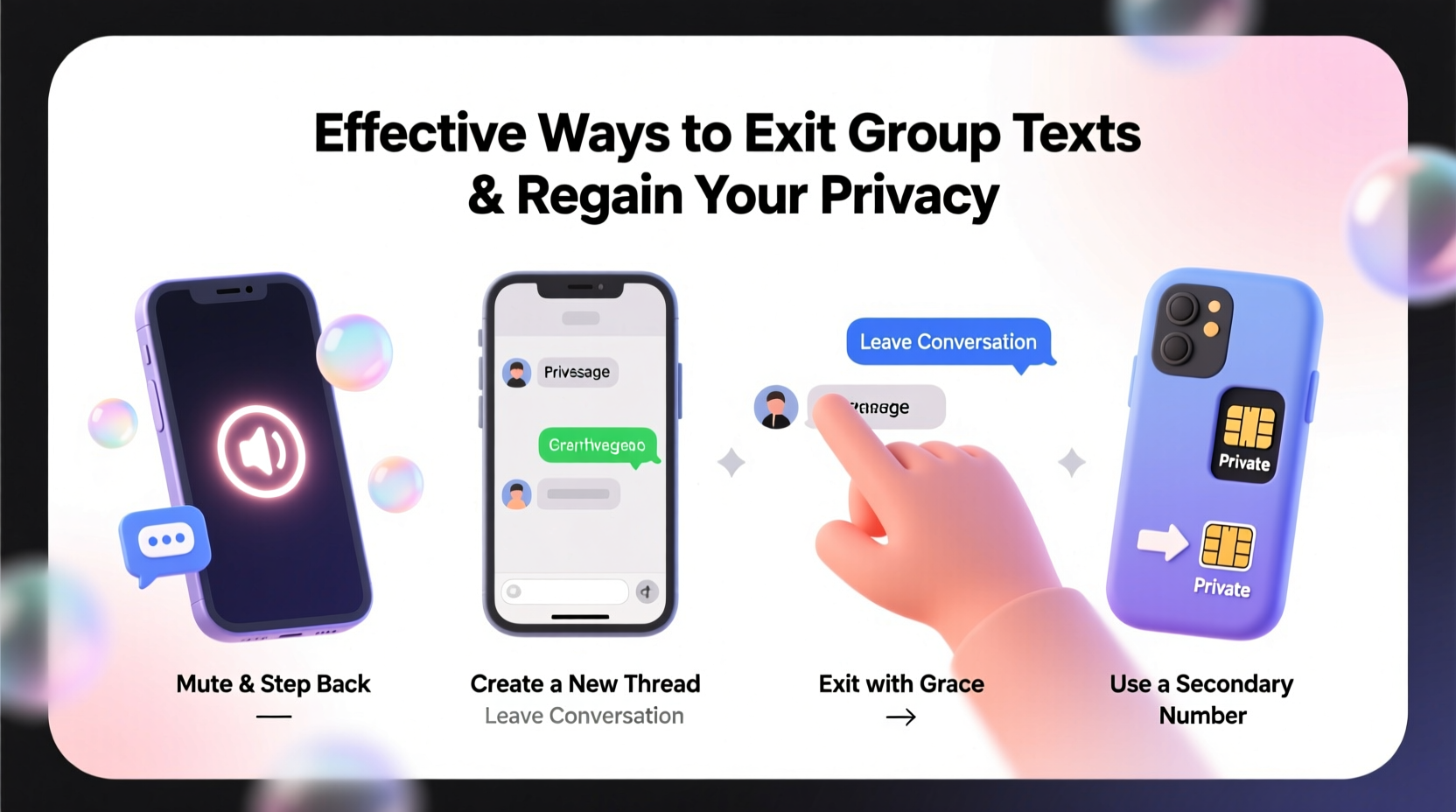
Group messaging platforms like iMessage, WhatsApp, and Facebook Messenger were designed to foster connection. Yet their design encourages volume over value. A single message can trigger dozens of replies within minutes, creating a cycle of distraction. Research from the University of California, Irvine, shows that it takes an average of 23 minutes to refocus after a digital interruption. When group chats deliver multiple interruptions per hour, productivity and emotional bandwidth suffer.
Beyond noise, group texts often lack clear purpose. What began as a birthday planning thread may linger for months, resurfacing with random jokes or passive-aggressive comments. Some members dominate conversations, while others feel pressured to respond despite disinterest. This imbalance leads to digital fatigue—a state where users feel obligated to participate but derive little benefit.
“Digital clutter is just as stressful as physical clutter. Knowing when to disconnect is part of modern emotional intelligence.” — Dr. Lena Torres, Digital Wellness Psychologist
How to Leave a Group Text: Platform-Specific Methods
The technical ability to leave a group chat varies by platform and device. Below is a breakdown of supported options across major messaging services.
| Platform | Can You Leave? | Steps to Exit | Visibility After Exit |
|---|---|---|---|
| iMessage (iPhone) | Yes | Open chat → Tap top header → “Leave this Conversation” | Others see “[Your Name] left the conversation.” |
| SMS (Android) | Limited | No native exit option; mute only | Still receives messages unless blocked |
| Yes | Open group → Tap group name → “Exit Group” | Admins and members see “[Your Name] exited.” | |
| Facebook Messenger | Yes | Tap group name → Settings → “Leave Group” | Members notified unless disabled in settings |
| Signal | Yes | Group info → “Leave Group” | Notification sent to group |
Note: On older Android devices using default SMS apps, true exit functionality is not available. In these cases, muting becomes the primary defense.
Step-by-Step Guide to Gracefully Exit a Group Chat
Leaving a group doesn’t have to create tension. A thoughtful approach minimizes social friction while affirming your need for balance. Follow this sequence:
- Evaluate the group’s purpose. Ask yourself: Is this group still serving me? Does it align with my current priorities? If not, exiting is justified.
- Decide whether to notify anyone privately. For close friends or work-related groups, send a brief direct message: “Hey, I’m stepping back from the group chat to reduce distractions. Let’s catch up one-on-one soon.”
- Choose your exit moment. Avoid leaving during an active conversation. Wait for a lull to prevent appearing dismissive.
- Use the platform’s exit feature. On iPhone or WhatsApp, follow the steps above. Confirm the action when prompted.
- Mute if exit isn’t possible. On Android SMS, long-press the conversation, tap “People & preferences,” then enable “Notifications off.”
- Review your messaging habits weekly. Audit active groups every Sunday. Remove yourself from any that no longer add value.
Real Example: How Sarah Regained Control of Her Notifications
Sarah, a project manager in Portland, was part of 14 group texts at one point—ranging from her college friend circle to neighborhood watch updates. She found herself checking her phone 40+ times a day, mostly due to random GIFs and argumentative threads. After a weekend retreat focused on digital detox, she decided to act.
She started by leaving three inactive groups without comment. For two close-knit friend groups, she sent a short voice note: “Loving the fun in the chat, but I’m trying to be more present offline. I’ll miss the banter, but I’ll reach out individually!” Only one person responded, asking if everything was okay. Sarah reassured them it was about boundaries, not conflict.
Within a week, her screen time dropped by 1.7 hours daily. More importantly, she reported feeling less anxious and more in control of her communication.
Do’s and Don’ts of Leaving Group Texts
| Do’s | Don’ts |
|---|---|
| Leave quietly if the group is low-stakes (e.g., event planning post-event) | Announce your departure dramatically (“I can’t take this nonsense anymore!”) |
| Mute groups you can’t exit | Ghost a work or family group without explanation |
| Use airplane mode during deep work to avoid temptation | Blame individuals publicly for why you’re leaving |
| Archive old group chats to declutter your inbox | Assume everyone feels the same way about chat volume |
Frequently Asked Questions
Can people tell if I’ve muted a group chat?
No. Muting is invisible to other participants. You’ll stop receiving notifications, but you’ll still appear as an active member unless you leave entirely.
What happens if I leave a group text on iPhone?
The group sees a system-generated message: “[Your Name] left the conversation.” You will no longer receive messages or be able to send replies. If someone adds you back, a new conversation will begin.
Is it rude to leave a family group chat?
Not inherently. If the chat causes stress, it’s healthier to step away than to stay resentful. Consider explaining your decision privately to key members: “I love staying connected, but constant notifications are overwhelming. Can we switch to occasional check-in calls?”
Regaining Messaging Privacy Starts with Intention
Digital privacy isn’t just about encryption or data brokers—it’s also about attention sovereignty. Every notification is a claim on your time and focus. By curating who and what can interrupt you, you assert control over your mental space.
Exiting group texts isn’t isolation; it’s prioritization. It allows room for deeper one-on-one conversations, uninterrupted work, and moments of quiet. Start small: identify one group that no longer serves you. Apply the exit or mute strategy appropriate to your device. Notice how your mind responds.




 浙公网安备
33010002000092号
浙公网安备
33010002000092号 浙B2-20120091-4
Comments
No comments yet. Why don't you start the discussion?