
In today’s digital-first work environment, most professionals spend upwards of 6 to 10 hours a day staring at screens. Whether you're managing emails, attending virtual meetings, or analyzing data, prolonged screen exposure can lead to eye strain, mental exhaustion, disrupted sleep, and even long-term burnout. The good news? You don’t need to quit your job to reclaim your energy. With intentional adjustments to your daily habits, workspace setup, and mindset, it's entirely possible to reduce screen time fatigue while staying productive and employed.
This guide explores science-backed, practical methods that fit into real work lives. These aren’t about drastic overhauls but sustainable shifts that compound into meaningful relief from digital overload.
Rethink Your Workday Structure
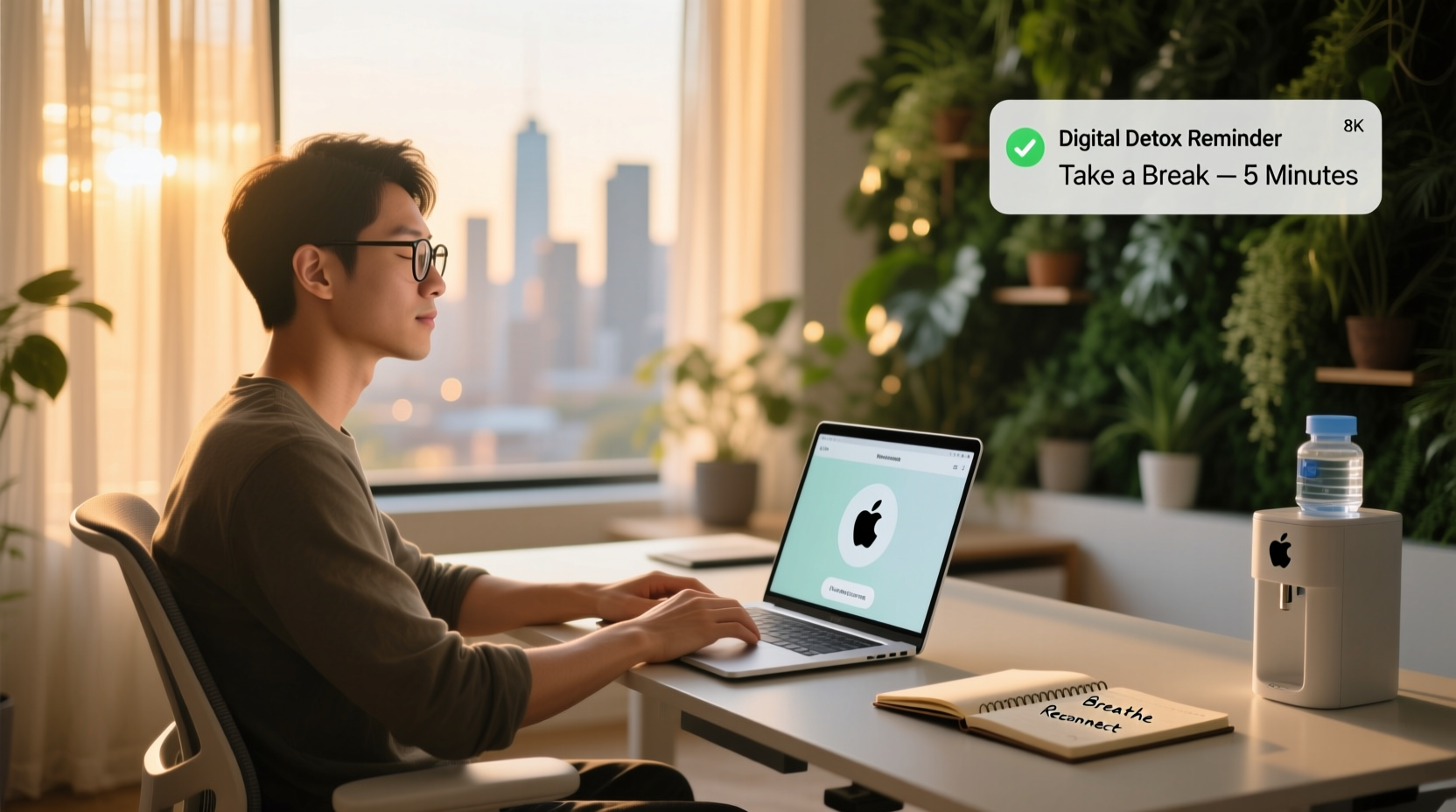
The traditional 9-to-5 model often assumes uninterrupted focus in front of a screen. However, human attention spans naturally ebb and flow throughout the day. Ignoring this biological rhythm leads to cognitive fatigue and diminishing returns on effort.
Instead of pushing through hours of screen-based tasks, consider structuring your day around energy levels. Begin with high-focus work during peak alertness—typically in the morning—and reserve lower-energy periods for administrative or less cognitively demanding tasks.
One powerful method is the Pomodoro Technique: 25 minutes of focused work followed by a 5-minute break. After four cycles, take a longer 15–30 minute break. During these breaks, step away from all screens. Walk outside, stretch, or simply close your eyes.
Another strategy is task batching. Group similar activities like email responses, video calls, or report writing into dedicated blocks. This minimizes context switching, which drains mental energy and increases screen dependency.
Optimize Your Physical Workspace
Your environment plays a critical role in how your body and mind respond to screen use. A poorly lit, cluttered, or ergonomically unsound workspace amplifies fatigue.
Start with lighting. Harsh overhead lights or strong contrasts between screen brightness and room darkness strain the eyes. Use indirect, warm lighting and position your monitor to avoid glare from windows or lamps. If natural light is available, sit beside—not directly in front of or behind—a window.
Ergonomics matter just as much. Poor posture forces muscles to work harder, contributing to physical discomfort that compounds mental fatigue. Ensure your chair supports your lower back, your feet rest flat on the floor, and your monitor sits at eye level, about an arm’s length away.
| Workspace Element | Do | Avoid |
|---|---|---|
| Monitor Position | Top of screen at or slightly below eye level | Looking down at laptop screens for hours |
| Lighting | Soft ambient light with task lighting | Bright overhead fluorescent lights |
| Keyboard/Mouse | At elbow height, wrists neutral | Extended reach or raised wrists |
| Breaks | Stand, stretch, or walk every 30–60 minutes | Sitting continuously beyond 90 minutes |
Consider investing in a standing desk or a simple monitor riser. Alternating between sitting and standing improves circulation and reduces physical stagnation, which indirectly lowers screen fatigue.
Implement Digital Boundaries That Stick
You can’t eliminate screens from knowledge work, but you can control how and when you engage with them. The key is setting clear, enforceable boundaries.
One effective boundary is email triage. Instead of reacting to every incoming message, schedule two to three specific times per day to process emails—such as 10:00 AM, 1:00 PM, and 4:00 PM. Turn off desktop notifications outside these windows. This prevents constant mental interruptions that fragment focus and increase screen fatigue.
Similarly, mute non-essential group chats and set status indicators (e.g., “In deep work until 11:30”) to communicate availability. Colleagues respect consistency more than constant accessibility.
“Cognitive recovery happens not during multitasking, but in deliberate disengagement.” — Dr. Lena Patel, Cognitive Neuroscientist, Stanford University
Use technology to limit technology. Apps like Freedom, Focus To-Do, or built-in Screen Time features on devices can block distracting websites during work hours. Schedule automatic “wind-down” modes that dim screens and disable notifications an hour before bedtime.
A Real Shift: How Mark Reduced His Screen Load by 30%
Mark, a project manager at a mid-sized tech firm, used to work 9:00 AM to 7:00 PM with minimal breaks. He averaged 11 hours of screen time daily and frequently experienced headaches, dry eyes, and difficulty sleeping. Despite loving his job, he felt constantly drained.
Over six weeks, he implemented small changes:
- Switched to a standing desk with a monitor riser
- Adopted the Pomodoro method using a physical timer
- Limited email checks to three scheduled times per day
- Took 10-minute walks after lunch and mid-afternoon
- Used blue light glasses during evening work
Within a month, his self-reported energy levels improved significantly. He reduced screen time to about 7.5 hours per day without sacrificing output. His team noticed he was more present in meetings and responsive during collaboration windows. Most importantly, he stopped dreading Mondays.
Mark didn’t quit his job or change roles—he redesigned his relationship with screens.
Step-by-Step Guide to Reducing Screen Fatigue in 30 Days
Change works best when it’s gradual and measurable. Follow this 30-day plan to systematically reduce screen-related strain:
- Week 1: Audit & Awareness
Create a log of your daily screen use. Note start/end times, types of tasks, and moments when fatigue hits. Use device tracking tools or a simple notebook. - Week 2: Optimize Environment
Adjust lighting, reposition your monitor, add ergonomic support, and declutter your desk. Introduce one screen-free break per day (e.g., lunch away from your desk). - Week 3: Set Digital Boundaries
Turn off non-essential notifications. Schedule email and messaging times. Begin using focus timers for 2–3 work blocks daily. - Week 4: Build Recovery Habits
Add short walks, stretching, or mindfulness sessions between tasks. Experiment with blue light filters in the evening. Reflect on energy levels and adjust accordingly.
By the end of the month, you’ll have a personalized system that reduces fatigue without reducing productivity.
Support Your Body and Mind Holistically
Screen fatigue isn’t just visual—it’s neurological, muscular, and emotional. Addressing it requires more than workplace tweaks; it demands lifestyle integration.
Nutrition plays a subtle but important role. Dehydration worsens eye strain and mental fog. Keep a water bottle at your desk and aim for 1.5–2 liters daily. Foods rich in omega-3 fatty acids (like salmon, walnuts, and flaxseeds) support retinal health and cognitive function.
Physical activity is equally vital. Even 20 minutes of moderate exercise—brisk walking, cycling, or yoga—improves blood flow to the brain and enhances resilience to mental stress. Schedule movement earlier in the day to boost afternoon focus and reduce reliance on caffeine or screen stimulation.
Mindfulness practices, such as box breathing (inhale 4 seconds, hold 4, exhale 4, hold 4), can be done in under a minute and help recalibrate your nervous system after intense screen sessions. Try this between meetings or after completing a major task.
Frequently Asked Questions
Can blue light glasses really help reduce screen fatigue?
Yes, for many people. While research is mixed on their impact on sleep, numerous users report reduced eye strain and improved comfort during prolonged screen use. Look for lenses with anti-reflective coating and a slight amber tint for daytime use. Avoid overly dark versions unless used in low-light evening settings.
What if my job requires constant screen monitoring, like customer support or trading?
In high-monitoring roles, complete screen reduction isn’t feasible—but micro-recovery is. Use auditory cues (e.g., sound alerts) to allow brief glances away from the screen. Practice the 20-20-20 rule: every 20 minutes, look at something 20 feet away for 20 seconds. Adjust screen brightness to match ambient light and consider dual monitors to reduce rapid scrolling or tab switching.
How do I convince my employer to support screen fatigue initiatives?
Frame it as a productivity and retention issue. Present data on how fatigue impacts errors, absenteeism, and turnover. Propose low-cost solutions like flexible break policies, ergonomic assessments, or team challenges focused on digital wellness. Many companies now recognize digital well-being as part of occupational health.
Conclusion: Reclaim Your Energy Without Resigning
Screen time fatigue doesn’t have to be an inevitable cost of modern work. By making thoughtful, incremental changes to how you structure your day, design your space, and care for your body, you can significantly reduce strain and regain a sense of control. The goal isn’t to eliminate screens—it’s to build a sustainable relationship with them.
You don’t need permission to prioritize your well-being. Start with one change: a single screen-free break, a repositioned monitor, or a scheduled email window. Small actions accumulate into lasting relief. Over time, you’ll find yourself working smarter, feeling sharper, and ending the day with energy to spare.




 浙公网安备
33010002000092号
浙公网安备
33010002000092号 浙B2-20120091-4
Comments
No comments yet. Why don't you start the discussion?