
In an age where constant connectivity can lead to distraction, overuse, or exposure to inappropriate content, controlling mobile internet access is more important than ever—especially when Wi-Fi isn't involved. Whether you're a parent managing your child's screen time, an individual seeking digital discipline, or an employer overseeing company devices, restricting internet access over cellular data requires deliberate strategies. Unlike Wi-Fi, which can be controlled through router settings, mobile data runs through carrier networks, making it harder to manage remotely. However, with the right combination of device settings, carrier tools, and third-party solutions, meaningful restrictions are achievable.
Leverage Built-In Parental Controls and Screen Time Features
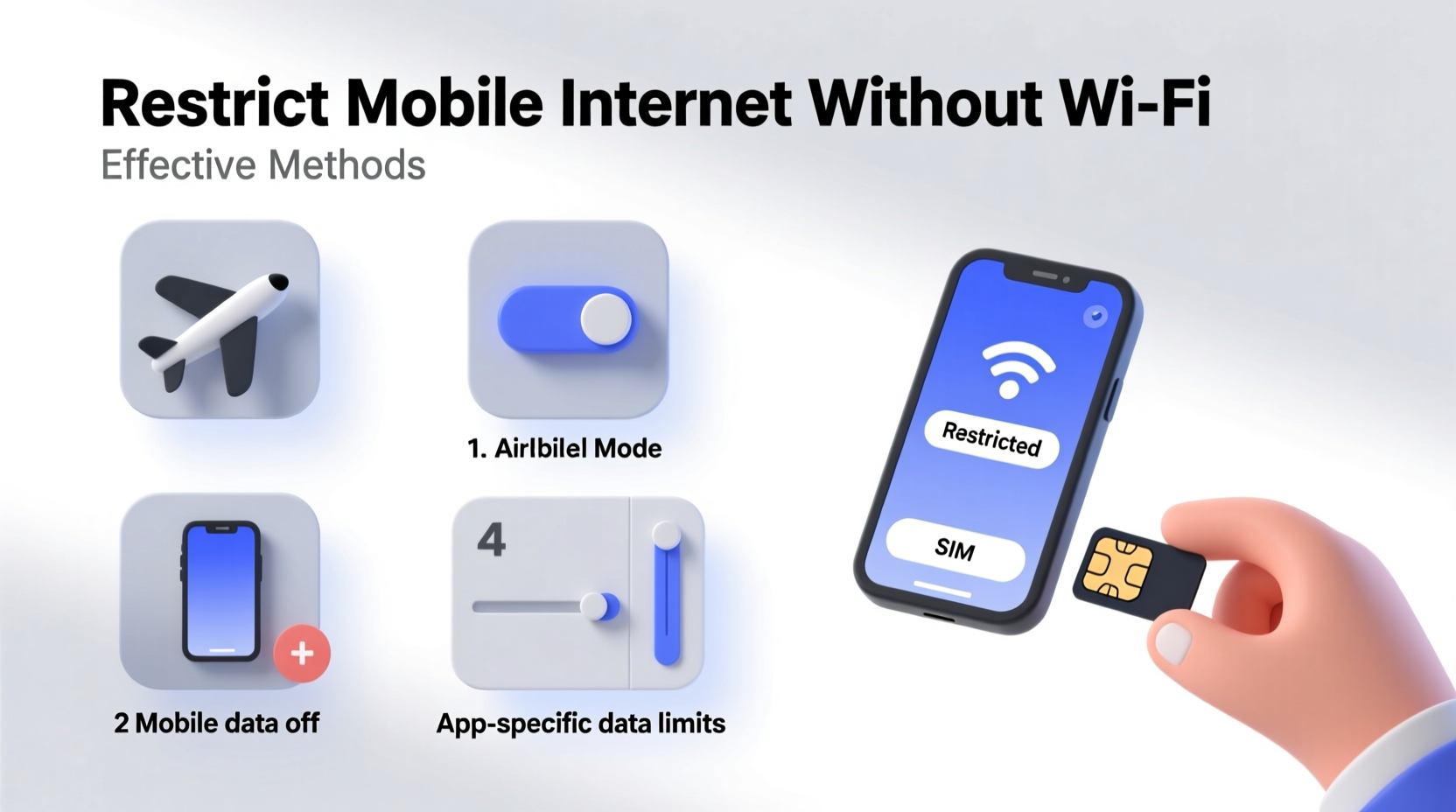
Modern smartphones come equipped with robust parental control systems that allow granular management of internet usage—even over cellular data. Both iOS and Android offer native tools designed to limit app access, set time limits, and block content.
iOS users benefit from Screen Time, a feature introduced in iOS 12 that enables deep customization of digital habits. You can:
- Set daily time limits for specific apps or categories (e.g., social media).
- Block access during specified hours (e.g., bedtime or school hours).
- Require a passcode to extend usage beyond limits.
- Prevent changes to privacy and security settings.
On Android, Google’s Family Link allows parents to manage their child’s device remotely. It supports real-time monitoring, app approvals, and usage scheduling. When combined with a managed Google account, it becomes a powerful tool for enforcing digital boundaries—even when the device is offline from home Wi-Fi.
Use Carrier-Based Data Management Tools
Your mobile service provider may offer built-in tools to restrict internet access on specific lines within your plan. These tools work directly at the network level, meaning they apply regardless of whether the device is connected via Wi-Fi or cellular data.
Major carriers like Verizon, AT&T, and T-Mobile provide family management portals that let account holders:
- Pause data on a specific device instantly.
- Set data usage caps with automatic throttling or shutdown.
- Filter content based on maturity level.
- Receive alerts when usage thresholds are met.
For example, Verizon’s “Usage Controls” lets you disable data entirely for a line, effectively cutting off all internet access while still allowing calls and texts. This is particularly useful for children who only need phones for emergency communication.
“Network-level controls give parents the most reliable way to enforce digital boundaries because they can’t be bypassed by changing settings on the device.” — Dr. Linda Chen, Digital Wellness Researcher, Stanford University
Implement App-Specific Restrictions and Blockers
When full data shutdown is too extreme, consider targeting specific applications. Many productivity and parental control apps focus on blocking or limiting access to high-distraction platforms like Instagram, TikTok, or YouTube—even when no Wi-Fi is available.
Popular tools include:
- Freedom: Blocks websites and apps across devices, syncing restrictions over cellular.
- Kaspersky Safe Kids: Offers web filtering, location tracking, and app usage reports.
- OurPact: Allows scheduling of \"Family Time\" where internet access is disabled except for approved contacts.
These apps operate at the system level and often use background services to maintain enforcement even if the user attempts to uninstall them (provided proper permissions are locked down).
Step-by-Step Guide: Setting Up OurPact for Cellular Control
- Download and install OurPact on both the parent’s and child’s devices.
- Create a parent account and add the child’s device as a dependent.
- Enable \"Smart Schedule\" or create custom blocks (e.g., no internet from 8 PM to 7 AM).
- Lock settings with a PIN to prevent tampering.
- Test the restriction by attempting to load a website during blackout hours.
Modify APN Settings to Disable Internet Access
One of the most technical but effective methods involves altering the Access Point Name (APN) settings on the device. APN is what connects your phone to your carrier’s data network. By modifying or deleting these settings, you can disable mobile internet while preserving voice and SMS functionality.
This method is best suited for supervised devices, such as those used by teens or employees, where administrative oversight is expected.
| Platform | Action Required | Effect |
|---|---|---|
| Android | Navigate to Settings > Network & Internet > Mobile Network > Advanced > Access Point Names. Delete or misconfigure the default APN. | Data stops working; calls and texts remain active. |
| iOS | Requires configuration profile via MDM (Mobile Device Management) or manual setup if allowed. Change APN to invalid entry (e.g., “none”). | Blocks cellular data until corrected. |
| Caution | Users with technical knowledge may restore APN via carrier reset or online guides. | Best paired with passcode protection and restricted mode. |
Mini Case Study: The Thompson Family’s Digital Reset
The Thompsons, a family of four in Austin, Texas, noticed their 14-year-old son spending increasing amounts of time on mobile games and social media—often late into the night, despite Wi-Fi being turned off. They realized he was using unlimited data on his smartphone.
They implemented a multi-layered approach:
- Enabled Screen Time on his iPhone with strict app limits.
- Used AT&T’s “Smart Limits” to pause data between 9 PM and 7 AM.
- Installed Freedom to block gaming apps during homework hours.
Within three weeks, his nightly screen time dropped from 3.5 hours to under 45 minutes. His grades improved, and family conversations became more frequent. The key, according to Mrs. Thompson, was combining device-level controls with carrier-enforced downtime.
Checklist: How to Restrict Mobile Internet Without Wi-Fi
- ✅ Enable built-in parental controls (Screen Time or Family Link).
- ✅ Log into your carrier’s family management portal and set data pauses or filters.
- ✅ Install a trusted third-party app blocker (e.g., OurPact, Freedom).
- ✅ Modify APN settings to disable data (advanced users only).
- ✅ Set up scheduled internet blackouts aligned with daily routines.
- ✅ Use strong passcodes to lock critical settings and prevent tampering.
- ✅ Monitor usage reports weekly to adjust restrictions as needed.
Frequently Asked Questions
Can I restrict internet access without affecting phone calls?
Yes. Disabling mobile data or modifying APN settings stops internet access but maintains voice calling and SMS. Carrier tools like data pausing also preserve call functionality.
Will airplane mode stop internet access?
Airplane mode disables all wireless signals, including cellular data, Wi-Fi, and Bluetooth. While effective, it also blocks calls and texts. For selective restriction, use data-specific controls instead.
Can someone bypass these restrictions?
Determined users may attempt to bypass controls by resetting network settings, reinstalling apps, or using alternate accounts. To minimize this risk, combine multiple methods (e.g., carrier lock + app blocker + passcode protection) and regularly review usage logs.
Take Control of Your Digital Environment
Restricting mobile internet access without relying on Wi-Fi is not only possible—it’s essential for maintaining focus, protecting young users, and fostering healthier digital habits. The most effective strategies combine native device features, carrier-level tools, and dedicated software to create layers of accountability. No single method is foolproof, but together, they form a resilient framework for responsible device use.




 浙公网安备
33010002000092号
浙公网安备
33010002000092号 浙B2-20120091-4
Comments
No comments yet. Why don't you start the discussion?