
In today’s digital-first world, sharing web pages is a daily necessity—whether you’re collaborating on a project, recommending an article, or sending instructions. Yet, many people still copy-paste URLs haphazardly, leading to broken links, confusion, or missed context. The difference between a helpful share and a frustrating one often comes down to precision, clarity, and method. Mastering the art of link sharing improves communication, saves time, and ensures your audience lands exactly where you intend.
Why Precise Link Sharing Matters
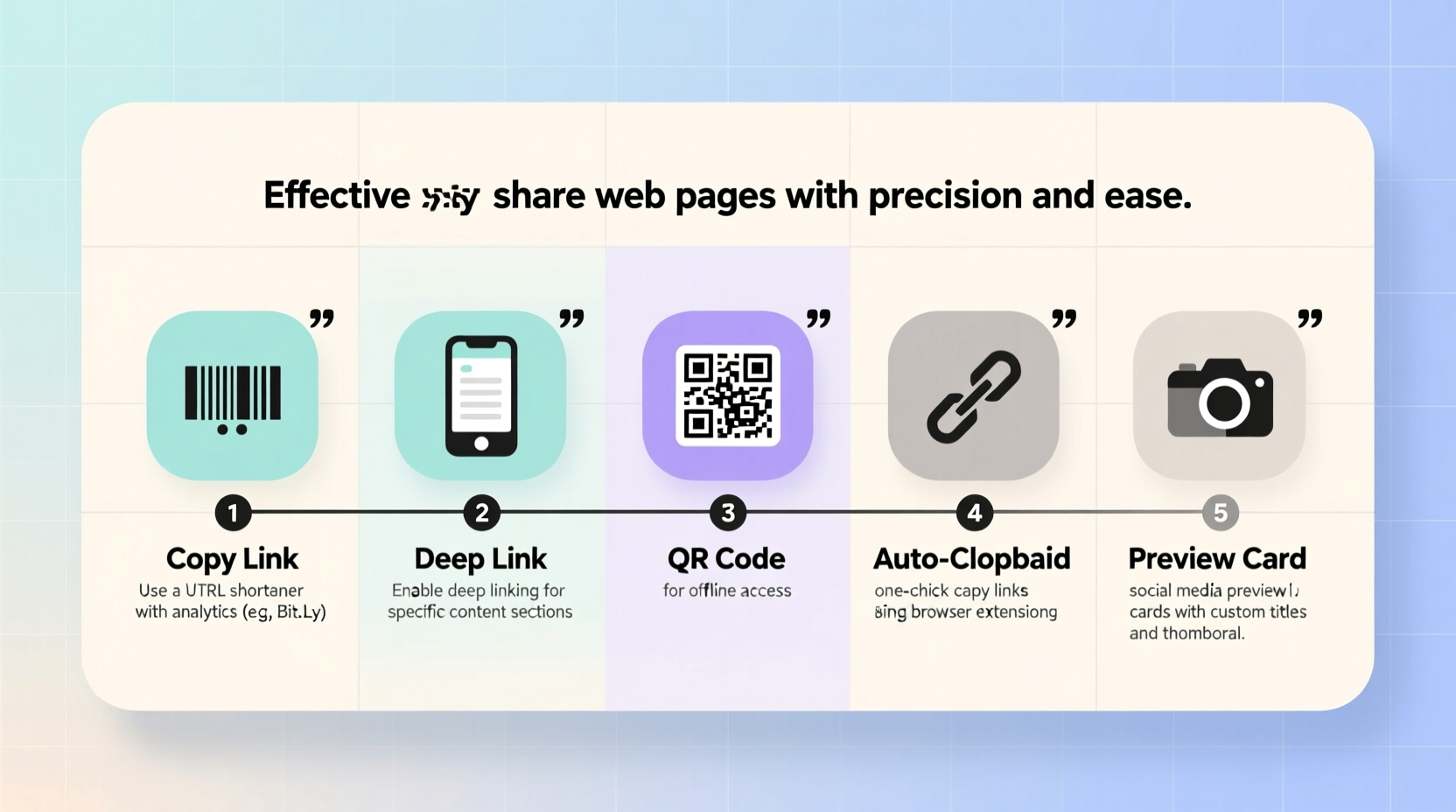
Sharing a web page isn’t just about passing along a URL. It’s about delivering value in context. A poorly shared link might open a homepage instead of the relevant section, lack necessary tracking parameters, or expire prematurely. In professional settings, imprecise sharing can derail workflows, especially when team members waste time searching for the right content.
Consider this: a marketing team shares a campaign report via a generic dashboard URL. Without specifying the date range or segment, each member must navigate manually—increasing errors and reducing efficiency. But if the link includes pre-set filters or anchors to specific charts, productivity improves dramatically.
“Effective link sharing is not about convenience—it’s about respect for the recipient’s time and attention.” — Dr. Lena Patel, Digital Collaboration Researcher, MIT Media Lab
5 Step-by-Step Methods for Accurate Web Page Sharing
To ensure your shared links are both functional and user-friendly, follow these proven techniques:
- Copy the Full, Clean URL
Always verify the address bar reflects the exact page you want to share. Avoid shortened or session-based URLs unless they serve a specific purpose. Right-click the tab and select “Copy link address” (or use Ctrl+L → Ctrl+C) to ensure accuracy. - Use Deep Links When Possible
Instead of linking to a blog’s homepage, direct users to the specific article. Look for permalinks or “Share” buttons that generate stable URLs. On documentation sites like GitHub or Notion, deep links to headings (using anchor tags) are invaluable. - Add Context in Your Message
Never assume the link speaks for itself. Pair it with a brief explanation: “Here’s the Q3 budget draft—see Section 4 for proposed hires.” This reduces ambiguity and increases engagement. - Leverage UTM Parameters for Tracking
If you're sharing links for marketing or analytics, append UTM parameters (e.g.,?utm_source=slack&utm_medium=chat). These help track traffic sources without altering the page experience. - Test Before Sending
Open the link in an incognito window to confirm it works as intended. Check that login walls, pop-ups, or geolocation blocks won’t prevent access for others.
Do’s and Don’ts of Link Sharing: A Quick Reference Table
| Do’s | Don’ts |
|---|---|
| ✅ Use descriptive anchor text in emails or docs (“See the updated pricing page”) | ❌ Share raw, unformatted URLs like https://example.com/?id=123&session=abc |
| ✅ Shorten long URLs with trusted tools (Bitly, TinyURL, or built-in Slack/Teams options) | ❌ Use personal or temporary links (e.g., Google Docs set to “Restricted”) without confirming access |
| ✅ Pin important links in team channels with a note explaining their purpose | ❌ Assume everyone uses the same device or browser—test mobile compatibility |
| ✅ Archive critical pages using services like archive.is or Perma.cc for long-term reference | ❌ Share links that require logins unless you’ve verified the recipient has access |
Real Example: How One Team Fixed Their Communication Breakdown
A remote software development team at a fintech startup struggled with misaligned documentation. Developers would reference “the API spec,” but each interpreted that differently—some went to the main developer portal, others to outdated PDFs stored in email threads. This caused bugs and duplicated work.
The solution? They standardized on Notion for documentation and adopted a strict link-sharing protocol:
- All references used deep links to specific sections (e.g.,
#authentication-flow) - Each link was accompanied by a one-sentence summary
- They created a pinned post in Slack titled “Always Start Here” with canonical links to core resources
Within three weeks, internal support queries dropped by 40%, and sprint planning became significantly smoother. Precision in sharing had a measurable impact on performance.
Essential Checklist for Flawless Link Sharing
Before hitting send, run through this checklist to ensure your link is ready:
- ☑ The URL opens the correct page and scroll position
- ☑ Any required login or access permissions are confirmed
- ☑ The link includes necessary parameters (e.g., language, region, tracking tags)
- ☑ It’s been tested in a private/incognito window
- ☑ You’ve added context: why this link matters and what action is expected
- ☑ For long-term use, consider archiving or backing up the page
- ☑ If shortened, the destination is transparent and trustworthy
Frequently Asked Questions
How do I share a link to a specific section of a webpage?
Many modern websites support fragment identifiers (anchors). Hover over a heading—often a chain icon (🔗) appears. Click it to copy a direct link to that section. If unavailable, check if the site uses ID attributes in headers (e.g., #section-2) and append them manually to the URL.
What should I do if a shared link stops working?
Links break due to page reorganization, domain changes, or content removal. To mitigate this, use permanent hosting solutions (like Google Drive with “Anyone with the link” access), archive key pages, or rely on services like the Internet Archive (archive.org). For internal teams, maintain a centralized knowledge base with version control.
Is it safe to use URL shorteners?
Reputable shorteners like Bitly, Replug, or platform-native tools (e.g., Twitter’s t.co) are generally safe. Avoid obscure shorteners, as they can mask malicious destinations. When in doubt, hover over the link (on desktop) to preview the destination, or use a link expander tool.
Conclusion: Elevate Your Digital Communication
Sharing a web page seems trivial—until it goes wrong. A single misplaced link can trigger hours of confusion, erode trust, or delay decisions. By applying deliberate practices—deep linking, contextual messaging, testing, and smart formatting—you transform a basic task into an act of clarity and professionalism.
Start today: review your last five shared links. Were they precise? Accessible? Well-explained? Small improvements compound into better collaboration, fewer misunderstandings, and stronger digital hygiene. Whether you're a teacher, developer, marketer, or manager, mastering link sharing is a low-effort, high-impact skill worth refining.




 浙公网安备
33010002000092号
浙公网安备
33010002000092号 浙B2-20120091-4
Comments
No comments yet. Why don't you start the discussion?