
In an era where connectivity defines convenience, sharing your real-time location can be essential—for coordinating meetups, ensuring family safety, or tracking deliveries. However, doing so without exposing sensitive data requires careful consideration. While many apps offer instant location sharing, not all prioritize security. The goal isn’t just to share your whereabouts but to do it in a way that protects your privacy, limits exposure, and works seamlessly across smartphones, tablets, and smartwatches.
This guide outlines practical, secure methods for sharing your phone’s location—backed by expert insights, real-world use cases, and step-by-step instructions—to help you maintain control while staying connected.
Why Secure Location Sharing Matters
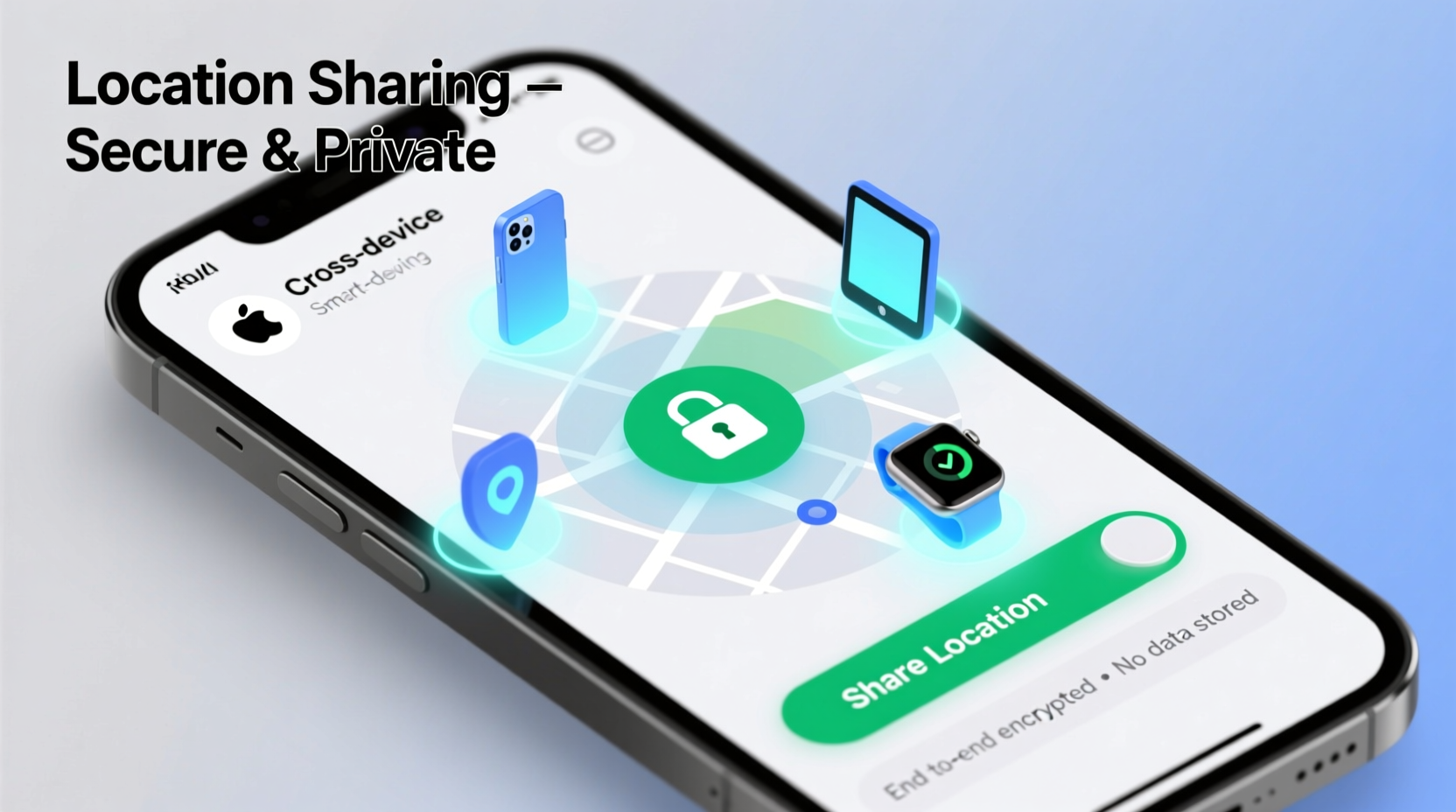
Location data is among the most personal information your phone collects. It reveals patterns: where you live, work, shop, and spend leisure time. When shared irresponsibly, it can lead to stalking, identity theft, or social engineering attacks. According to a 2023 report from the Pew Research Center, nearly 72% of smartphone users have concerns about how apps access their location.
Yet, the benefits of sharing location responsibly are undeniable. Parents can monitor children’s safety, travelers can stay in touch during emergencies, and teams can coordinate logistics efficiently. The key lies in using tools that provide granular control over who sees your data, for how long, and under what conditions.
Top Secure Methods to Share Your Location
Different platforms offer varying degrees of security and ease of use. Below are the most reliable options available today, each suited to specific needs and ecosystems.
1. Apple’s Find My (iOS & macOS)
For users within the Apple ecosystem, Find My remains one of the most secure location-sharing tools. It uses end-to-end encryption, meaning only you and the people you share with can see your location—not even Apple can access it.
To share your location via Find My:
- Open the Find My app on your iPhone or iPad.
- Tap the “People” tab.
- Select “Share My Location,” then choose a contact.
- Set a duration: one hour, until the end of the day, or indefinitely.
- Confirm and send.
The recipient receives a notification with a map link showing your current position, updating in real time. You can stop sharing at any time with a single tap.
2. Google Maps Live Location Sharing (Android & iOS)
Google Maps allows cross-platform location sharing with strong privacy controls. Unlike some third-party apps, it doesn’t require both parties to install additional software.
Steps to share live location:
- Open Google Maps.
- Tap your profile picture > “Location sharing.”
- Select “New share,” choose a contact, and set a timer (up to 24 hours).
- Send via message, email, or directly through the app.
Google emphasizes user control: recipients cannot track you beyond the selected timeframe unless you renew it. Additionally, you can view who’s currently sharing their location with you.
3. Signal’s Location Sharing Feature
Signal, known for its commitment to privacy, includes a built-in location-sharing option within individual or group chats. All communications—including location data—are end-to-end encrypted.
While less feature-rich than dedicated mapping tools, Signal’s approach ensures maximum confidentiality. To use it:
- Open a chat.
- Tap the attachment icon > “Location.”
- Choose “Share Live Location” and select duration (15 minutes to 24 hours).
This method is ideal for short-term coordination, such as meeting up in crowded areas, without leaving a digital footprint elsewhere.
“End-to-end encrypted location sharing should be the standard, not the exception. Tools like Signal and Apple’s Find My demonstrate that usability and security aren't mutually exclusive.” — Dr. Lena Patel, Cybersecurity Researcher at Stanford University
Best Practices for Safe Location Sharing
Even with secure tools, human behavior often creates vulnerabilities. Follow these best practices to reduce risk:
Do’s and Don’ts of Location Sharing
| Do’s | Don’ts |
|---|---|
| Use time-limited sharing whenever possible | Leave location sharing enabled indefinitely |
| Verify the identity of the recipient before sending | Share your location with unverified or unknown contacts |
| Review active shares weekly in settings | Forget old shares that may still be active |
| Use platform-native tools with encryption | Rely on third-party apps without clear privacy policies |
Real-World Scenario: Family Safety During Travel
Sarah, a mother of two, planned a weekend road trip with her teenage daughter. Concerned about signal loss in remote areas, she wanted a way to keep her husband updated without constant texting.
She used Apple’s Find My app to share her location with her husband for eight hours—just covering the drive. He could monitor progress from his office and alert emergency services when her phone stopped moving unexpectedly due to a flat tire. Thanks to precise GPS data and automatic updates, help arrived quickly.
This example highlights how temporary, secure location sharing supports safety without creating long-term privacy risks.
Step-by-Step: Audit Your Current Location Permissions
Many users unknowingly allow apps continuous access to their location. Perform a monthly audit to ensure only necessary services have access.
- iOS: Go to Settings > Privacy & Security > Location Services. Review each app’s permission level (Never, Ask Next Time, While Using, Always). Change any “Always” permissions to “While Using” unless absolutely required.
- Android: Open Settings > Location > App Location Permissions. Check which apps access location in the background and disable non-essential ones.
- Delete outdated location-sharing sessions in Google Maps and Find My.
- Enable two-factor authentication on accounts linked to location services (e.g., Apple ID, Google Account).
- Consider enabling “Approximate Location” where available to limit precision.
Frequently Asked Questions
Can someone track me without my knowledge?
Legitimate apps cannot track your real-time location without explicit permission. However, malware or spyware installed on your device could enable covert tracking. Keep your OS updated, avoid downloading apps from untrusted sources, and monitor battery usage for unusual activity.
Is it safe to share location with ride-share drivers?
Yes—services like Uber and Lyft use encrypted, session-based location sharing that ends when the ride concludes. Avoid using third-party messaging apps to share your home address; instead, rely on in-app features designed for driver coordination.
What happens if I lose my phone? Can others still see my location?
If Find My (Apple) or Find My Device (Google) is enabled, you can locate your phone remotely—even if it’s offline. Once powered off or reset, tracking stops. Never leave location-sharing sessions active on lost devices; revoke access immediately via another device or web portal.
Conclusion: Stay Connected, Stay Protected
Sharing your phone’s location doesn’t have to mean sacrificing privacy. With the right tools and habits, you can maintain transparency with loved ones, improve personal safety, and streamline daily coordination—all while keeping your data under your control. Whether you're using Apple’s encrypted network, Google’s flexible timers, or Signal’s private channels, the principles remain the same: limit duration, verify recipients, and regularly audit permissions.




 浙公网安备
33010002000092号
浙公网安备
33010002000092号 浙B2-20120091-4
Comments
No comments yet. Why don't you start the discussion?