
In the early hours of the morning or during a brief pause between meetings, you pick up your phone “just to check.” Minutes later, you’re deep in a spiral of negative headlines, social media arguments, and endless video clips—none of which serve your goals or well-being. This is doomscrolling: the compulsive consumption of distressing news and content, often under the guise of staying informed. The consequences extend beyond wasted time; they erode mental clarity, drain emotional resilience, and sabotage professional performance.
For knowledge workers, creatives, and remote employees especially, the boundary between personal screen time and professional focus has blurred. The same devices used for collaboration double as portals to distraction. But breaking free from doomscrolling isn’t about willpower alone—it requires intentional design, behavioral awareness, and practical systems that align with how the brain works. The good news? With deliberate strategies, it’s entirely possible to reclaim your attention and restore meaningful focus at work.
Understanding Doomscrolling: Why It Happens
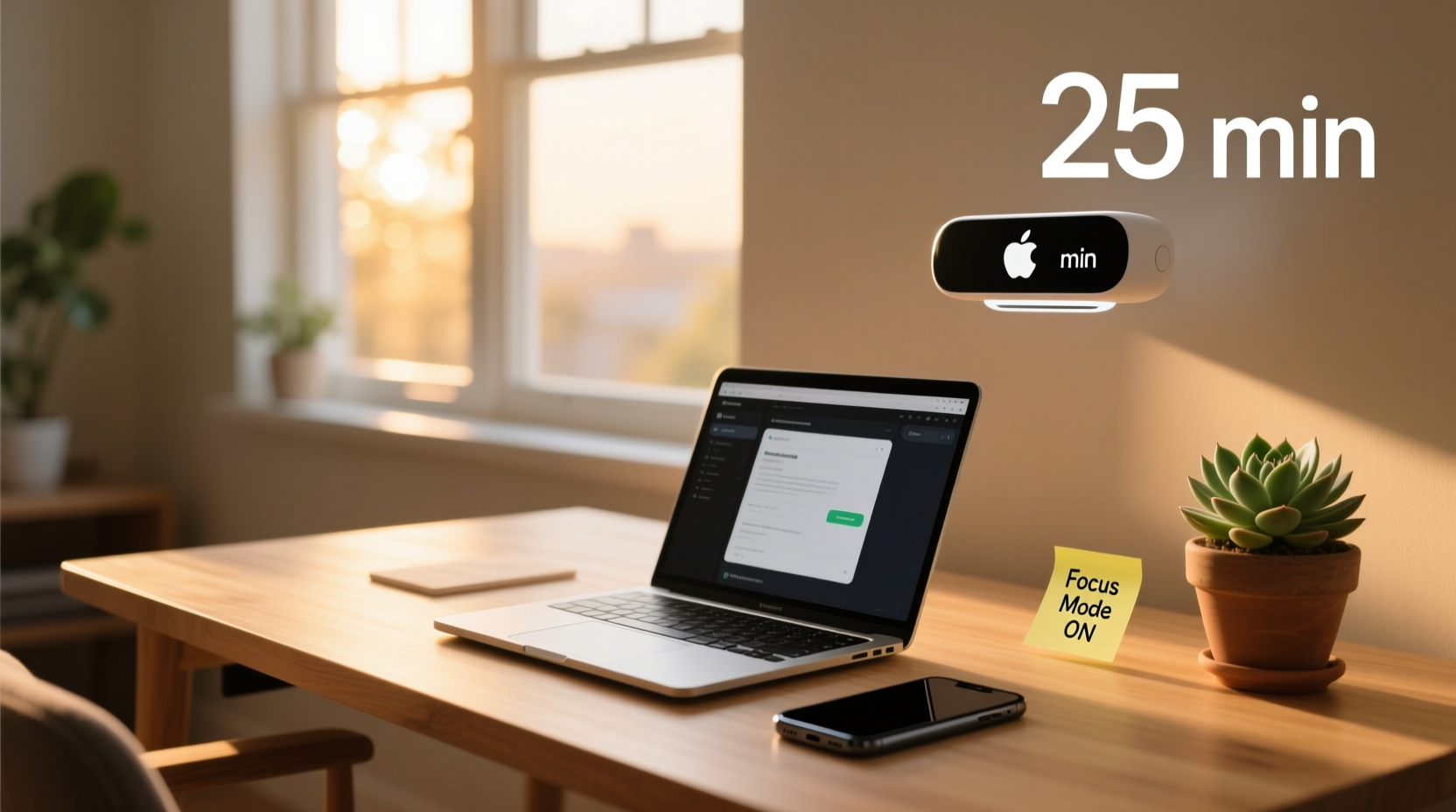
Doomscrolling thrives on psychological mechanisms hardwired into human cognition. Our brains are wired to prioritize threats—a survival mechanism known as the negativity bias. In prehistoric times, noticing danger (a rustle in the bushes) was more critical than noticing opportunity (a ripe fruit). Today, this bias translates into an unconscious pull toward alarming headlines, crisis updates, and emotionally charged content.
Social media platforms amplify this tendency by optimizing algorithms to maximize engagement. Content that evokes strong emotions—fear, outrage, anxiety—keeps users scrolling longer. Notifications act as intermittent rewards, reinforcing the behavior like a slot machine. Over time, the habit becomes automatic: stress triggers phone use, which leads to more stress, creating a feedback loop that undermines concentration and emotional stability.
At work, the cost is steep. Research from the University of California, Irvine found that it takes an average of 23 minutes to fully refocus after a single interruption. When doomscrolling occurs multiple times a day, cumulative attention fragmentation can reduce productive output by as much as 40%. The result? Longer workdays, increased fatigue, and diminished job satisfaction.
“Digital overload isn’t just a productivity issue—it’s a cognitive tax. Every unnecessary scroll depletes the mental resources needed for deep thinking and decision-making.” — Dr. Amira Chen, Cognitive Psychologist and Digital Wellness Researcher
Practical Strategies to Break the Cycle
Stopping doomscrolling doesn’t require drastic lifestyle changes. Instead, it calls for small, sustainable shifts in environment, routine, and mindset. The most effective approaches combine behavioral psychology with real-world usability.
1. Design Your Digital Environment
Your phone and computer settings should support your intentions, not undermine them. Begin by auditing your home screen: remove apps that trigger mindless scrolling. Replace them with tools that promote focus—such as calendar, task manager, or meditation app.
Next, disable non-essential notifications. Allow alerts only from people (e.g., messages from colleagues) and critical tools (e.g., calendar reminders). Turn off all others—especially social media, news, and email updates. You control when you check information, not the other way around.
2. Establish Tech-Free Zones and Times
Create boundaries where devices are either restricted or banned. For example:
- No phones during meals or first 30 minutes after waking
- Keep devices outside the bedroom to improve sleep quality
- Designate a physical space (like a drawer or basket) where phones are stored during focused work blocks
These zones create predictable rhythms that train the brain to disengage from digital stimuli. Over time, the absence of constant input becomes normal, not frustrating.
3. Replace the Habit Loop
Behavioral scientist Charles Duhigg’s “habit loop” model identifies three components: cue, routine, and reward. To stop doomscrolling, identify the trigger (e.g., boredom, stress, transition between tasks), then replace the routine with a healthier alternative.
For instance:
| Cue | Old Routine (Doomscrolling) | New Routine (Alternative) |
|---|---|---|
| Feeling overwhelmed after a meeting | Scroll through Twitter/X | Take a 5-minute walk or do breathing exercises |
| Bored during commute | Watch news clips | Listen to a podcast on personal development |
| Waiting for a file to load | Check Instagram | Write down one priority for the next hour |
The key is ensuring the new behavior delivers a similar reward—momentary relief, distraction, or stimulation—but without the cognitive cost.
Step-by-Step Guide to Regain Focus at Work
Rebuilding attention spans takes consistency. Follow this five-day plan to reset your relationship with digital distractions and enhance workplace focus.
- Day 1: Audit Your Screen Time
Use built-in tools (iOS Screen Time or Android Digital Wellbeing) to review daily usage. Identify top time-consuming apps and note when usage peaks (e.g., mid-afternoon slump). - Day 2: Remove Triggers
Delete or relocate high-risk apps from your home screen. Enable grayscale mode. Schedule two 10-minute “check-in” windows for news/social media—once at lunch, once after work. - Day 3: Implement Time-Blocking
Divide your workday into 90-minute focus blocks separated by 15-minute breaks. During focus blocks, close email, silence notifications, and use a physical timer. Track completed blocks in a journal. - Day 4: Introduce a Pre-Work Ritual
Spend 5 minutes listing your top three priorities for the day. Practice box breathing (inhale 4s, hold 4s, exhale 4s, hold 4s) to signal mental readiness. - Day 5: Reflect and Adjust
Review what worked and what didn’t. Did you respect your check-in windows? Were focus blocks interrupted? Adjust boundaries accordingly and commit to maintaining them for the next week.
By the end of this process, many report sharper concentration, reduced anxiety, and a greater sense of control over their time. The goal isn’t perfection—it’s progress.
Real Example: From Burnout to Balanced Focus
Maya, a project manager at a tech startup, used to spend her mornings catching up on industry news and LinkedIn feeds. What began as a 10-minute ritual ballooned into 90 minutes of fragmented browsing, leaving her behind schedule before the day truly started.
After noticing declining energy and increasing irritability, she decided to experiment. She moved all social and news apps into a folder labeled “Distractions” on her phone’s second screen. She also set a rule: no digital consumption until after her first major task was complete.
Initially, the urge to check was strong. But she replaced it with a five-minute journaling session each morning, writing down one thing she was grateful for and one professional goal for the day. Within two weeks, her morning productivity improved significantly. She finished reports faster, attended meetings more present, and even reduced her caffeine intake due to better mental clarity.
“I realized I wasn’t staying informed—I was feeding anxiety,” Maya said. “Once I stopped using news as a procrastination tool, I had more space to think strategically.”
Tools and Habits That Support Sustainable Focus
Long-term success depends on integrating supportive tools and routines into daily life. Consider adopting the following practices:
- Use website blockers: Tools like Freedom, Cold Turkey, or LeechBlock allow you to block distracting sites during work hours.
- Practice the “20-20-20” rule: Every 20 minutes, look at something 20 feet away for 20 seconds to reduce eye strain and mental fatigue.
- Batch communication: Check emails and messages only at scheduled intervals (e.g., 10 a.m., 1 p.m., 4 p.m.) instead of continuously.
- End your day with a shutdown ritual: Write down unfinished tasks, organize your workspace, and verbally acknowledge the day’s accomplishments. This signals closure to the brain.
FAQ: Common Questions About Doomscrolling and Focus
Isn’t staying informed important for my job?
Yes—being informed matters, but there’s a difference between intentional learning and passive consumption. Allocate specific times to read industry updates or news, treating it like any other scheduled task. Avoid open-ended browsing, which rarely adds value and often increases anxiety.
What if my job requires me to monitor social media or news?
If your role involves real-time monitoring (e.g., PR, communications, journalism), establish strict boundaries. Use dedicated devices or browser profiles for work-related tracking. Set timers, log activity, and avoid mixing personal and professional use on the same platform.
How long does it take to break a doomscrolling habit?
Research suggests habits can begin to shift within 21 days, but lasting change varies by individual. Consistency matters more than speed. Focus on reducing frequency and duration gradually rather than aiming for immediate elimination.
Conclusion: Reclaim Your Attention, Reclaim Your Work Life
Doomscrolling isn’t a personal failing—it’s a predictable response to an attention economy designed to keep you engaged at any cost. But you are not powerless. By understanding the triggers, reshaping your environment, and implementing structured alternatives, you can interrupt the cycle and rebuild your capacity for deep, meaningful work.
Every minute spent mindfully is a vote for the kind of professional you want to be: focused, resilient, and in control. Start small. Turn off one notification. Block one site. Complete one uninterrupted work block. These actions compound over time, leading to profound improvements in both output and well-being.




 浙公网安备
33010002000092号
浙公网安备
33010002000092号 浙B2-20120091-4
Comments
No comments yet. Why don't you start the discussion?