
Group texts can start as a convenient way to coordinate plans or share updates among friends, coworkers, or family. But what begins as useful often spirals into an endless stream of memes, random thoughts, and “read receipts anxiety.” The constant pings disrupt focus, invade personal time, and contribute to digital fatigue. While exiting the chat seems like the only escape, doing so can come with social consequences—especially in work teams or close-knit friend circles. The good news: you don’t have to leave to find peace. There are practical, socially conscious strategies to minimize disruption while staying technically present.
Mute Notifications Without Disappearing
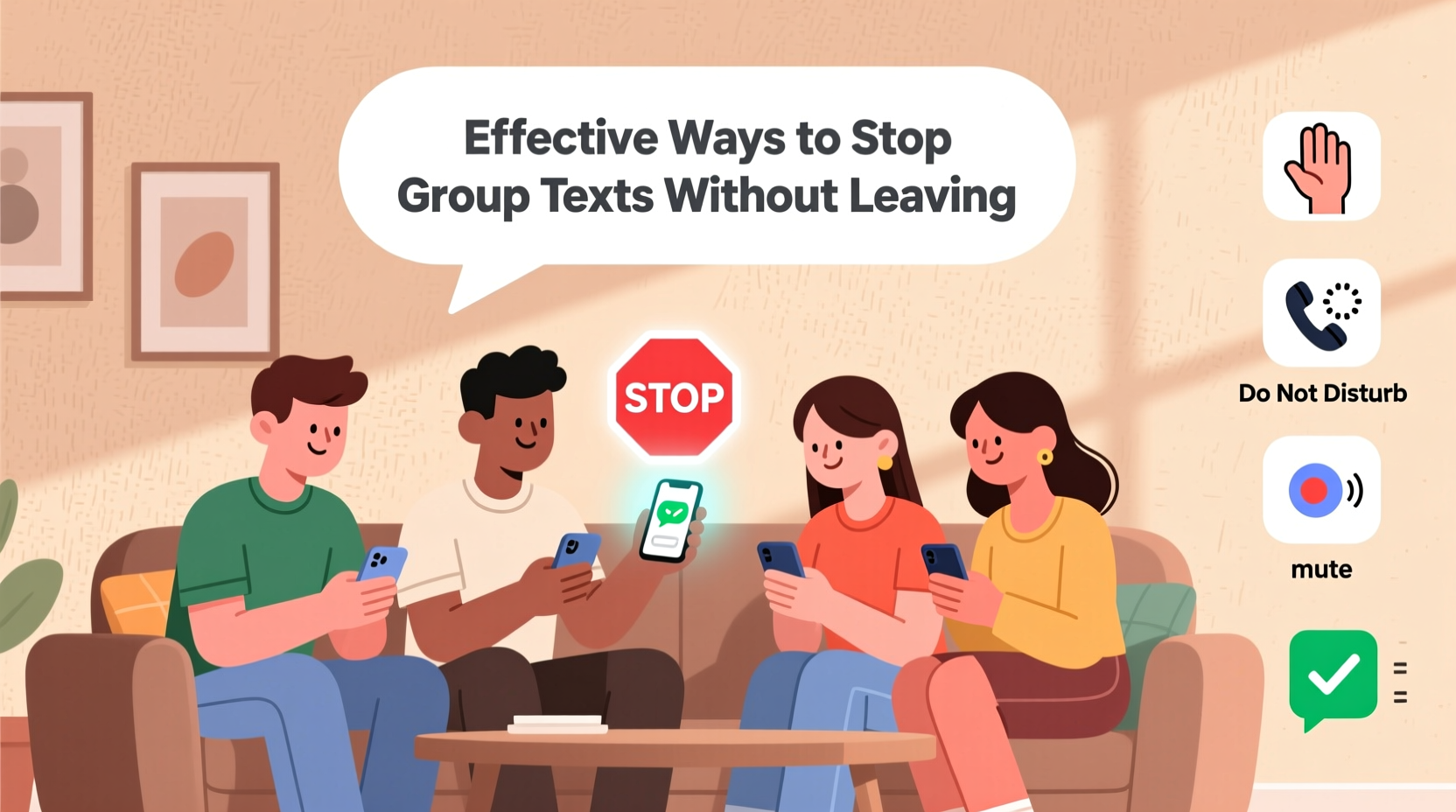
The most immediate and universally available solution is muting the conversation. Every major messaging platform—iMessage, WhatsApp, Telegram, Facebook Messenger, and even SMS on Android—offers a mute function. This allows you to remain part of the thread without being bombarded by alerts.
Muting doesn’t mean disengagement; it means setting boundaries. You can still check messages on your own terms, respond when appropriate, and avoid the pressure of instant replies.
On iPhone, open the message thread, tap the arrow icon at the top, and select “Hide Alerts.” On Android, long-press the conversation in Messages or WhatsApp and choose “Mute.” Options typically include 8 hours, 1 week, or “Always.” Choose “Always” for persistent relief.
Adjust Message Settings by Platform
Different platforms offer varying levels of control. Understanding these nuances helps you tailor your approach based on how the group operates.
| Platform | Mute Option | Additional Controls |
|---|---|---|
| iMessage (iPhone) | Hide Alerts | Can disable read receipts per conversation |
| Mute for 8 hours, 1 week, Always | Disable pop-up notifications; archive chat | |
| Facebook Messenger | Silence for 15 min to 8 hours, or forever | Turn off message requests; hide chat from inbox |
| Android SMS (Google Messages) | Mute notifications | Bulk delete; filter spam-like content |
| Telegram | Custom notification settings per group | Set custom alert sounds or zero volume |
Using these tools wisely lets you stay connected without surrendering your attention. For example, muting a work-related group after hours maintains professionalism while protecting your downtime.
Strategic Participation: Reduce Visibility Without Exiting
Another subtle method is adjusting how—and how often—you engage. Frequent responses signal availability, encouraging others to tag you or expect replies. By reducing your activity, you naturally fade into the background.
- Avoid reacting to every message with emojis or quick replies.
- Wait several hours before responding, especially to non-urgent topics.
- Use delayed responses during high-volume periods (“Just saw this!”).
Over time, others subconsciously register you as less active, which reduces tagging and @mentions. You remain a member, but your presence becomes passive.
“Digital presence doesn’t require constant interaction. Strategic silence is a form of communication.” — Dr. Lena Torres, Digital Wellness Researcher, Stanford University
Step-by-Step Guide to Regaining Control
If you're overwhelmed by multiple group chats, follow this timeline to reclaim your phone’s peace:
- Day 1: Audit Your Group Chats
Open your messaging app and list all active group threads. Label them as High, Medium, or Low priority based on urgency and relevance. - Day 2: Mute Low-Priority Groups
Select all Low and some Medium groups. Apply indefinite mute. Use platform-specific options to remove them from your main inbox if possible (e.g., archive in WhatsApp). - Day 3: Adjust Notification Settings
Go to your phone’s settings > Notifications > Messages. Disable banners, sounds, and badges for muted conversations. Keep vibrations off. - Day 4: Set Boundaries with Behavior
Begin delaying responses in Medium and Low groups. Avoid initiating new messages unless necessary. - Ongoing: Weekly Check-In
Dedicate 10 minutes weekly to scan muted threads. Respond only to critical items. Exit any that no longer serve you—silently, if needed.
Mini Case Study: Managing a Family Group Chat
Sarah, a project manager in Chicago, was part of a family group chat with 12 members—including her parents, siblings, aunts, and cousins. What started as a holiday planning thread evolved into a 24/7 stream of forwarded articles, birthday reminders, and unsolicited advice. She received over 100 messages daily, many arriving between midnight and 6 a.m. due to time zone differences.
Leaving wasn’t an option—her mother would notice and call to ask why she’d “abandoned” the family. Instead, Sarah muted the chat indefinitely on her iPhone and disabled message previews. She set a routine to check the thread once per day during lunch. When urgent matters arose (like her nephew’s surgery), someone called her directly. Within two weeks, her stress dropped significantly, and no one questioned her reduced engagement.
She later discovered her cousin had done the same. They joked about it privately: “We’re both ghosts in the machine.”
Checklist: How to Silence Group Texts Without Drama
Use this checklist to implement changes efficiently:
- ☐ Identify which group chats are essential vs. optional
- ☐ Mute all non-essential groups indefinitely
- ☐ Disable sound, vibration, and pop-up alerts for muted threads
- ☐ Archive or hide the most distracting chats from your inbox
- ☐ Reduce response frequency to lower perceived availability
- ☐ Schedule a weekly review to assess ongoing relevance
- ☐ Exit silently if a group becomes irrelevant (use airplane mode to leave unnoticed)
Frequently Asked Questions
Will people know if I mute a group chat?
No. Muting is entirely private. Other members cannot see your notification settings. The only way they might suspect is if you stop replying quickly—but that can be managed with occasional check-ins.
Can I still receive messages if I mute a group?
Absolutely. Muting only disables alerts. Messages continue to accumulate in the background. You can open the chat anytime to catch up without missing anything.
Is it rude to mute a group text?
Not if the group is large or low-priority. Just as you wouldn’t expect someone to attend every casual gathering, you shouldn’t expect constant digital presence. Muting reflects self-awareness, not disrespect—especially when you remain reachable for urgent matters.
Conclusion: Reclaim Your Attention, Not Relationships
Staying in a group text doesn’t obligate you to react to every message. Technology should serve your life, not dominate it. By using mute functions, adjusting behavior, and setting quiet boundaries, you preserve relationships while protecting your mental space. These strategies aren’t about avoidance—they’re about intentionality. You get to decide when, how, and whether to engage.




 浙公网安备
33010002000092号
浙公网安备
33010002000092号 浙B2-20120091-4
Comments
No comments yet. Why don't you start the discussion?