
Translation glasses are revolutionizing global communication, offering real-time multilingual conversations through intuitive wearable tech. But like any smart device, their effectiveness depends on up-to-date language databases. Outdated or incomplete linguistic data can lead to misinterpretations, delays, or even communication breakdowns. The good news? Updating these databases doesn’t have to be complicated. With the right approach, users can maintain peak performance with minimal effort. This guide walks you through everything you need to know—from understanding update types to executing seamless upgrades and troubleshooting common issues.
Why Language Database Updates Matter
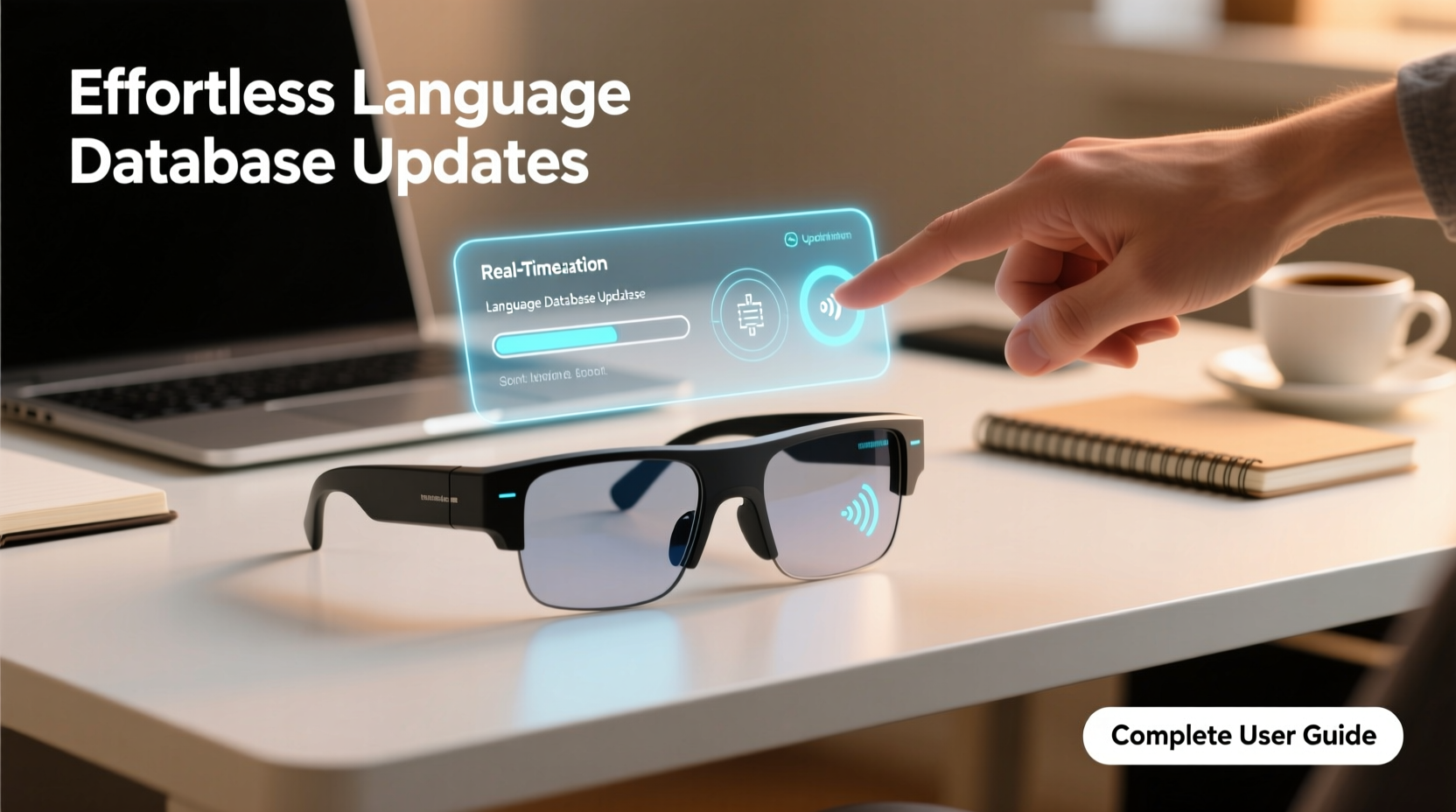
Language is dynamic. New slang, regional dialects, technical terms, and cultural nuances emerge constantly. Translation glasses rely on comprehensive, current language models to deliver accurate interpretations. When databases aren’t regularly updated, devices may fail to recognize newer phrases or mispronounce words from evolving accents. For frequent travelers, business professionals, or expatriates, outdated software could mean missing critical context in meetings or social interactions.
Moreover, security patches and performance improvements often accompany language updates. These ensure faster processing, reduced latency, and protection against potential vulnerabilities in voice recognition systems. Regular updates also expand language coverage—adding support for low-resource languages or improving accuracy in complex tonal languages like Mandarin or Yoruba.
“Real-time translation is only as reliable as its underlying data. Consistent database maintenance isn’t optional—it’s foundational.” — Dr. Lena Torres, NLP Researcher at Global SpeechTech
Types of Language Database Updates
Not all updates serve the same purpose. Understanding the categories helps users prioritize actions and anticipate changes:
- Full Language Packs: Add entirely new languages or significantly expand existing ones, including vocabulary, grammar rules, and pronunciation guides.
- Vocabulary Expansions: Introduce domain-specific terminology (e.g., medical, legal, tech) to improve precision in professional settings.
- Patch Updates: Fix bugs, correct mistranslations, or refine accent detection algorithms without altering core functionality.
- Regional Dialect Enhancements: Improve recognition of local variations—such as distinguishing between European and Latin American Spanish.
- Security & Firmware Sync: Ensure compatibility between language modules and the latest firmware versions.
Step-by-Step Guide to Updating Your Device
Follow this streamlined process to ensure smooth, error-free updates:
- Connect to Stable Wi-Fi: Open your device settings and confirm connection to a secure network. Large updates may exceed 200MB.
- Launch Companion App: Open the official app linked to your translation glasses (e.g., LinguaLens Pro, SpeakSee Wear).
- Navigate to 'Languages' Tab: Select “Manage Languages” or “Database Settings” from the menu.
- Check for Available Updates: Tap “Scan for Updates.” The system will compare installed versions with the server.
- Select Desired Updates: Choose specific languages or enable “Update All” for full synchronization.
- Initiate Download & Install: Confirm installation. Avoid closing the app until completion.
- Restart Device: After installation, power cycle your glasses to activate changes.
- Test Performance: Run a short bilingual conversation to verify clarity and accuracy.
This entire process typically takes under ten minutes, depending on internet speed and update size. Once configured, most modern systems remember preferences and auto-suggest relevant updates based on travel history or usage patterns.
Best Practices for Ongoing Maintenance
To keep translation performance optimal, integrate these habits into your routine:
| Practice | Benefit | Frequency |
|---|---|---|
| Enable Auto-Update (Wi-Fi Only) | Ensures timely access to new features without manual checks | Continuous |
| Review Installed Languages Quarterly | Removes unused packs to free storage space | Every 3 months |
| Clear Cache Monthly | Prevents slowdowns caused by temporary data buildup | Monthly |
| Back Up Custom Phrases | Safeguards personalized vocabulary before major updates | Before each full update |
Mini Case Study: A Business Consultant’s Experience
Sophie Kim, an international trade consultant based in Seoul, relies on her translation glasses during client visits across Southeast Asia. Last year, she encountered repeated errors interpreting Vietnamese honorifics during negotiations. After checking her device, she discovered that her Vietnamese module hadn’t been updated in over six months. Following the step-by-step guide above, she downloaded the latest dialect-enhanced pack. Within days, her clients noted improved tone accuracy and cultural sensitivity in translations. “It wasn’t just about words,” she said. “The update restored trust in the technology—and in me as a partner who respects linguistic nuance.”
Troubleshooting Common Update Issues
Even with careful planning, problems can arise. Here’s how to resolve them quickly:
- Update Fails Mid-Download: Check internet stability. Pause other bandwidth-heavy activities. Restart router if needed, then retry.
- Device Not Recognizing New Language: Reboot glasses and relaunch the app. If unresolved, reinstall the language pack.
- Storage Full Error: Uninstall rarely used languages first. Most apps allow selective removal without affecting core functions.
- Audio Distortion After Update: Reset audio calibration in settings. Some updates require re-tuning microphone sensitivity.
Frequently Asked Questions
How often should I update my translation glasses’ language database?
At minimum, check monthly. However, enabling automatic updates over Wi-Fi ensures you never miss critical patches. Major language expansions are typically released quarterly.
Can I use my glasses while updating?
No. The device must remain powered on but inactive during installation. Using it mid-update may corrupt files and require a factory reset.
Are language updates free?
Core updates and bug fixes are included with your subscription or purchase. Premium language additions (e.g., rare dialects or industry-specific jargon) may require separate licensing.
Conclusion: Stay Fluent, Stay Connected
Effortless communication begins with well-maintained technology. By treating language database updates as essential upkeep—not occasional chores—you ensure your translation glasses remain powerful allies in a multilingual world. Whether navigating foreign markets, connecting with distant relatives, or simply exploring new cultures, up-to-date devices remove barriers and deepen understanding. Take control today: schedule your next update, review installed languages, and share your experience with others relying on wearable translation tools.




 浙公网安备
33010002000092号
浙公网安备
33010002000092号 浙B2-20120091-4
Comments
No comments yet. Why don't you start the discussion?