
Moving from one smartphone to another should be seamless. Yet, many users still dread the process, fearing lost photos, forgotten messages, or broken app configurations. The good news: modern technology has made it possible to transfer data between two cell phones effortlessly—without sacrificing speed, security, or integrity. Whether you're upgrading to a new device or switching platforms, there are proven methods that ensure not a single byte is left behind.
Why Data Transfer Matters in 2024
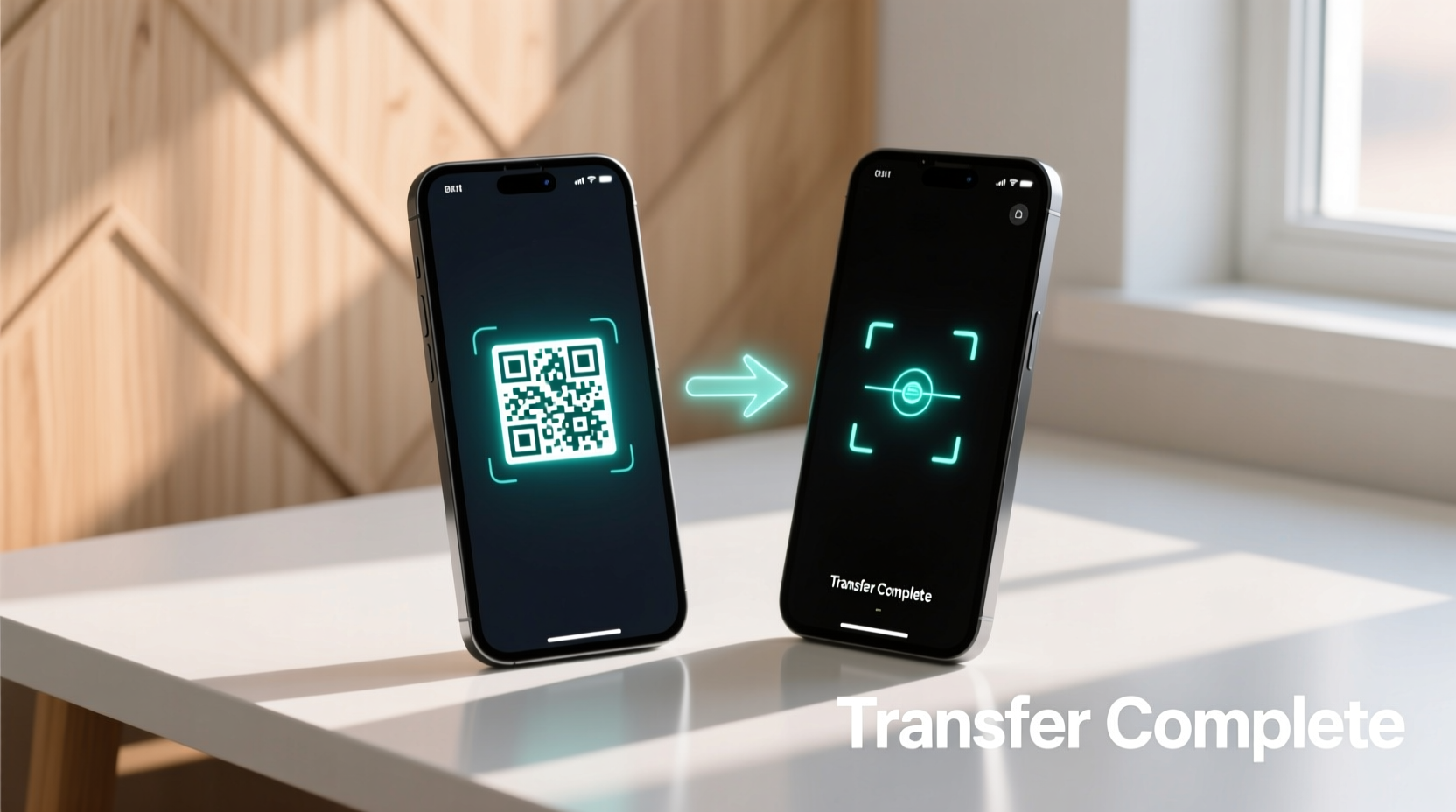
In today’s digital-first world, smartphones store more than just contacts and apps—they hold memories, work files, health data, and years of personal history. A flawed migration can mean losing irreplaceable content or compromising privacy. The key isn’t just moving data—it’s doing so efficiently, securely, and completely. With built-in tools, cloud services, and third-party solutions, transferring your entire digital life has never been easier—if you know the right approach.
Wired vs. Wireless: Choosing Your Transfer Method
The first decision in any phone-to-phone transfer is whether to go wired or wireless. Each method has trade-offs in speed, reliability, and convenience.
| Method | Speed | Reliability | Best For |
|---|---|---|---|
| USB Cable (Direct) | High | Excellent | Large transfers, no Wi-Fi |
| Bluetooth | Low | Fair | Small files, quick share |
| Wi-Fi Direct | High | Good | Fast cross-platform transfer |
| Cloud Sync | Medium | Excellent | Backup + restore across ecosystems |
While wireless options offer convenience, direct cable transfers remain the gold standard for large volumes of data. Cloud methods provide peace of mind through redundancy but depend on upload/download speeds.
Step-by-Step Guide: Seamless Phone-to-Phone Migration
Follow this universal timeline to ensure a flawless transition, regardless of brand or operating system.
- Back up everything – Use cloud services (Google Drive, iCloud) or local backups to create a safety net.
- Free up space – Ensure the receiving phone has enough storage for incoming data.
- Enable file sharing – Turn on Bluetooth, Wi-Fi Direct, or install a transfer app if needed.
- Pair the devices – Follow prompts to connect the old and new phones securely.
- Select data types – Choose what to transfer: contacts, messages, photos, apps, settings.
- Start the transfer – Monitor progress; avoid using either phone during the process.
- Verify completeness – Check key folders and apps to confirm all data arrived intact.
- Finalize setup – Sign out of accounts on the old device and activate security features on the new one.
This process typically takes 15 minutes to over an hour, depending on data volume and connection type.
Cross-Platform Solutions That Actually Work
Switching from iOS to Android—or vice versa—has historically been a challenge. But recent advancements have closed the gap significantly.
- Google’s “Switch to Android” app – Allows iPhone users to wirelessly transfer contacts, messages, photos, calendars, and free apps directly to a new Android device via a dedicated hotspot.
- iOS Move to iOS (by Apple) – Guides Android users through setting up a new iPhone, securely migrating core data during initial setup.
- Third-party tools like SHAREit, Send Anywhere, or Xender – These apps bypass traditional limitations by creating peer-to-peer Wi-Fi networks, enabling fast transfers across platforms without relying on internet connectivity.
These tools use encrypted local connections, meaning your data never touches external servers, reducing privacy risks.
“Modern transfer tools now prioritize end-to-end encryption and local transmission, making them safer than ever.” — Dr. Lena Patel, Mobile Security Researcher at TechShield Labs
Mini Case Study: Sarah’s Stress-Free Upgrade
Sarah had used her iPhone for six years and was hesitant to switch to a Samsung Galaxy S24. She worried about losing family photos and WhatsApp chat history. Using Apple’s Move to Android feature, she connected both phones via Wi-Fi Direct. In under 45 minutes, her contacts, calendar entries, photos, and message history transferred seamlessly. She re-downloaded apps manually, but all account logins were preserved thanks to saved passwords in iCloud. By following a pre-transfer checklist and verifying each category post-migration, Sarah completed the switch without a single missing file.
Essential Checklist Before You Transfer
Use this actionable list to prepare both devices for a smooth handover:
- ✅ Back up both phones before initiating transfer
- ✅ Connect both devices to the same Wi-Fi network (if using wireless)
- ✅ Disable battery saver modes that may interrupt background processes
- ✅ Update both operating systems to the latest version
- ✅ Remove SIM cards if sensitive carrier data is present
- ✅ Sign out of payment apps and two-factor authentication services temporarily
- ✅ Label important albums or folders for post-transfer verification
Avoid These Common Transfer Mistakes
Even with advanced tools, user error remains the top cause of failed migrations. Watch out for these pitfalls:
- Assuming all apps transfer automatically – App data often doesn’t carry over unless backed up specifically (e.g., WhatsApp requires manual export).
- Ignoring account sync settings – Failing to sign into Google or iCloud on the new device means contacts and calendars won’t appear.
- Interrupting the process – Closing the app or locking the screen mid-transfer can break the connection permanently.
- Overlooking permissions – Some apps require you to grant access to storage, location, or camera before data can be restored.
FAQ: Your Top Transfer Questions Answered
Can I transfer data between iPhones without a computer?
Yes. During initial setup, choose “Transfer from iPhone” and follow the animation alignment process using Quick Start. This uses Bluetooth and Wi-Fi to migrate everything wirelessly.
What happens to my app login credentials?
Most apps retain login states if they support cloud syncing (e.g., Gmail, Instagram). However, banking or two-factor apps usually require re-authentication for security reasons.
Is it safe to use third-party transfer apps?
Reputable apps like Send Anywhere use temporary, encrypted links and do not store your data. Avoid obscure tools with poor reviews or excessive permissions.
Conclusion: Make Your Next Phone Switch Effortless
Transferring data between two cell phones no longer needs to be a source of stress. With built-in migration tools, reliable cloud backups, and fast peer-to-peer technologies, you can move your entire digital footprint quickly and safely. The secret lies in preparation—backing up, checking compatibility, and following a clear process. Whether staying within the same ecosystem or switching platforms, the tools exist to make it seamless. Don’t let fear of data loss delay your upgrade. Take control of your digital transition today and enjoy your new device from day one—with all your memories, messages, and settings perfectly intact.




 浙公网安备
33010002000092号
浙公网安备
33010002000092号 浙B2-20120091-4
Comments
No comments yet. Why don't you start the discussion?